There's a particular kind of quiet when a developer opens an App Store payout and it's a few percent lighter than the sales dashboard promised. Nobody emailed, nothing broke, Apple just gave some money back on your behalf and moved on.
That gap is bigger than most people assume, and we covered how it turns into real money in our post on App Store refunds and revenue leakage. This one is the practical version: how Apple refund requests move through the system, where the revenue goes, and what a developer can actually do, which is more than you'd think and less than the vendors say.
Key takeaways
Apple decides every App Store refund. You don't get a veto, but since 2021 you get asked, and you have about 12 hours to answer.
The written App Store refund policy is short. The real one is Apple's decisioning system, which weighs the customer's history and whatever you send.
A refund reverses the whole sale, and if you don't revoke access the customer keeps the content too.
Refund abuse is a minority of requests, but it clusters in consumables and repeat accounts, and it's the part you can fight.
Dipsea cut its refund rate by about a third just by starting to reply to Apple.
How the Apple refund process actually works
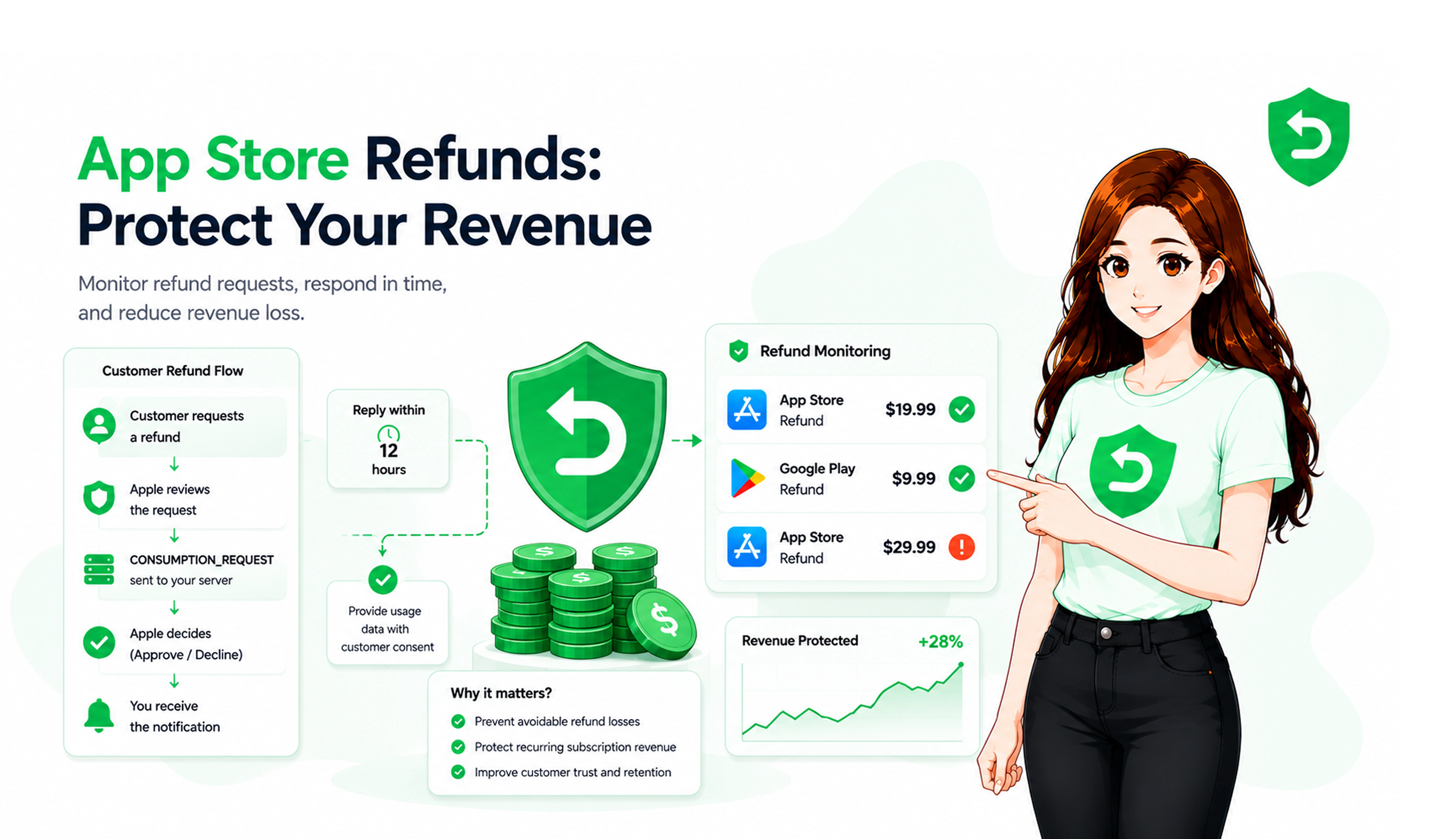
A customer doesn't come to you. They go to reportaproblem.apple.com, pick "Request a refund," choose a reason, and submit. Apple's support page tells them to wait 24 to 48 hours and notes that eligibility "might vary by country or region," which is Apple acknowledging that consumer law in places like the EU and Australia gives people rights on top of the terms. The terms themselves say transactions are final, and plenty get refunded anyway.
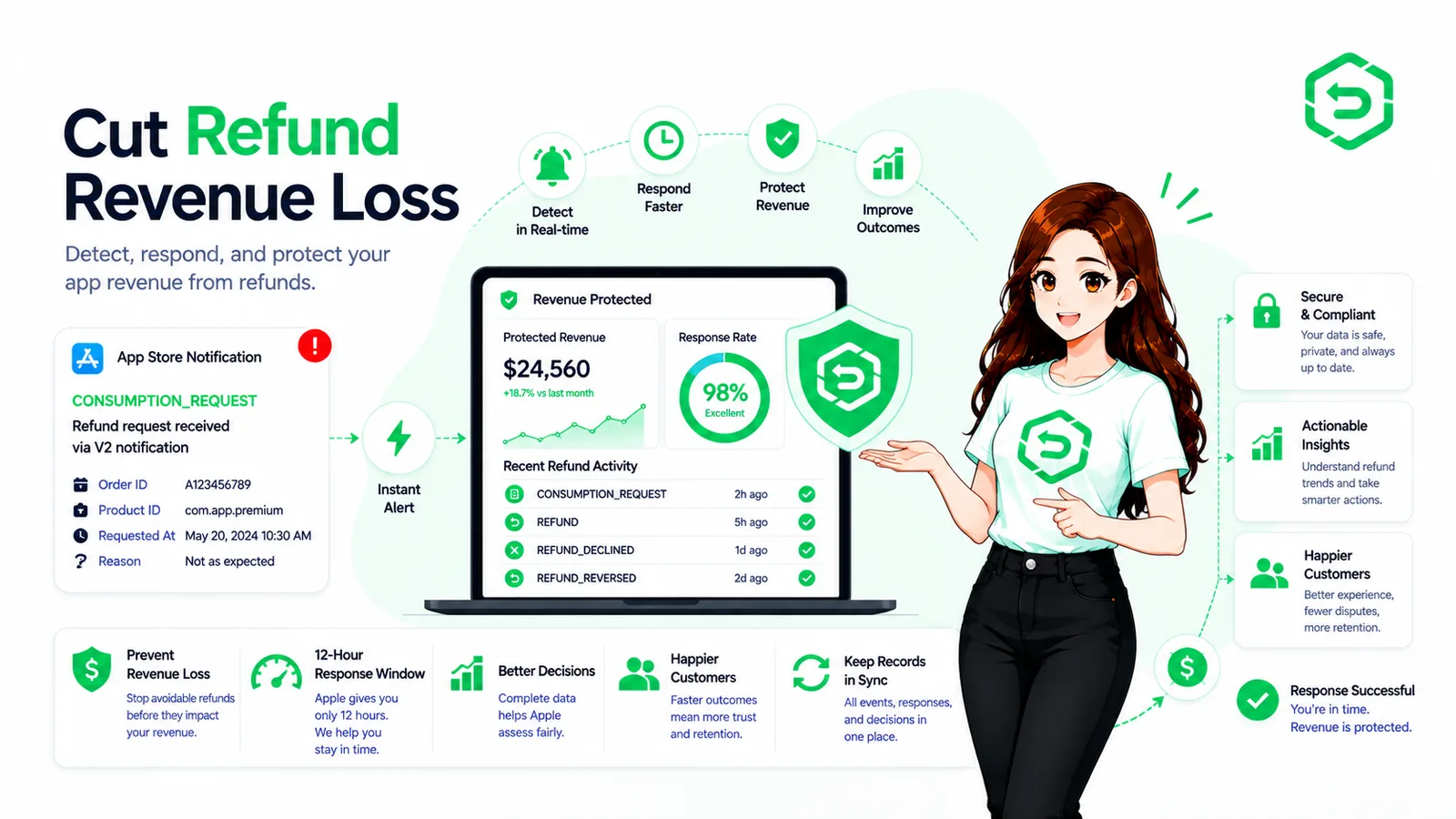
Somewhere in those 48 hours, if you've set up App Store Server Notifications, Apple sends your server a CONSUMPTION_REQUEST asking whether the customer used what they bought. You get 12 hours. Apple's engineers said in a Tech Talk on handling refunds that the decisioning system looks at "the customer's purchase and refund history" alongside whatever you send, and then you get a REFUND or a REFUND_DECLINED notification. Our CONSUMPTION_REQUEST explainer has the field-by-field version.
Two things about this surprise people. Apple never tells you who the customer is, only a transaction ID. And if you don't answer inside the 12 hours, Apple decides with your side blank, which RevenueCat's write-up summarised as Apple "often grants the refund by default."
How Apple refund requests affect app revenue
The direct cost is simple enough. Apple reverses the transaction and your share comes out of the next payout. At a 4 percent refund rate, an app clearing $50,000 a month is handing back about $2,000 of it, before anyone has asked whether those refunds were fair.
The indirect costs are where it adds up. A consumable refunded after the coins were spent means you delivered the goods and got nothing. A subscription refunded without processing the REFUND notification means the customer keeps access for the rest of the period, so you've paid twice. Across the apps on Refund Sensor the average case is worth $33.31, which sounds small until you multiply it by 2,870 cases and get most of a hundred thousand dollars. That's roughly how it feels from the inside, a lot of small amounts that nobody owns.
Where App Store refund abuse shows up
Most refund requests are ordinary. A kid bought gems, someone forgot to cancel a trial, the app crashed on an old iPad. Treat those as customer service, because Apple does.
The abuse is a smaller slice with a recognisable shape: consumables bought, used and refunded within a day, the same account doing it across several apps, a subscription refunded on the last day of the period every month. Apple sees far more of this than any developer. Its 2026 fraud report says it blocked $2.2 billion in potentially fraudulent transactions in 2025 and shut 40.4 million customer accounts for fraud and abuse. Refund abuse is the smaller cousin, the part that slips through to you.
What you can do about it is narrower than people hope. You can't stop a customer from asking. You can tell Apple the coins were spent, which is what the consumption request is for, and you can make sure a granted refund actually removes the content, because an abuser who keeps the gems will do it again. A fair number of apps never wired that part up.
What a developer can do in the 12 hours
Most of it is just answering. Dipsea, a subscription audio app, started responding to consumption requests in late 2024 and its refund rate went from 3 percent to 1.9 percent in about two weeks. Nobody there asked Apple to decline anything. They stopped leaving the form blank.
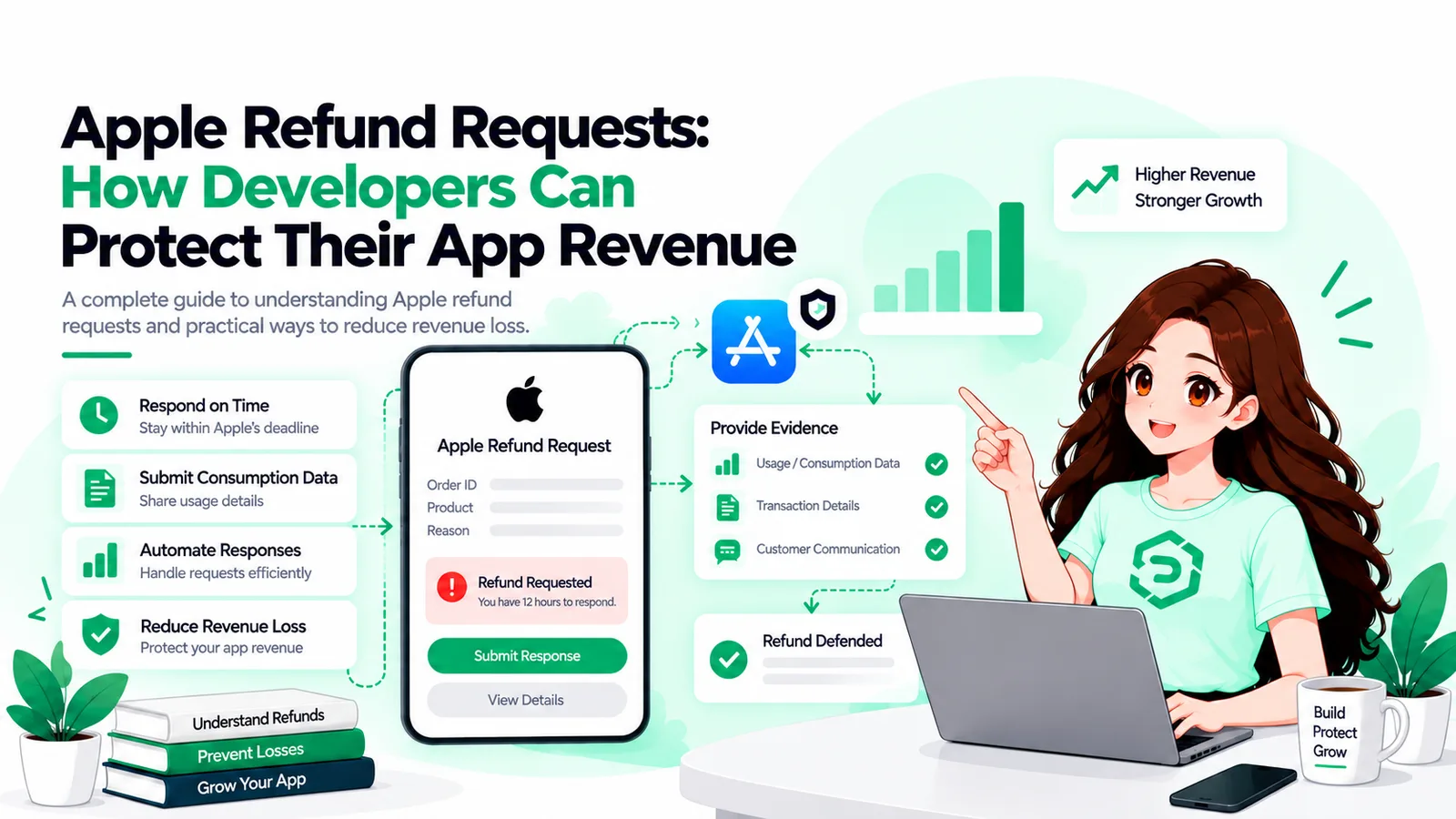
A few notes from watching this across a lot of apps. Attach an appAccountToken at purchase or you won't be able to connect the transaction Apple names to a user in your database. Put consent for sharing usage data in your terms, because Apple says not to send anything without it. Send the refund preference honestly, since Apple treats it as a preference and overrules obvious stonewalling. And log every request with a timestamp, because the ones you miss arrive at 3 a.m. on a Saturday.
Then look upstream. Apple's own reason list includes UNINTENDED_PURCHASE and UNSATISFIED_WITH_PURCHASE, and both are product problems before they're refund problems. A reminder the day before a trial converts, a paywall that shows the price in the same size as the benefits, a confirmation step on consumables in a kids' game. Each removes requests before they exist, which beats winning them.
App Store refund management software, and whether you need it
You can build this yourself. An endpoint for the notification, a lookup from transaction ID to user, a PUT to Apple's consumption endpoint, and a job that shouts if anything has sat for eight hours. A decent backend developer does it in a week and then owns it forever, which is the real cost.
If you're already on RevenueCat or Adapty, both will answer consumption requests using the usage data their SDKs collect, and that's a sensible default if the SDK is in your app anyway.
Refund Sensor is the standalone option. It connects with an App Store Connect API key and a notifications URL, no SDK, and covers Apple and Google in one place. Across 800-plus apps it has defended 77 percent of eligible requests. Pricing is flat, a free tier then $39.99 or $79.99 a month, with no cut of what's recovered. Setup details are on the Apple refund defense page.
One caveat that applies to all of it, ours included. What gets marketed as App Store revenue protection software can't prevent refunds and can't make Apple decide your way. It makes sure Apple hears from you every time, inside the window, with accurate data. That turns out to be worth a lot, and it's the whole of what these tools do.
Conclusion
Apple refund requests aren't going away and you don't get a veto. What changed in 2021 is that Apple started asking, and most developers still aren't answering. The Apple refund process runs on whatever reaches Apple in 12 hours, and a blank form loses to a customer's story.
So protect the revenue in that order. Answer the request, revoke on refund so abuse doesn't pay, then fix the paywall and trial flow that generate the requests in the first place. Whether the answering is something you build, borrow from your subscription platform, or hand to a tool matters less than doing it at all.
Frequently asked questions
No. Apple makes the decision. You can send consumption data and a refund preference within 12 hours, and Apple weighs it, but it can and does overrule developers.
Apple tells customers to wait 24 to 48 hours. Your window to respond is 12 hours from the CONSUMPTION_REQUEST, which usually arrives early in that period.
Barely. The REFUND notification includes a revocationReason that's either "app issue" or "other." The request itself carries the customer's chosen reason, which is more useful.
Buying, consuming and refunding on purpose, usually consumables, often repeatedly across apps. Apple's decisioning already considers refund history, so your job is to confirm the consumption and revoke access when the refund lands.
Only if you can't reliably answer consumption requests in 12 hours by hand. Under a few requests a week, a checklist might do. Above that, automate it, whether that's your own code, your subscription platform, or a dedicated tool.