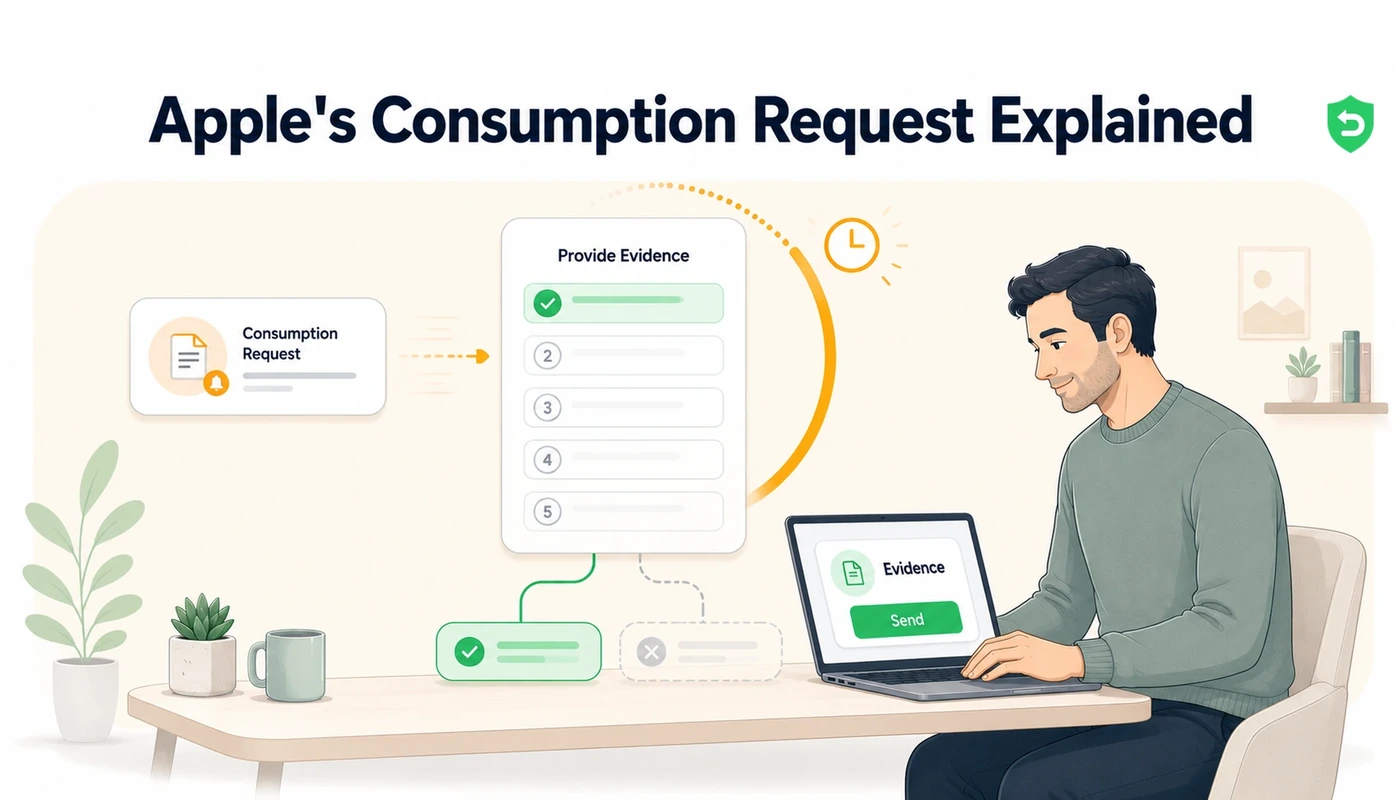
Every App Store refund is Apple's call, but Apple would rather not make it uninformed. A refund request pauses the process, puts a question to your server, and opens a fixed period for you to reply with facts about the purchase. Reply substantively and unreasonable claims get turned down. Stay quiet and the customer's account is the only version Apple hears.
Key takeaways
Refund requests on the App Store cause Apple to send your server a CONSUMPTION_REQUEST notification, then hold for as long as 12 hours awaiting evidence before ruling.
Replying means calling the Send Consumption Information endpoint with a compact payload: consent, delivery status, whether a sample existed, how much got consumed, and the outcome you want.
Sending nothing is itself a reply. Apple proceeds using only what the customer claimed alongside their account history.
Consent operates as a hard gate. Apple's documentation is explicit that you should not respond at all where the customer has not agreed to their consumption data being shared.
Auto-renewable subscriptions have their consumption percentage derived by Apple from elapsed time, and supplying your own figure produces an error.
No manual process fits inside that window. The developers who gain from this are the ones whose reply is assembled and filed automatically.
Every refund on the App Store begins identically: someone visits reportaproblem.apple.com, selects a purchase, and chooses a reason.
The notification that mostly goes unanswered
Apps configured for App Store Server Notifications V2 receive a CONSUMPTION_REQUEST notification as soon as the refund gets requested. Inside that payload sit the transaction, the product, and, since 2024, the reason the customer selected: UNINTENDED_PURCHASE, FULFILLMENT_ISSUE, UNSATISFIED_WITH_PURCHASE, LEGAL, or OTHER.
Twelve hours start from there, during which you can call the Send Consumption Information endpoint and put your account on record. What that endpoint wants is intentionally minimal, five fields carrying nothing but flags and numbers.
customerConsented tells Apple whether the customer agreed to their usage data being shared. A typical value is true.
deliveryStatus tells Apple whether the purchase arrived and worked. A typical value is DELIVERED.
sampleContentProvided tells Apple whether a free sample or trial was available beforehand. A typical value is true.
consumptionPercentage tells Apple the share consumed, expressed in milliunits where 100000 means 100 percent. A typical value is 67500.
refundPreference tells Apple the outcome you favour, whether that is grant, decline, or no preference. A typical value is DECLINE.
consumptionPercentage has a limited scope: consumables, one-time purchases, and non-renewing subscriptions. Auto-renewable subscriptions have it worked out by Apple from elapsed time within the billing period, and any value you supply gets rejected.
What Apple does with what you send
Consumption information is used by Apple, explicitly, as an input to how the refund resolves. Send nothing and the ruling comes purely from what the customer asserted plus their account history. Send evidence and contested refunds are declined with real frequency.
Building the response path yourself, end to end
Nothing in this sequence is secret. All of it, though, needs to function unattended at three in the morning.
1. Get notifications arriving
Inside App Store Connect, open the App Information page for your app and configure a Production Server URL beneath App Store Server Notifications, choosing Version 2. Consumption requests do not travel over V1. Every notification, refunds included, then arrives at that URL by POST as a signed JWS payload.
2. Generate the correct key
Authentication for responses uses an In-App Purchase key, created under Users and Access in the Integrations section. It is a distinct key type, and the App Store Connect API key sitting beside it will not authenticate these calls. The .p8 downloads exactly once, after which you mint a short-lived ES256 JWT for each request.
3. Verify, match, then decide
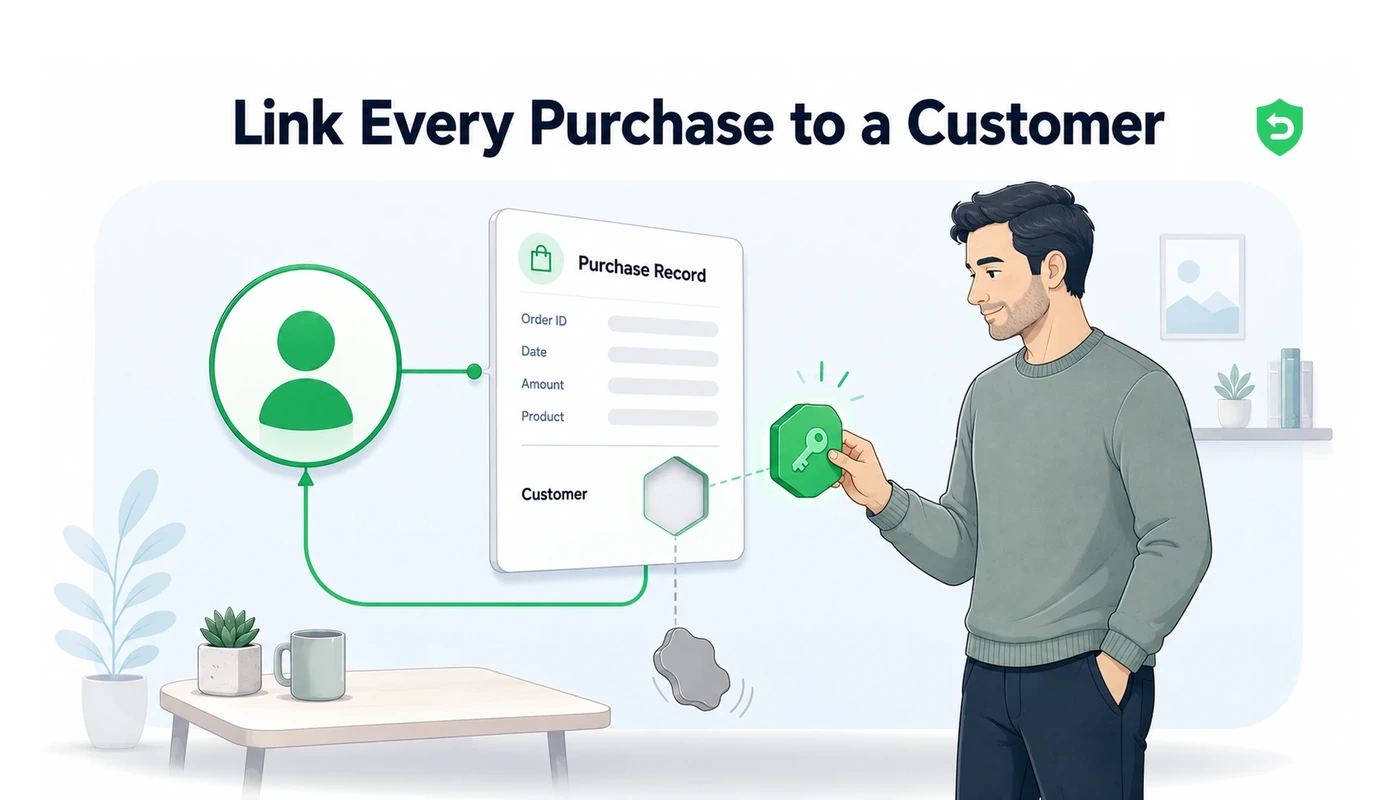
Arriving CONSUMPTION_REQUEST notifications need their JWS signature chain validated against Apple's root certificates before you trust any part of the contents. Next, resolve the transaction to a user, ideally through whatever appAccountToken UUID you attached during purchase, and retrieve their genuine usage. Then settle on a preference: concede the goodwill situations, contest the ones where the product was clearly consumed.
4. File it before the window shuts
PUT those five fields to the Send Consumption Information endpoint against that transaction id, inside the 12 hours. Two mistakes catch nearly everybody. Milliunits govern the percentage, so 100% means 100000 rather than a million. And consent gates the whole thing, because Apple's own documentation states you should not respond at all absent customer consent. Get that consent language into your terms of service before shipping any of this.
Why so many developers forfeit
Half a day is punishing for anything human-operated. Notifications land at 3 a.m. on Saturdays. What they demand is a server capable of validating Apple's JWS signature chain, resolving the transaction to a user, calculating a consumption percentage in milliunits, and calling a JWT-authenticated API. For every single request. Indefinitely.
Practically, the checklist runs:
Set up App Store Server Notifications V2, without which the request never reaches you.
Validate the signed payload against Apple's certificate chain before extending it any trust.
Resolve the transaction to a user in your own system, typically via the appAccountToken attached at purchase.
Derive a consumption percentage from actual recorded usage rather than estimation.
Call Send Consumption Information using an In-App Purchase key while the window remains open.
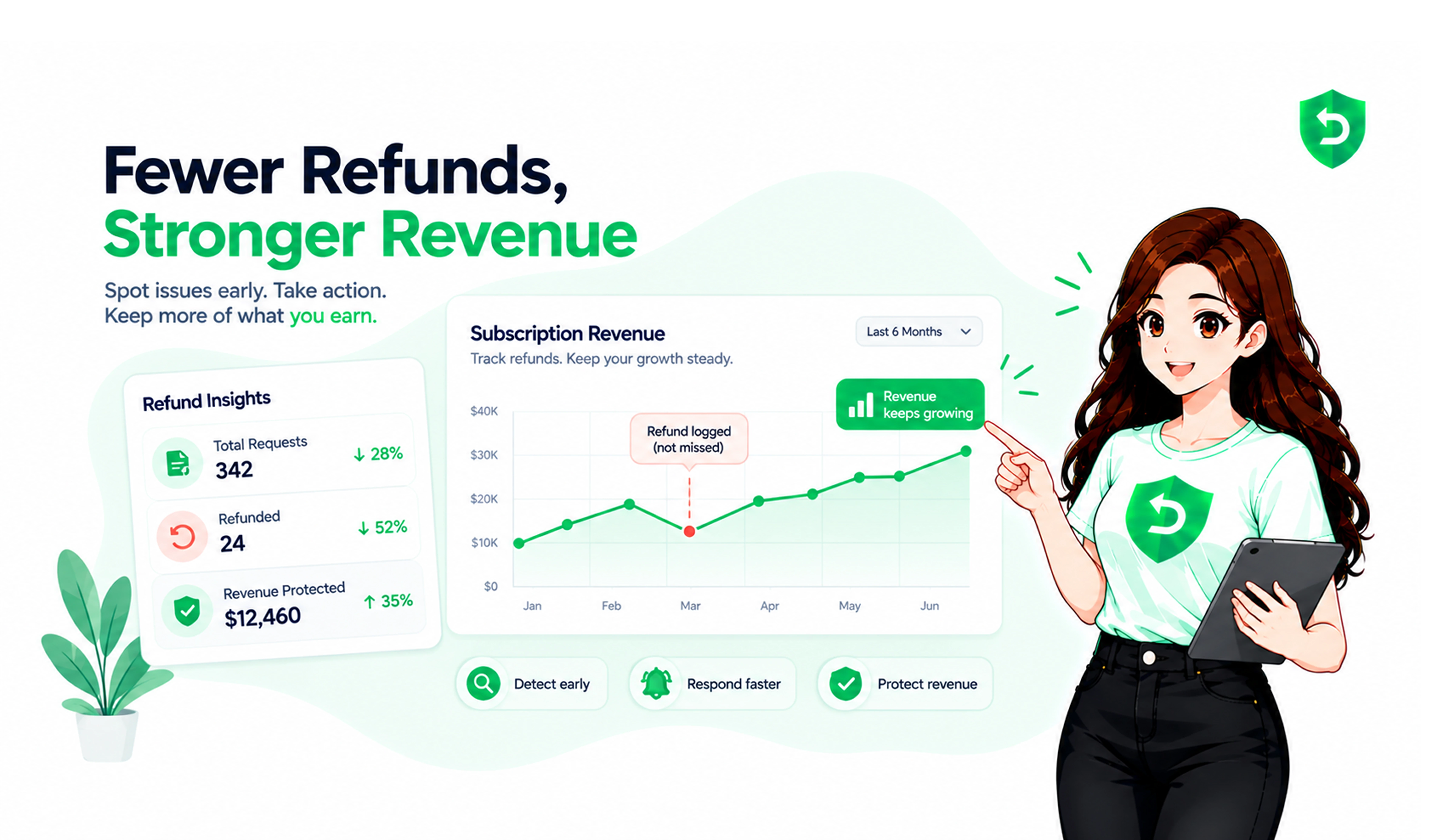
Refund Sensor exists to carry that load, filing a complete, evidenced reply well inside the window without anybody being woken up.
Where these rules are documented
Frequently asked questions
The refund still gets decided, only now from the customer's claim and their account history exclusively. You forfeit the single chance available to demonstrate that the purchase arrived and was used extensively. Unanswered requests are approved considerably more often in practice.
It is. customerConsented has to be true, and the agreement behind that flag has to be genuine, usually captured in whichever of your legal documents covers data sharing. Apple's own guidance tells developers to leave the notification unanswered entirely where no such consent exists.
Only for the non-renewing kind. Auto-renewable subscriptions have consumption derived by Apple from elapsed time inside the current billing period, and the API refuses any percentage you supply. Your refund preference still carries weight regardless.
An In-App Purchase key, generated in App Store Connect beneath Users and Access, in Integrations. This differs from the App Store Connect API key, and its .p8 file is downloadable once only, at the moment of creation.
Production allows 12 hours from the notification. Sandbox allows just 5 minutes, which reads as a fairly direct signal about what Apple expects: automation rather than a person.