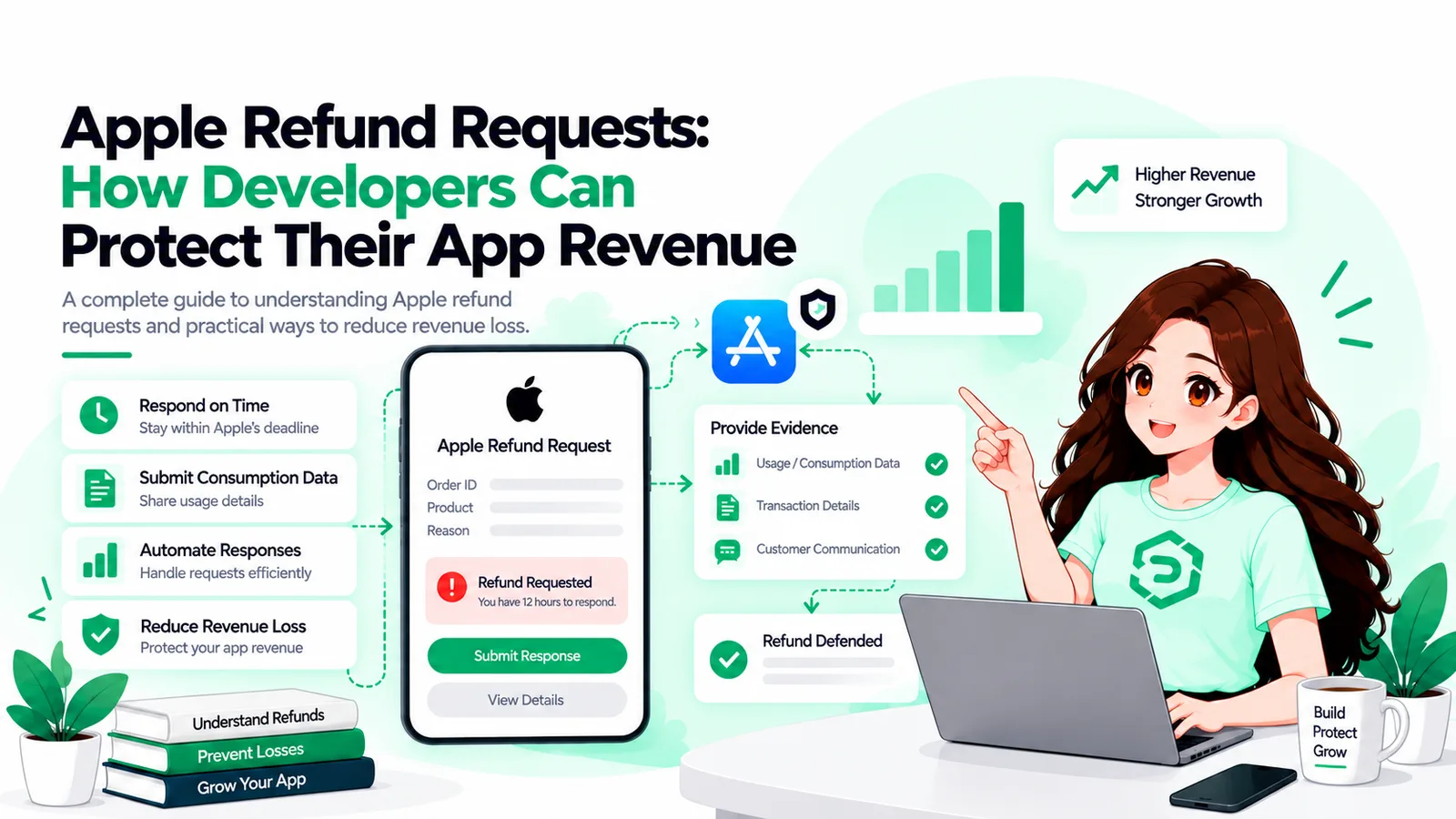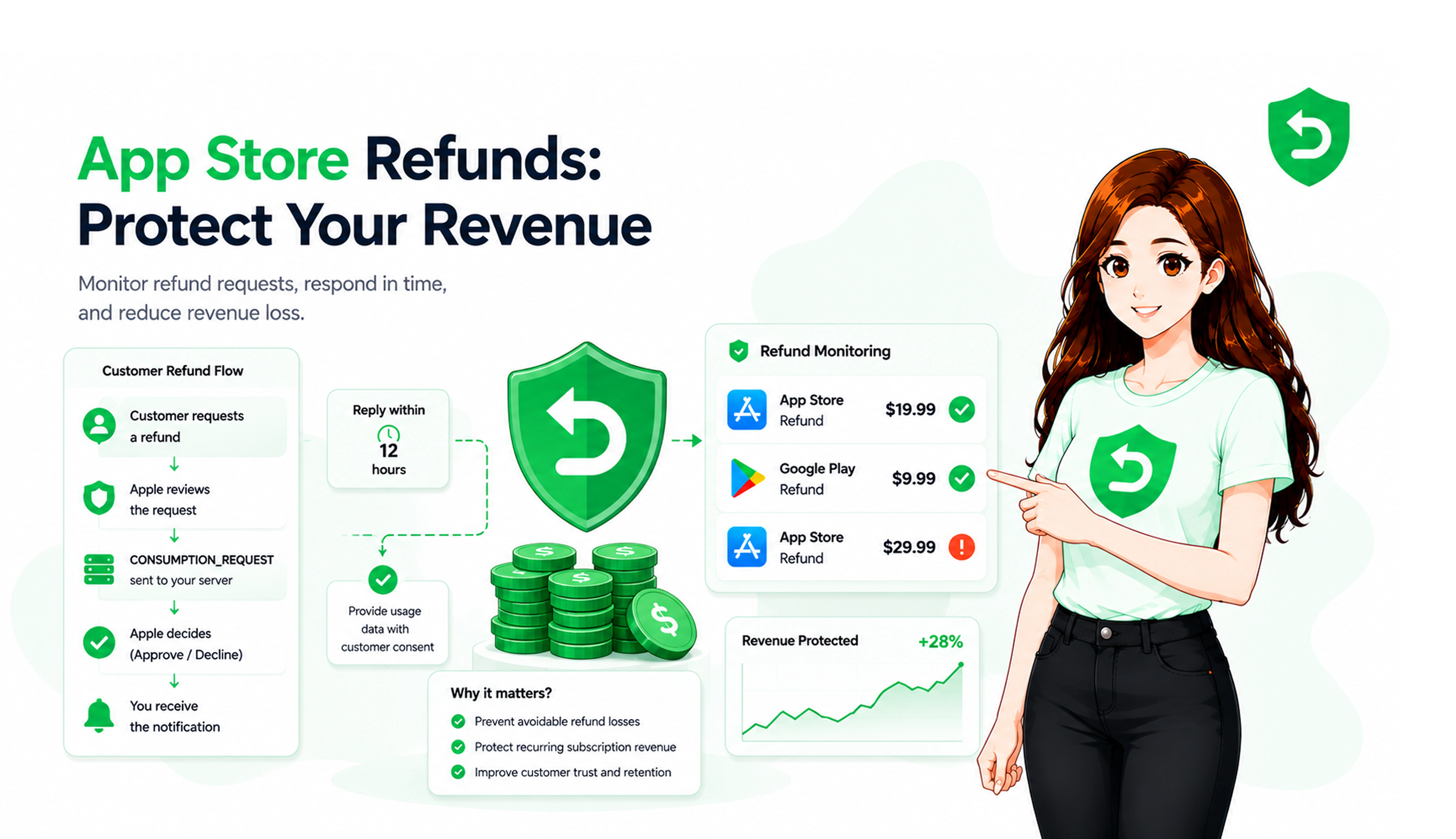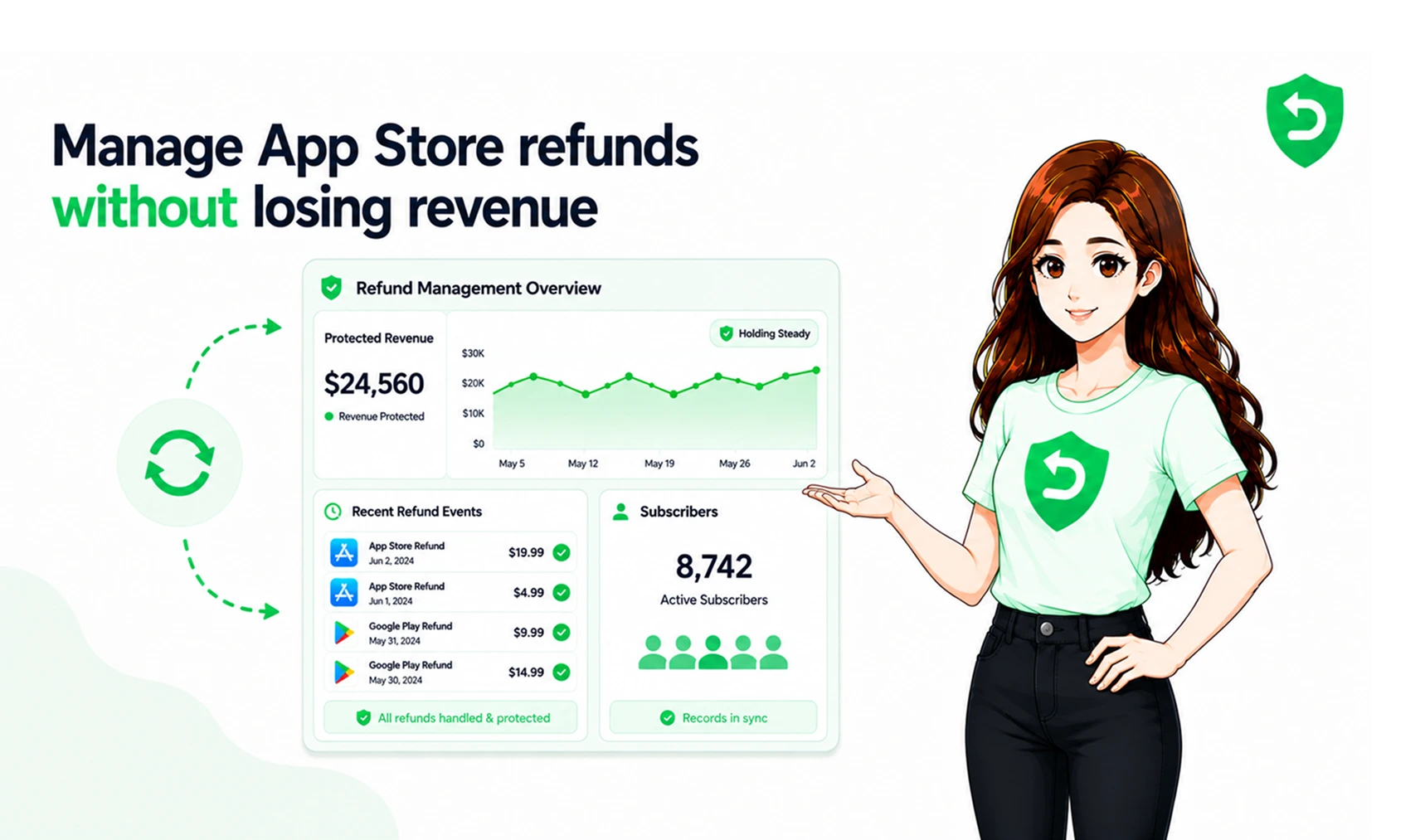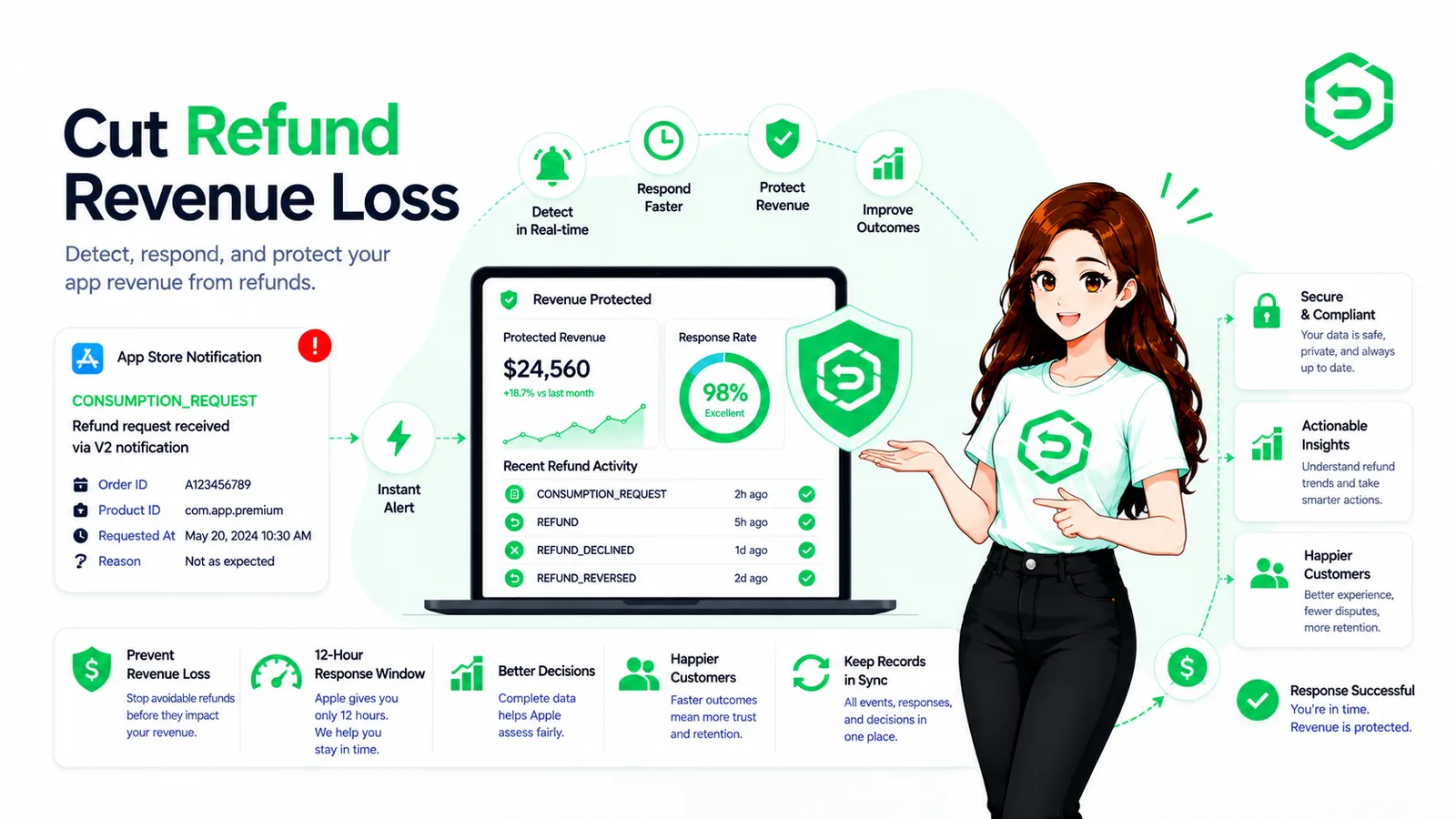
Apple decides whether a refund is approved. Your systems decide how much that refund ends up costing you.
RefundSensor · Developer guide · Verified against Apple documentation
Most refund problems don't start in finance. Finance is just where they get noticed.
By the time a refund shows up in a payout report, the purchase has already been reversed. The customer may still have access. Nobody responded when Apple asked for information, because nobody was watching the server that received the request. And no one on the team can say why that customer asked for a refund in the first place.
App Store refund management for developers is not about stopping refunds. You can't stop them. Apple makes that call.
What you can decide is whether your server hears about a refund request in time, whether you send accurate information when Apple asks for it, whether app access matches reality afterwards, and whether you can see enough of the pattern to fix the cause. That is where avoidable loss lives. If you want the wider operational picture first, our guide to App Store refund management covers the workflow end to end.
Key Takeaways
• Apple makes the final refund decision. Developers cannot approve or reject an App Store refund.
• When Apple asks for consumption information, developers can respond with customer consent, and within Apple's response window.
• Refund events need to reach your backend. If notifications aren't handled server-side, you find out from a report or a support ticket.
• Refunds affect more than the refunded amount. Access, subscription revenue, forecasts, and support load all move with them.
• Monitoring refund events as they arrive beats reconciling them at month-end.
• Automation mainly reduces two things: missed response windows and repetitive manual lookups.
Why App Store Refunds Become a Revenue Problem for Developers
The refunded amount is the smallest part of the cost.
A refunded one-time purchase reverses revenue you already counted. A refunded subscription period does the same, and it usually ends the subscription relationship too, so the future renewals disappear with it. Those renewals were probably in your forecast.
Then there's the state problem. If a refund event never reaches your backend, the customer keeps whatever they paid for. Premium features stay unlocked. Coins stay in the balance. Your database says paying customer, Apple says refunded, and both of those things stay true until someone notices.
App Store refund revenue loss also shows up in places that don't look like revenue. Someone spends a day each month matching payout reports to internal records. Support answers questions about access that shouldn't have needed answering. Cohort and payback numbers drift because they were built on gross figures. And without refund history, nobody can tell whether the same product, price point, or acquisition source keeps producing refunds.
None of that is dramatic. It just accumulates.
What Can Developers Actually Control During an Apple Refund?
Developers do not control Apple's refund decision. Apple evaluates each refund request and decides the outcome. What developers control is their own side of the process: receiving the request, providing accurate information when Apple asks for it, and keeping their systems correct afterwards.
That distinction matters, because a lot of effort gets spent trying to influence the wrong half.
You control
• Whether App Store Server Notifications are configured and actually handled
• Whether transactions are stored and identifiable later
• Whether a transaction can be mapped back to a specific user account
• Whether consumption data is prepared and accurate
• Whether you have valid customer consent to share that data
• Whether you respond inside Apple's window
• Whether entitlements update after a refund event
• Whether refund history is kept and reviewed
You don't control
Apple's final decision on the refund. Apple weighs a range of factors, and consumption information is one input into that process not a veto, and not a guarantee of any particular outcome.
How the App Store Refund Workflow Works
Customers can request refunds through Apple Support, through Apple's request-a-refund process, or from inside your app if you've implemented StoreKit's refund request API. Whichever route they take, the flow on your side looks the same.
Stage | What happens | Developer action |
Purchase | Transaction completes | Store the transaction and link it to a user |
Refund request | Customer requests a refund | Nothing to do yet — but be listening |
CONSUMPTION_REQUEST | Apple requests consumption information, where applicable | Respond per Apple's current requirements, with consent |
Apple review | Apple evaluates the request | No decision authority here |
REFUND / REFUND_DECLINED | The outcome is delivered as a notification | Update records and access accordingly |
REFUND_REVERSED | A previously granted refund is reversed | Restore access where appropriate |
A few things about that table are worth spelling out. CONSUMPTION_REQUEST is a request for information, not a notice that a refund happened. REFUND means the refund was granted. REFUND_DECLINED means it wasn't. And REFUND_REVERSED is the one teams forget: Apple can reverse a refund it previously granted, and if you revoked content because of that refund, it should go back.
Treating all four as the same event is a common source of wrong state.
How to Reduce App Store Refund Losses
None of the steps below stop refunds. They reduce avoidable loss, improve visibility, and keep application state accurate. That's the realistic goal.
1. Track every transaction
Store the transaction identifiers Apple gives you, including the original transaction ID, at the moment of purchase. Refund notifications arrive referencing those identifiers. If you can't look one up, you can't act on it, and you certainly can't answer a support question about it three weeks later.
2. Connect purchases to users
Apple's transaction identifiers are not your user IDs. Bridging that gap is what appAccountToken is for a UUID you attach at purchase time that ties the transaction back to an account in your system. It's optional, and plenty of teams skip it, then spend real engineering hours writing fuzzy matching logic later. Set it early.
3. Configure App Store Server Notifications
Refund events arrive at a server endpoint you configure. If that endpoint doesn't exist, isn't verified, or silently fails, the events are simply gone from your perspective. Apple documents the setup and the full notification payload in the App Store Server Notifications reference. Handle the signed payload properly, verify it, and return a success response so Apple stops retrying.
4. Respond when Apple requests consumption information
When a customer initiates a refund request, Apple may send a CONSUMPTION_REQUEST notification asking about the customer's use of the product. Apple's Send Consumption Information documentation sets out two conditions that catch teams out.
First, consent. You must have valid consent from the customer before sharing their data with Apple, and Apple is explicit that obtaining it is your responsibility, not theirs. The notification itself doesn't tell you whether consent exists you have to know that from your own app. If the customer hasn't consented, Apple's guidance is not to respond.
Second, timing. Apple asks for a response within 12 hours of the notification. Refund requests don't respect business hours, which is precisely why this step is a poor fit for a human process.
Apple has also revised this endpoint, so check which version applies to your integration rather than assuming an older implementation is still current.
5. Update entitlements after refund events
A refunded customer shouldn't keep paid access indefinitely. Handling refund notifications as state changes rather than as reports is the whole point of revoking access after a refund. Build the reverse path too a reversed refund should restore what you took away, and doing that manually is how support tickets get created.
6. Keep refund history
Individual refunds tell you almost nothing. A few hundred of them, stored with product, price, date, and reason, will tell you that one SKU refunds at several times the rate of the others, or that refunds spike in the week after a specific release. That's a product finding, and you only get it if you kept the data.
How Developers Can Reduce Apple Refund Losses Without Fighting Every Refund
Good refund management is not an argument you try to win every time.
Some refund requests are legitimate. A payment went through twice, content didn't unlock, a subscription auto-renewed after someone thought they'd cancelled. Those customers have a real problem, and the useful response is to fix the problem, not to send Apple a carefully framed consumption payload.
Other requests involve a product that was fully consumed. Accurate consumption information is appropriate there. Note the word: accurate. The data you send describes what actually happened. Shading it isn't a strategy, it's a risk.
The more durable work is upstream. If refunds cluster around one paywall, the paywall is probably unclear about what's being charged. If they cluster after a specific update, something broke. If a consumable pack generates steady refunds, the value at that price may not land. Refund data points at these things, but only for teams who look at it as a set rather than one ticket at a time.
Why Manual App Store Refund Management Breaks Down
Manual works fine at low volume. Someone checks a dashboard, updates a record, moves on.
It stops working for boring reasons. Notifications arrive at 3 a.m. The engineer who understood the refund handler changed teams. Transaction IDs sit in one system and user accounts in another. The spreadsheet is three weeks stale. Finance spots the gap at quarter close, which is far too late to do anything with. And a 12-hour response window is not something a human workflow reliably meets.
Manual workflow | Automated workflow |
Reports reviewed after the fact | Events monitored as they arrive |
Manual transaction lookup | Transaction-to-user matching |
Response depends on who's awake | Response handled by a defined workflow |
Spreadsheet history | Searchable refund history |
Entitlements updated by hand | Event-driven entitlement updates |
The failure mode isn't carelessness. It's that the work grows with revenue while nobody's role grows with it.
What App Store Refund Management Software Should Actually Do
App Store refund management software is worth considering once refund volume is high enough that someone would otherwise be watching notifications by hand. A useful tool should:
• Receive and verify App Store Server Notifications
• Identify refund-related event types and treat them differently
• Connect transactions to user accounts
• Track response deadlines so windows aren't missed
• Support consumption-information workflows, including consent state
• Maintain searchable refund history
• Help keep entitlements in sync with refund outcomes
• Show refund activity clearly enough to spot patterns
What it should not claim to do is influence Apple. No tool controls the refund decision. The goal is narrower and more honest: make sure your side of the process doesn't get missed.
Where These Rules Are Documented
Every Apple-specific claim in this article comes from Apple's own documentation. If you're building or reviewing a refund workflow, read these directly, and re-read them periodically the refund APIs have changed more than once.
Send Consumption Information — covers what consumption information is, the consent requirement, the response window, and how the data feeds into Apple's refund decisions.
App Store Server Notifications — covers notification setup, the signed payload format, and the notification types including CONSUMPTION_REQUEST, REFUND, REFUND_DECLINED, and REFUND_REVERSED.
Request a refund for apps or content — Apple's customer-facing process. Useful context for understanding what your customers actually see and where requests originate.
Final Thoughts
You don't get to decide whether Apple approves a refund. That part is settled.
What you decide is everything around it: whether your server is ready to receive the request, whether you can identify the customer behind the transaction, whether you respond accurately and on time when Apple asks, whether access reflects reality afterwards, and whether you understand the revenue impact well enough to act on it.
Refunds are a permanent cost of selling on the App Store. The avoidable part is what happens after the request arrives.
If refund volume has outgrown manual tracking
Once refund activity is difficult to watch by hand, a dedicated workflow can handle notifications, response windows, refund records, and entitlement updates without someone monitoring the process all day. RefundSensor is built for that part of the job — the developer's side of the refund process, kept visible and consistent.
Frequently asked questions
It is the process of tracking Apple refunds, handling notifications, updating user access, and maintaining refund records.
No. Apple makes the final refund decision. Developers can only provide requested information.
It ensures refunded users lose access, reduces manual work, and helps identify refund trends
Verify the transaction and user consent, then send accurate consumption information if consent exists. Otherwise, do not respond.
Apple asks developers to respond within 12 hours, making automation important.
Use server-side notifications to revoke access after a refund and restore it if the refund is reversed.
Yes. Notifications, transaction matching, deadlines, entitlement updates, and record-keeping can be automated.
It becomes useful as refund volume, subscription complexity, or manual workload increases.