A customer buys your subscription, uses it for two weeks, then goes to Apple and asks for a refund. You find out after the fact usually when your payout looks a little short and you can't immediately say why. Now your revenue report, your entitlement table, and your subscriber count are all telling slightly different stories, and someone has to figure out which one is right.
If it happens once a month, fine, ignore it. If it's happening a hundred times a month, that's not a rounding error anymore that's a leak. App Store refund management, at its core, is just the discipline of not letting that leak go unnoticed. Doing it manually works for a while. Then, usually right around the time you'd least want it to, it stops working. We've written more on exactly where that breaks in our Apple refund automation overview, if you want the deeper dive.
One thing worth getting straight up front: Apple makes the final call on every refund, full stop. Nothing here changes that. What this article is actually about is the part that's within your control and there's more of it than most people assume.
Key Takeaways
● Apple makes the final refund decision on every App Store purchase.
● For some refunds, Apple asks your server for consumption information you can provide.
● A CONSUMPTION_REQUEST doesn't happen for every refund only eligible ones.
● Refunds hit revenue, entitlements, and subscription metrics, so monitoring matters.
● Subscription refunds can leak recurring revenue if access isn't updated.
● Manual handling breaks down as volume, products, and apps grow.
● Automation helps you catch, respond to, and reconcile refunds consistently.
What Is App Store Refund Management?
It's a slightly formal name for a pretty simple job: track Apple refunds, respond where you're allowed to, and don't let your systems drift out of sync afterward. That's really the whole thing. Apple owns the decision itself you own the plumbing around it, and honestly the plumbing is where most of the money actually gets lost, not the decision.
The reconciling step is the one people skip, and it's also the one that applies to literally every refund, contested or not. If a refund happens and nobody updates access on your end, you're now paying to serve a customer who already got their money back. That's not a hypothetical it's the default outcome if nobody's watching.
How Does the Apple Refund Process Work?
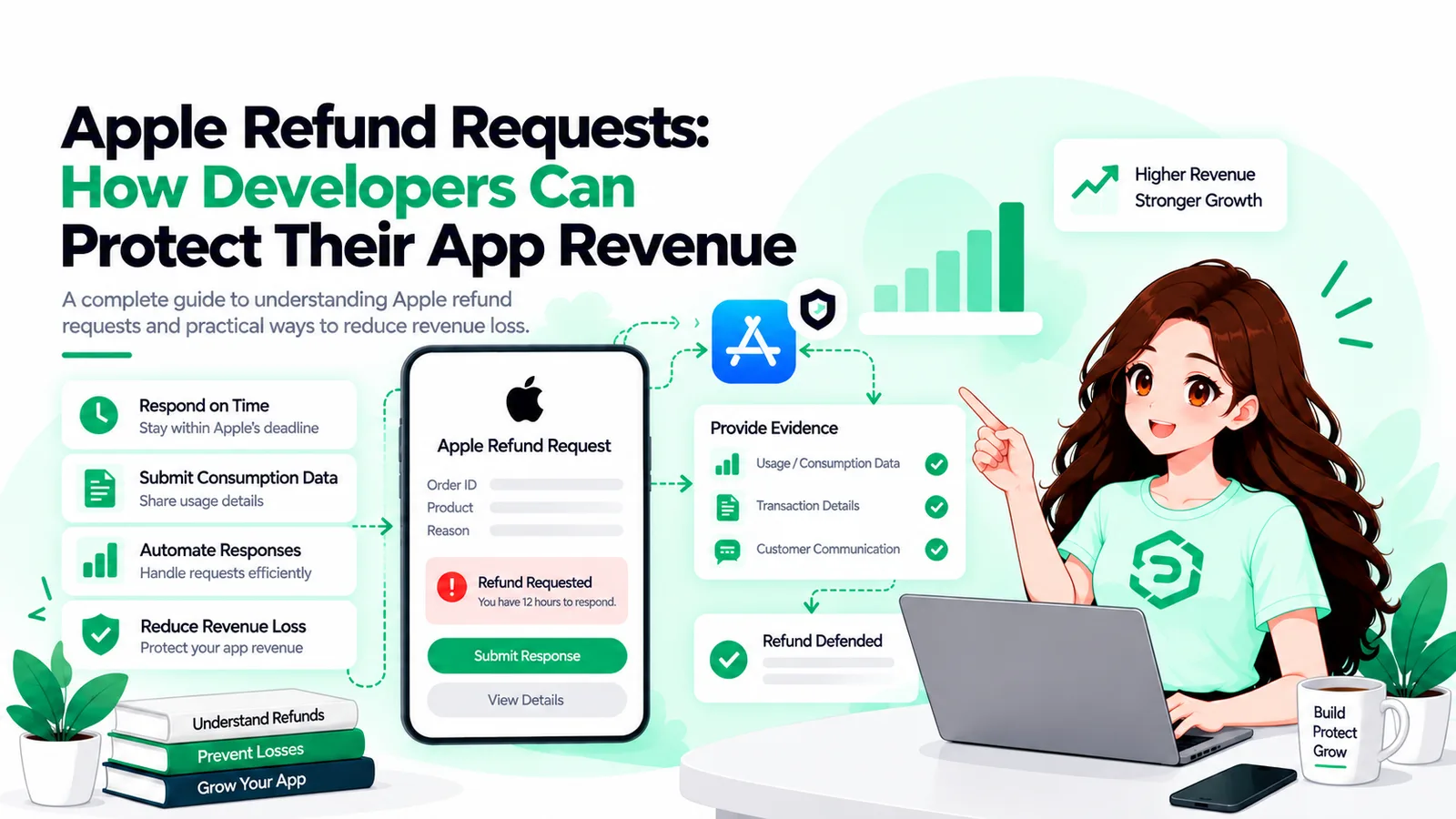
Short version: it's Apple's process from beginning to end. You're a participant, not the decision-maker, and honestly that's by design you never touch the customer's money or their actual refund request. What you get is visibility, and sometimes a chance to weigh in.
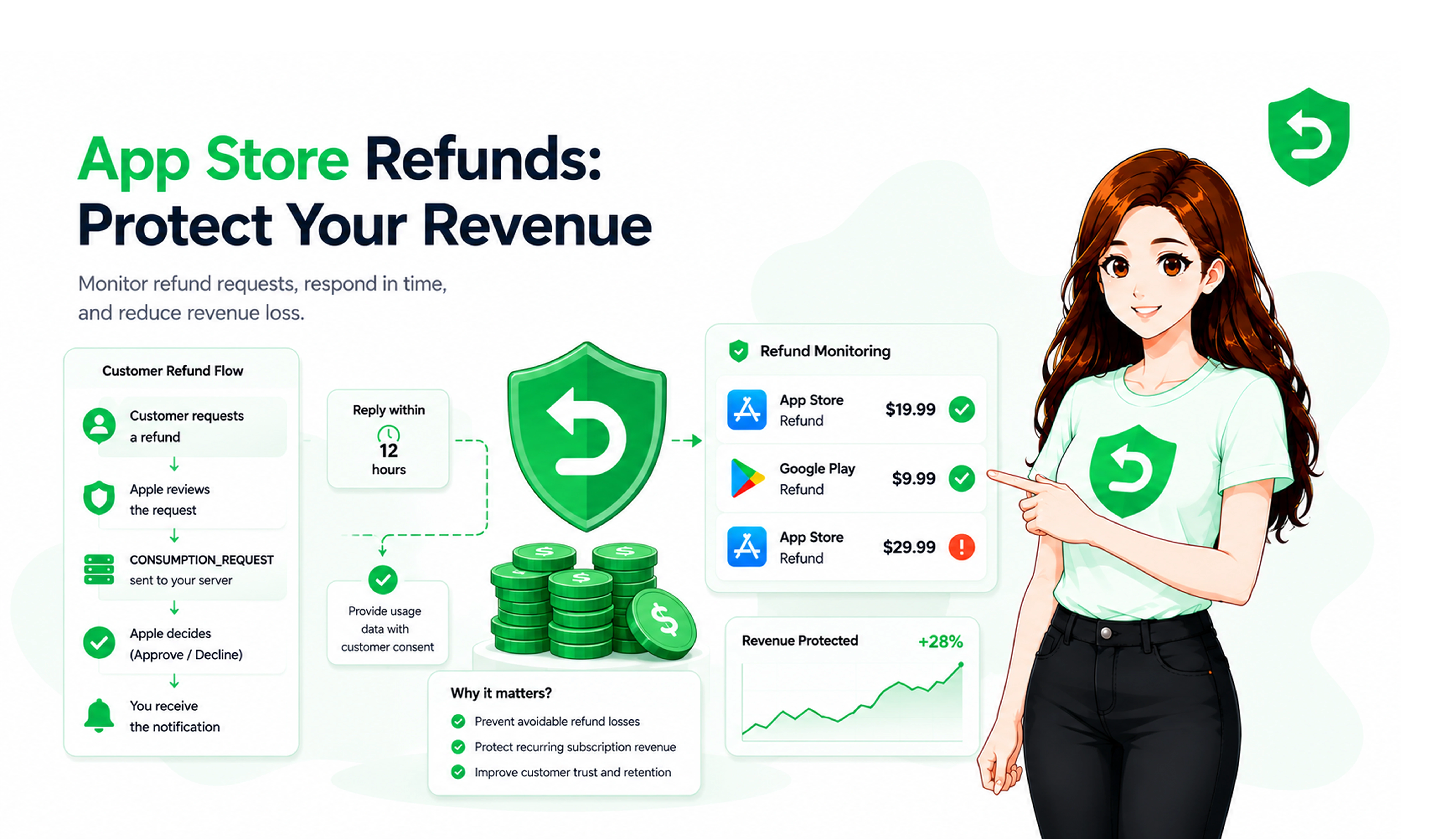
Roughly, here's how it plays out:
● Someone buys an app, an in-app purchase, or a subscription.
● They ask Apple for a refund through Apple's own process not yours.
● Apple reviews it.
● If the purchase is eligible, Apple might ping your server with a CONSUMPTION_REQUEST.
● You can send consumption information back, if it applies.
● Apple decides. Server notifications afterward let you update your own records.
Not every refund comes with a request for your input plenty get decided entirely on Apple's side, no signal to you at all. Once a decision's made, App Store Server Notifications are what let your backend catch up. And if you want to see what this looks like from the customer's side, Apple's own refund support page walks through it.
Why Do App Store Refunds Create Revenue Loss?
Pretty directly a refund unwinds money you'd already booked as earned. It comes back out of both gross and net revenue. On a subscription specifically, it's worse than a one-off, because you're not just losing that one payment, you're often losing the renewals you'd already forecasted on top of it. Then there's the cleanup afterward, which nobody budgets time for but always takes some.
A distinction that trips people up constantly: refunds, cancellations, chargebacks, and billing failures are four different things, and they hit your books in four different ways.
● Refund: money physically comes back, and it reduces what you've recorded as revenue.
● Cancellation: stops future renewals. Past payments stay exactly where they are.
● Chargeback: started at the bank, not through Apple at all.
● Billing failure: a renewal that just. doesn't go through.
We see teams treat a refund like it's just a fancier cancellation constantly, and it's a genuinely costly mistake. A refund should end access immediately. A cancellation just stops the next bill the person keeps what they already paid for until the period runs out. Blur that line and your entitlement table starts quietly disagreeing with your revenue numbers, and it usually takes weeks before anyone notices.
What Can Developers Control During an Apple Refund Request?
Not the outcome that part's fixed. What you do control: your notification setup, your data, and how you respond when Apple actually gives you a chance to. You can verify a notification's real, match it to the right user, pull together usage data, and reply within Apple's window when it asks. You can't decline a refund yourself, no matter how airtight your data is. It's worth accepting that early, because chasing an outcome you don't own is a good way to waste a lot of engineering time.
How Apple Consumption Information Can Affect Refund Reviews
Consumption information is basically Apple asking you: what actually happened with this purchase? Was it delivered, how much got used, that kind of thing. It shows up as a CONSUMPTION_REQUEST, and you answer it through Apple's Send Consumption Information endpoint. Think of it as one input into a decision Apple's already going to make either way not a lever you pull.
It only shows up for purchases Apple considers eligible, and only after someone's already asked for a refund. And the data actually has to hold up Apple's pretty good at noticing when the numbers you send don't match what the customer's claiming, so sloppy or generic responses don't do much for you.
How App Store Subscription Refunds Affect Revenue
Subscriptions make this worse than a normal refund, simply because the money was never a one-time thing to begin with. A single subscription refund can wipe out a payment, kill the entitlement, and cancel every renewal you'd already penciled into your forecast. That's not "we lost a sale." That's "we lost a piece of recurring revenue we were counting on for months." Different conversation entirely with a finance team.
This is genuinely where monitoring pays for itself. Miss the refund event, and the subscriber often keeps access anyway meanwhile your dashboard is still counting them as a paying, active user. Do that across a few hundred accounts and your lifetime-value numbers stop meaning much of anything.
How to Reduce App Store Refund Revenue Loss
You're never getting refunds to zero nobody does. But you can shrink the avoidable ones and stop bleeding access on the rest. A surprising number of refund requests trace back to something fixable: unclear pricing, a confusing trial, a bug that made the product unusable. Fix the boring stuff first.
● Show price, trial length, and renewal date clearly before purchase.
● Fix crashes and delivery bugs that push people toward refunding.
● Respond to eligible CONSUMPTION_REQUEST events with accurate data.
● End access the moment a refund is granted don't keep serving it for free.
● Track refund reasons by product so you find the actual causes, not guesses.
Why Manual Apple Refund Management Gets Difficult
At low volume, doing this by hand is genuinely fine a person checks a queue, replies, moves on. The trouble starts once refunds arrive faster than one person can reasonably keep up with, and they don't arrive politely during business hours either. A CONSUMPTION_REQUEST doesn't care that it's 3am on a Sunday. It just starts a clock, and that clock doesn't pause for anyone.
● High purchase volume and frequent refund requests.
● Multiple subscription products and multiple apps.
● Server notifications that have to be verified in code.
● Time-sensitive responses on eligible Apple requests.
● Large transaction histories to search through when matching events.
How App Store Refund Management Software Can Help
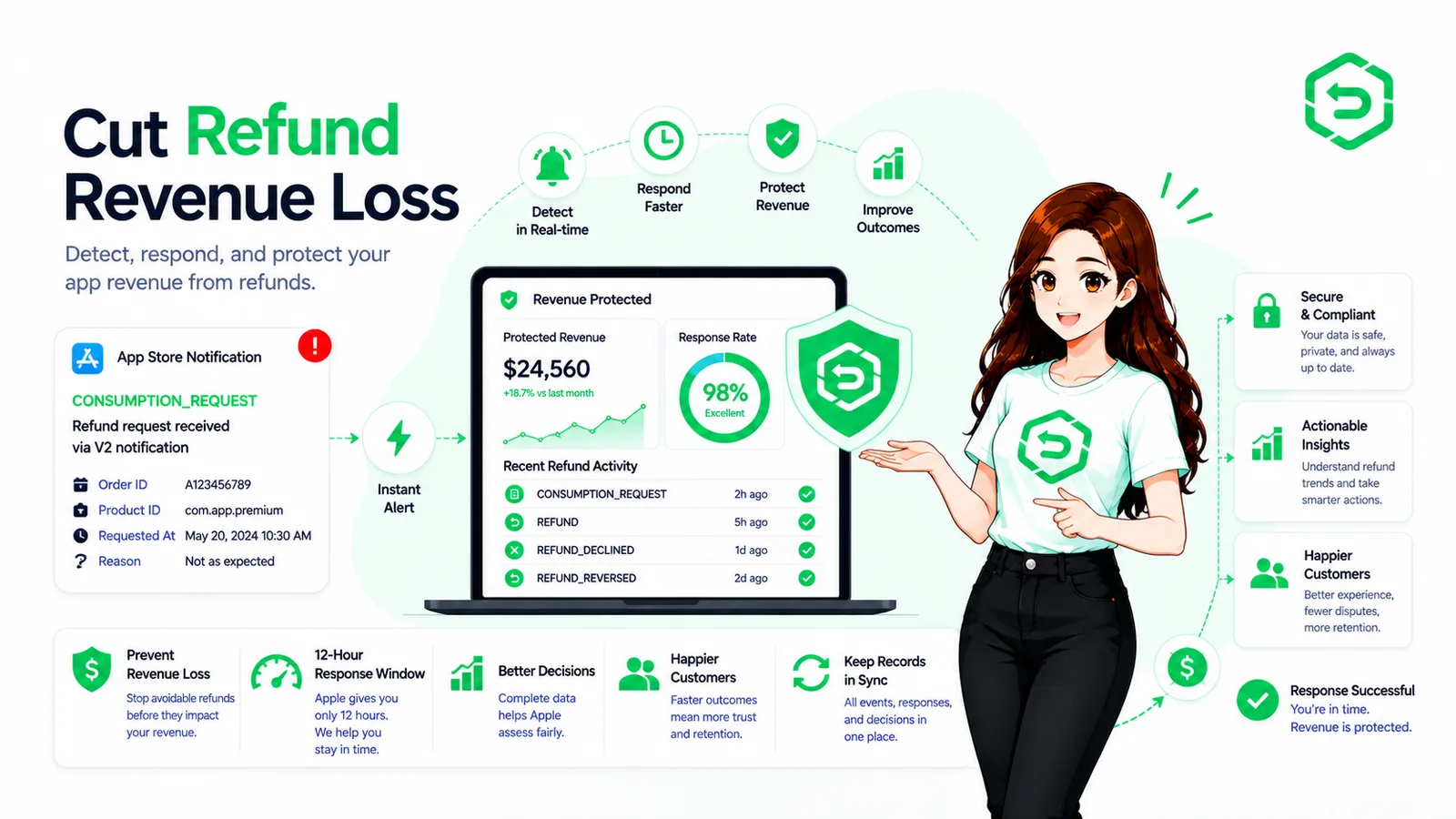
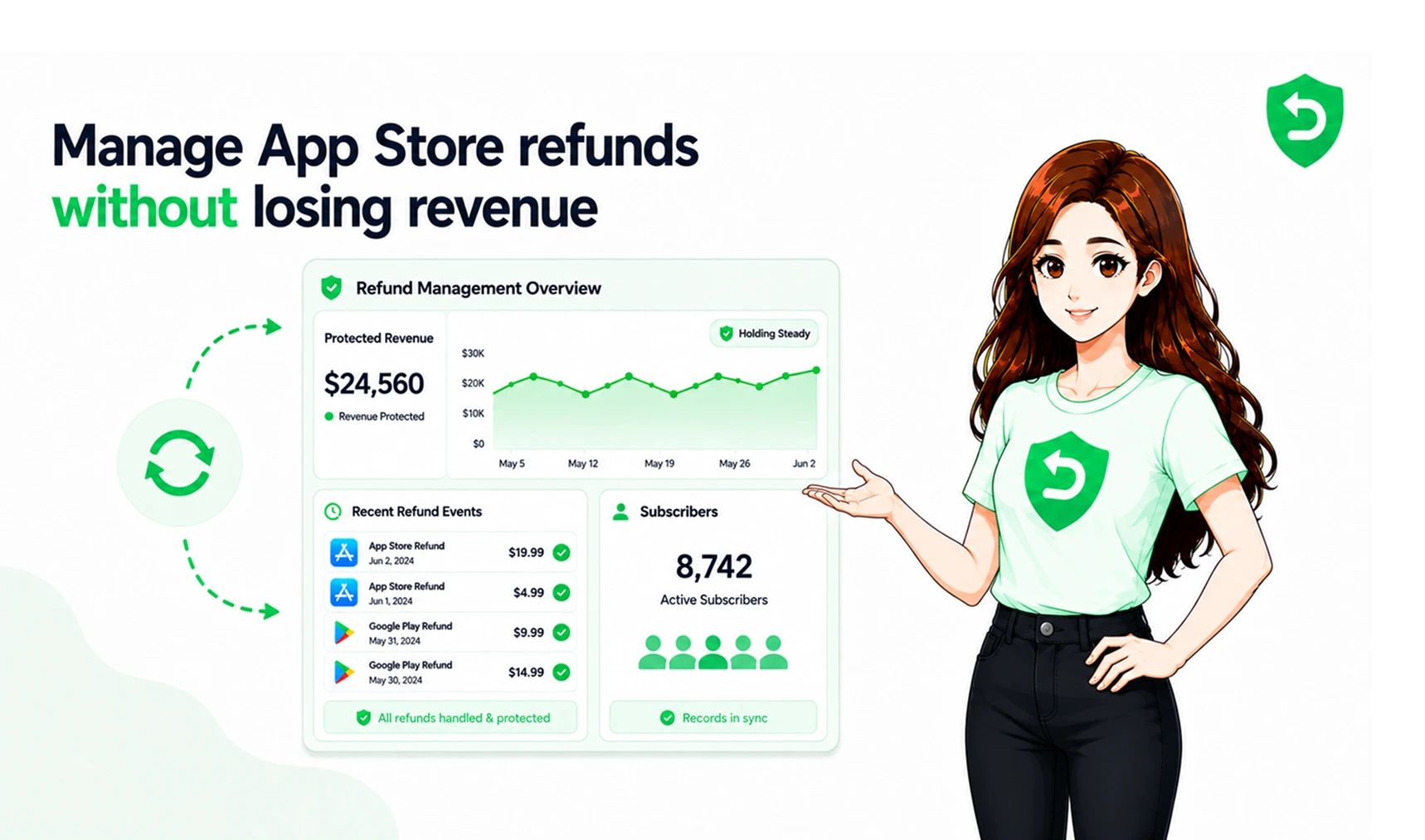
What software actually buys you here is consistency not intelligence, not strategy, just showing up every single time without fail. It can watch for refund events, tie transactions together, gather the consumption data, keep an eye on the deadline, log what happened, and flag when revenue takes a hit. None of that requires a person watching a dashboard at 2am.
This is the territory Apple refund management tools and Apple refund automation live in. The case for using one comes down to math, honestly once missed windows or lingering access start costing more than the tool would, the tool wins. RefundSensor is the option we've built, and it covers both the App Store and Google Play side. Full disclosure: we're not neutral here. But we'll say the same thing about our own product that we'd say about anyone else's no software makes Apple's decision for you, and anyone who implies otherwise is overselling.
Manual Refund Management | Automated Refund Management |
A person checks events when they can | Events are tracked as they happen |
Overnight requests can slip through | Runs around the clock |
Transactions matched by hand | Transactions matched automatically |
Response windows easy to miss | Responses filed inside the window |
Access and records updated manually | Entitlements kept in sync |
How to Protect Mobile App Revenue From Refunds
Three things, working together: fewer avoidable refunds happening in the first place, catching the ones that do happen, and cleaning up fast afterward. Drop any one of the three and the other two only get you partway there.
App Store Refund Stage | What Happens |
Request filed | Customer asks Apple for a refund nothing yet, no signal sent |
Review | Apple evaluates the request respond if a CONSUMPTION_REQUEST arrives |
Decision | Apple grants or declines nothing for you to do, Apple decides |
Outcome | Refund is processed update access and revenue records |
The real point: you're not trying to stop refunds outright. You're trying to make sure you never lose money to one you simply never noticed.
Final Thoughts
Refunds are just part of selling through Apple that's not going to change, and fighting it isn't really the goal. What is worth fixing is the quiet stuff: a refund nobody caught, access that kept running after the money was already gone. That's not an Apple problem. That's an operations problem, and it has a fairly boring, fixable answer.
Cut what's avoidable, watch for what isn't, reconcile everything. Do it by hand or hand it to something automated either way, the goal doesn't change: keep what you actually earned, and give back only what you genuinely owe.
Where These Rules Are Documented
Everything technical above traces back to Apple's own documentation, not our interpretation of it:
● Apple Support: Request a refund for apps or content
Frequently asked questions
Through Apple, not through the developer. Head to reportaproblem.apple.com, or use Report a Problem in your purchase history pick the item, give a reason, submit. Apple takes it from there. There's no developer-side form for this.
The practice of tracking Apple refunds, responding where you can, and keeping your access and revenue records accurate afterward. Apple owns the decision; you own everything around it.
No that's entirely Apple's. You can send consumption data for eligible purchases and keep your systems synced with the result, but approving or denying a refund isn't something developers do.
Using the customer's stated reason, their account history, and its own internal signals plus, for some eligible purchases, whatever consumption data you send back through a CONSUMPTION_REQUEST.
An App Store Server Notification Apple fires off when someone requests a refund on an eligible purchase. It's asking your server for usage and delivery details, which you send back within Apple's required window.
Fix what's causing avoidable refunds clearer pricing, fewer bugs, honest trial terms and reconcile the rest quickly: respond to eligible requests, cut access the moment a refund lands, and track why refunds happen by product
Yes. It's a repeatable workflow, which automation handles well monitoring events, verifying notifications, matching transactions, responding on time. It doesn't touch who makes the decision, though. That's always Apple.
Monitor activity, match transactions, gather consumption data, watch deadlines, log outcomes, flag revenue impact. What it can't do is make Apple's decision for you or promise a particular result the value is consistency, not control.