App Store Refunds and Revenue Leakage: What Developers Need to Know
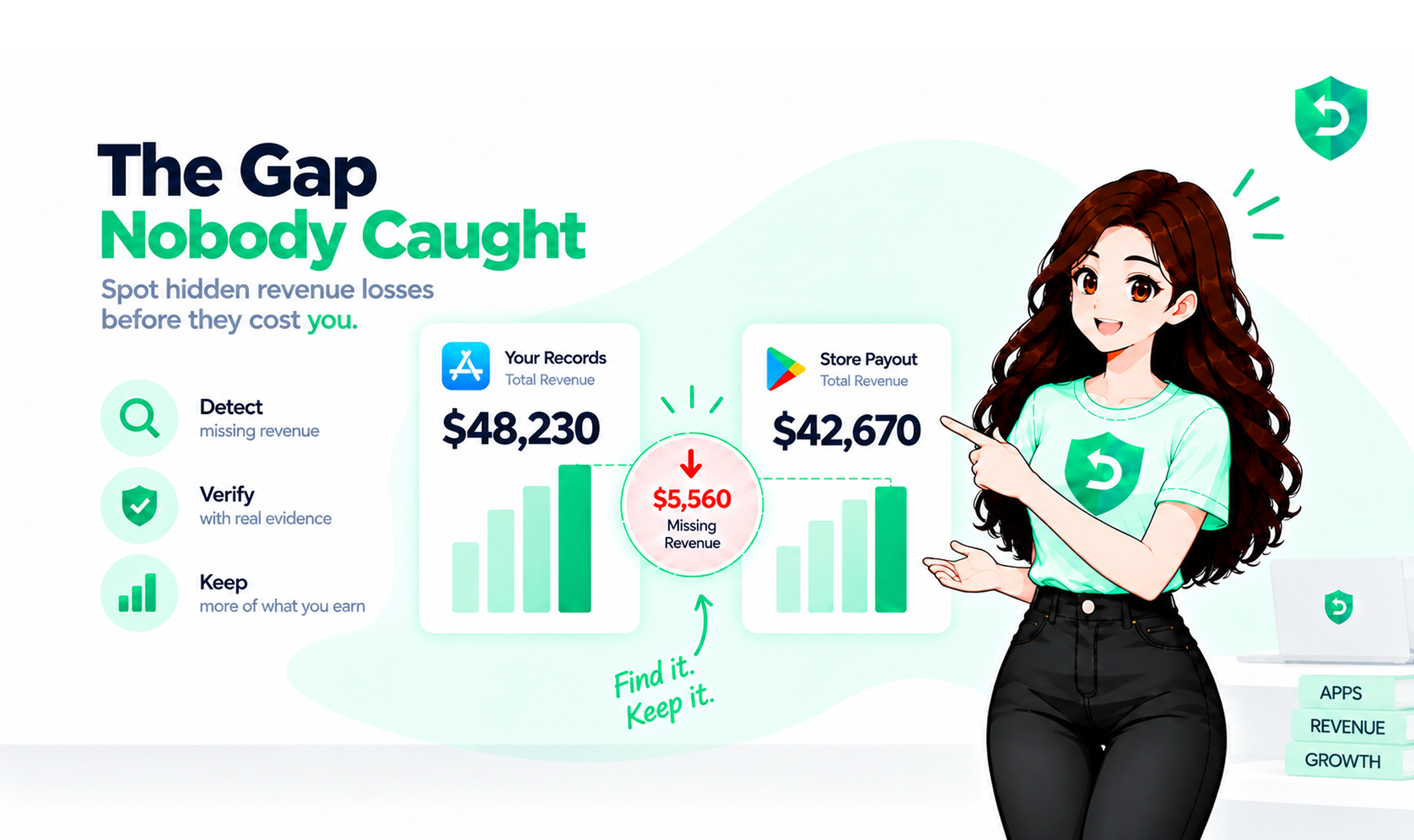
A client of mine spotted the leak by accident. His own database said $11,400 in revenue for February. The financial report in App Store Connect said $10,650. Nothing had crashed. No alert had fired. Around $750 had simply walked back out the door, one refund at a time, and he found out roughly five weeks after it happened.
Apple makes every App Store refund call. You do not get a seat for that decision. What you do get is one narrow window to put evidence in front of them, and it only opens if your server is actually listening. Most write-ups about Apple App Store refunds for developers gloss over that bit, which is a shame, because it is the only part you control. The window itself gets its own breakdown over here: how Apple's CONSUMPTION_REQUEST decides your refund.
Key Takeaways
Apple decides. You cannot issue a refund, block one, or even see the customer's name.
Your one input is a reply to a CONSUMPTION_REQUEST, and it has to land inside about 12 hours.
App Store refund revenue loss stacks up in layers. The refund itself is only the first one.
RevenueCat puts the median subscription refund rate between 3% and 5%. Outliers run 9% to 18%.
The boring fix is also the cheap one: listen for notifications, answer them automatically, cut access when the money goes back.
What an App Store Refund Looks Like From Your Side
Someone opens reportaproblem.apple.com, signs in, picks a purchase from the past 90 days, chooses a reason, hits submit. Apple reads it. Apple rules on it.
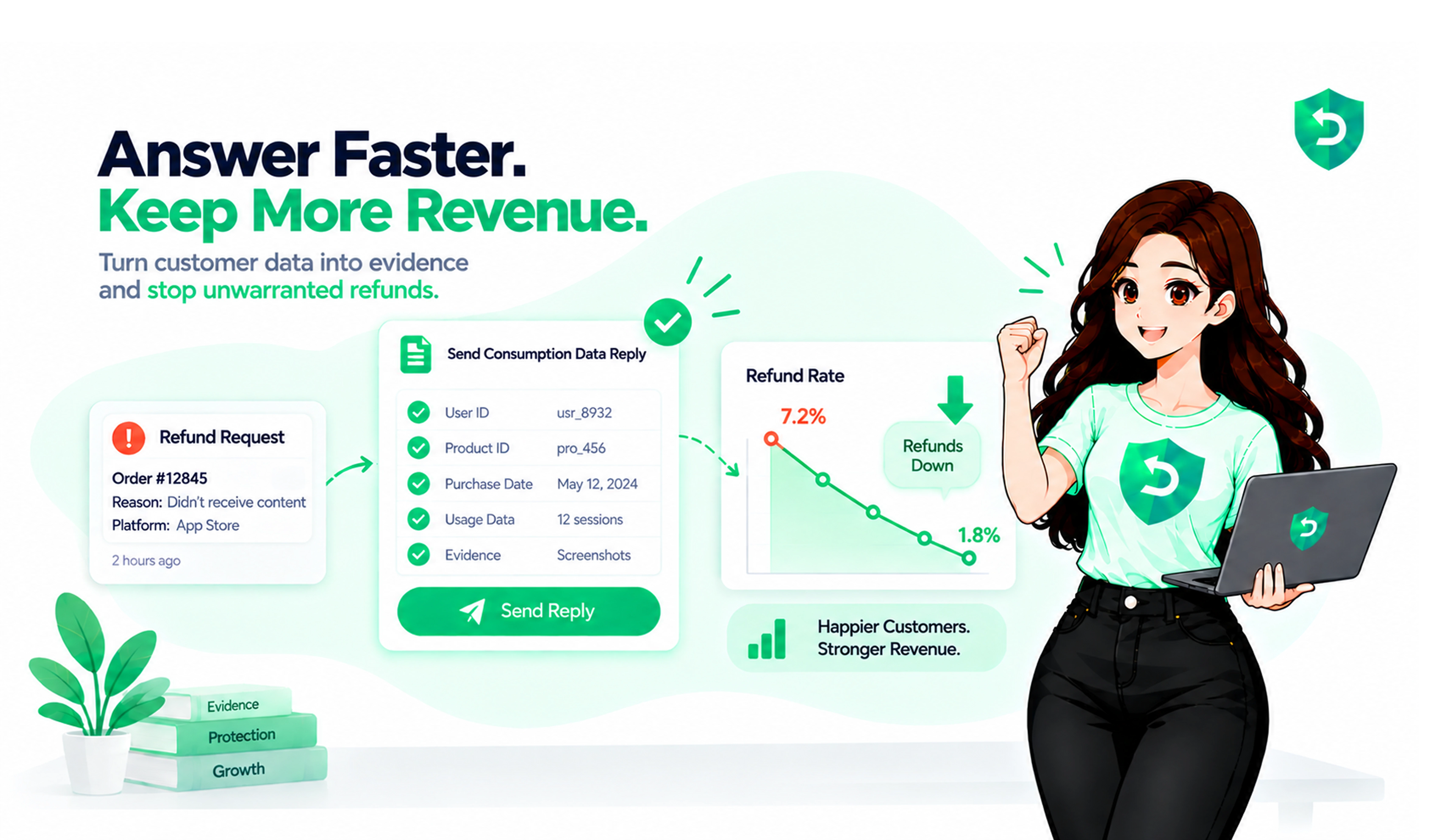
You hear nothing unless you asked to hear something. There is no refund button in App Store Connect, no queue of pending requests, no customer email address to write back to. If you have App Store Server Notifications V2 turned on, a CONSUMPTION_REQUEST lands on your endpoint the moment the request is filed, carrying the transaction, the product, and the reason the customer selected. From there you have about 12 hours to hit the Send Consumption Information endpoint with five fields: did they consent, did the purchase get delivered, was there a sample, how much did they use, and what outcome do you want.
Answer with real usage numbers and weak claims get turned down fairly often. Answer with nothing and Apple goes with the customer's version of events plus whatever their account history suggests. Silence counts as an answer here, and it is the one most teams give.
When a refund does go through, you get a REFUND notification with a revocation date attached. That is your signal to switch the user's access off. Which brings us to the expensive part.
How App Store Refunds Cause Revenue Loss
It is not one number. It is four, and three of them never show up in a refund report.
The refund. The price gets pulled out of your next payout. Apple's Paid Applications Agreement does say Apple can keep its commission on a refunded sale, and that clause has scared a lot of people over the years. Developers who have actually dug through their payment reports say Apple deducts the post-commission share, not the full sticker price. You lose your cut. Usually not theirs.
The access nobody cuts off. Money leaving and entitlements ending are two separate events on Apple's side, and only one of them happens by itself. Miss that REFUND notification and the user keeps their Pro features. For free. I have seen it run four months before anyone noticed, on a $59.99 annual plan. We went through the whole mess in taking access back after a refund.
Your reporting. Refunds show up weeks after the purchase, sometimes past a billing period. Count revenue in the week it was earned and never subtract what got refunded later, and your LTV is quietly inflated. Then you buy traffic at a CAC you cannot afford and wonder why the cohort never pays back.
The ad spend. You paid to get that user. They refunded anyway. That money is gone and nothing in your dashboard moves to tell you so.
What a Normal Refund Rate Looks Like
Benchmarks are useful for one thing: knowing whether you have a real problem or just a normal one. RevenueCat's State of Subscription Apps covers 75,000-plus apps and puts the median refund rate around 3% to 5% of paid subscriptions in their first billing period. Outliers reach 9% to 18%.
Price tier is the interesting cut. Low-priced plans sit near a 2.7% median, high-priced ones around 4.5%. Roughly a point added for each step up. Annual plans refund more than weekly ones too, which makes sense. A $79 charge sets expectations a $4.99 one does not.
Here is how I work out the number for a new client:
Pull refunded transactions for the last 90 days from refund history.
Push each one back into the month the original purchase happened, not the month it was refunded.
Divide by paid transactions in that same month.
Split by product. One bad paywall hides inside a healthy average every time.
Under 2% is good. 2% to 5% is normal. Above 5%, start digging. Above 10%, stop blaming your marketing and go read your paywall copy out loud.
App Store Refund Prevention: How to Reduce App Store Refunds
No single switch. It is a pile of small calls, and some of them matter a lot more than the rest.
Answer every CONSUMPTION_REQUEST. Biggest lever, and the one nearly everybody skips. Someone burned through 90% of a lifetime unlock and then claimed it never worked? Decline it, and show the usage. A parent whose kid bought a $29.99 pack by accident? Let that one go. Both calls need a reply on file.
Deliver something in the first session. Refunds cluster early. If a new user cannot get one real result before they hit the paywall, you have sold them a promise.
Say the renewal out loud. Price, period, renewal date, same screen as the buy button. Most refund reasons boil down to surprise, and surprise is a design choice.
Ship a trial or a sample. Apple's consumption form literally asks whether one existed. Saying yes helps your case and gives hesitant users a cheaper way in.
Give support a door. A visible contact link plus an in-app refund request sheet sends unhappy people to you before they go to Apple. That sheet has been around since iOS 15. It cannot grant a refund, only start the request.
Cut access when the money goes back. Handle REFUND and REFUND_REVERSED, and give access back on a reversal so honest customers do not get punished for Apple changing its mind.
Watch for repeat offenders. Apple's Get Refund History endpoint lists every refunded transaction tied to a user. Check it before you hand the same account a second trial or a discount.
The 12-Hour Problem
Notifications arrive at 3 a.m. on a Saturday. Answering one properly means validating Apple's JWS signature chain against their root certificates, matching the transaction to a human being in your own database, calculating a consumption percentage in milliunits, minting a short-lived JWT with an In-App Purchase key, and filing it. Before the clock runs out. Every single time.
Sandbox gives you 5 minutes instead of 12 hours, which reads like a fairly blunt hint about what Apple expects from you. A server. Not a person with a laptop.
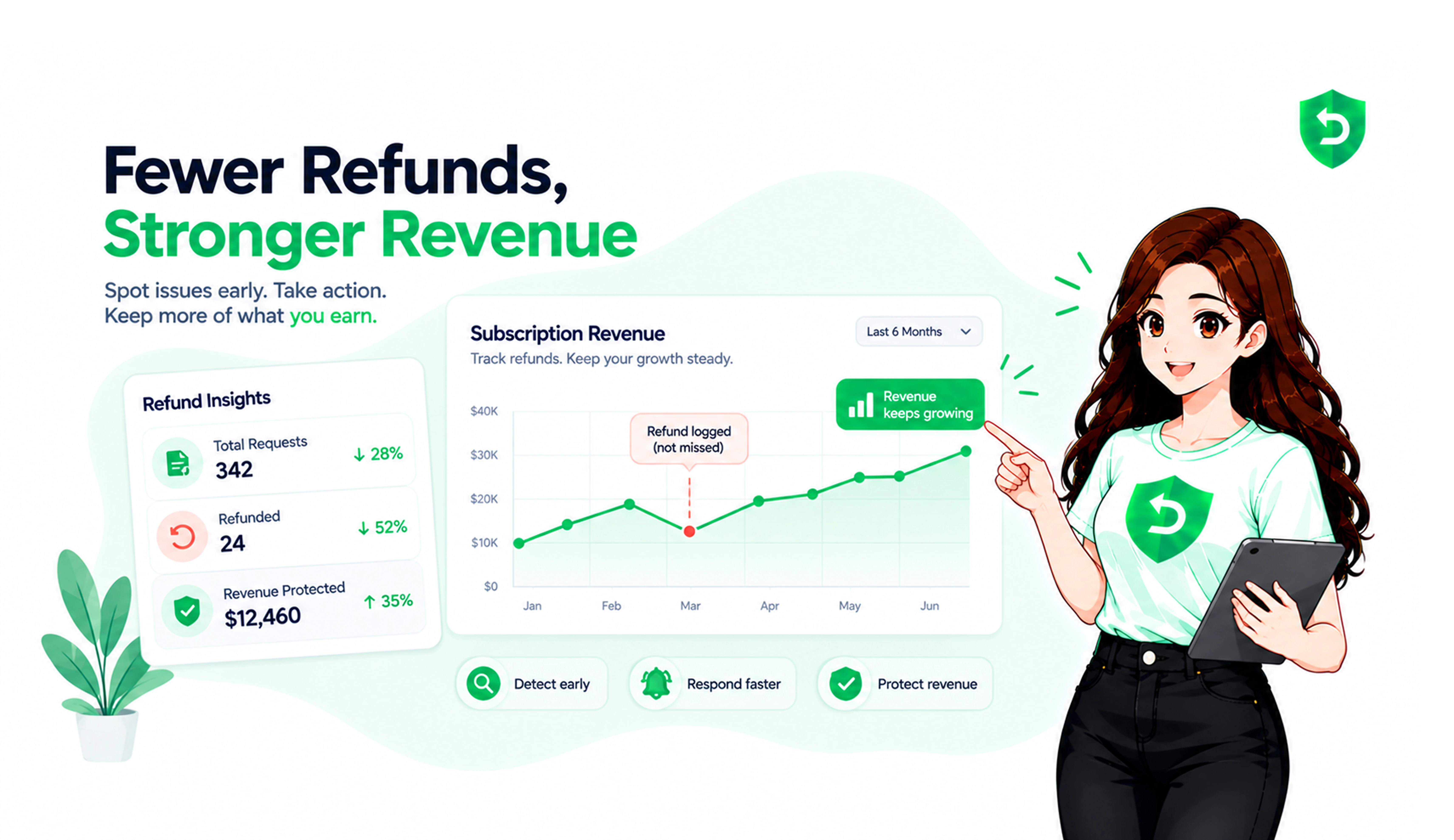
Teams that would rather not build that pipeline use Refund Sensor. It runs on the store keys you already have, answers each request with transaction evidence well inside the window, and keeps a running tally of what you held onto. About five minutes to set up, no SDK, no code changes, no app resubmission.
Shopping around instead? How to choose Apple refund management software for developers covers what to compare.
Sources
Frequently asked questions
No. Apple owns the billing relationship, so only Apple can put the money back. Your two moves are replying to a refund request with evidence, or handing the customer Apple's refund form yourself through StoreKit's refund request sheet.
Customers are told they will hear back within 48 hours. Your own window is much tighter, about 12 hours from the CONSUMPTION_REQUEST.
The agreement says they have the right to. In practice, developers who have checked their App Store Connect payment reports see the post-commission share deducted, so you lose what you earned rather than the whole price.
Nothing, unless you make it happen. Apple sends a REFUND notification with a revocation date, and your server has to end the entitlement. Miss it and that user keeps Pro for free.
Between 2% and 5% of paid transactions for subscription apps, based on RevenueCat's data across 75,000-plus apps. Health, fitness, and education run higher. Past 10%, look at pricing and paywall copy before anything else.
Yes, when Apple reverses the refund. You will get a REFUND_REVERSED notification and should hand back whatever you took away.
Usually, yes. A $2.99 consumable is not worth ten minutes of a human's day. It is worth two seconds of server time, and in a high-volume app those small ones add up fast.