Ask most teams whether they track Apple refunds and they'll say yes. Ask what they store and it turns out to be one row per refund, written after the fact, with a date and an amount.
That's a log, not tracking. It tells you a refund happened. It won't tell you whether Apple asked you anything along the way, whether anyone answered, whether the answer went through, or whether that customer's access matches reality.
The gap matters because parts of this process expire. Apple gives a 12-hour window for one step, and once it's gone there's no reopening it. If you're looking at the broader picture rather than the tracking mechanics, our guide on how to manage App Store refunds without losing mobile app revenue covers that. This one is about what to record, and when to act.
Key Takeaways
• Apple makes the final refund decision. Developers don't approve or deny requests.
• A refund request passes through several distinct states. Storing only the last one loses most of the useful information.
• Some refund workflows give you a chance to send consumption information, with consent, inside 12 hours.
• Submitting a response and having it accepted are different things. Track the result, not the attempt.
• The refund outcome has to reach your entitlement logic and your revenue records, or the tracking hasn't finished.
• Automation mostly prevents missed events and expired windows. It has no influence on what Apple decides.
What is Apple refund request tracking?
Apple refund request tracking means following a refund request through every state it passes on your side, from the first notification to the entitlement update that closes it out. It isn't a record of refunds. It's a record of a process.
Those states matter because they're genuinely different events, and teams routinely collapse them into one:
State | What it tells you |
Request received | A refund request exists and Apple has told you about it |
Response opportunity open | Apple is asking for input, and a clock is running |
Response submitted | You sent something back |
Response accepted | Apple actually took it — not the same as sending it |
Refund approved | Apple granted the refund |
Refund declined | Apple did not |
Refund reversed | Apple undid a refund it previously granted |
Entitlement updated | Your app now reflects the outcome |
Only the last row is about your product. Everything above it determines whether you get that row right. A team storing nothing but “refund approved” can't say why a customer still has access, or whether anyone answered when Apple asked.
How do developers track Apple refund requests?
Developers track Apple refund activity through Apple's server-side notification system and their own transaction records. The exact path depends on the event type and on whether Apple asks for input. Events arrive at a URL you configure through App Store Server Notifications, as signed payloads your backend verifies and processes.
There are two kinds of refund-related event worth separating in your handler. One asks you for something. The others tell you what happened.
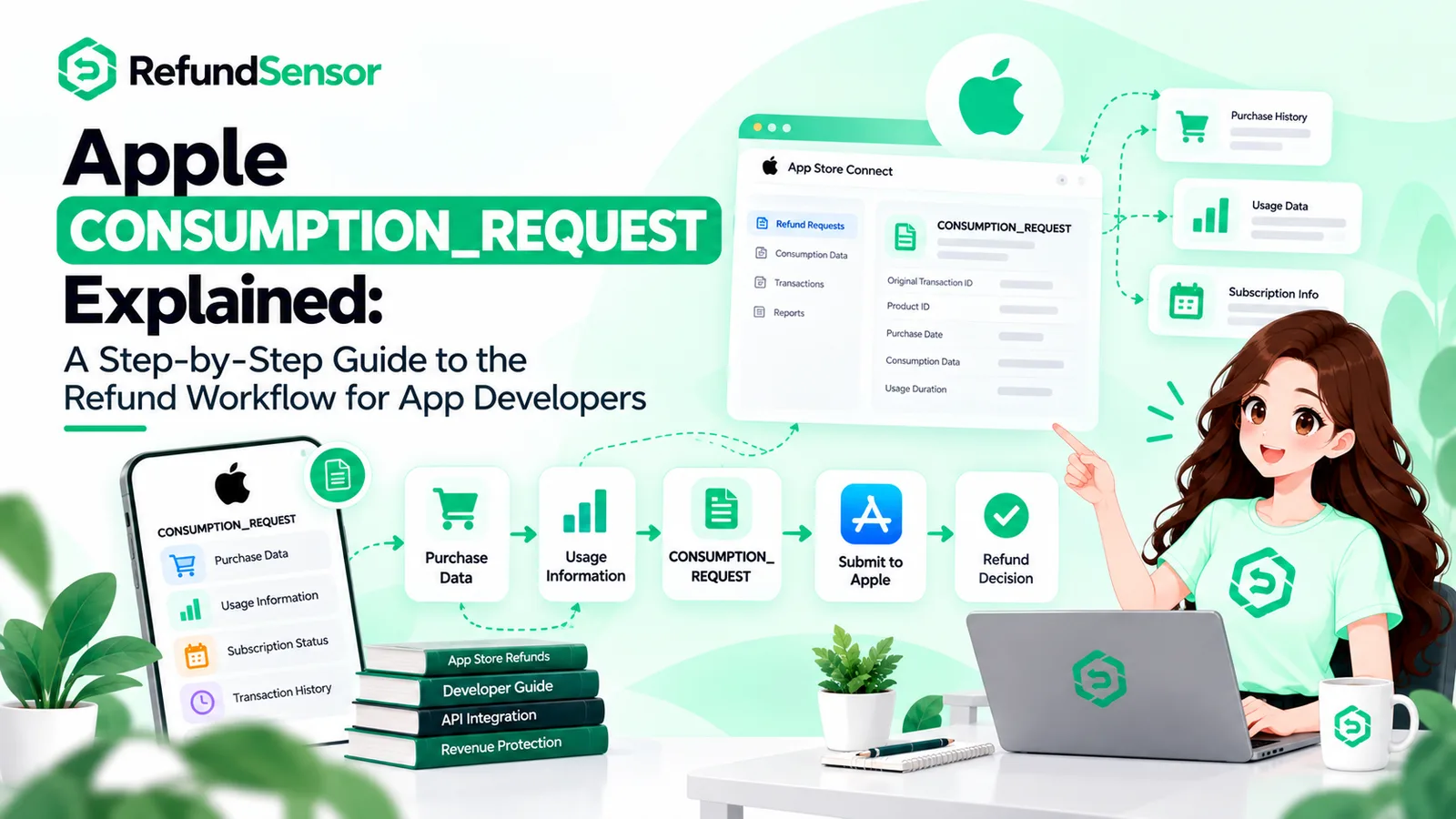
The asking kind is an Apple CONSUMPTION_REQUEST notification. It means Apple wants information about a purchase while it evaluates a refund request. It is not a refund, and it's worth writing the handler so it doesn't assume one always arrives.
The telling kind covers the outcomes: REFUND for granted, REFUND_DECLINED for not, and REFUND_REVERSED when Apple undoes a refund it previously granted. That third one is the one most handlers forget.
Underneath both sits your own transaction store, which is what makes any of it legible. Notifications reference Apple's identifiers, so without a purchase record to match against, you have an event you can't attach to anything.
What information should developers track?
Split it by where the information comes from, because only one side of this is authoritative.
From Apple, in the transaction payload: the transaction identifier and the original transaction identifier, the product identifier, the purchase date, and for refunded transactions a revocation date and a revocation reason. That reason field distinguishes refunds issued because of a problem in the app from refunds issued for other reasons, which is more useful than it looks.
The account token sits in between. You generate it and attach it at purchase time, and Apple returns it in the payload, which is what lets you get from a transaction back to a named user.
Everything else is yours to maintain: the internal user identifier, the notification type and when it arrived, whether a response was required, what you sent and what came back, the subscription state at the time, the entitlement state after processing, and the reporting period the refund landed in.
The two timestamps are quietly the most useful fields in the set. The distance between Apple's event and your action is the only honest measure of whether your tracking works.
How to track App Store refunds step by step
1. Receive the refund-related event
Events reach the server endpoint you configured. If it's misconfigured or failing, refunds still proceed and you simply never hear about them, with no error on your side.
2. Validate the notification
Verify the signature against Apple's certificate chain and confirm the bundle ID before you act on the payload. An endpoint that trusts anything it receives is one someone else can write to.
3. Identify the related transaction
Match the identifiers in the decoded payload against your purchase records, then resolve to a user account. If you attached an account token at purchase time this is a lookup rather than an investigation.
4. Check whether Apple is requesting input
Branch on the notification type. A consumption request needs a response path. An outcome notification needs a state update. Treating them the same is how response windows get missed.
5. Gather supported consumption information
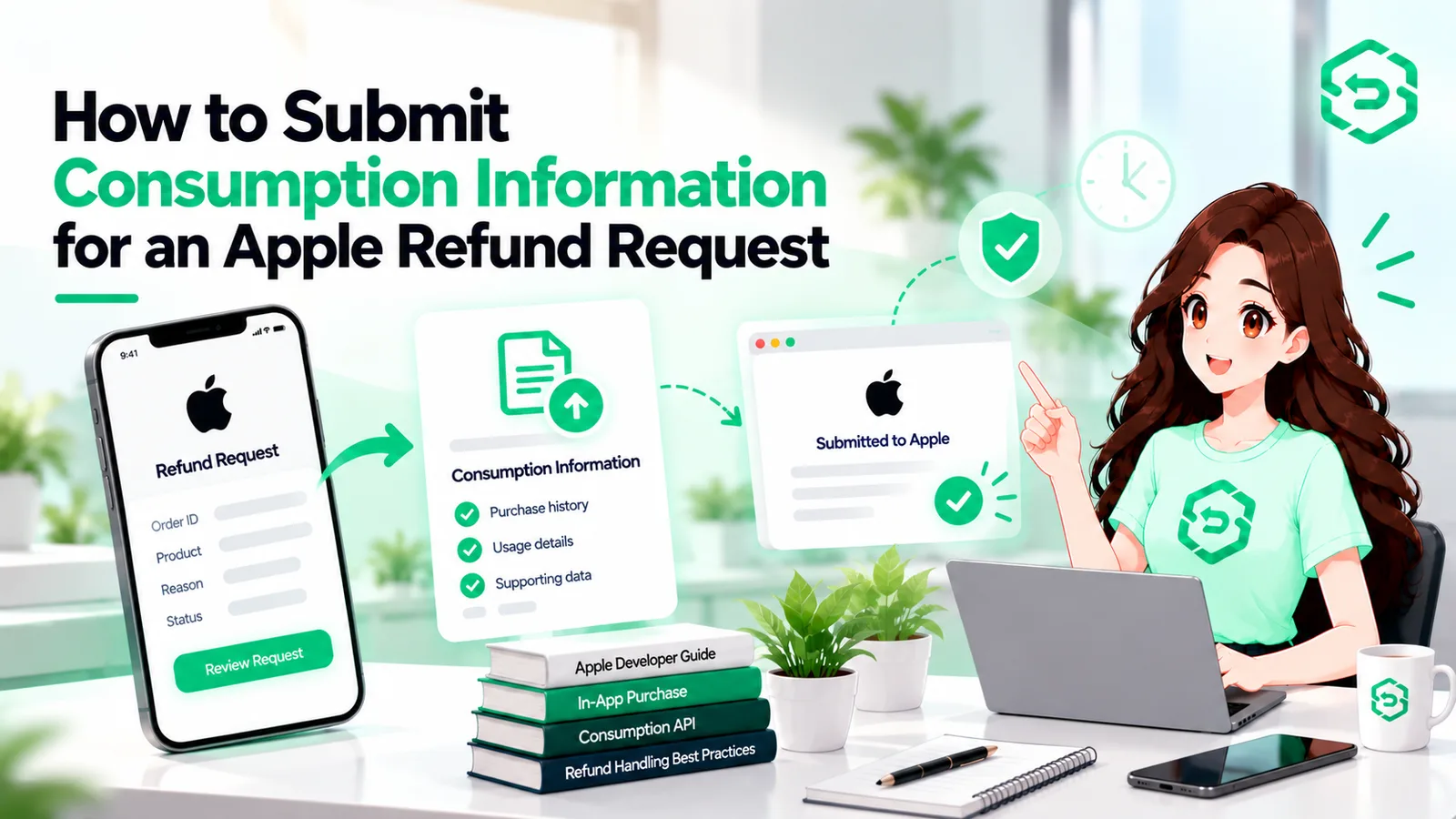
Pull the values from your own records: whether the purchase was delivered, whether sample content was provided, how much was consumed. Apple's Send Consumption Information documentation sets out the fields and their valid values. Before any of it, check consent — Apple requires valid customer consent to share the data, obtaining it is the developer's responsibility, and requests without it are rejected outright.
6. Submit within the documented window
Apple's current documentation asks for a response within 12 hours of the notification. Send accurate values, and confirm the call succeeded rather than assuming it did.
7. Track the final outcome
Record which outcome notification arrived and when. If your pipeline dropped events during an outage, Apple's server API exposes refund history you can use to recover what you missed — worth running as a periodic reconciliation rather than trusting notifications alone.
8. Update entitlement and access
Revoke on a granted refund, restore on a reversal, and handle the prorated case where only part of a transaction is revoked. Drive it from server-side events so state is correct whether or not the customer opens the app again.
9. Reconcile with revenue records
Attach the refund to the right period and product. Without this, engineering and finance end up holding different versions of the same month.
How to respond to Apple refund requests
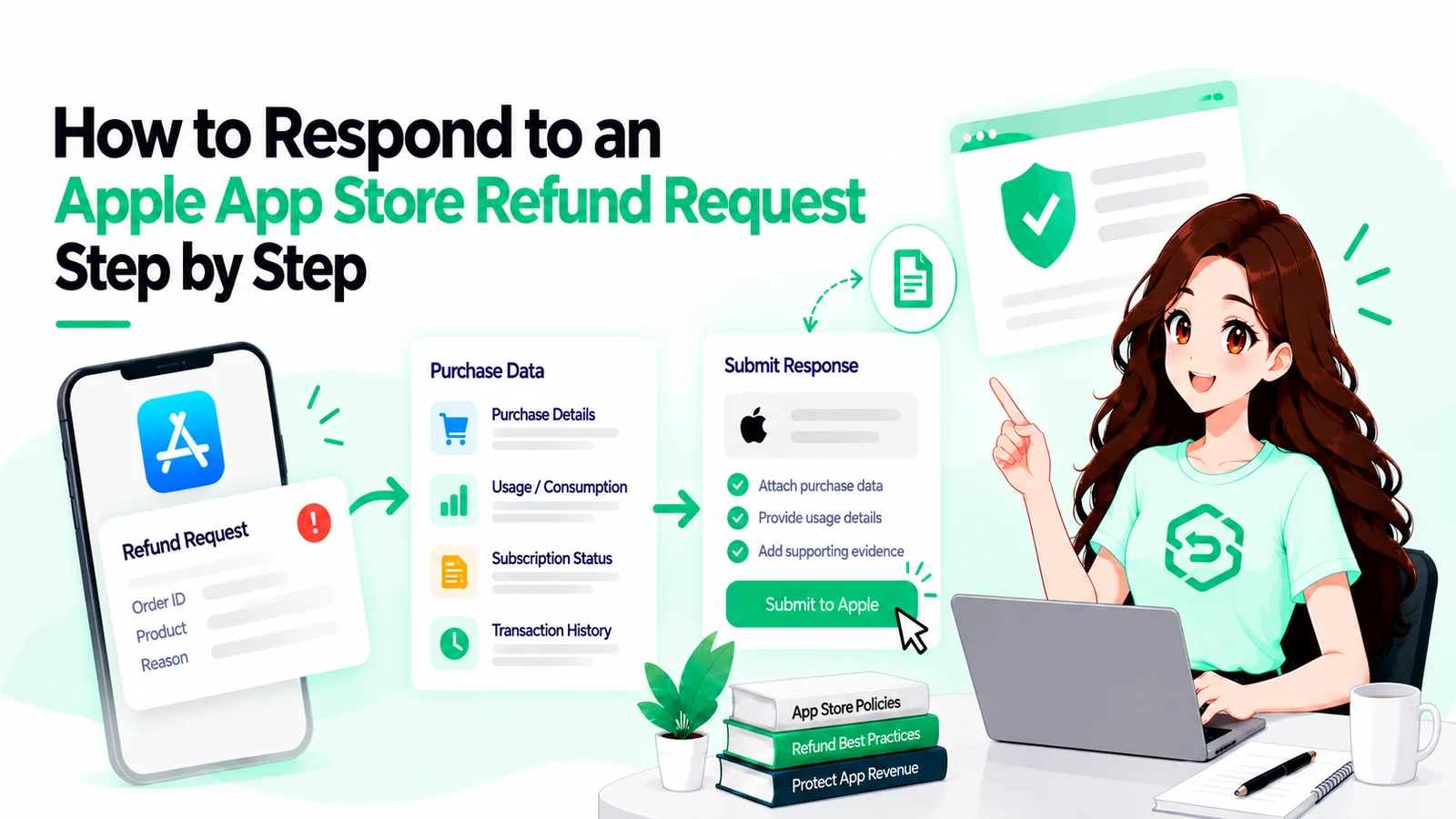
You respond by sending consumption information when Apple asks for it, with consent, inside the window. You don't respond by approving or declining anything, because that isn't available to developers. Apple makes the decision.
What you send should describe what actually happened with the purchase, pulled from your records. Not an estimate, and not a figure shaded toward the outcome you'd prefer — beyond being dishonest, it's data you obtained consent to share accurately.
Here's the operational point most tracking setups miss. Submitting a response and having it accepted are two different states. The call can fail validation and return an error, and if nobody checks the result, a failed submission looks exactly like a successful one in your logs. Store the response status, not just the fact that you tried.
What happens after Apple decides on a refund?
Apple sends the outcome as a notification and reverses the charge on its side. Then the work moves to you.
The distinction worth holding onto: a refund approved by Apple is one event, and your systems correctly reflecting it is another. Apple's half completes regardless of what you do. Yours completes only if the notification arrived, matched a transaction, resolved to an account, and updated that account's access.
When those two diverge, you get customers who were refunded and still hold everything they paid for. Nobody reports it, because from their side nothing is wrong. It shows up in reconciliation months later, if at all.
Subscriptions need particular care, since a refunded period usually ends the subscription rather than leaving it running, and your state should say so. Support needs the record too, so an agent can see what happened without asking someone to check a dashboard.
Why manual Apple refund tracking becomes difficult
Not through carelessness. The work simply doesn't match how people are available.
Refund requests arrive whenever customers submit them, and any response window keeps running overnight and at weekends. Each event needs a lookup, an account match, a consent check, a usage figure, a submission, and an entitlement update. Small tasks, but time-boxed and repetitive, and invisible when they go right.
Then scale changes the shape of it. Several apps, transaction data in one system and account data in another. Historical refund data stays thin because nobody backfilled it, entitlement mismatches accumulate unflagged, and finance surfaces the discrepancy at quarter close — well past the point where a response window mattered.
Can Apple refund tracking be automated?
Yes, and most of it should be, because nearly every step is deterministic.
Automation can monitor and verify refund events, record each request as it arrives, resolve transactions to accounts, branch on notification type, assemble consumption data from your records, track response windows and submission results, update entitlement state, and keep refund history queryable.
What it cannot do is influence Apple. Automation won't make refunds less likely and it can't push a decision either way. What changes is whether your side of the process happens consistently, and inside the window.
How RefundSensor helps with Apple refund management
App Store refund management is the category this work belongs to, and RefundSensor is built for the developer's side of it: monitoring Apple refund workflows, automating the supported response steps, and keeping refund events, outcomes, and records in one place rather than spread across dashboards.
In practice, the response happens inside the store's window without someone watching notifications, and the refund record stays accurate as volume climbs.
It won't change Apple's decisions, and no Apple refund management software can. What it changes is how much manual work each request leaves behind.
Where these rules are documented
Three Apple sources sit behind the technical claims above. Read them directly, and check back periodically — this area has changed more than once.
Request a refund for apps or content — the customer-facing process. Useful for understanding where requests originate, the 24 to 48 hour update customers are told to expect, and Apple's note that eligibility varies by country or region.
Send Consumption Information — the developer response workflow: the consent requirement, the 12-hour window, and the request fields. Read this before building any response handling.
App Store Server Notifications — how refund events reach your backend, the signed payload format, and the notification types, including CONSUMPTION_REQUEST, REFUND, REFUND_DECLINED, and REFUND_REVERSED.
If refund events are still being watched by hand
Manual tracking holds up until the day a notification arrives at 2 a.m. and the window closes before anyone opens a dashboard. The failure is quiet, which is what makes it expensive.
If that describes your setup, RefundSensor handles the developer side of Apple refund workflows monitoring the events, keeping responses inside the window, and making sure outcomes reach your records and your entitlement logic.
Frequently asked questions
Through App Store Server Notifications and your own transaction records. Events arrive at a configured server endpoint as signed payloads. You verify them, resolve the transaction to a customer, record the event, respond if Apple has asked for input, and store the outcome once it arrives.
Following a refund request through each state it passes on the developer's side: request received, response opportunity, response submitted and accepted, Apple's outcome, and the entitlement update that closes it. Storing only the final outcome loses the information you need to explain what happened.
Yes. Apple sends the outcome as a server notification. REFUND means it was granted, REFUNDDECLINED means it wasn't, and REFUNDREVERSED means a previously granted refund was undone. Refunded transactions also carry a revocation date and a reason code in the transaction payload.
By sending consumption information when Apple requests it, where valid customer consent exists, using accurate values from your own records. You cannot approve or decline a refund. Your response is one input into Apple's review, and you should confirm the submission succeeded rather than assuming it did.
An App Store Server Notification telling your server that Apple wants information about a purchase while it evaluates a refund request. It is not a refund notification and not a decision. Responding requires customer consent, and Apple asks for the response within 12 hours.
Apple's current documentation asks for a response within 12 hours of the notification. Requests arrive at any hour, so this is the step that suits automation best. Confirm the current requirement on Apple's page rather than relying on an older integration.
Nothing, unless you change it. Apple reversing the charge does not alter your database. Your backend should revoke the entitlement when a refund is granted, restore it if Apple reverses the refund, and handle the case where only part of a transaction is revoked.
The mechanical parts can. Verifying notifications, matching transactions to accounts, tracking response windows and submission results, updating entitlements, and maintaining refund history are all deterministic. What stays human is designing the consent flow and reading what refund patterns say about the product.