Picture this. A customer buys your yearly plan, uses it for a week, then asks Apple for their money back. You find out when your payout comes in lower. Nobody asked you anything. Or so it seems.
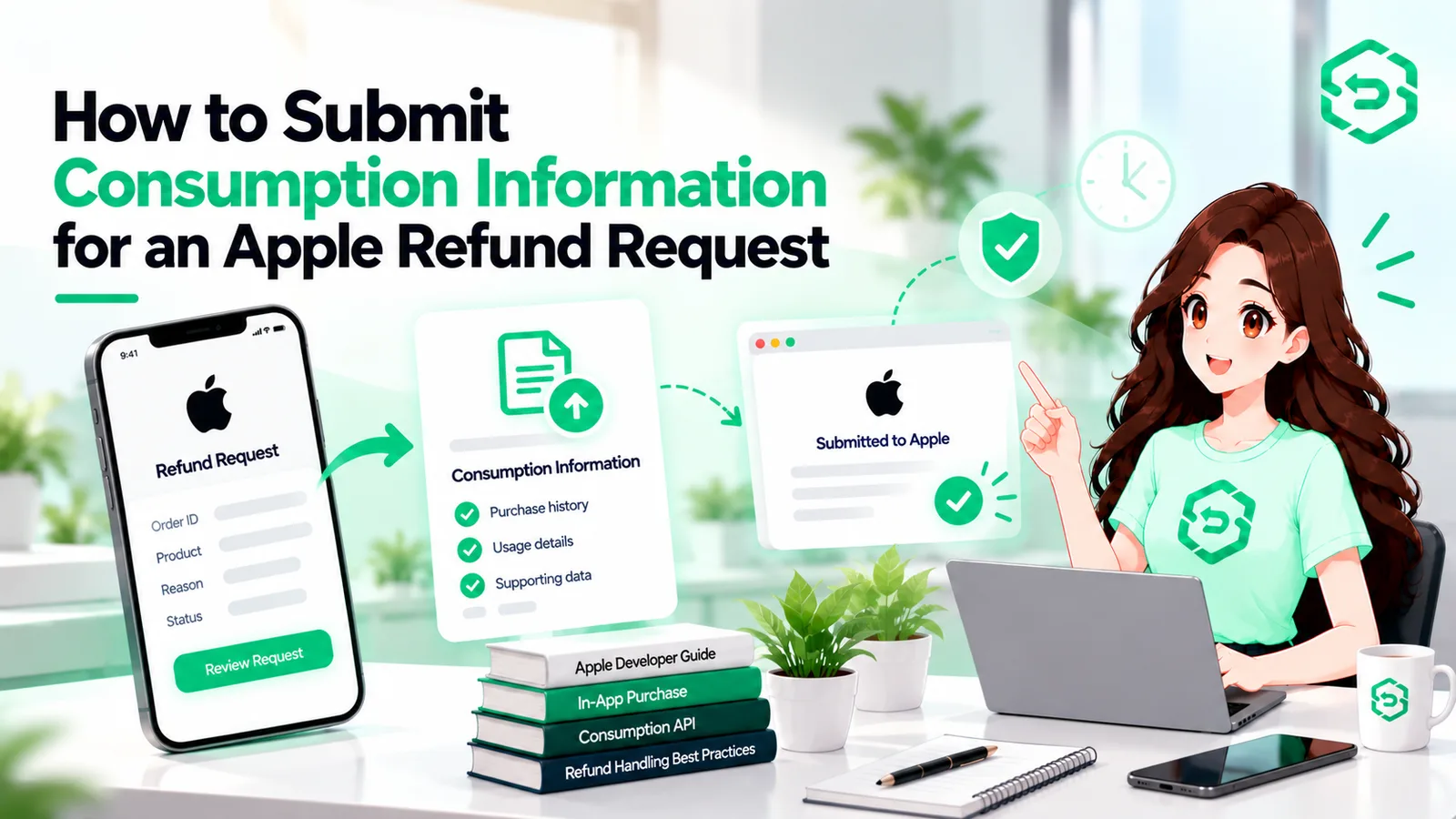
In fact, Apple often does ask. It sends your server a message called a CONSUMPTION_REQUEST, and it wants to know how the customer really used what they bought. If your server isn't listening, Apple decides without you. This guide walks through the App Store refund process for developers, step by step, and points out where people get stuck. For a wider look at refund defense on iOS, RefundSensor's App Store refund defense page covers it too.
Quick Answer
A CONSUMPTION_REQUEST notification is Apple's way of asking for usage details when a customer requests a refund. If the customer agreed to data sharing, your server should call the Send Consumption Information Axz`PI within 12 hours and report delivery and usage. Apple weighs that info and makes the final call. You can't approve a refund or guarantee the outcome.
What Is Apple CONSUMPTION_REQUEST?
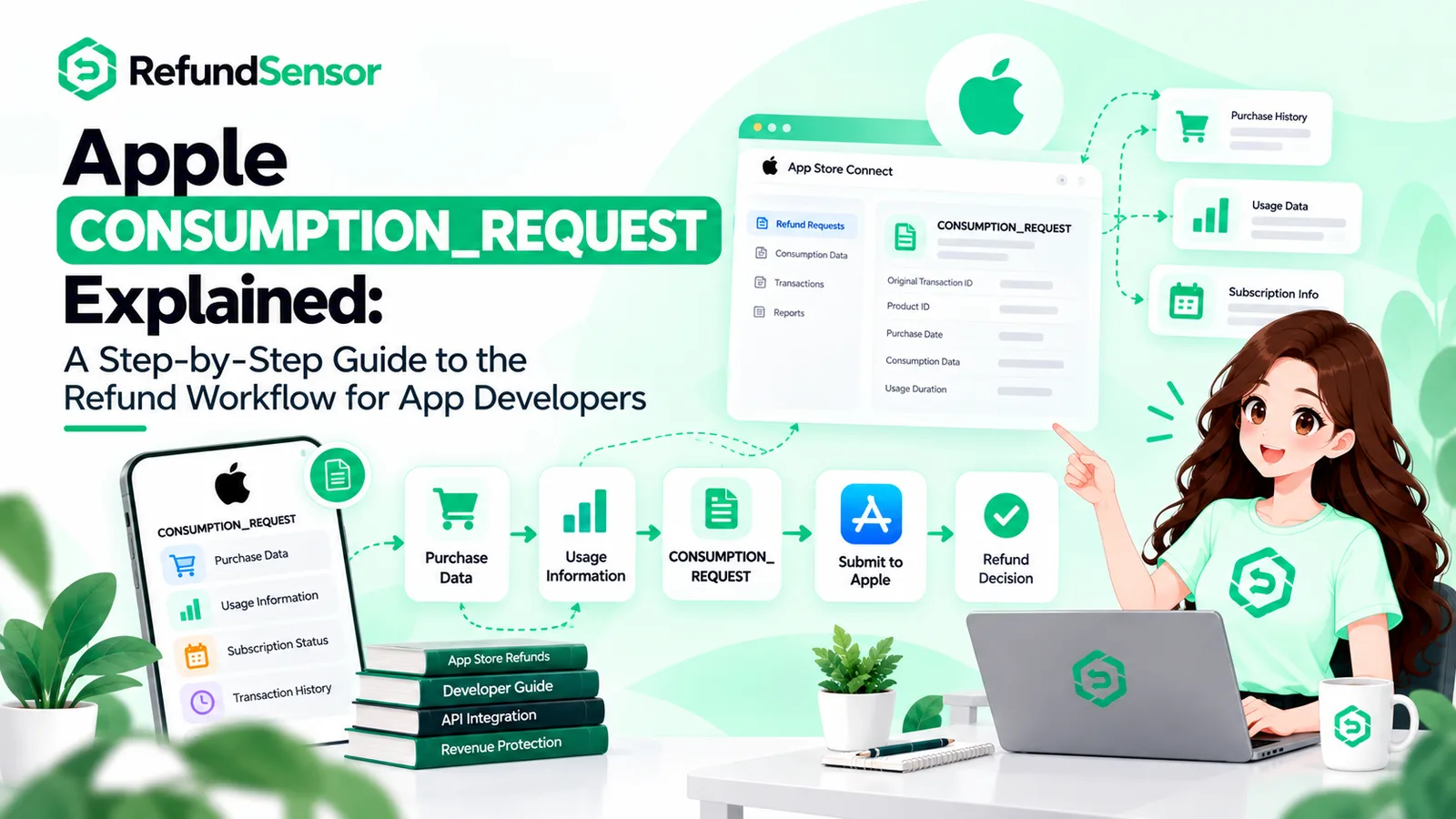
CONSUMPTION_REQUEST is a notification type in App Store Server Notifications V2. Apple sends it whenever a customer starts a refund request, and it covers every product type: consumables, non-consumables, non-renewing subscriptions, and auto-renewable subscriptions.
Think of it as a question, not an order. Apple isn't telling you to refund anyone. It's asking what you know. Apple still makes the final decision, and your answer is just one thing it looks at.
How Apple's Refund Workflow Works
Two things happen here, and people mix them up. Getting the notification is automatic. Sending consumption information back only happens if your server does it.
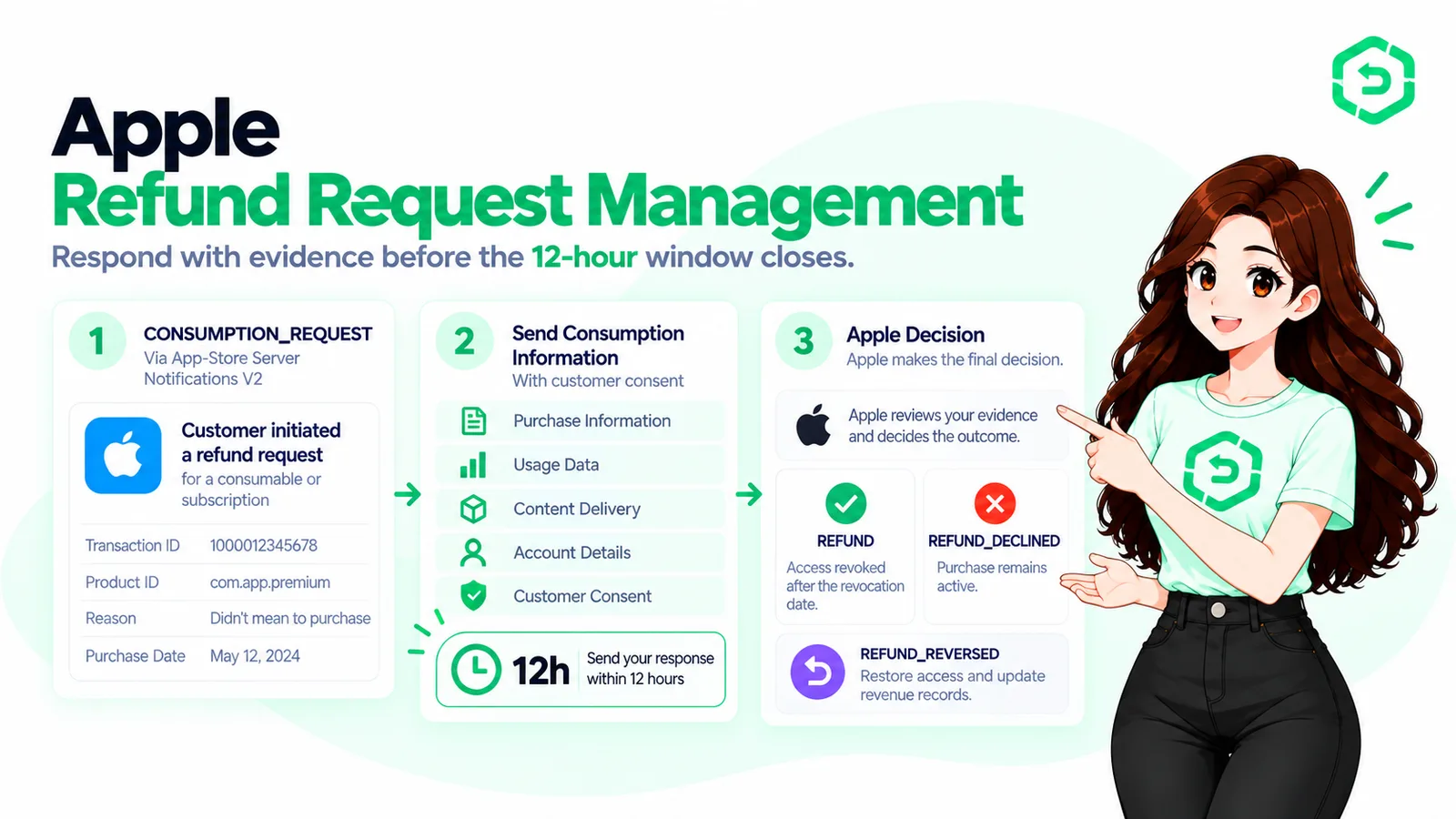
The customer asks Apple for a refund.
Apple posts a CONSUMPTION_REQUEST to your V2 notification URL.
Your server checks whether that customer agreed to share usage data.
If they did, your server sends the consumption details within 12 hours.
Apple makes its call. If it grants the refund, a REFUND notification follows.
Step-by-Step Implementation Guide
Here's the setup from start to finish.
Add your notification URL. In App Store Connect, enter your server's HTTPS URL and pick Version 2.
Answer fast. Reply with a status between 200 and 206. A 40x or 50x makes Apple retry.
Check the signature. V2 payloads come signed. Verify before you read anything inside.
Find the customer. Match the transaction to a user in your own database.
Check consent. No consent, no reply.
Call the API. Send the data with an App Store Server API request, authenticated with an In-App Purchase key from App Store Connect.
Log it. Keep a record of what you sent and when.
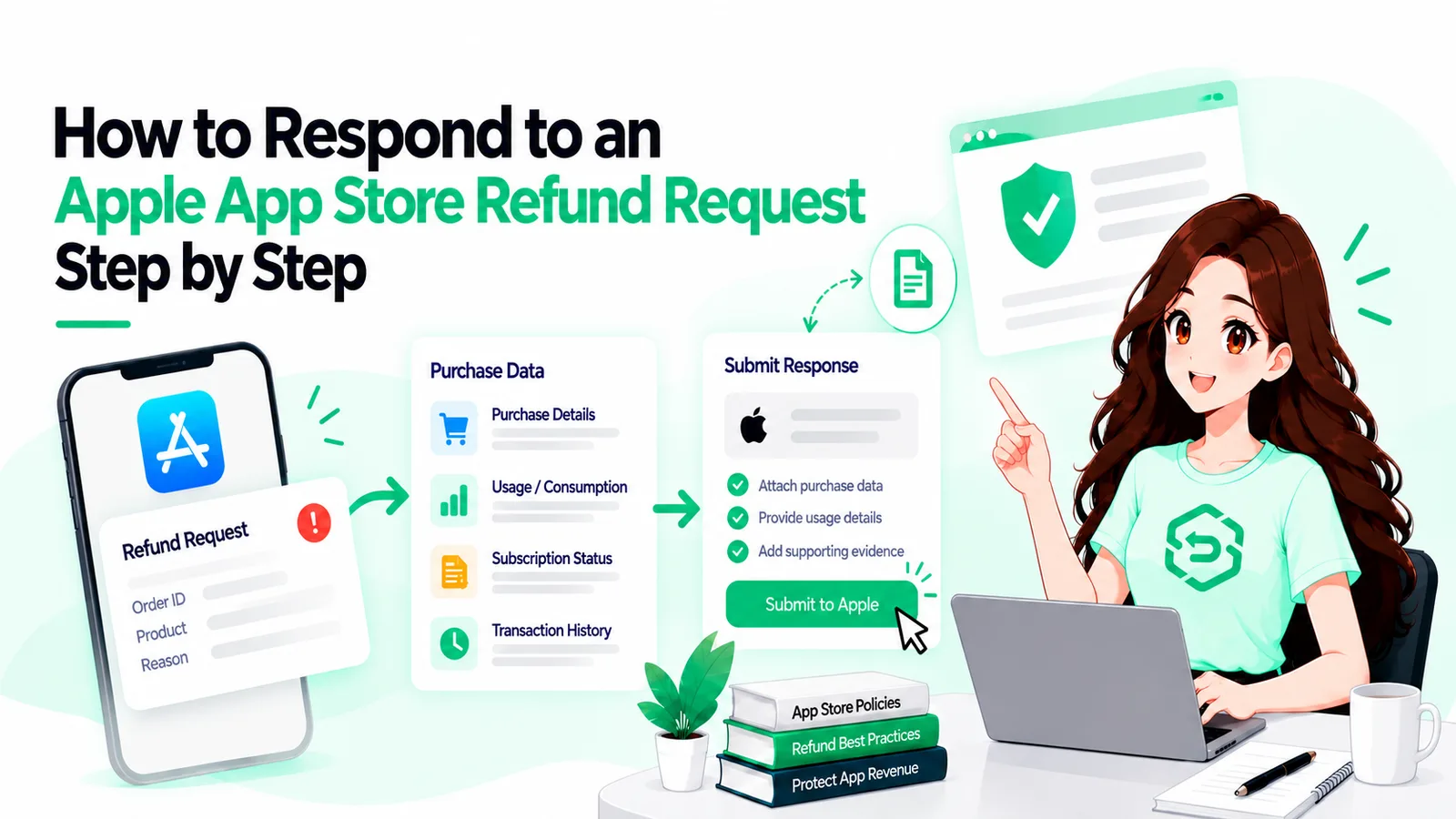
How to Respond to an Apple Refund Request as a Developer
Always start with consent. After that, tell Apple what really happened. The value here comes from specific, honest data, so don't pad it.
Take two cases.
A player buys a coin pack and burns through most of it in a day. Report the heavy usage. Asking Apple to decline is a fair preference.
A subscriber pays for a year, but your server was down and the content never loaded. Report that it wasn't delivered. Here, granting the refund may be the honest answer.
Your refund preference is a suggestion. Apple doesn't have to follow it.
Apple Send Consumption Information API Explained
The Send Consumption Information endpoint is a PUT request tied to a transaction ID (/inApps/v2/transactions/consumption/{transactionId}). You call it after a CONSUMPTION_REQUEST arrives, and Apple wants the reply within 12 hours.
The body is a ConsumptionRequest object with five fields:
customerConsented: did the customer agree to share data? It has to be true. Otherwise Apple rejects the call with an HTTP 400 error.
deliveryStatus: did your app deliver a working purchase?
sampleContentProvided: did you offer a free sample or trial first?
consumptionPercentage: how much was used, in milliunits.
refundPreference: the outcome you'd like.
A few rules catch people out. If deliveryStatus isn't DELIVERED, set consumptionPercentage to 0 or the request fails. For an auto-renewable subscription with GRANT_PRORATED, leave consumptionPercentage out, since Apple works it out itself. And consent is on you. Apple also says not to use the App Tracking Transparency prompt for it.
App Store Server Notifications V2 Integration
App Store Server Notifications V2 is how Apple reaches your server. You'll need a secure HTTPS URL that supports TLS 1.2 or later.
CONSUMPTION_REQUEST is only one of many types. Others, such as REFUND and REFUND_REVERSED, tell you how a case ended. Give each type its own handler so refund code doesn't get tangled up with renewal code. Want to see the App Store Connect side in action? The Refund Sensor Apple setup guide covers keys and the notification URL.
Common Mistakes to Avoid
Stopping at the notification. A CONSUMPTION_REQUEST does nothing until your server sends data back.
Ignoring consent. No agreement from the customer means no reply.
Missing the 12 hours. These notifications land at night and on weekends. Use a queue and set up alerts.
Sending combos that don't work. A usage percentage on a purchase that wasn't delivered will fail.
Skipping signature checks. Verify first, trust second.
Replying slowly. Return a success code quickly and do the heavy work in the background, or Apple keeps retrying.
No way to find the user. If you can't tie a transaction to a customer, you have nothing real to report.
How to Automate App Store Refund Workflows
Nobody wants to watch a 12-hour clock by hand. If you want to automate App Store refund workflows, break the job into small pieces:
Accept the notification and return a success code right away.
Drop the event into a queue.
A worker verifies it, finds the user, and checks consent.
The worker builds the request from stored usage data and calls the API.
Log the result, and alert someone if it fails.
You get consistent answers, a clear audit trail, and nobody awake at 3 a.m. You can build this yourself, or hand the pipeline to a service like RefundSensor.
Best Practices for Developers
Store real usage data: sessions, credits spent, content opened. You can't report numbers you never kept.
Add a clear consent step to your terms or onboarding, and record when it was given.
Write your refund rules down once and put them in code, instead of deciding case by case.
Test with sandbox notifications before going live.
Attach an account token to every purchase so you can identify the buyer later. This appAccountToken guide explains how.
Review refund outcomes once a month. Odd spikes can point to a broken feature or a confusing paywall.
Conclusion
The Apple refund workflow comes down to two halves. Apple sends the CONSUMPTION_REQUEST, and you choose whether to answer. If the customer consented, send honest data through the Send Consumption Information API inside 12 hours. Apple still decides.
A good first step: confirm your V2 notification URL is live and that your server can match a transaction to a user. Those two checks save a lot of headaches later.
Frequently asked questions
A V2 message Apple sends when a customer asks for a refund. It asks you for usage details.
Apple asks for a reply within 12 hours of the notification.
Yes. Without it, don't respond. A request with customerConsented set to anything other than true gets rejected.
Not necessarily. Apple uses your data to inform its decision, but it makes the call.
Consumables, non-consumables, non-renewing subscriptions, and auto-renewable subscriptions.