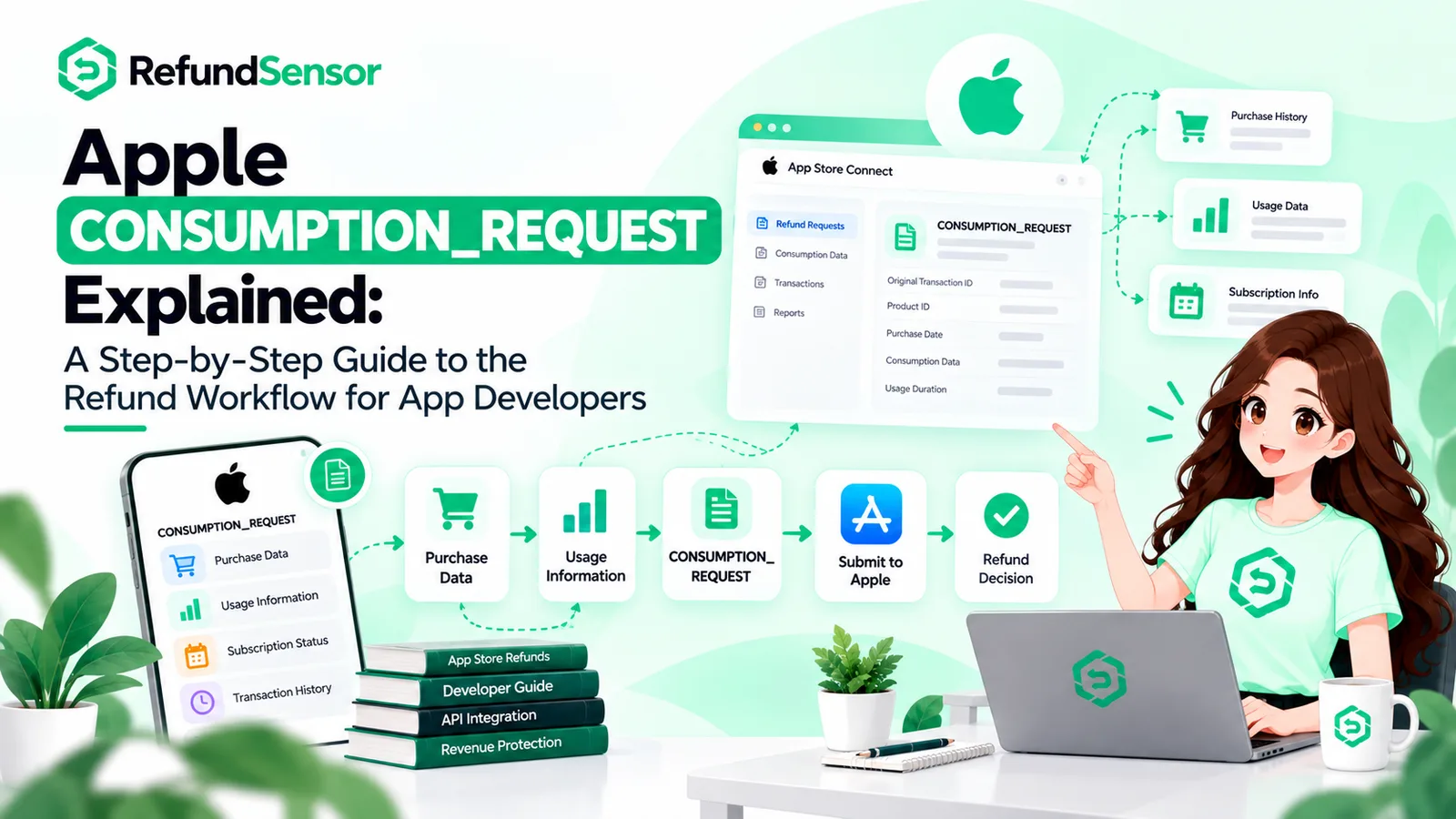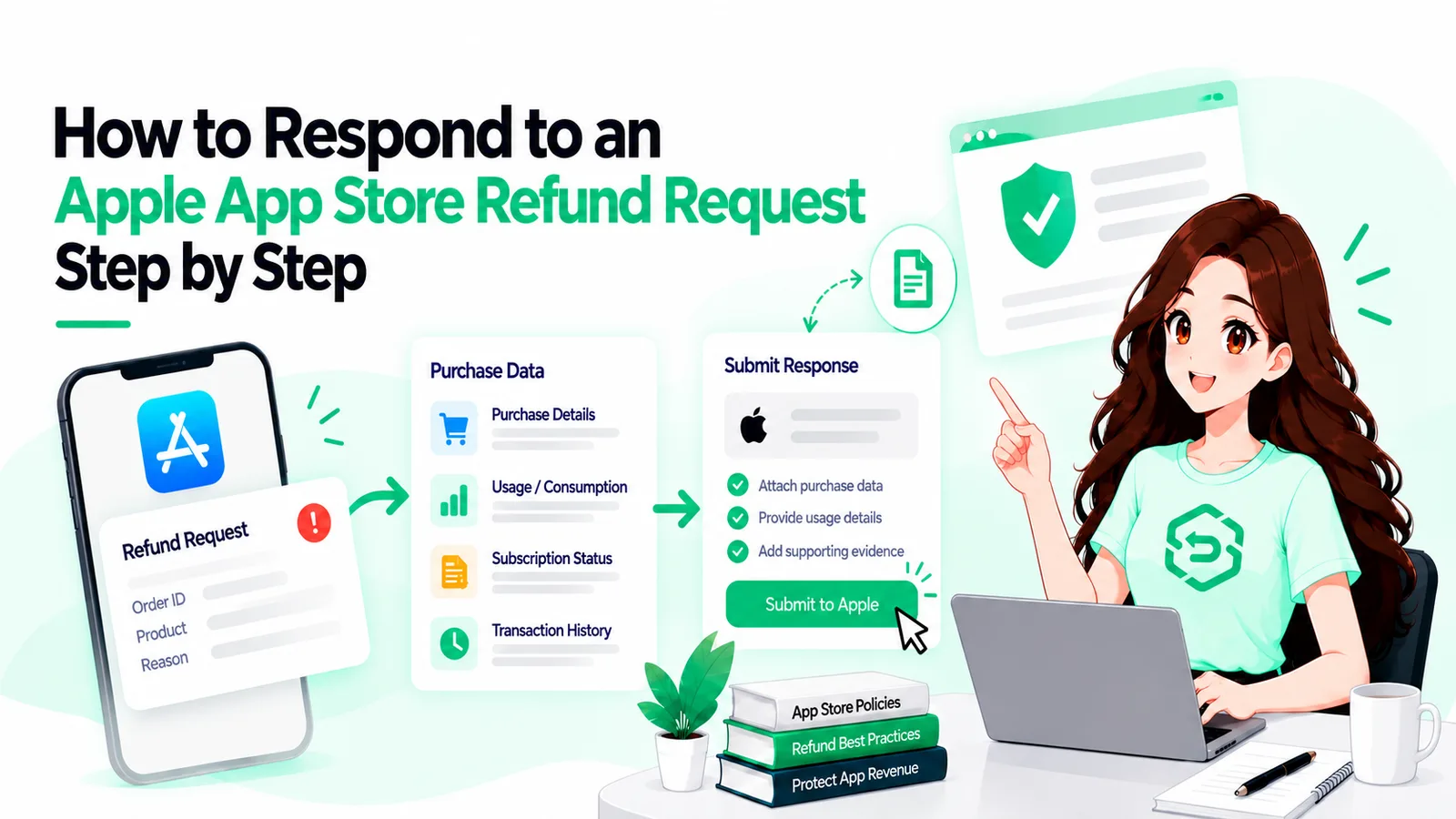
If you've ever worked with Apple's refund flow, you've probably seen the 12-hour response window mentioned in the documentation. What it doesn't always make clear is how to actually respond.
The CONSUMPTION_REQUEST is a notification; the reply is a call to a different API, with its own key and a body that has changed shape twice since 2021. We covered what the notification itself contains a while back. This is the part after that, when you actually have to answer it.
Key Takeaways
It's one PUT request to the App Store Server API. That's the whole mechanism.
Each request is signed with a JWT from your in-app purchase key; tokens older than 60 minutes get rejected.
The v2 body has five fields, three of them required.
Apple answers 202 and nothing more. The refund decision arrives later, as a separate notification.
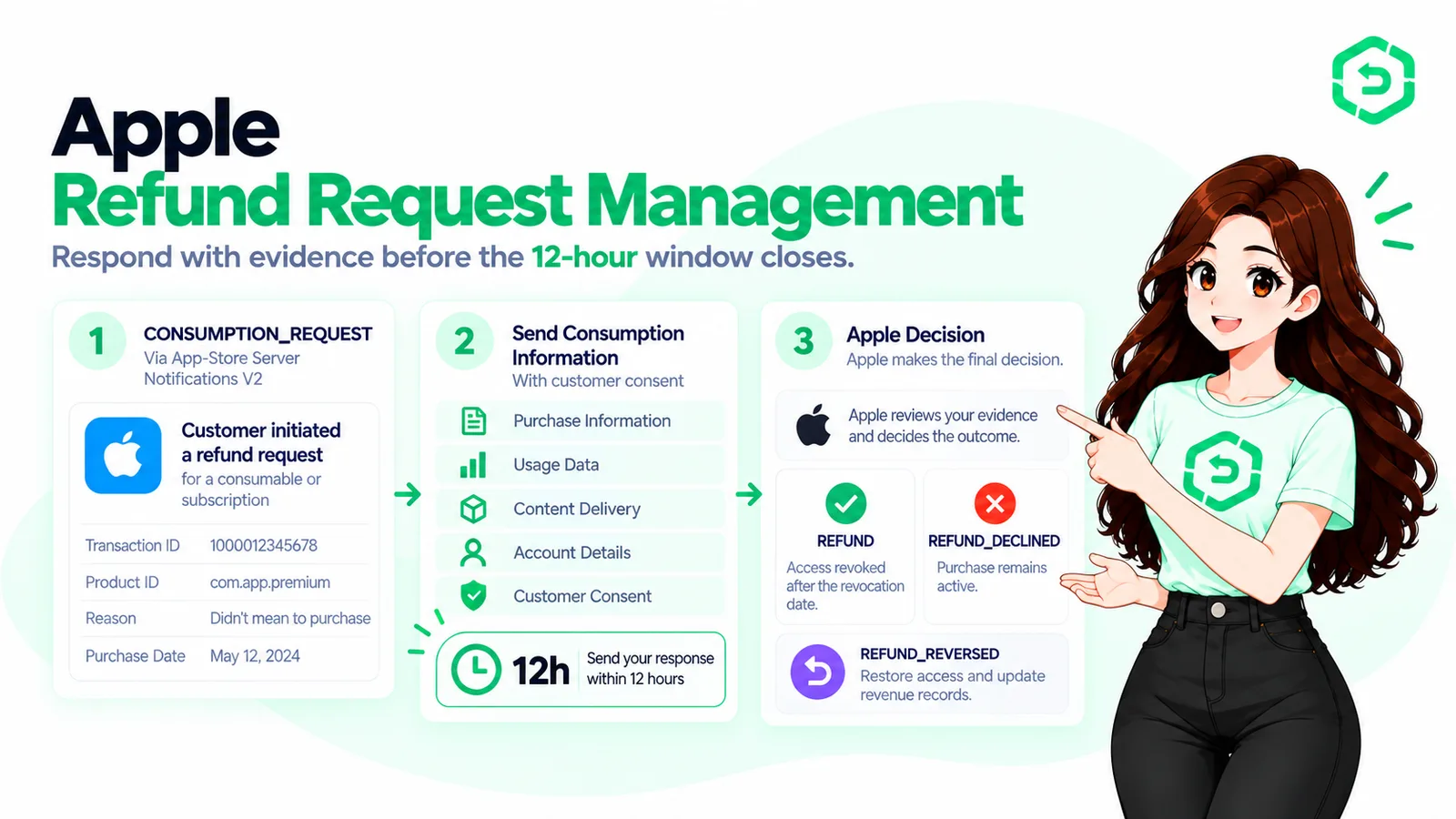
Twelve hours from the moment the notification lands, and you can resend inside that window.
What Is an Apple Consumption Request?
An Apple consumption request is, underneath the jargon, a question. A customer has asked Apple for their money back, and before Apple answers them it turns to your server and asks: did this person get what they paid for, and did they use it?
Apple folds whatever you say in with things it already knows, such as how often this customer asks for refunds, and decides on its own.
People get that last part wrong constantly. You don't approve or deny anything; you hand over facts.
The CONSUMPTION_REQUEST Apple sends shows up at the server URL you've put into App Store Connect, as a version 2 server notification.
In 2021 it only fired for consumables. Subscriptions got added in 2024, and in December 2025 Apple published version 2 of the endpoint, whose docs say it covers every product type, non-consumables and non-renewing subscriptions included. The notification reference page still lists just the original two; I'd trust the newer page and build for all four.
And while I'm on naming: people search for an Apple refund API and there isn't one, not as a separate thing. This call is part of the App Store Server API.
What You Need Before You Can Submit
Three of these four can't be rushed, so read this before your first request rather than after it.
The first is a key, specifically an in-app purchase key, created in App Store Connect under Users and Access. Apple hands you a .p8 file exactly once; you'll also need its key ID and your issuer ID.
Second, some way of going from a transaction ID (what Apple gives you) to a person in your database (what you need). The clean way is appAccountToken, set at purchase time, which then comes back in every notification about that transaction.
If that word is new to you, read why appAccountToken matters for refund defense first, because without the mapping the rest of this post is academic.
Third, and this is the one that can't be fixed at 2 a.m.: consent.
Apple's docs say plainly that if the customer hasn't agreed to you sharing this data, you don't respond at all. They also say, in more lawyerly language, that what counts as valid consent depends on where you operate and they can't advise you.
Opt-in language in your terms is the usual route, and it needs to exist before the request shows up.
The fourth is the transaction ID itself, which you only get once the notification arrives and you've checked Apple's signature.
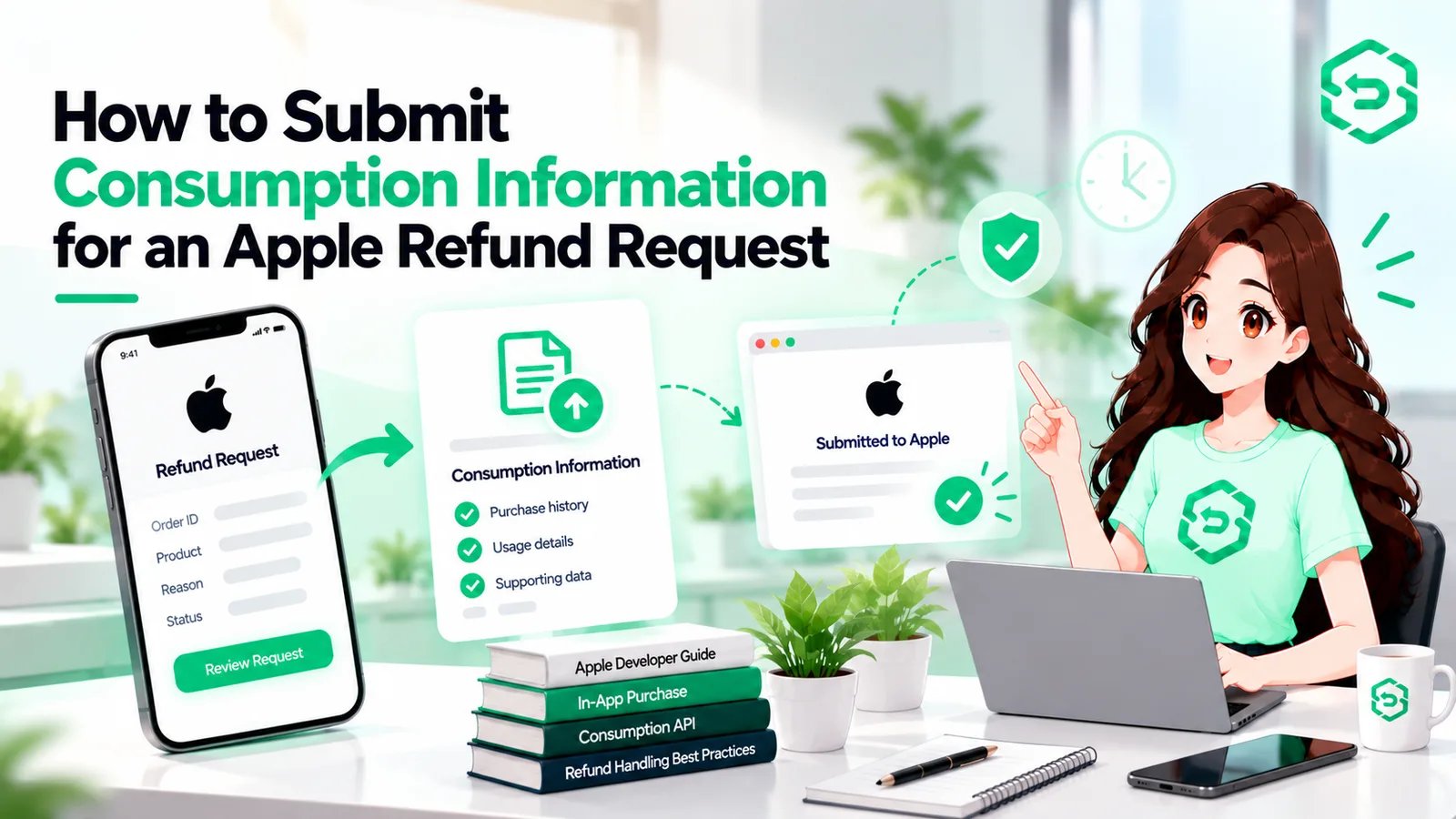
How to Submit Consumption Information Step by Step
Most people searching for send consumption information apple end up on Apple's reference page, which lists the fields and then rather abruptly stops. Here's the sequence in practice.
Start by checking the notification is real. The signedPayload is a JWS; Apple's App Store Server Library verifies it and hands back the decoded transaction, transactionId and appAccountToken included.
Go find the purchase on your side. What you're after: did we deliver it, roughly what fraction has been used, did they see a sample or a trial beforehand, and what would we prefer Apple did.
Now the token. Header: alg is ES256, kid is your key ID, typ is JWT. Payload: iss is your issuer ID, iat is now, exp is at most 60 minutes later, aud is the literal string appstoreconnect-v1, and bid is your bundle ID. Apple's guide to generating JSON Web Tokens has the exact layout, though the library builds this for you.
PUT it. The production URL is https://api.storekit.apple.com/inApps/v2/transactions/consumption/{transactionId}, with the JWT as a Bearer token in the Authorization header, and a body along these lines:
{
"customerConsented": true,
"deliveryStatus": "DELIVERED",
"consumptionPercentage": 94000,
"sampleContentProvided": false,
"refundPreference": "DECLINE"
}
Apple answers 202 Accepted, and that's all you get. Log the time, the body and the transaction ID, because in a month someone will ask what we told Apple about this one.
Then you wait. The decision arrives as a REFUND or REFUND_DECLINED notification. If it's REFUND, pull the content or entitlement the same day.
So if you've been wondering how to submit consumption information Apple will actually use, that's it: one request, five fields, inside the window.
Apple also lets you send an updated payload within those 12 hours, so if the first call went out with half the picture, send a second.
A few things the field names don't tell you. consumptionPercentage is in milliunits, which trips people up: 94000 means 94 percent, 100000 means all of it, and it has to be 0 if deliveryStatus is anything other than DELIVERED.
The undelivered options are UNDELIVERED_QUALITY_ISSUE, UNDELIVERED_WRONG_ITEM, UNDELIVERED_SERVER_OUTAGE and UNDELIVERED_OTHER.
refundPreference is optional and takes GRANT_FULL, GRANT_PRORATED or DECLINE; for GRANT_PRORATED on an auto-renewable subscription, leave the percentage out and Apple works it out from the time remaining.
The Send Consumption Information reference has the full error list.
What the Response Codes Mean
There's one good response, 202. Everything else is Apple telling you what you got wrong, usually by name.
The 400s are the most useful, since the body names the error.
ConsumptionPercentageOutOfRangeError almost always means someone sent 94 instead of 94000.
UndeliveredConsumptionPercentageNonZeroError means you said the item never arrived and then claimed it was partly used.
InvalidCustomerConsentedError speaks for itself.
A 401 is the token: wrong key, an expiry more than an hour out, a bundle ID that doesn't match, or a server clock drifted far enough to make iat look like the future.
A 404 means the transaction ID wasn't found, and my first question is always whether a sandbox transaction went to the production URL (or the reverse).
429 is the rate limit (50 requests a second per app in production, a tenth of that in the sandbox); read the Retry-After header before retrying.
500 is Apple's end; try again later.
How to Test It in the Sandbox
Testing this is easier than it sounds, with one catch.
Put a sandbox server URL into App Store Connect, sign in with a sandbox Apple Account, buy something, then open your app's refund sheet (beginRefundRequest) and submit a request.
Apple's testing guide for refund requests explains how the test environment behaves: pick any reason and the refund is approved automatically; choose Other and type DECLINE and it's declined; type GRANT_PRORATED for a prorated one.
The catch is in those rules: the sandbox decides based on what you typed into the sheet, not what your server sent, so it can't tell you whether your data persuades Apple of anything.
What it can test is the plumbing: the notification arrives, your PUT to api.storekit-sandbox.apple.com comes back 202, and REFUND or REFUND_DECLINED gets handled when it turns up.
Also, the sandbox doesn't send refund emails, so don't wait for one.
Apple Refund Automation: When to Stop Doing This by Hand
Done by hand, this job is somebody watching for an alert at all hours, running a query and firing off five fields before a 12-hour clock runs down.
It's fine at a handful of Apple refund requests a month. It's considerably less fine the first long weekend nobody's checking.
To automate Apple refund requests you take everything above and remove the person from the middle: the notification lands, your rules turn delivery and usage data into a payload, the call goes out within minutes, the decision gets logged against the case, and a REFUND triggers a revoke.
Building that isn't a huge project; keeping up with Apple's changes afterwards (the V1-to-v2 switch, say) is the part that quietly keeps costing.
If you'd rather not, we went through the services built for this in our comparison of Apple refund management tools, including where Refund Sensor fits and where it doesn't.
One thing I'd push back on whenever it comes up: Apple refund automation changes how reliably you answer, not who decides. Nothing in this API gives a developer the last word.
Conclusion
The call itself is small: a signed token, one PUT, five fields, a 202 to log.
What makes or breaks it happens elsewhere, in consent that's already in your terms, an appAccountToken on every purchase, usage records you can pull up in seconds, and something that wakes up at 3 a.m. when the notification does.
Sort those out and this stops being a scramble and becomes a thing your server just does.
Frequently asked questions
It is an App Store Server API endpoint used to respond to a CONSUMPTION_REQUEST. You send a PUT request with consumption details, and Apple returns 202 Accepted.
You have 12 hours from when the CONSUMPTION_REQUEST arrives. Apple allows an updated payload to be submitted within this same 12-hour window.
Yes. Apple allows you to send an updated payload within the 12-hour window. This is useful when the first submission was incomplete.
No. A 202 Accepted only means Apple received your information. The outcome arrives later as a REFUND or REFUND_DECLINED notification.
Yes. The customerConsented field is required when submitting consumption information. If the customer has not consented, Apple's documentation says not to respond.