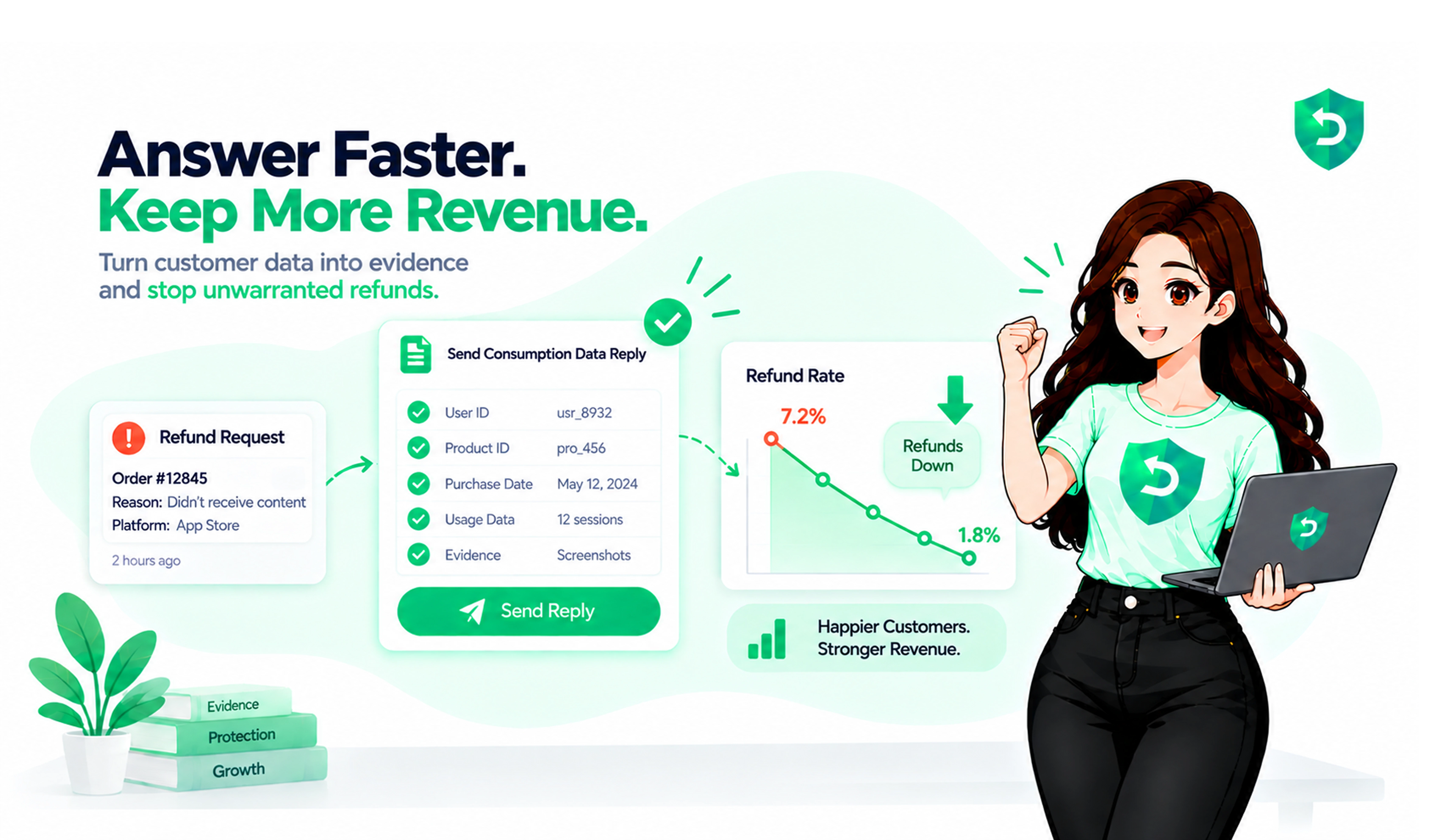
Somebody opens Report a Problem, picks your app, and asks Apple for their money back. Apple doesn't just decide. It pings your server first, asking what you know about the purchase, and waits about 12 hours for an answer.
That ping is the Apple CONSUMPTION_REQUEST. Plenty of teams with real IAP revenue have never heard of it. Plenty more saw it once in their logs and left it there. If that's you, our
Apple CONSUMPTION_REQUEST explainer covers the what and the why. This post is the answering part. What to send, what not to, and what happened to people who tried.
Key takeaways
Apple sends a CONSUMPTION_REQUEST when a customer asks for a refund. You get about 12 hours. After that it decides without you.
The reply is five fields. Not fifty. Five.
Your refund preference is exactly that, a preference. Apple has overruled it before and will again.
No consent from the customer, no reply. Apple's words, not ours.
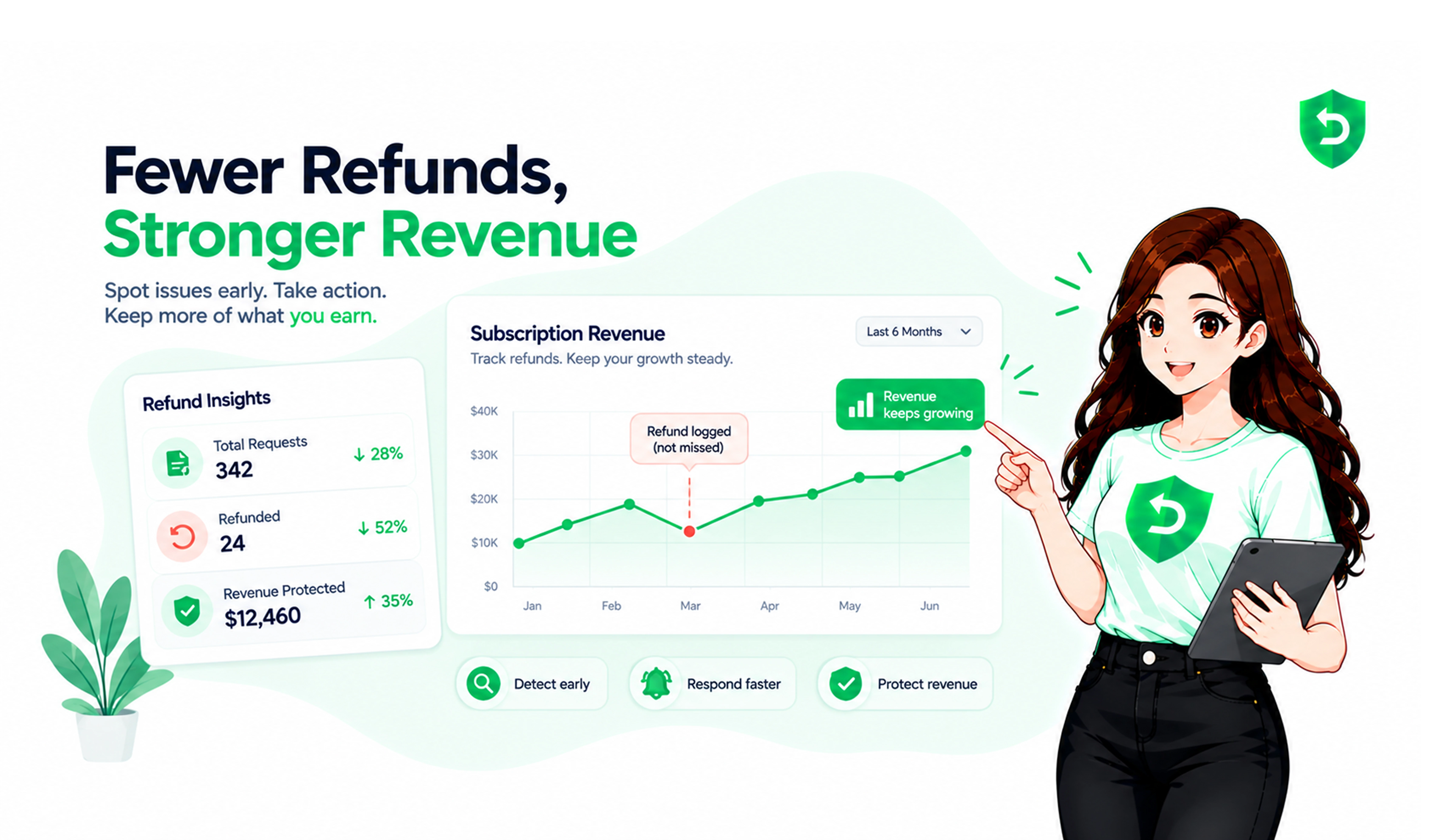
One app went from a 3% refund rate to 1.9% in about two weeks just by starting to answer. It never asked Apple to decline anything.
Nobody does this by hand for long. The window is too short and the requests come at bad hours.
So what is an Apple CONSUMPTION_REQUEST, exactly?
It's a server notification, one of many Apple pushes through App Store Server Notifications V2. This one fires when someone requests a refund on an in-app purchase. It used to be consumables only. Since WWDC24 it covers auto-renewable subscriptions too, which is where most of the money is.
Inside the payload: the signed transaction, the product ID, and the reason the customer picked. Apple's
consumption Request Reason doc lists five: UNINTENDED_PURCHASE, FULFILLMENT_ISSUE, UNSATISFIED_WITH_PURCHASE, LEGAL, OTHER.
What you won't find is a name or an Apple ID. Just a transaction identifier. Turning that into "this is user 48213 and she's opened the app 40 times since buying" is your job, and it only works if you attached an App AccountToken at checkout. We wrote a
whole post on appAccountToken because so many people skip it.
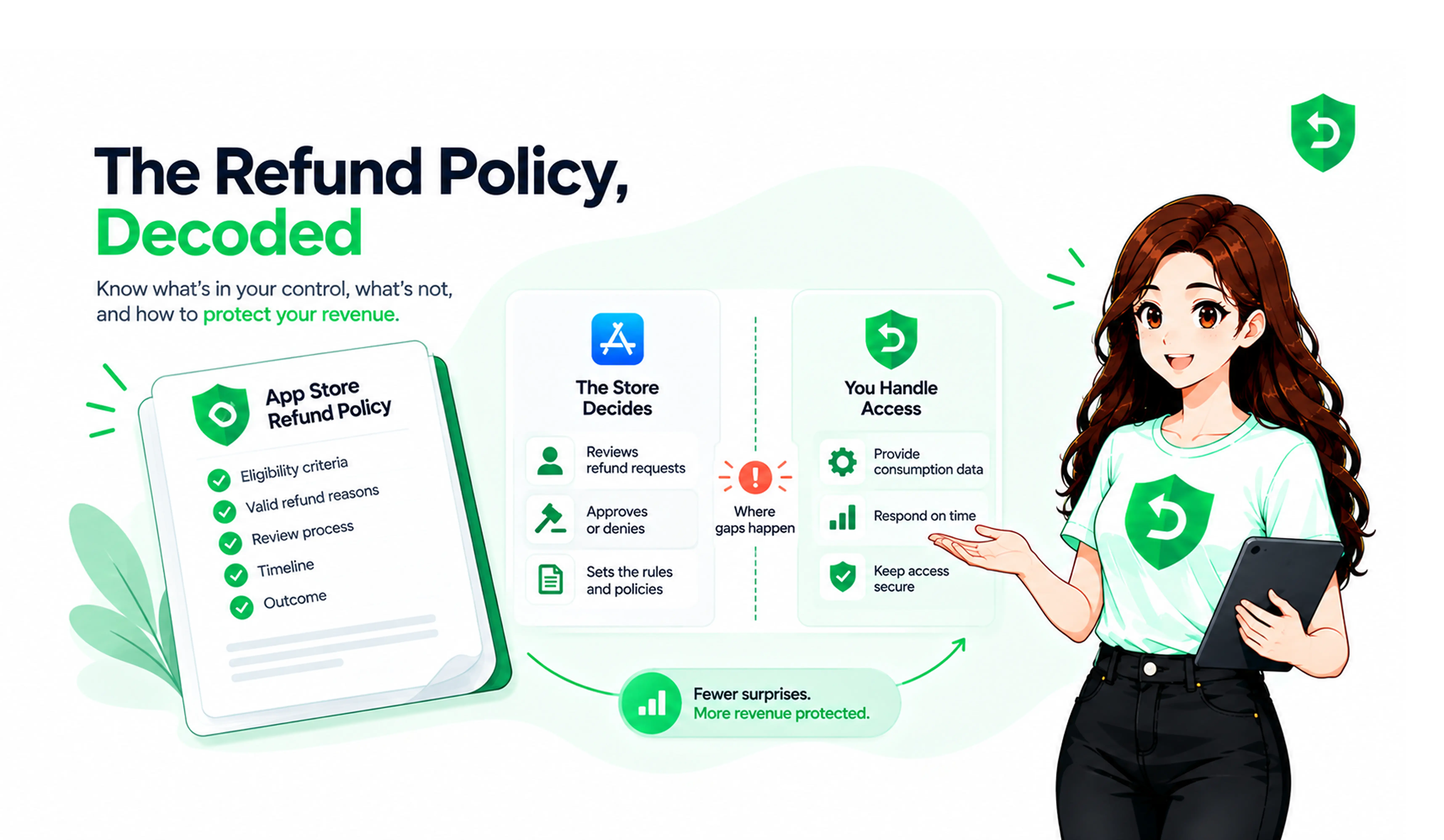
Apple asks, you answer, Apple decides. That's the shape of Apple refund requests for developers.
How to respond to Apple CONSUMPTION_REQUEST
You PUT a small JSON body to Apple's Send Consumption Information endpoint, transaction ID in the path. That body is the Apple consumption information the refund system reads.
Customer Consented comes first. True or false. If it's false, stop. Don't send anything. Apple's docs say that without consent you should not respond at all. Odd, but that's the rule.
Then delivery status. DELIVERED if it worked. If not, there are UNDELIVERED variants for quality issue, wrong item, server outage, and other.
Sample Content Provided is a yes or no on whether the customer could try before buying. Free trial, yes. Content preview, yes. A paywall with three bullet points, probably no.
Consumption Percentage trips people up. It's in milliunits, so 100000 means fully consumed and 50000 means half. Leave it out for auto-renewable subscriptions. Apple works that out from the billing period.
And finally refund Preference. DECLINE, GRANT_FULL, or GRANT_PRORATED. Optional. Also the only place where you get to say what you want.
A reply for a coin pack that's already been spent:
Apple answers with a 202 and nothing else. No verdict. An Apple engineer on the developer forums said it back in 2021: a 202 means your data "will be taken into account." That's the entire promise.
Don't send DECLINE on everything
I know it's tempting. Resist.
Read the reason first. FULFILLMENT_ISSUE means check your delivery logs. If the purchase really didn't land, send the matching UNDELIVERED status with GRANT_FULL and move on. You won't win that one, and trying makes your later DECLINEs look weaker.
UNINTENDED_PURCHASE is about usage. Bought at 9:02, refund requested at 9:05, zero sessions in between? Probably a fat finger. Let it go. Used daily for a week? DECLINE, with your real consumption number attached.
UNSATISFIED_WITH_PURCHASE is where Sample Content Provided earns its keep. Had a trial and used 80%? Decline. Barely opened it? GRANT_PRORATED is a fair middle.
For LEGAL and OTHER, send accurate data and skip the preference unless your records make the call obvious.
A DECLINE on top of 95% consumption and a free trial is a strong reply. A DECLINE on something used for ninety seconds looks reflexive.
What actually happened to people who did this
Dipsea is an audio app RevenueCat bought in September 2024 and used to test their own refund handler. On October 23 they started answering consumption requests with the preference set to "let Apple decide." No DECLINE. Just data. In about 15 days the refund rate dropped from a flat 3% to 1.9%.
They published the chart.To me that's the most useful data point on this topic. The data alone moved the number.
Then the other side. In March 2024 a game studio posted on the Apple Developer Forums that they were sending consumption info and Apple was still approving "almost all" refunds on coins players had already spent. Consumables are the hard case. Once the coins are gone Apple can't claw them back. If you don't revoke the balance yourself after the REFUND notification, you lose the money and the coins.
And in May 2025 a thread on r/iOSProgramming filled up with RevenueCat users who'd set "always prefer declining" and abruptly saw every refund approved. RevenueCat said it was a policy change on Apple's end. Whatever the cause, it settled an old argument. Refund Preference is not a switch. Blanket DECLINE is a pattern, and Apple can tune it out.
Ways to get a 400 back
Apple is strict about the body. These are the ones we see over and over.
The milliunits thing. Somebody reads "percentage," sends 100, and has told Apple the customer used a tenth of one percent. The range is 0 to 100000.
A non-zero percentage on an undelivered item. If delivery Status isn't DELIVERED, Consumption Percentage has to be 0 or the request bounces.
Any percentage on an auto-renewable subscription. Apple has a dedicated error for it. Leave it out.
The wrong key. This call wants an In-App Purchase key, generated in App Store Connect under Users and Access, then Integrations. Not the App Store Connect API key, even though they look identical. Wrong one gets you a 401 and an hour of doubting your JWT.
Skipping consent. Not an HTTP error, a compliance one. Get the language into your terms before this goes live.
Test in sandbox first. One catch: Apple's testing doc gives you five minutes there, not twelve hours. If your server takes six, the test ignores your data. To force a decline, pick Other on the refund sheet and type DECLINE.
How developers handle App Store refund requests when there are a lot of them
Mostly by not handling them, if we're being blunt. The request shows up at 3 a.m. Or Saturday. Or on a holiday when the one person who understands the pipeline is offline. Twelve hours pass. Apple rules on the customer's word.
How to handle Apple refund requests as a developer comes down to one decision. Build the chain yourself (verify the JWS, look up the user, pull usage, compute the percentage, mint a JWT, call the endpoint, log it, retry) and keep it running forever. Or plug in Apple refund management software that already does that.
Refund Sensor is one option in that second group. You paste our notification URL into App Store Connect, connect the key, and replies go out in seconds. Across the apps on it right now, 77% of eligible requests have been defended, at around $33 protected per case. Nothing clever is happening. A reply with real data goes out every time, before the deadline. If you'd rather shop around, our Apple refund management tools
guide covers what to ask.
That's why Apple refund automation for developers keeps coming up. Twelve hours, every request, every week, isn't a human task. Whatever you pick, pick something. Silence means Apple only hears one side.
Frequently asked questions
Twelve hours in production, five minutes in sandbox. Both are in Apple's docs.
No. Apple calls your consumption information "one of a variety of factors." It improves your odds. It doesn't decide anything.
Every one where the customer has consented, yes. Even the ones where you send GRANT_FULL because your server was down. Honest replies on the easy cases are why Apple trusts your DECLINEs later
deliveryStatus and sampleContentProvided, accurately. Skip the percentage. Then go fix your tracking.
Yes. DECLINE and GRANTFULL work for every product type. GRANTPRORATED too, Apple just does the proration math itself for auto-renewable plans.