If you've read about CONSUMPTION_REQUEST anywhere in the last few years, you've probably seen a list of twelve fields: account tenure, lifetime dollars purchased, play time, platform, and so on.
That list belongs to the older version of the endpoint. Apple's current one takes five fields, three required, and covers more product types than the original. Plenty of live integrations are still built against the old shape.
So this is a walk through what the notification actually is, what Apple wants back today, and how to build a response path that holds up
Key Takeaways
• CONSUMPTION_REQUEST is a notification asking for information during a refund review. It is not a refund and not a decision.
• Apple makes the refund decision. Your response is one input into it.
• The current endpoint takes five fields, three required, and covers all product types.
• Customer consent is mandatory. Apple rejects requests where consent isn't confirmed.
• Apple asks for a response within 12 hours of the notification.
• Two versions of the endpoint exist. Check which one your integration calls.
What is Apple CONSUMPTION_REQUEST?
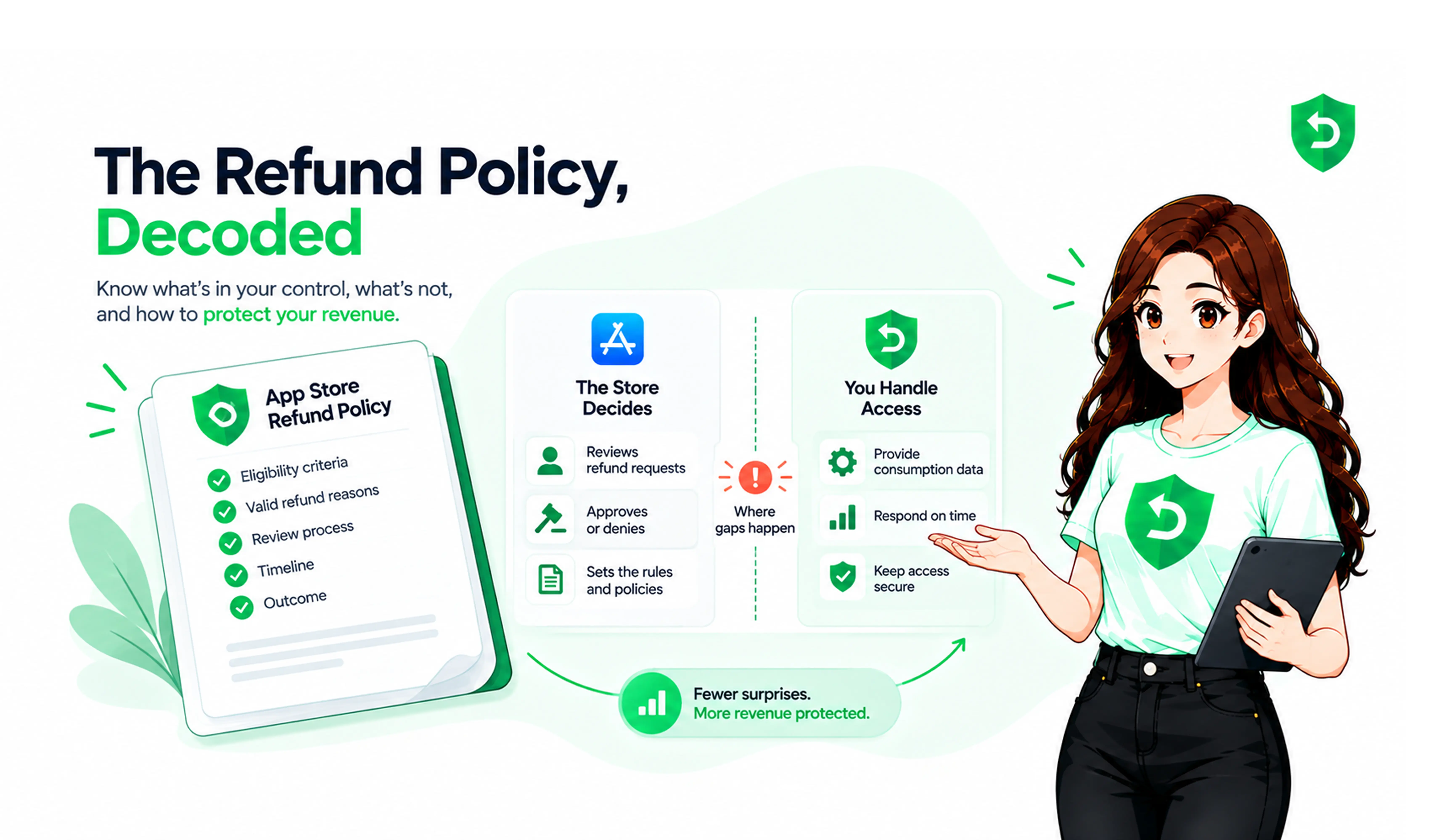
Apple CONSUMPTION_REQUEST is an App Store Server Notification that tells your server a customer has asked for a refund and invites you to send consumption information about that purchase. It arrives at the notification URL you configured, carries the transaction it relates to, and gives you a limited window to respond.
It is not a refund notification. Nothing has been decided when it arrives Apple is partway through evaluating the request and collecting context before finishing. For a developer the practical meaning is narrow: a job just landed on your backend, it has a deadline, and it needs data only your systems hold.
Why does Apple send a CONSUMPTION_REQUEST?
Because Apple can only see half of the transaction.
Apple knows what was bought, when, by which account, and what that account's history looks like. It cannot see inside your app whether the coins were credited, whether the unlock worked, or how much the customer used before asking for their money back.
“Consumption” here means how far the customer got with what they bought. A subscription used daily for three weeks and one never opened look identical to Apple. They don't look identical to you.
Worth being clear on the limits. Apple doesn't approve or decline on a consumption figure alone. The information feeds a decision weighing several factors, and a high consumption percentage is not a refusal button.
How does Apple CONSUMPTION_REQUEST work?
The sequence looks like this:
Customer initiates a refund request
↓
Apple begins its refund review
↓
CONSUMPTION_REQUEST arrives at your notification endpoint
↓
You verify the notification and identify the transaction
↓
You check consent and gather usage data
↓
You send consumption information, where requirements are met
↓
Apple weighs the information
↓
Apple makes the refund decision
↓
You track the resulting transaction state
One qualification. Apple's current documentation describes this notification in connection with refund requests across all product types, broader than older documentation suggested. But Apple publishes no guarantee that one arrives in every case, so build a handler that responds when a request shows up rather than logic assuming one always will.
What information does Apple ask developers to provide?
Apple's current Send Consumption Information endpoint takes five fields. Three are required and two are optional.
Field | Required | What it means |
customerConsented | Yes | Must be true. Apple rejects the request otherwise. |
deliveryStatus | Yes | Whether your app delivered a working purchase, and if not, why. |
sampleContentProvided | Yes | Whether the customer could try content before buying. |
consumptionPercentage | No | How much was consumed, in milliunits (50% is 50000). |
refundPreference | No | Grant in full, decline, or prorate — your preference, not a decision. |
Two validation rules catch people out. If delivery status is anything other than delivered, consumption percentage must be zero or the request fails. And milliunits are not percent half consumed is 50000.
The refund preference is the newest piece and the most likely to be misread. You can tell Apple you'd prefer the refund granted in full, declined, or prorated, and Apple weighs that with everything else. The outcome can differ. If a prorated refund is approved, the revoked portion comes back in the transaction payload, so your entitlement logic needs to handle partial revocation.
The version difference worth checking
Apple documents two versions of this endpoint, and the naming is easy to misread. Send Consumption Information V1 is the earlier one, with the twelve-field body most third-party articles still describe. Apple's own note on that page points standard In-App Purchases to the current endpoint instead and scopes V1 to purchases using the Advanced Commerce API.
| Current endpoint | V1 endpoint |
Request fields | 5 (3 required) | 12 |
Product types | All four types | Consumable and auto-renewable subscription |
Use it for | Standard In-App Purchases | Advanced Commerce API purchases |
If your integration predates the change, start here.
What is consumption information?
Consumption information is the data you send Apple describing what happened with a purchase after the customer bought it: whether it was delivered, whether they could sample it beforehand, and how much of it they used.
It matters because it's the only part of the picture Apple can't see. For a subscription app, it describes whether the customer used the service after purchasing. For a consumable, how much of the balance was spent. For a non-consumable, whether the unlock worked.
The important word is accurate. This is data you obtained consent to share, pulled from your records. It isn't an argument you're constructing, and shading it toward a preferred outcome carries real risk for no reliable gain.
How should developers respond to CONSUMPTION_REQUEST?
Nine steps, and most of the work sits before any request arrives.
1. Receive the notification
Requests arrive at the URL you set for App Store Server Notifications V2. Apple's App Store Server Notifications documentation covers setup and payload structure. A misconfigured endpoint means the request never reaches you, silently.
2. Validate the notification
Payloads are signed. Verify against Apple's certificate chain and confirm the bundle ID before acting on anything inside.
3. Identify the related transaction
Pull the transaction identifiers from the decoded payload and match them to your purchase records. No stored record, no lookup, and no basis for describing consumption.
4. Check whether consent allows a response
Apple requires valid customer consent before you share their data, and obtaining it is your responsibility. The notification carries no consent flag, so you have to know from your own records. Apple also states the App Tracking Transparency prompt is not the mechanism for this it's a separate consent, collected in your app. If consent isn't there, Apple's guidance is not to respond. Our piece on appAccountToken and Apple refund defense covers the identification side that makes this lookup possible.
5. Gather the relevant consumption information
Read delivery status and usage from your own systems. If you track a consumable balance, the number already exists. If an unlock failed, your logs know.
6. Prepare the supported response
Assemble the required fields, add the optional ones where you have real values, and check the validation rules first.
7. Submit within Apple's window
Send a PUT to the consumption endpoint using the original transaction identifier from the notification.
8. Record the response
Store what you sent, when, and what came back. A submission that failed validation looks identical to a successful one unless you captured the result.
9. Track the eventual refund outcome
Apple sends the decision as a separate notification. Record it against the transaction and the customer.
How long do developers have to respond?
Apple's current documentation asks for a response within 12 hours of receiving the notification.
Twelve hours sounds generous until you consider when notifications arrive. Requests come in overnight, at weekends, over holidays, and the clock doesn't pause. A request landing at 11pm on a Friday has expired before Monday.
Apple doesn't state that missing the window automatically means the refund is granted, and it would be wrong to claim so. What it does mean is simpler: you didn't supply information Apple was willing to consider, and the decision gets made without it.
What happens after a developer responds?
Apple takes the information into its review and decides. You'll see the outcome as a notification: granted, declined, or later reversed if Apple undoes a refund it previously approved.
From there the work is yours. Revoke the entitlement on a granted refund, restore it on a reversal, and handle the prorated case where only part of the transaction comes back.
Subscription state needs attention too, since a refunded period usually ends the subscription rather than leaving it running, and the refund should reach revenue records for the right period.
The split is worth stating plainly: you provide information, Apple decides, and then you keep your systems synchronised with the result. Three separate responsibilities, and only the middle one belongs to Apple.
Why is manual CONSUMPTION_REQUEST handling difficult?
Every constraint in this workflow works against a person doing it.
Notifications arrive around the clock. The window is 12 hours. Each request needs a signature check, a transaction lookup, a user match, a consent check, a usage calculation, an authenticated API call, and a logged result. None of it is hard. All of it is time-boxed and repetitive, and it produces nothing visible when it goes right.
Scale makes it worse: several apps, transaction data in one system and usage data in another, response logs that get patchy, entitlement state drifting from transaction state unflagged. That doesn't mean manual handling always costs you money, but the risk is real and it compounds quietly.
Can Apple CONSUMPTION_REQUEST be automated?
Yes, and the shape of the workflow argues for it, since nearly every step is deterministic.
Automation can monitor and verify notifications, identify consumption requests specifically, resolve transactions to accounts, assemble the response from your records, track the window, submit, log the result, record the outcome, and push entitlement updates.
What it cannot do is influence Apple's decision. No tool changes that, and any product implying otherwise is misdescribing the process. What automation changes is whether your side happens consistently and inside the window.
How RefundSensor helps developers handle Apple refund workflows
App Store refund management is the category this work belongs to. RefundSensor covers the developer's side of it: monitoring Apple refund-related workflows, handling the supported CONSUMPTION_REQUEST response path, and keeping refund events and outcomes in one place instead of spread across dashboards and spreadsheets.
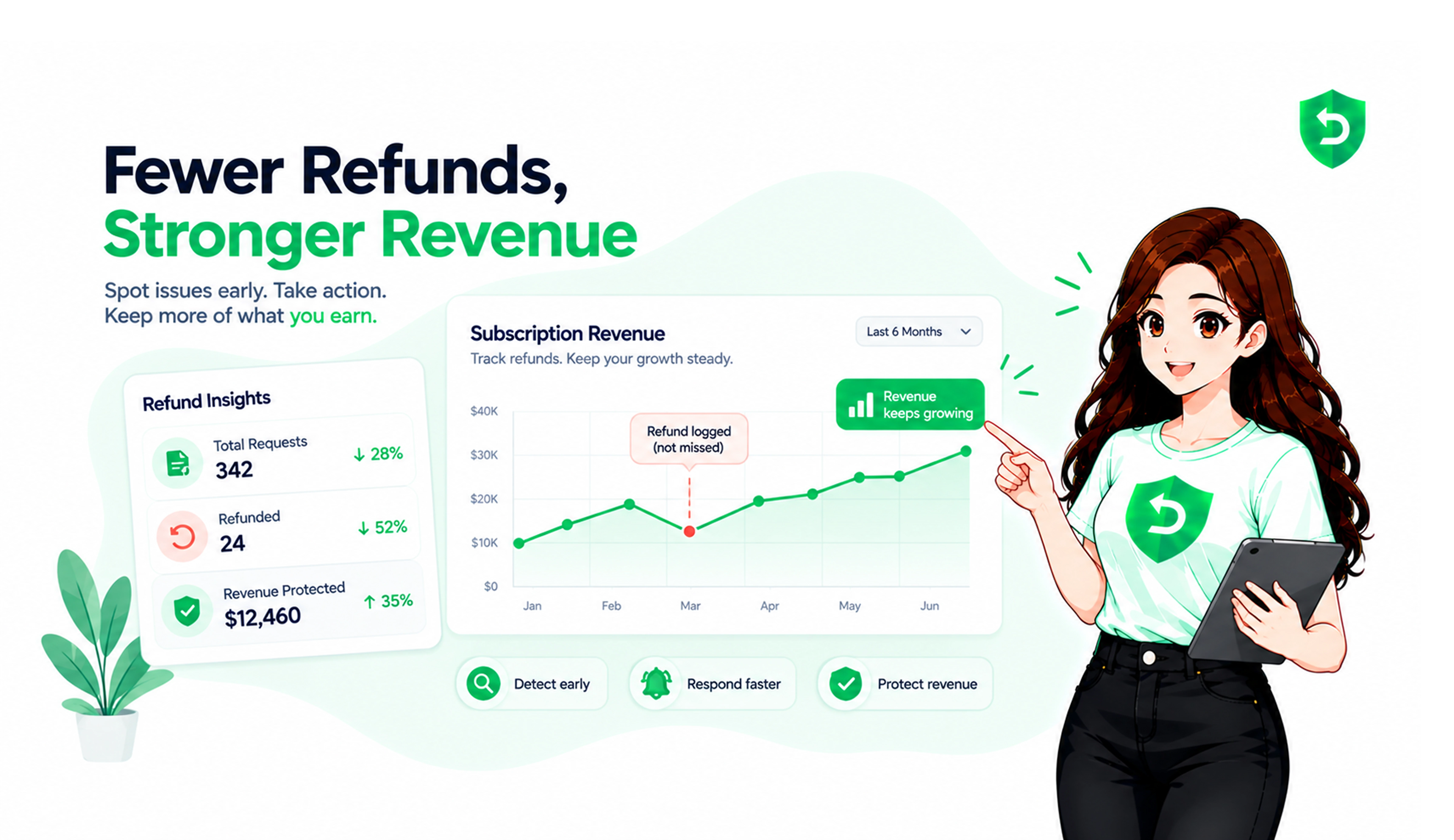
In practice, responses go out inside the window without someone watching notifications, and refund records stay accurate as volume grows. It doesn't stop refunds and can't guarantee any particular decision from Apple. It reduces the manual monitoring and the missed steps.
Where These Rules Are Documented
Three Apple sources back everything above. Read them directly, and check back — this area has changed recently and secondary sources lag behind.
Send Consumption Information — the current endpoint. The consent requirement, the 12-hour window, the five-field request body, and the product types it covers. Build against this one for standard In-App Purchases.
Send Consumption Information V1 — the earlier endpoint with the twelve-field body. Useful for working out which version your integration is on, and for teams using the Advanced Commerce API.
App Store Server Notifications — how notifications reach your backend, the signed payload format, and the notification types including CONSUMPTION_REQUEST and the refund outcomes.
If this is still being handled by hand
A 12-hour window and notifications that arrive at 3am are a poor match for a process that depends on someone checking a dashboard.
If that's where your team is, RefundSensor handles the developer side of these workflows monitoring the notifications, preparing and submitting responses inside the window, and tracking outcomes through to your entitlement records.
Frequently asked questions
An App Store Server Notification telling your server that a customer requested a refund and that Apple is inviting you to send consumption information about the purchase. It is not a refund notification and not a decision. Apple decides separately, using your response as one input among several factors.
Because Apple can't see inside your app. It knows the transaction and the account history, but not whether content was delivered, whether it worked, or how much the customer used. That context lives in your systems, and Apple asks for it before finishing its review.
A customer requests a refund, Apple begins reviewing, and a notification reaches your configured endpoint. You verify it, identify the transaction, confirm consent, gather usage data, and send consumption information within the window. Apple weighs it, decides, and sends the outcome as a separate notification.
On the current endpoint, five fields. Three required: customer consent, delivery status, and whether sample content was provided. Two optional: how much of the purchase was consumed, and your preferred refund outcome. The earlier V1 endpoint asked for twelve, which is why older articles describe a much longer list.
Apple's current documentation describes the notification in connection with refund requests across all product types, which is broader than older documentation suggested. But Apple doesn't publish a guarantee for every case, so build a handler that responds when a request arrives rather than logic that depends on one always arriving.
Apple's documentation asks for a response within 12 hours of the notification. Requests arrive at any hour, including weekends, so this is the step most likely to be missed by a manual process. Check Apple's page for the current requirement rather than relying on an older integration.
You can inform it, not control it. Accurate consumption data gives Apple context it otherwise lacks, and the current endpoint lets you state a refund preference. Apple weighs both with other factors and may decide differently. There is no mechanism for a developer to approve or deny a refund.
Yes. Verifying notifications, identifying transactions, checking consent state, assembling data from records, meeting the window, submitting, and logging outcomes are all deterministic steps. What stays human is designing the consent flow in your app and deciding what your refund preference policy should be.