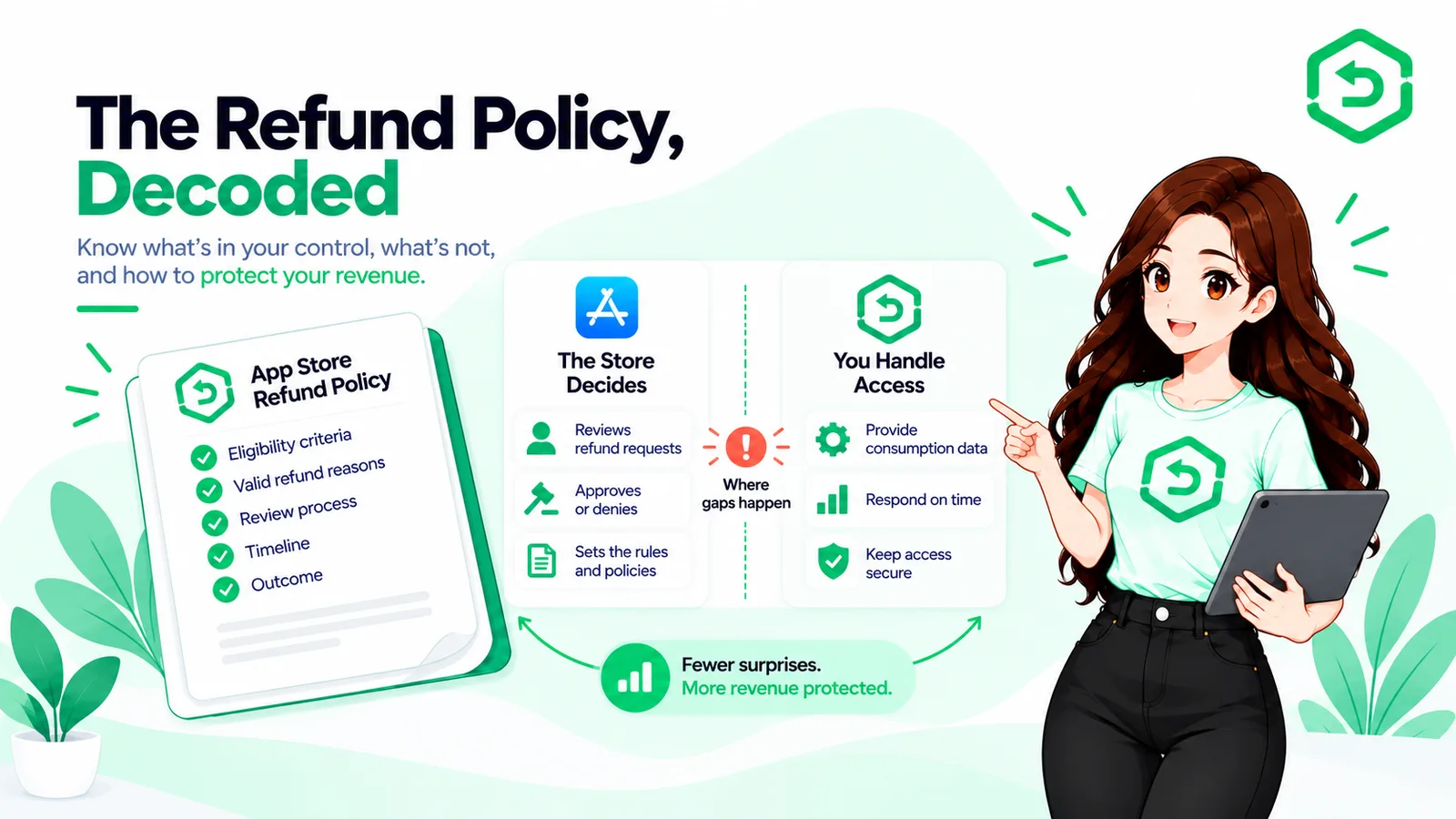
Apple decides whether a refund is granted. What the policy leaves to you is everything that happens around that decision, and that's where most of the avoidable loss sits.
We hear a version of this story a lot. A user asks Apple for a refund in March. Apple says yes. The developer's server never finds out. By June, that same user is still using the paid version of the app. Nobody notices until finance runs a check at the end of the quarter, and even then it takes a while to figure out what happened. The refund sits in a payout report. The access record sits in the app's own database. The two never talk to each other.
That's how most developers learn about the App Store refund policy. Not from reading it, but from finding out, months later, what it never covered.
Here's the part the policy doesn't spell out. Apple reversing a payment and your app removing access are two different events. Apple handles the first. You handle the second. That gap between the two is where developers quietly lose money, month after month. Most of this article is about closing that gap.
So this post looks at the policy from the developer's side: what Apple controls, what falls on you, and what your systems need to do once a refund goes through. If you'd rather read the practical side than the policy itself, our guide on manage App Store refunds without losing mobile app revenue covers that.
Key Takeaways
● Apple makes every refund decision. There is no button in App Store Connect for approving or turning down a refund, because that choice was never a developer's to make.
● Where the customer lives can change the outcome. Eligibility and process differ by country or region, under Apple's Media Services Terms and Conditions.
● Apple can send refund-related notifications to your server, and may ask for information about how a purchase was used while it reviews a request.
● You get 12 hours to respond, and only if the customer gave permission for that information to be shared.
● A refund Apple approves and a refund your database records are two separate events. The space between them is where money slips through.
● Automation can make your side of the process faster and more consistent. It has no effect on what Apple decides.
What is the App Store refund policy?
In short, it's the set of rules for how Apple handles a customer's refund request, plus a list of technical jobs that land on the developer.
Apple decides whether a refund gets approved. You don't get a say. You can't approve a request, and you can't block one either. App Store Connect has no screen where a developer votes on this. The most you can do is send Apple some information at a couple of points along the way, and we'll get to that shortly. If you want to see how customers actually submit a request, that's laid out in Apple's guide to requesting a refund for apps or content.
We usually break the policy into four parts for teams, because only two of the four are really your problem.
The first part is eligibility. Requests go straight to Apple, never to you. Eligibility can change depending on the customer's country or region, and the rules sit inside the Apple Media Services Terms and Conditions. So if a user asks why their refund went through but a friend's didn't, there's no simple answer. It comes down to where each of them lives.
The second part is the decision itself. That's entirely Apple's call. You find out only after it's made.
The third part is your responsibilities, and they're technical, not legal, something that catches people off guard almost every time. Run a server that can receive notifications. Provide information when Apple asks for it. Keep clean records. That's the job, in full.
The fourth part is what happens to entitlements after the decision, and this is the piece that actually costs money. Apple reversing a payment changes nothing in your own database on its own. A customer who gets a refund but keeps paid access forever isn't a failure of Apple's policy. It's a gap in how your system was built.
You can probably guess which part matters most to us.
How does the Apple App Store refund process work for developers?
A customer starts it. Apple finishes it. You sit somewhere in the middle.
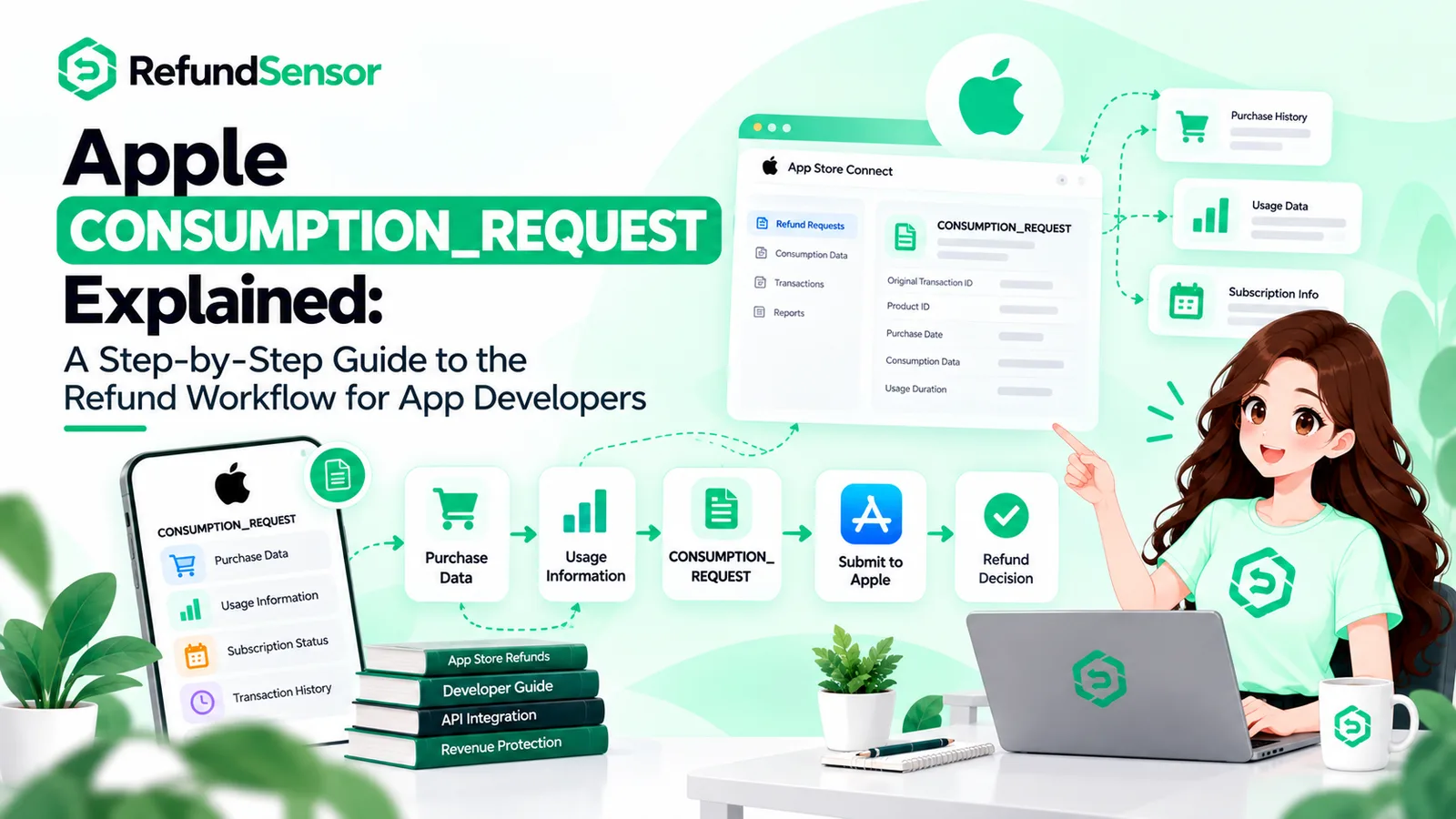
Customer requests a refund through Apple
↓
Apple reviews the request
↓
Your server may get a refund-related notification
↓
You provide supporting information, if it applies
↓
Apple makes its decision
↓
You get the outcome as a notification
↓
Entitlement and access get updated
Two things worth watching here. Apple tells customers to expect an answer in roughly 24 to 48 hours, and that timeline has nothing to do with yours, so be careful what your support team promises while a request is pending. And every step above only works if your server is actually set up and reachable. Plenty of teams find out theirs wasn't. If your endpoint is down, the refund still happens. You simply never hear about it.
What do App Store refund rules mean for developers?
Take away the policy language, and the rules turn into a short, fairly unglamorous checklist for your engineering team.
● Transaction records you can actually search. Refund notifications reference Apple's transaction identifiers. If you didn't save those at the time of purchase, the notification is close to useless. You also need a reliable link between each transaction and a user account, since Apple's payload identifies the purchase, not the person who made it.
● A notifications endpoint that works and checks its signatures. Refund events come in through App Store Server Notifications, and the payloads are signed. Check those signatures every time. An endpoint that trusts anything sent to it is a security risk with a URL attached.
● A consent flow, set up ahead of time. If Apple asks for consumption information, you're only allowed to respond where the customer already agreed to share that data. That responsibility sits with you. Apple's Send Consumption Information documentation is direct about it, and any response sent without consent gets rejected. You also can't go back and collect consent after a request has already come in. Either you had it at the time of purchase, or you sit that one out.
● Entitlement logic that works both ways. Refunds sometimes get reversed. Apple also allows partial refunds, where only part of a purchase is returned. Full, partial, or reversed, your code needs to handle all three.
● A place for outcomes to land that finance can actually use. A refund that only exists inside the app's database will never match up with a payout report. Most teams find this out at quarter close, and it's rarely a good day.
How does Apple refund policy affect developers?
Everyone focuses on the refunded amount. It's usually the smallest number in the story.
A refunded subscription period takes back revenue you'd already counted, and in most cases the relationship ends there too. The renewals you were expecting quietly stop showing up. One-time purchases are simpler, but they still land after the sale, so any reporting built on gross numbers will overstate things until the refunds get subtracted out.
Here's the distinction worth remembering from this whole article. A refund Apple approves and a refund your system actually records are two separate events. Apple's half happens on its own schedule, whether or not anyone is watching. Your half only happens if the notification handler fired, the transaction matched, the account was found, and access was updated. Miss any one of those links and the job is only half done, and from the outside, nobody can tell which half.
That gap has a name: refund leakage. These are customers who got their money back and kept everything they paid for. They won't report it, because as far as they can tell, nothing is wrong. It shows up months later during reconciliation, if it ever shows up at all.
Everything else follows from that same gap. Support agents answering tickets with no refund record to check against. Analytics that overstate lifetime value because the reversals never made it into the numbers. No refund history to look back on, so nobody notices when one product is driving far more refunds than the rest.
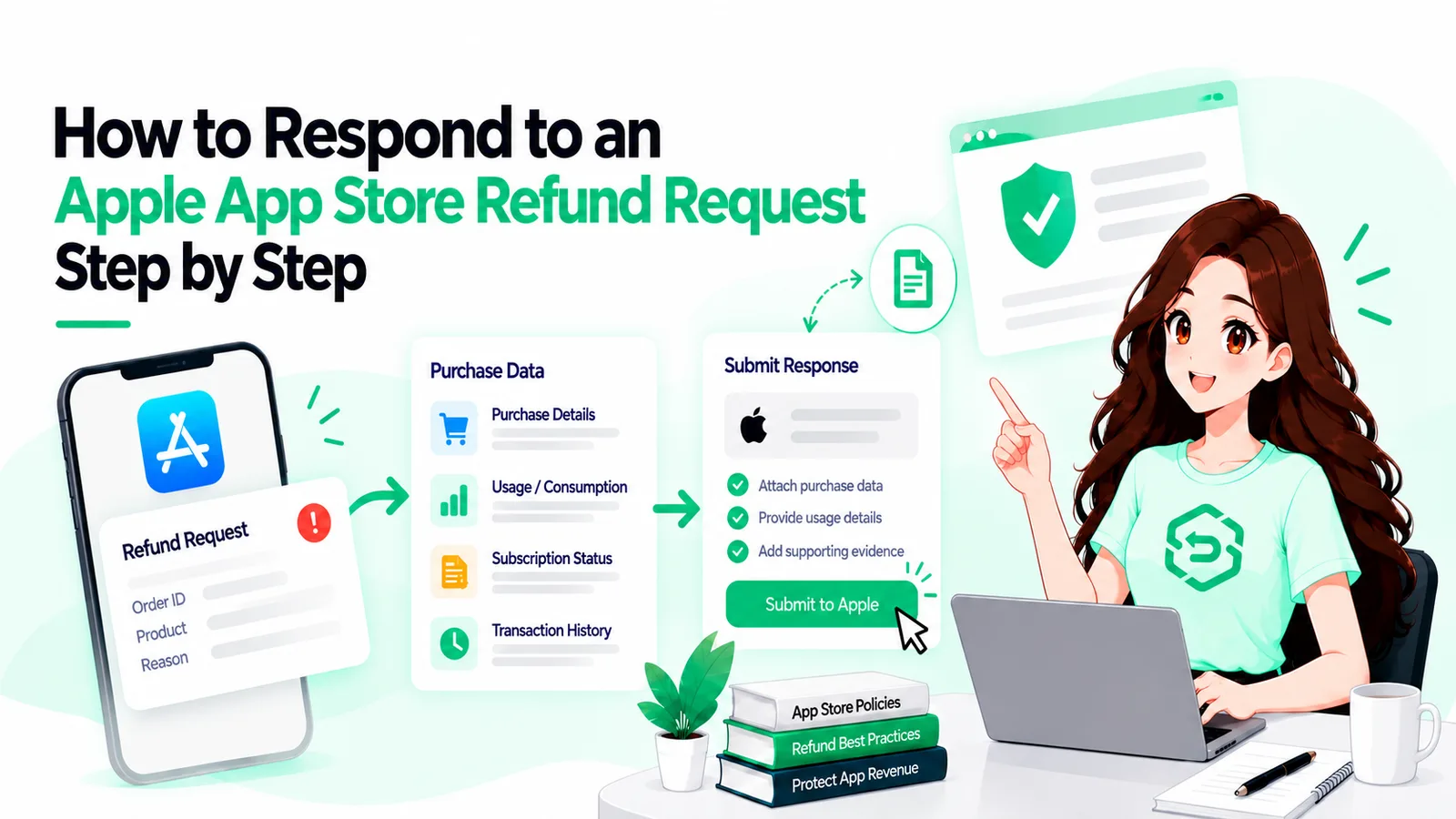
What should developers do when an Apple refund is requested?
Seven steps. Most of the work happens well before any request ever shows up.
1. Receive and check the notification
Refund events arrive at your endpoint as signed JWS payloads. Check the signature against Apple's certificate chain. Confirm the bundle ID. Only then, act on what's inside. This is basic hygiene, and teams still skip it. An endpoint that accepts anything it's given is one someone else can take advantage of.
2. Find the transaction and the account
Take the transaction identifiers from the payload and match them against your purchase records. If you attached a stable account token at the time of purchase, this is one lookup. If you didn't, you're guessing under time pressure.
3. Check what you already know about the purchase
You can't tell Apple anything useful until you know what your own systems recorded. Was the content delivered? Did it work as expected? How much of it did the customer actually use? If you can't answer these from your own records, that's your first real problem, and it isn't the refund.
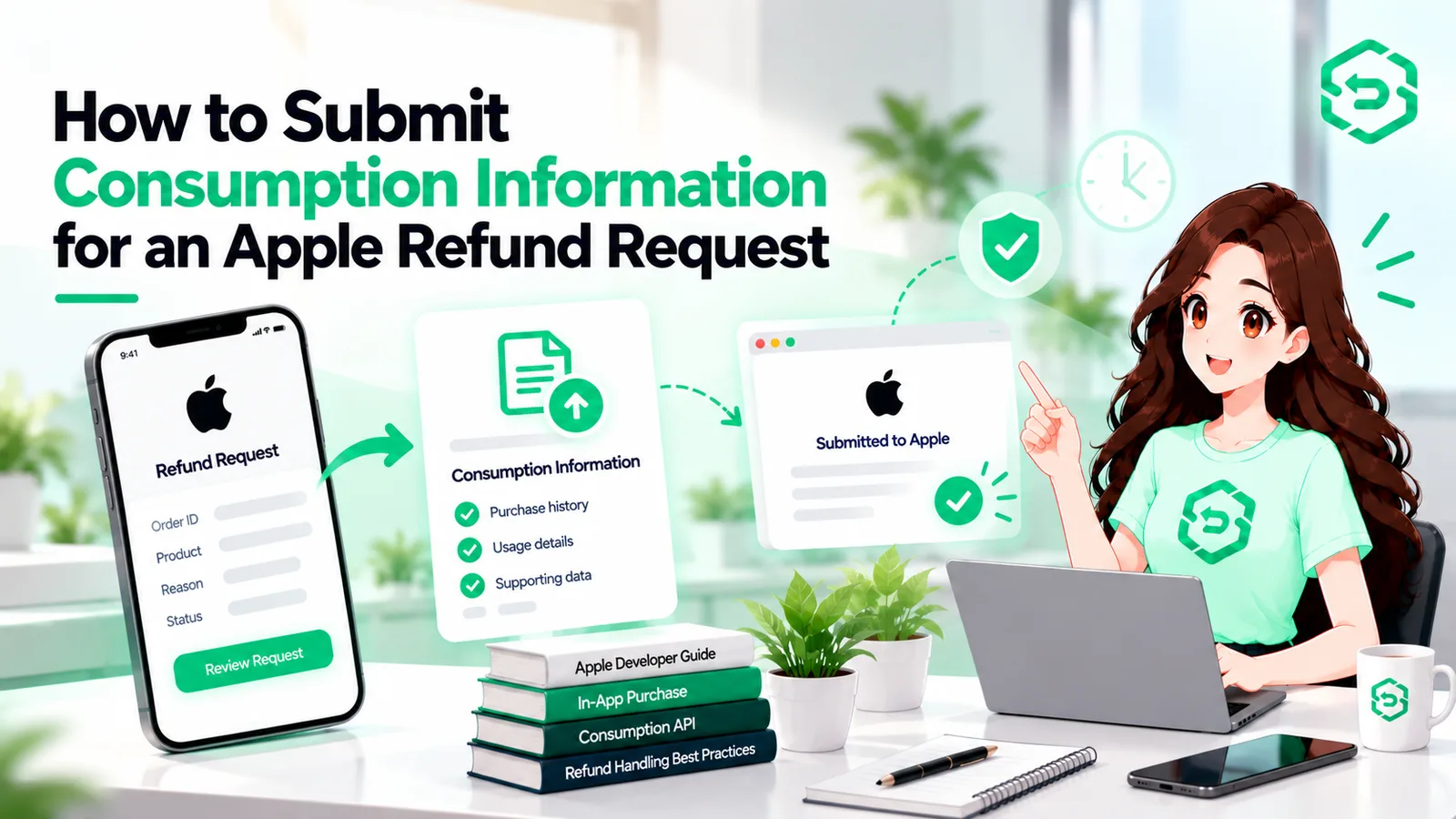
4. Send consumption information when Apple asks and consent exists
An Apple CONSUMPTION_REQUEST notification means you're able to respond with information about how the purchase was used, but only if two things are true: the customer gave valid consent, and you're still within the 12-hour window Apple sets. Apple's current documentation ties this notification to refund requests across all product types, so build your handler without assuming one will always show up. Whatever you send should come straight from your records, not a rough guess.
5. Track the final outcome
The result arrives as a notification. REFUND means it was granted. REFUND_DECLINED means it wasn't. REFUND_REVERSED means Apple reversed a refund it had already granted. Save all three outcomes. The reversal case is the one teams forget most often, and a missed reversal can lock a paying customer out of something they legitimately own.
6. Update entitlement and access
Revoke access when a refund is granted. Restore it if the refund is reversed. Handle the partial case, where only a percentage comes back. And run this off server-side events, so the customer's access stays correct whether or not they ever open the app again.
7. Reconcile with revenue and subscription reporting
Match the refund to the right period and the right product. Skip this step, and finance and engineering end up looking at two different versions of the same month. Anyone who has sat through that meeting knows it's worth avoiding.
Why manual App Store refund management becomes difficult
This isn't about carelessness. The constraints just don't suit a process that depends on someone being awake and paying attention around the clock.
Refund requests show up whenever customers send them. Sunday morning. Two a.m. Holidays. The response window doesn't pause for anyone's schedule. Each request needs a transaction lookup, an account match, a consent check, a usage number, and an entitlement update. On a good day that's about five minutes of work. But it's time-sensitive, repetitive, and completely invisible when it's done right. Nobody gets thanked for a refund handled correctly at 4 a.m.
Volume makes it harder. So does running more than one app, with transaction data in one system and account data in another. Then the engineer who understood the handler switches teams. The tracking spreadsheet gets a name like refunds_OLD_final_v2 and quietly stops being opened. Finance finds the gap at quarter close, roughly three months past the point where anyone could still do something about it.
How can developers manage App Store refunds more reliably?
Manual monitoring looks something like this: someone opens a dashboard, looks up a transaction, updates a record, and moves on. It works fine at low volume, and that's the trap, because it doesn't break with a loud bang. It fades slowly. There's no single moment where it stops working, so nobody catches it in time.
Automation takes the mechanical steps off people's plates: receiving and verifying notifications, matching transactions to accounts, putting together response data, tracking response windows, recording outcomes, and keeping entitlements in sync.
What it can't do is change Apple's mind. Automation doesn't make refunds less likely, and it can't influence a decision, no matter what some tools imply. All it changes is whether your side of the process happens consistently and on time, and that's a meaningful thing to fix on its own.
App Store refund management is the category this work falls under, and it's worth being direct about what a tool in this space should cover: notification handling, matching transactions to users, response workflows that respect consent and timing, refund history you can look up later, and entitlement updates that handle full, partial, and reversed refunds.
RefundSensor covers that part of the job. It connects App Store and Google Play refund events to an automated workflow, so responses go out inside the store's window without anyone watching notifications by hand, and refund records stay accurate as volume grows. It won't change what Apple decides, because nothing can. It changes how much work each refund leaves your team with afterward.
Where these rules are documented
Three Apple sources sit behind everything above. Read them yourself before building anything, and check back now and then, since this area has already changed more than once.
Request a refund for apps or content — the policy customers see. Covers how requests get submitted, the 24 to 48 hour update window, and Apple's note on regional eligibility.
Send Consumption Information — the developer-facing response workflow. Covers the consent requirement, the 12-hour window, and the request fields. Worth reading in full before touching consumption handling.
App Store Server Notifications — how refund events reach your backend. Covers the signed payload format and the notification types, including CONSUMPTION_REQUEST, REFUND, REFUND_DECLINED, and REFUND_REVERSED.
If refund events are still being checked by hand
Manual monitoring works fine, right up until it doesn't, and the failure is usually quiet. A notification nobody saw. A window that closed at 3 a.m. A refunded customer who kept access for an entire quarter.
If that sounds familiar, RefundSensor can take the refund workflow off manual tracking: the store events, the response windows, and making sure outcomes reach both your records and your entitlement logic.
Frequently asked questions
It's the set of rules for how Apple handles customer refund requests, along with the technical work that falls on developers around them. Apple decides the outcome. Developers handle the plumbing around it: receiving notifications, sending consumption information when it's requested and consent allows it, and updating access and records once the decision comes back.
No, and there's no way to do it even if they wanted to. Apple makes the final call on every single request. The current consumption endpoint does let you signal a preferred outcome, but that's one input among several, not an instruction. Apple can still decide differently.
The customer sends a request to Apple. Apple reviews it and may contact your server for consumption information. Where consent exists, you respond inside the window Apple sets. Apple decides, sends the outcome as its own notification, and your systems bring the customer's entitlement and your records in line with that decision.
Yes, but only in one narrow way. When a CONSUMPTION_REQUEST notification arrives, Apple wants information about how the purchase was used. Your response needs valid customer consent, needs to be accurate, and needs to go out inside Apple's window. It informs the review. It doesn't decide it.
It's an App Store Server Notification asking your server for information about a purchase while Apple reviews a refund request. It isn't the refund itself, and it isn't a decision. You get 12 hours to respond, and only where the customer agreed to share that data.
In two ways. Directly, the refunded period gets reversed. Indirectly, the relationship usually ends there, so the renewals you were counting on never show up. Reporting based on gross renewals overstates revenue until refunds are subtracted out, and lifetime value carries the same error forward.
Three things, then two things to watch for. Record the outcome against the transaction and the customer. Revoke the matching entitlement. Get the refund into revenue reporting for the right period. Then handle the partial case, where only some of a transaction is returned, and keep the restore path ready, since Apple can reverse a refund later on.
The mechanical parts, yes, fully. Verifying notifications, matching transactions to accounts, tracking response windows, updating entitlements, keeping refund history. All of that is predictable enough to automate. What should stay human is designing the consent flow and actually reading your refund patterns, since those tell you something real about the product.