
If you're evaluating Apple refund management tools, sort that out first, because it determines what the rest of the evaluation is about. A reporting tool is judged on clarity and integrations. A response tool is judged on whether it hits Apple's deadline, every time, at 3am on a Sunday.
What follows is a practical framework for evaluating either kind. If you want the underlying operational problem rather than the buying decision, our guide on how to manage App Store refunds without losing mobile app revenue covers that ground first.
Key Takeaways
• Refund tracking and refund automation are different products. Decide which one you're buying before comparing features.
• Apple-specific integration matters, because a generic ticketing workflow can't respond inside Apple's window.
• Ask what happens to entitlements after a refund. Many tools stop at reporting the event.
• Implementation effort varies widely, from an SDK and a new app build to pasting a URL into App Store Connect.
• Reliability is a core feature here, not a nice-to-have, because the deadline runs whether your team is online or not.
• The cheapest option isn't automatically the best value, and neither is the most expensive.
What are Apple refund management tools?
Apple refund management tools help developers see, handle, and record App Store refund activity. At minimum that means monitoring refund-related events. At the other end it means responding to Apple on your behalf and keeping your systems in sync afterwards.
The category covers a wide range, which is why comparing by feature list gets confusing. Some are analytics products surfacing refund data alongside other subscription metrics. Some are notification relays. Some are built specifically around Apple's refund response workflow.
Don't assume every tool supports every Apple capability. Responding to a refund request is a different technical commitment from displaying that one happened, and plenty of products do the second without the first.
Why do developers need App Store refund management tools?
Because the workflow has deadlines, and they don't care about your working hours.
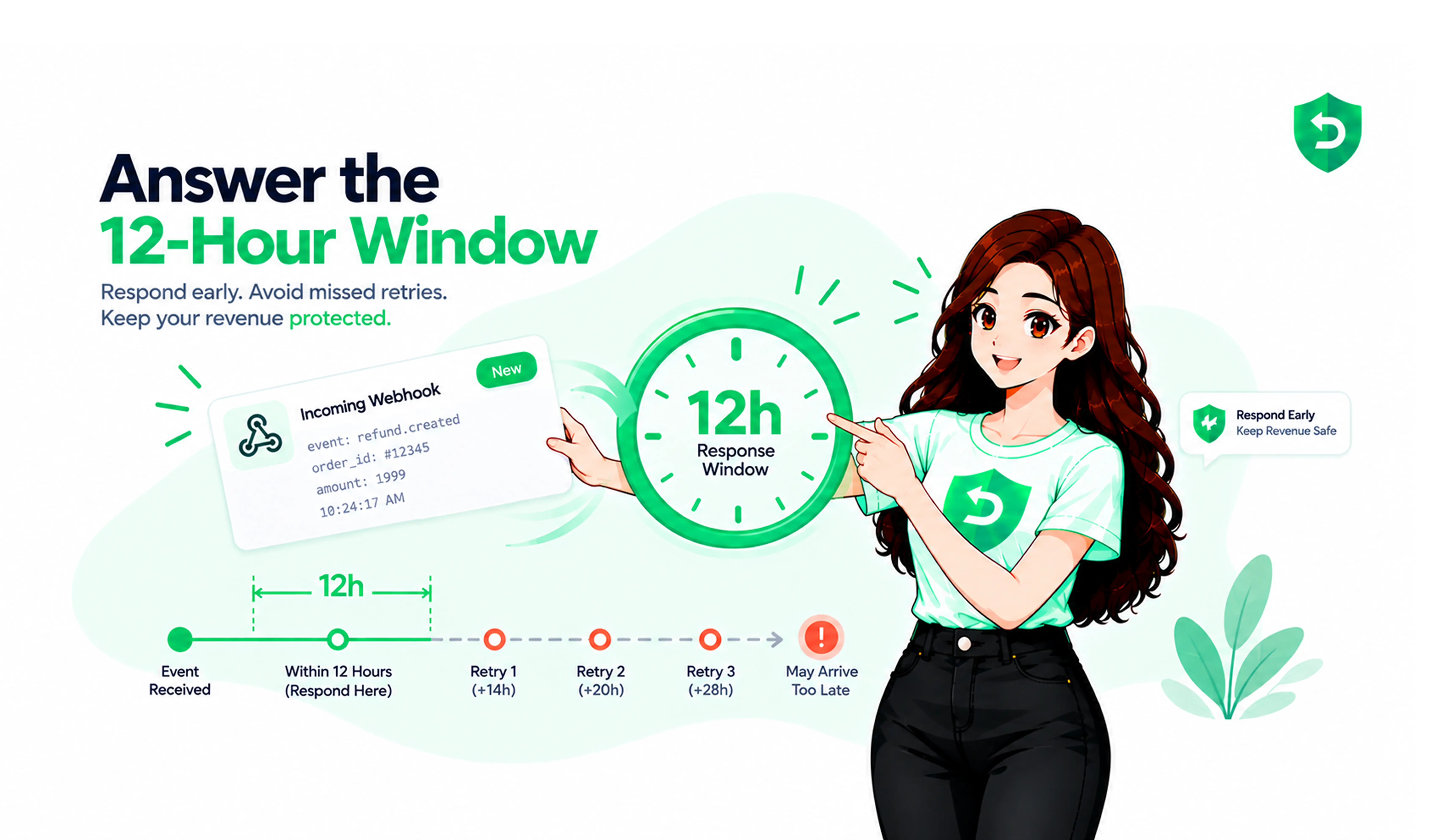
When a customer asks Apple for a refund, Apple may send your server a CONSUMPTION_REQUEST notification and ask for information about the purchase. Apple's documentation asks for a response within 12 hours. Our explainer on Apple CONSUMPTION_REQUEST covers the mechanics; the operational point is that requests arrive overnight, at weekends, and over holidays, and the window keeps running.
Add the rest and the manual version stops scaling: multiple apps, high transaction volume, transaction data in one system and account data in another, support and finance both needing the same record, entitlements that update in both directions since refunds can be reversed.
None of it is difficult work. It's time-boxed, repetitive, and invisible when it goes right, which is a poor combination for anything owned by a person.
What should developers look for in Apple refund management software?
A good tool connects to Apple's actual refund workflows, reduces manual monitoring, tracks outcomes rather than just events, and fits the backend you already have. Twelve criteria worth working through:
1. Apple-specific integration
A generic ticketing or CRM workflow can log that a refund happened. It can't respond to Apple, because responding means calling Apple's server API with a correctly formed payload inside a window. Ask whether the tool integrates with Apple's refund infrastructure or just displays data pulled from elsewhere.
2. Refund event monitoring
Refund events arrive as server notifications. The tool should receive and verify them promptly, and distinguish a request for information from a refund outcome different handling entirely.
3. Developer response support
The sharpest dividing line in the category. Can the tool actually respond to a CONSUMPTION_REQUEST, or only tell you one arrived? If it responds, ask what data it uses and how it handles consent.
4. Automation
Detection, transaction lookup, account matching, response assembly, submission, and logging are all deterministic. Any step still landing on a human can stall the workflow.
5. Refund tracking
Three states, not one: the request, your response, the outcome. Tools recording only the final outcome can't tell you whether you responded, or whether the response succeeded.
6. Entitlement workflow
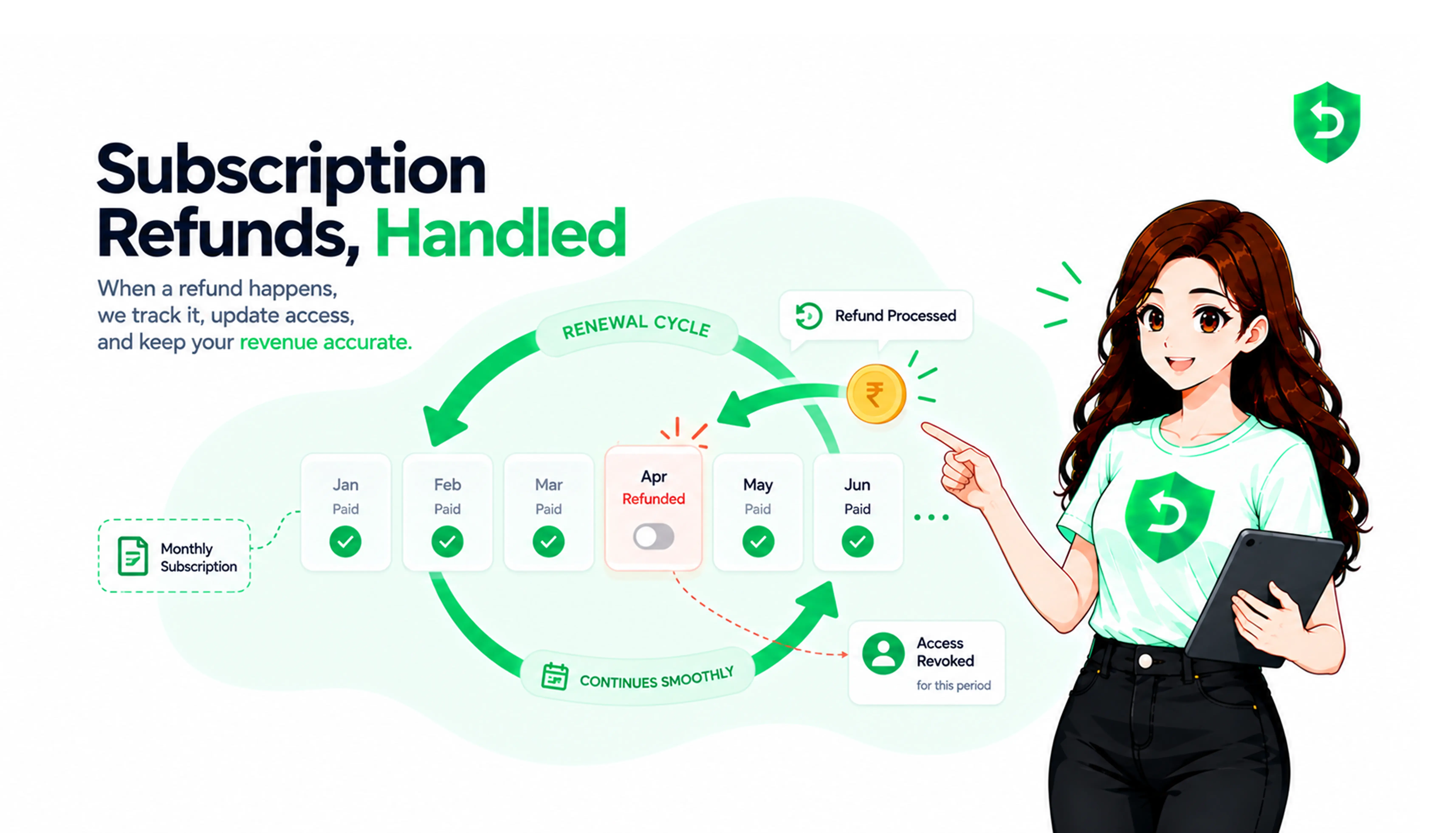
A refund should change what the customer can access. Ask whether the tool helps, or hands you an event and leaves the state change to your backend. Both are legitimate; they're different amounts of work for you.
7. Analytics
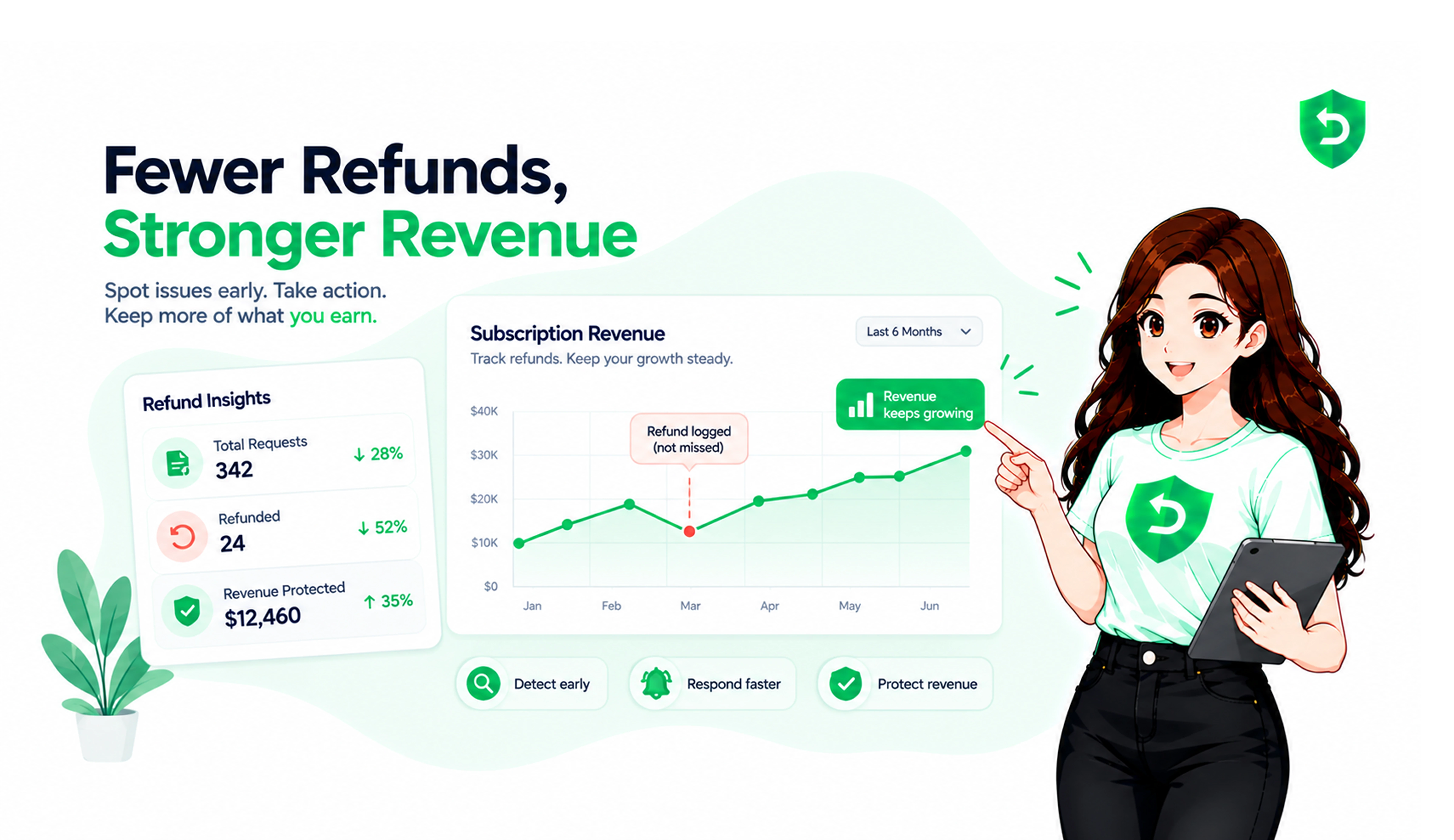
Refund rate is the obvious metric and the least useful alone. More valuable: refund reasons by app, product, and country, plus response rate and missed windows. Reasons tell you what to fix; response metrics tell you whether the tool is earning its keep.
8. Integrations
Webhooks in both directions are worth asking about. Inbound, the tool receives store notifications; outbound, it forwards verified events to your systems, so the tool doesn't become a second source of truth.
9. Security
You're handing over store credentials. Ask how they're encrypted, whether access is read-only, and what customer data gets stored. A tool working from transaction data rather than personal user data handles a narrower dataset.
10. Reliability
If a response depends on someone noticing a dashboard, it isn't a service. Ask what happens when a delivery is delayed or fails, and whether there's a fallback.
11. Scalability
Volume grows, apps multiply, and Apple keeps changing the APIs. Ask who maintains the integration when the endpoint changes it has changed more than once recently.
12. Implementation effort
This varies more than anything else here. Some tools need an SDK and a new app build; others connect at the store and server level with an API key and a notification URL. If shipping a build takes weeks at your company, this outranks most of the rest.
What is the difference between refund tracking and refund automation?
Tracking tells you what happened. Automation does something about it.
Tracking looks like this:
Refund event detected → record it
Automation looks like this:
Refund event detected → identify transaction → match account → trigger workflow → respond where applicable → record outcome → notify internal systems
The distinction matters because both get marketed with the same vocabulary. A product page saying “refund management” might mean either. The test: when a request comes in at 2am, does the tool do anything, or wait for someone to log in?
How do developers manage Apple refunds without a dedicated tool?
Perfectly well, at low volume. The manual version runs like this:
Apple notification → backend receives event → developer checks the transaction → team reviews available information → developer responds where applicable → outcome recorded → entitlement updated → revenue reconciled
The advantages are real: no vendor, no cost, no credentials shared, full control over what gets sent. For an app with a handful of refunds a month, building this into an existing notification handler is an afternoon's work.
The disadvantages show up with scale. Someone has to be available inside the response window, and someone has to maintain the integration as Apple changes it. Manual isn't wrong it has a ceiling, and it's worth knowing where yours is.
When should a developer use Apple refund automation tools?
When the manual version starts failing in ways you can name. Some practical indicators:
• Refund volume is climbing and nobody owns the workflow
• Someone is checking notifications by hand, or nobody is
• Response windows have been missed, or you can't tell whether they have
• Refund records live across two or three systems
• Entitlement updates lag behind refund outcomes
• Producing refund reporting takes engineering time each month
• Several apps need the same process and each is doing it differently
There's no volume threshold worth quoting, because it depends on your team as much as your numbers. A solo developer with 200 refunds a month has a different problem from a ten-person team with 50.
How should developers compare the best Apple refund management tools?
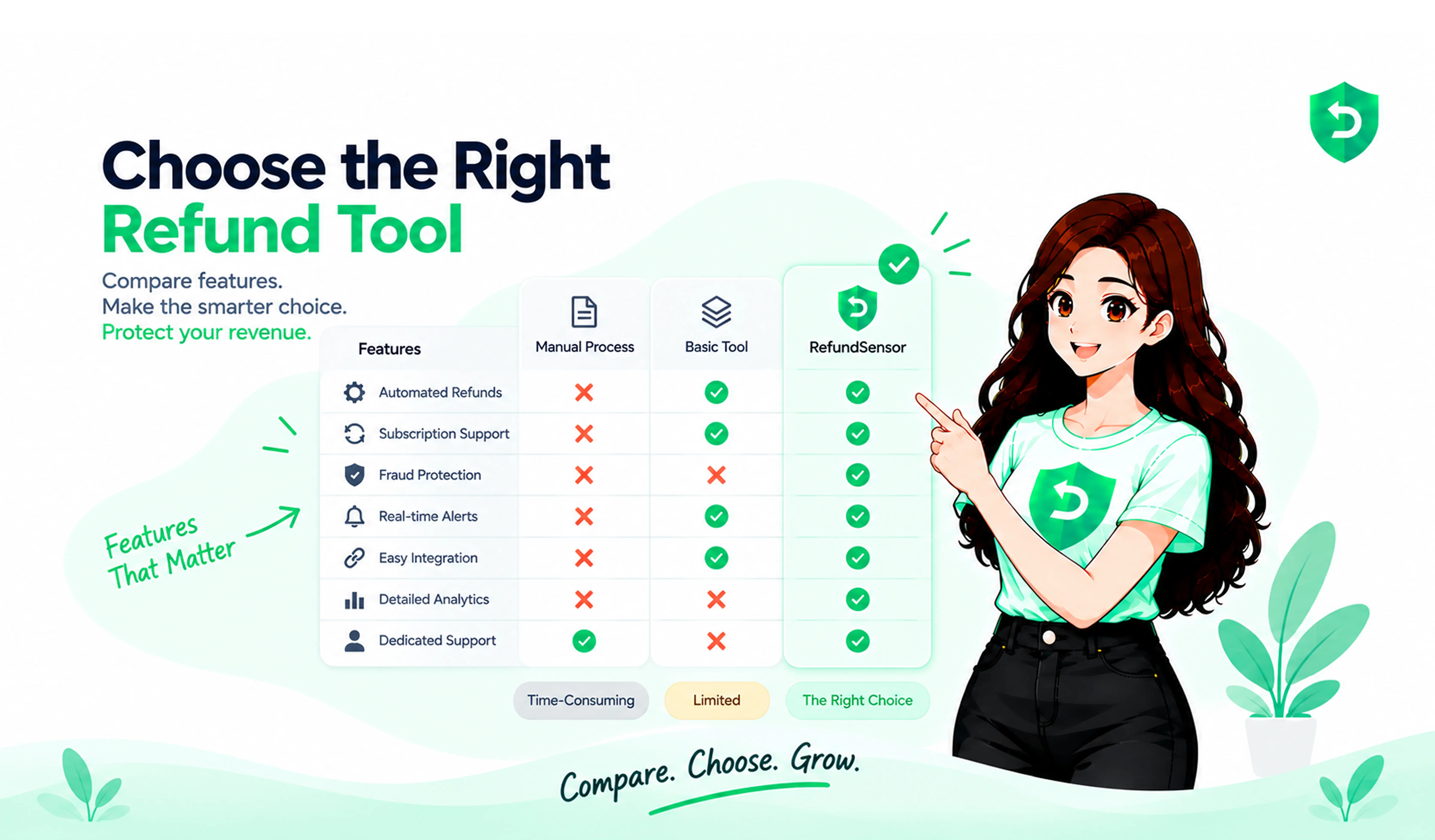
Build a matrix rather than reading feature lists. Score each candidate against the same criteria and differences surface fast.
Criterion | Why it matters |
Apple integration | Determines whether the tool can respond or only report |
Response workflow | Whether CONSUMPTION_REQUEST is handled or just logged |
Automation | How much of the workflow still lands on a person |
Tracking | Whether request, response, and outcome are all recorded |
Entitlement support | Whether access changes are handled or left to you |
Analytics | Refund reasons and response performance, not just totals |
Integrations | Whether verified events reach your own systems |
Security | Credential encryption, access scope, and what data is stored |
Reliability | What happens when a delivery is delayed or fails |
Scalability | Who maintains the integration as Apple's APIs change |
Implementation | SDK and new build, or store-level connection |
Pricing model | Flat fee, per-refund, or a percentage of what's recovered |
That last row deserves more attention than it gets. A percentage-of-recovery model and a flat monthly fee produce very different bills at volume, and which is cheaper flips depending on where your volume lands.
What questions should you ask before choosing refund management software?
Ten that separate candidates quickly:
• Does it support Apple's current refund workflows, including the current consumption endpoint?
• Does it receive and verify App Store Server Notifications directly?
• Does it respond to CONSUMPTION_REQUEST, or only report that one arrived?
• What data does the response use, and how is the consent requirement handled?
• Does it require an SDK, a new app build, or backend changes?
• Can it forward verified events to our own systems?
• How are request, response, and outcome tracked, and for how long?
• How are our store credentials stored, and what access do they grant?
• What happens if a notification is delayed or a delivery fails?
• How does pricing scale as transaction and refund volume grow?
Question four is the one most likely to get a vague answer, which is itself informative.
When is a refund management tool worth the cost?
When it costs less than what you're already spending on the problem, counting engineering time and not just refunded revenue.
Work it out roughly. How many hours a month go into checking notifications, matching transactions, updating entitlements, and producing reporting? What would building and maintaining the integration cost? How much revenue sits in requests arriving when nobody's watching?
For a small app with occasional refunds, the honest answer is often that a paid tool isn't necessary. The value rises with refund volume, number of apps, team size, and how far your entitlement logic has drifted from your transaction state.
How RefundSensor helps developers manage Apple refunds
Measured against the criteria above, RefundSensor sits on the response side of the category rather than the reporting side. It's built around App Store refund management specifically: receiving Apple's refund notifications, responding to CONSUMPTION_REQUEST through Apple's official server APIs inside the window, and tracking the outcome afterwards.
On implementation, it connects at the store and server level rather than through an SDK: add an App Store Connect API key, paste a Server Notifications URL into App Store Connect, no code changes and no new build. App access is read-only, credentials are encrypted at rest, and the data handled is transaction and subscription information rather than personal customer data.
A few things map onto criteria teams forget to check: it folds the several notifications Apple can fire for one refund into a single case timeline, supports outbound webhooks, and covers Google Play alongside Apple in one dashboard.
Pricing is published and flat: a free tier, then $39.99 and $79.99 per month, with no percentage cut and no per-refund fee. Whether that's good value depends on your volume the calculation in the previous section.
What it won't do is prevent refunds or guarantee Apple decides your way. Apple makes that call regardless of who responds.
Where These Rules Are Documented
The Apple-side claims above come from Apple's own documentation. Worth reading directly when evaluating any tool here, so you can tell an Apple capability from a vendor feature.
App Store Server Notifications — how refund events reach a server, the signed payload format, the notification types, and the retry behaviour when a delivery fails.
Send Consumption Information — the developer response workflow: the consent requirement, the response window, and the request fields a tool has to populate correctly.
App Store Server API — the broader server-to-server reference, including transaction information, subscription status, and refund history endpoints.
If you're working through this evaluation
The quickest way to test any tool in this category is to see how it behaves on a real refund request. RefundSensor has a free tier, connects without an SDK or a new build, and can be evaluated against the criteria above using your own transaction data rather than a demo.
Frequently asked questions
Software that helps developers monitor, handle, and record App Store refund activity. Capabilities vary widely: some only display refund data, while others receive Apple's notifications directly and respond to refund requests on your behalf. Confirm which type you're evaluating before comparing anything else.
Whether it integrates with Apple's actual refund workflows, responds inside Apple's window rather than just reporting events, tracks request and response and outcome separately, supports your entitlement updates, and fits your backend without an SDK or a new app build if that matters to you.
Tracking records that a refund happened. Automation acts on it: identifying the transaction, matching the account, responding where applicable, recording the outcome, and updating your systems. Both are sold as refund management, so the useful test is whether anything happens without a person logging in.
Some do, many don't. Responding requires calling Apple's server API with a correctly formed payload inside the response window, which is a bigger technical commitment than displaying a notification. Ask directly, and ask what data the response uses and how consent is handled.
It depends on the tool. Some forward verified refund events to your backend so your own code updates access. Others stop at reporting. Either can work, but the difference determines how much of the post-refund workflow you still have to build yourself.
When response windows are being missed or you can't tell whether they are, when refund records are scattered across systems, when entitlement updates lag behind outcomes, or when several apps each handle refunds differently. Volume matters less than whether anyone reliably owns the workflow.
Pricing varies by provider and model. Some charge a flat monthly fee, others take a percentage of recovered revenue or a per-refund fee, and those produce very different bills at volume. RefundSensor publishes flat monthly pricing with a free tier and paid plans at $39.99 and $79.99 per month.
No. An app with occasional refunds can handle this in an existing notification handler, and building it yourself is a reasonable afternoon's work. The case for a dedicated tool grows with refund volume, number of apps, team size, and how much maintenance the integration needs as Apple changes it.