Most people end up reading a post like this the same way. A payout comes in lower than the spreadsheet said, someone goes digging, and an hour later there's a number on the screen nobody likes.
Mobile app refund data isn't hidden exactly, it's just spread out. Apple keeps it in one report, Google in another plus an API, and neither will tell you why a customer wanted their money back. We covered tools that act on a refund in our post on choosing Apple refund management tools . This one is about the tools that just tell you what's happening, and where each goes quiet on you.
Key takeaways
Both store consoles show refunds as negative units inside sales reports, a count but not a reason or a rate.
Somewhere between 2 and 5 percent of paid transactions is normal. Past 9, tracking isn't your problem anymore.
RevenueCat, Adapty and Qonversion all chart refund rate, but they date refunds to different days, so the same month can show two numbers.
Google now bills developers for chargebacks on orders after August 3, 2026, and very little tracks them as their own line yet.
The number we'd watch first isn't the rate at all. It's how many refund requests went unanswered.
Why store consoles aren't enough
Apple's Sales and Trends does have refunds in it. Trends tab, add a filter, set Transaction Type to Refunds, and there they are as negative unit counts. Apple's own help page says the dashboard is a "near-real-time estimate" while the downloadable reports are "finalized," and that the two can differ, which they do, usually on the day you need them to agree.
Google is more generous with data, less so with presentation. The Voided Purchases API hands you every order that was refunded, cancelled or charged back, each with one of nine voidedReason codes, including remorse, friendly_fraud and chargeback. But it's an API, there is no chart, and you get 6,000 calls a day to build the rest yourself. One quiet trap: refunds issued from Play Console without "Remove entitlement" ticked never show up in it. We wrote that up in our post on revoking access after a refund . And neither store gives you a rate, only counts. The division is on you, and in my experience it gets done a little differently every month.
What a good number looks like
RevenueCat's State of Subscription Apps 2026 covers more than 115,000 apps, and for most categories the median refund rate lands between 3 and 4 percent. Productivity is highest at 4.7, travel lowest at 2.5. Price pushes it up too, from about 2.7 percent at the cheap end to 4.5 at the top. Outliers run from 9 to 18 percent, and those are nearly always a bug, an over-promising paywall, or stolen cards.
Adapty's February report, from about 11,000 apps, broadly agrees, with education near the top around 5 percent and travel at the bottom near 1.5. The two disagree on productivity, so I wouldn't lean on any single category figure too hard.
If you're at 3.5 percent you're fine. If you're at 8, something specific is wrong and it's findable. If you don't know your number, fix that first.
Refund rate tracking software, tool by tool
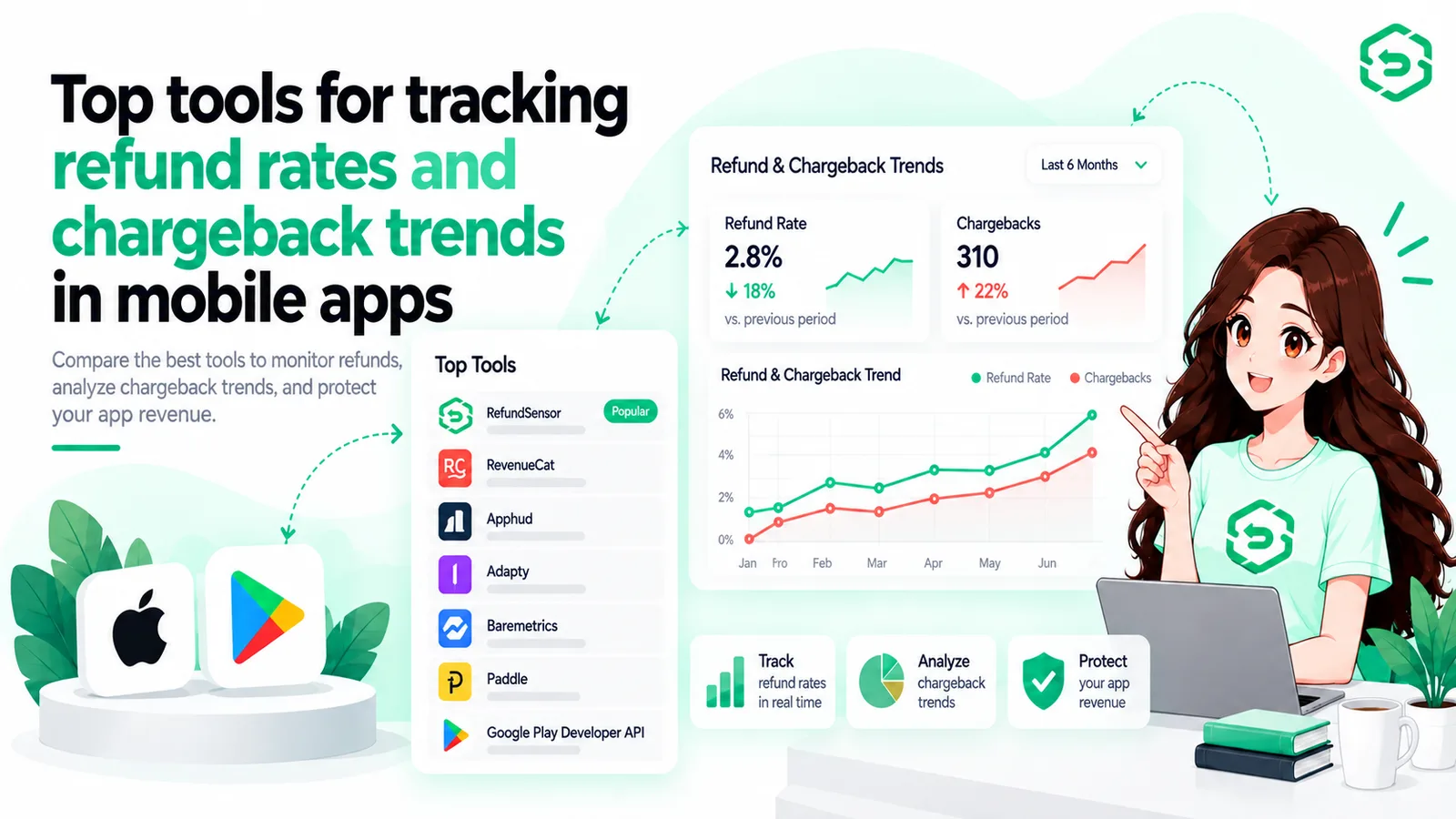
RevenueCat
The Refund Rate chart takes paid transactions in a period (trials left out) and shows what share got refunded. The thing to know is that refunds get attributed to the original purchase date, so a refund that lands today for a March purchase goes into March. Right for cohort analysis, but last month's number keeps moving for a while, which surprises people.
Adapty
Two charts, refund money and refund events, dated to when the refund was processed, the opposite choice from RevenueCat. Neither is wrong, but I've seen a team migrate between the two and spend a week convinced their rate had moved.
Qonversion
Refunds and Refund Rate charts under Revenue, filterable by product, country and currency. It does the job.
A spreadsheet
Works at low volume, I won't pretend otherwise. It stops working the day you add a second app or the rate moves and you want to know why.
That's roughly the state of mobile app refund analytics on the general platforms. They answer "how many" well enough and none of them can really answer "why."
Mobile app chargeback tracking tools: a thinner field
For a long time chargebacks were Google's problem on Android and a non-issue on iOS. Then Google changed the terms. For orders after August 3, 2026, the developer eats the disputed amount minus Google's fee, plus a card network fee of usually $15 to $25. A $4.99 purchase that gets charged back can cost you around $23.
That pushed chargeback analytics software from nice-to-have to fairly urgent, and the tools haven't caught up. The Voided Purchases API tags chargebacks with their own reason code, so you can at least count them yourself. RevenueCat said on their community forum in July that they "do not count a chargeback as a refund," so they won't appear in that refund rate chart. Chargeflow and similar dispute tools are built for web payments and, as far as I can tell, don't touch Play billing.
Refund Sensor tracks both stores in one dashboard and keeps refunds Google decided alone separate from chargebacks that went to review, with what we sent back for each. Only the second group is something you can fight. Details are on the Google Play refund defense page .
If you're comparing mobile app chargeback management software, ask whether chargebacks show up as their own line or get folded into refunds. Folded in, the trend disappears, and the trend is what tells you whether you've got a fraud problem or a product problem.
How to track refund rates in mobile apps without fooling yourself
A few things we've picked up from staring at these dashboards.
Pick one dating method and don't switch. Purchase-date tells you about product quality over time, refund-date tells you about cash flow this month, and mixing them in the same deck makes every chart quietly lie.
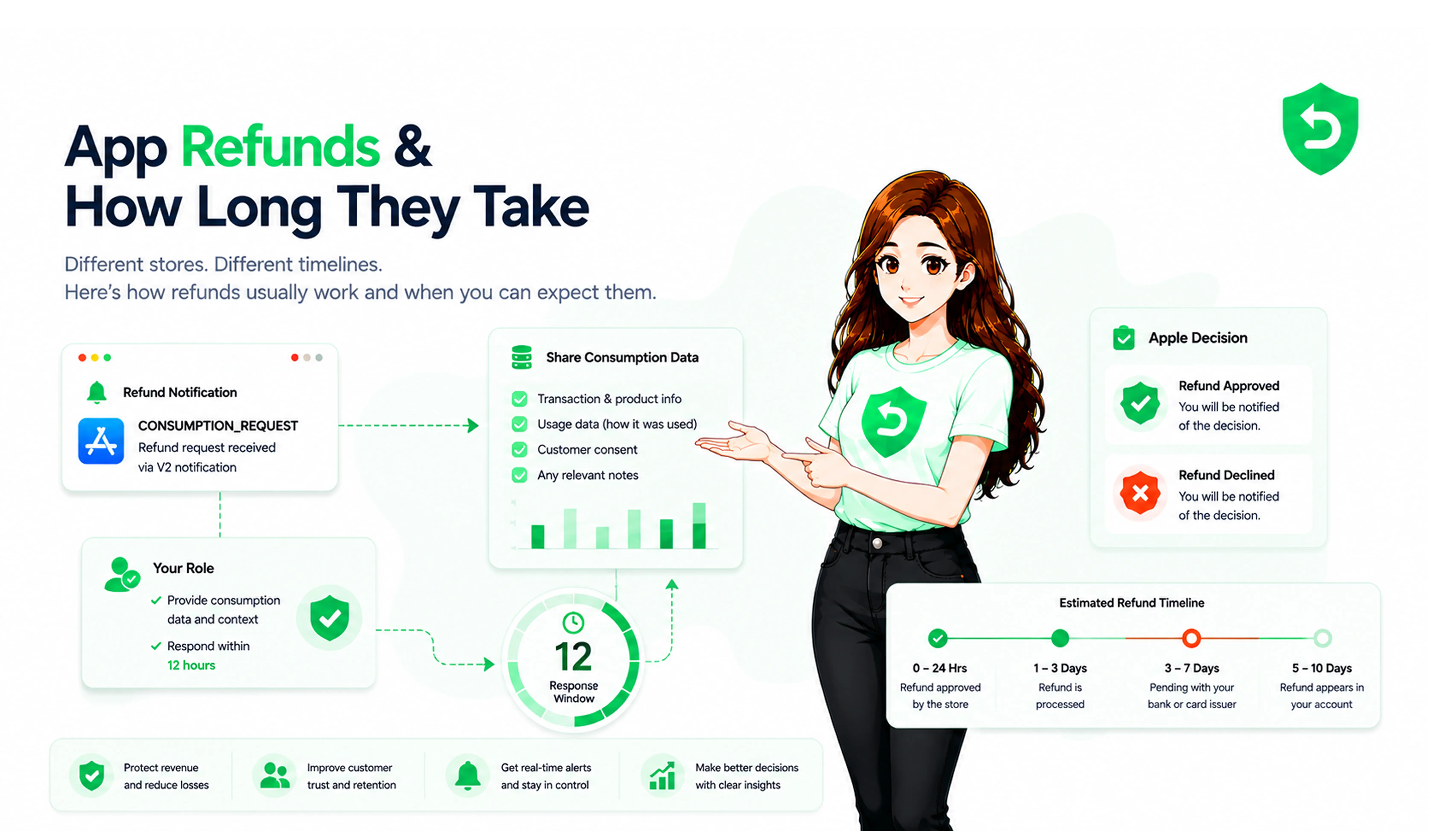
Count requests, not only outcomes. When a customer asks Apple for a refund on an in-app purchase, Apple pings your server with a CONSUMPTION_REQUEST and waits 12 hours. Google now sends a review notification before deciding a chargeback and gives you 24. If your tool only shows refunds granted, you have no idea how many of those pings went unanswered. That gap is the number I'd track before the rate itself, and it's how we know our 77 percent defense rate is real.
Which is the best refund tracking software?
Depends what's missing. If you're already on RevenueCat, Adapty or Qonversion, the built-in chart is fine for the rate, just know which dating method it uses. If you need chargebacks as their own line, which on Google Play you now probably do, the general platforms mostly don't have it yet. That's the gap a refund-specific tool fills. And if you want to know how many requests you never answered, only something sitting on the store notifications can tell you, because analytics platforms see the outcome and never the question.
Conclusion
Tracking the mobile app refund rate is not the hard part. The stores give you the counts and every subscription platform will draw the line. The trouble is the line by itself tells you almost nothing, because two apps at 4 percent can have completely different things going wrong.
What makes tracking worth having is the context: reasons where the store passes them along, chargebacks kept as their own trend, and some record of how many requests you never argued. Get the rate first, sure, but the context is where the money is.
Frequently asked questions
Between 2 and 5 percent of paid transactions, going by the RevenueCat and Adapty 2026 reports. Productivity and education run higher, travel and games lower.
Not in the reports. The only reason Apple passes along is a revocationReason in the REFUND server notification, and it's basically a yes or no on whether the customer blamed the app.
Depends on the tool. Google's Voided Purchases API includes them with their own reason code. RevenueCat has said it doesn't count a chargeback as a refund. Worth checking before you compare two dashboards.
On Google Play, for orders after August 2026, yes, or at least chargebacks broken out as their own series. They now cost the sale plus a bank fee.
Missed requests, meaning the times Apple or Google asked for your input and nobody got to it in time. It's invisible in outcome-only dashboards and usually the biggest lever you have.