If you were charged for an app, a game, an in-app purchase, or a subscription you did not want, you can ask for your money back. Both stores have a real refund path. Neither one is instant, and the two work differently. Developers who want the other half of this story can read how App Store refunds work on the developer side, but this guide is written for the person waiting on the money.
Here is the short version, followed by the exact steps for each store.
Key takeaways
• Refunds go through the store that charged you, not the app maker. Apple purchases go through reportaproblem.apple.com. Google Play purchases go through your Google Play order history.
• Apple asks you to allow 24 to 48 hours for an update on your request.
• Google says a refund decision usually arrives within one day and can take up to four days.
• A decision is not the same as money in your account. After approval, your bank, card issuer, wallet, or carrier still has to move the funds.
• Timing depends on the store, the payment method you used, and the type of purchase. There is no single number that fits every refund.
• If the money has not shown up, check the request status first, then your statement, then contact your bank or carrier.
How a refund request actually works
A refund request always follows the same path. You buy something. You submit a refund request to the store. The store reviews it. The store approves or denies it. If approved, the store sends the money back to your original payment method. Your bank or payment provider then has to post it.
Two things matter here. First, Apple and Google control their own decisions. Second, the last step is out of everyone's hands but your bank's. That gap is why an approved refund can still take weeks to appear.
A refund is also not the same as a cancellation. Cancelling a subscription stops future charges. It does not undo a charge you already paid. And a refund is not a chargeback. A chargeback is a dispute you raise with your bank, which is a slower and more serious route.
How to get a refund on Google Play
Sign in to your Google account, open your Google Play order history, use Report a problem on the order, pick the reason, and submit the form. Google reviews it and usually replies within a day, though it can take up to four days. For a more detailed explanation, see our Google Play refunds guide.
The steps on the web are straightforward:
1. Go to play.google.com.
2. Click your profile picture at the top right.
3. Choose Payments & subscriptions, then Budget & order history.
4. Find the order and click Report a problem.
5. Pick the option that matches your situation.
6. Fill in the form and say clearly that you want a refund.
7. Click Submit.
If the order is missing, you may have bought it on a different Google account. Sign in with that one instead.
Timing rules matter more on Google Play than most people expect. For a paid app, you can return it directly from the Play Store within two hours of buying it, and the app is uninstalled as part of that return. You can only return the same app once. After the first 48 hours, Google's help pages point you to the developer, who can issue refunds under their own policy and local law.
There is one exception worth knowing. If you see a Google Play charge nobody in your household made, Google asks you to report unauthorized charges within 120 days of the transaction. That is a separate process from a normal refund request.
How long does a Google Play refund take?
Google says a refund decision usually takes one day and up to four days. Submitting the same request again does not make it faster. Once approved, most refunds are processed within 10 business days, and the money lands back on the payment method you originally used.
After that, the wait depends on how you paid. Google's refund timelines page lists this in detail. Cards are typically 3 to 5 business days, though a card issuer can stretch it to 10. Google Play balance is usually 1 business day. UPI is usually 1 to 3 business days. PayPal is usually 3 to 5 days and sometimes 10. Postpaid carrier billing is the slowest common case, often showing up across 1 to 2 monthly statements.
Example 1. Priya buys a monthly subscription on a Tuesday and asks for a refund on Wednesday. Google approves it on Thursday. She paid by UPI, so the credit lands in her bank account by the weekend. Total time: about four days, and only one of those was Google's review.
How to request an App Store refund
Apple handles every App Store refund through one site. Sign in to reportaproblem.apple.com with the Apple Account used for the purchase, choose “I'd like to,” then “Request a refund,” pick your reason, choose the item, and submit.
Apple's official refund page walks through the same four steps. A few practical notes that save people time:
• If the charge is still pending, you cannot request a refund yet. Wait for the email receipt.
• If you cannot find the purchase, search your email for “receipt from Apple” or “invoice from Apple.” The receipt shows which Apple Account was used.
• Family Sharing organizers can see purchases billed to the shared payment method by choosing All under the Apple Account button.
• Refund eligibility varies by country. Consumer protection laws in your region still apply.
To check on it later, return to reportaproblem.apple.com and choose Check Status of Claims. If that option is missing, you have no pending requests.
How long does an App Store refund take?
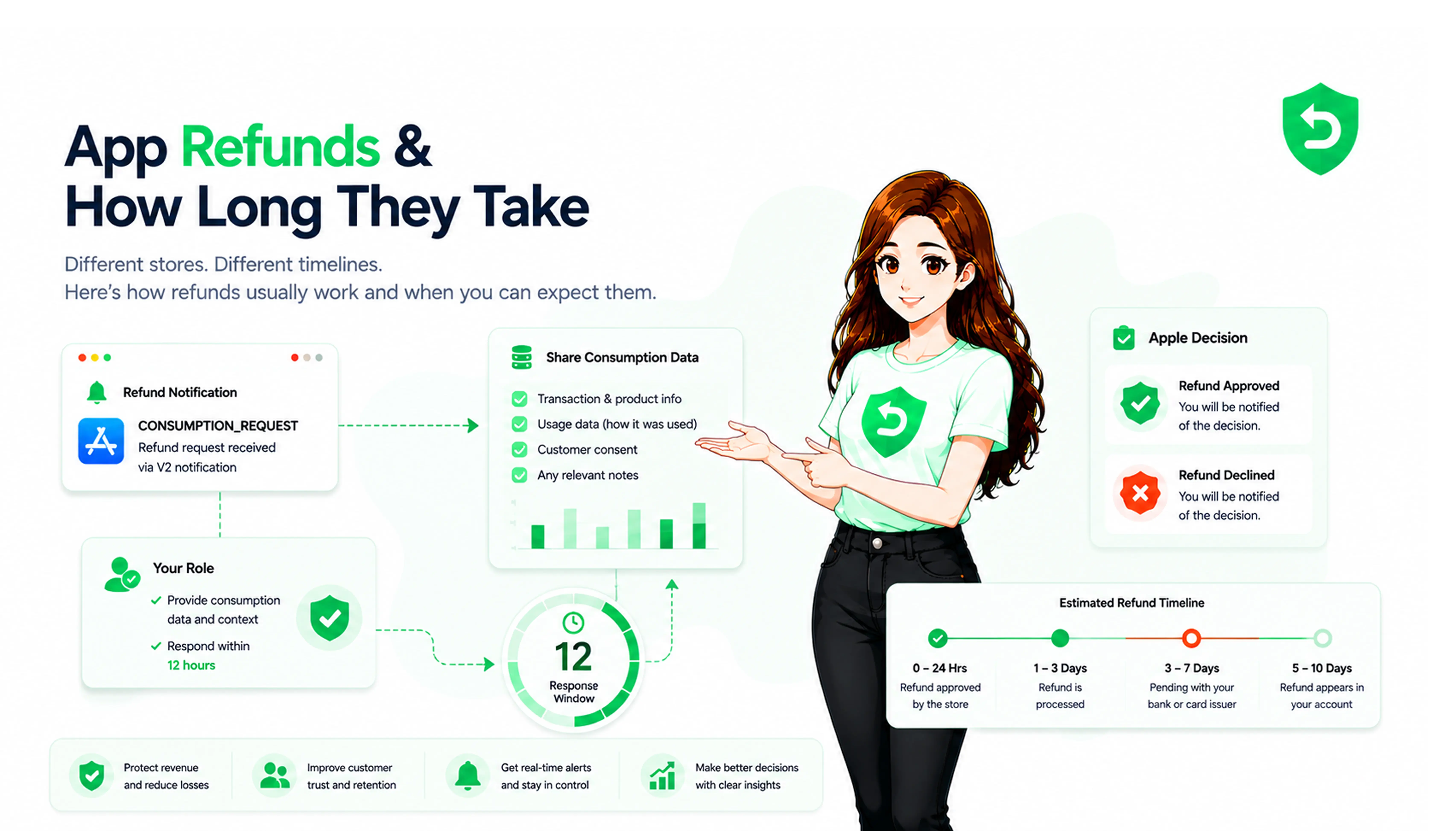
Apple asks you to allow 24 to 48 hours for an update on your request. If it is approved, the funds go back to the original payment method, and that part takes longer.
Apple's refund status page lists the wait by payment type. Apple Account balance is up to 48 hours. Credit cards, debit cards, Apple Pay, Apple Cash, and other methods are up to 30 days. Mobile phone billing is up to 60 days, since your carrier controls that timing. If nothing appears on a card statement after 30 days, Apple's advice is to contact your financial institution.
Apple is also blunt about one thing: calling or chatting with Apple after you have already filed a request will not speed up the review or the payout.
Example 2. Marcus gets an approval email on the 3rd for an in-app purchase he bought with a credit card. Nothing shows on his statement by the 10th. Nothing is wrong. Apple has processed the refund, and his card issuer has up to 30 days to post it.
What happens after you submit
You will usually get a confirmation, then a review, then a decision. Approved requests move to processing. Denied requests are closed, and the reason is not always detailed.
Two status labels cause confusion on Google Play. “Refunded” means the credit has been issued to your form of payment. “Cancelled” means the order was never charged in the first place, so there is nothing to credit back. On the Apple side, a request sitting at Pending simply means Apple has not finished reviewing it.
Also expect to lose access. If a purchase is refunded, the item, subscription, or in-app content usually goes away with it.
Apple vs Google: which path do you use?
| Apple App Store | Google Play |
Where the refund request starts | Report a problem apple | Google Play order history, or Google's Request a refund form |
Who reviews the request | Apple | Google, with the developer handling some cases after 48 hours |
Where status can be checked | Report a problem apple under Check Status of Claims | Google Play refund status page, or your Google Pay account |
Refund timing | Allow 24 to 48 hours for a decision; payout up to 48 hours, 30 days, or 60 days depending on payment method | Decision usually 1 day, up to 4 days; most refunds processed within 10 business days, then varies by payment method |
Use the store that took the money. If the charge appears as Apple on your statement, Google cannot refund it, and the reverse is equally true. Developers dealing with the Android side can see how Google Play refunds and chargebacks reach them after the fact.
What to do if your refund has not arrived
Start with the status, not with a phone call. Work through this in order:
1. Check the request status. Apple: Check Status of Claims. Google: the refund status page or payments.google.com.
2. Confirm it was approved. A submitted request is not an approved one.
3. Check the right account. Purchases made on a second Apple Account or Google account will not appear under your main one.
4. Look at the correct payment method. The refund returns to the card, wallet, balance, or carrier account used for the purchase, even if you have since changed it.
5. Check how long that method takes. Card refunds and carrier billing refunds are slow by design.
6. Then contact the right party. Cards past 30 days on Apple: your bank. Carrier billing: your carrier. Everything else about the decision itself: Apple or Google.
Do not email the app developer about a decision only Apple or Google can make. For Google Play purchases older than 48 hours, though, the developer genuinely is the right contact, because Google's own help pages route those cases there.
What developers should understand
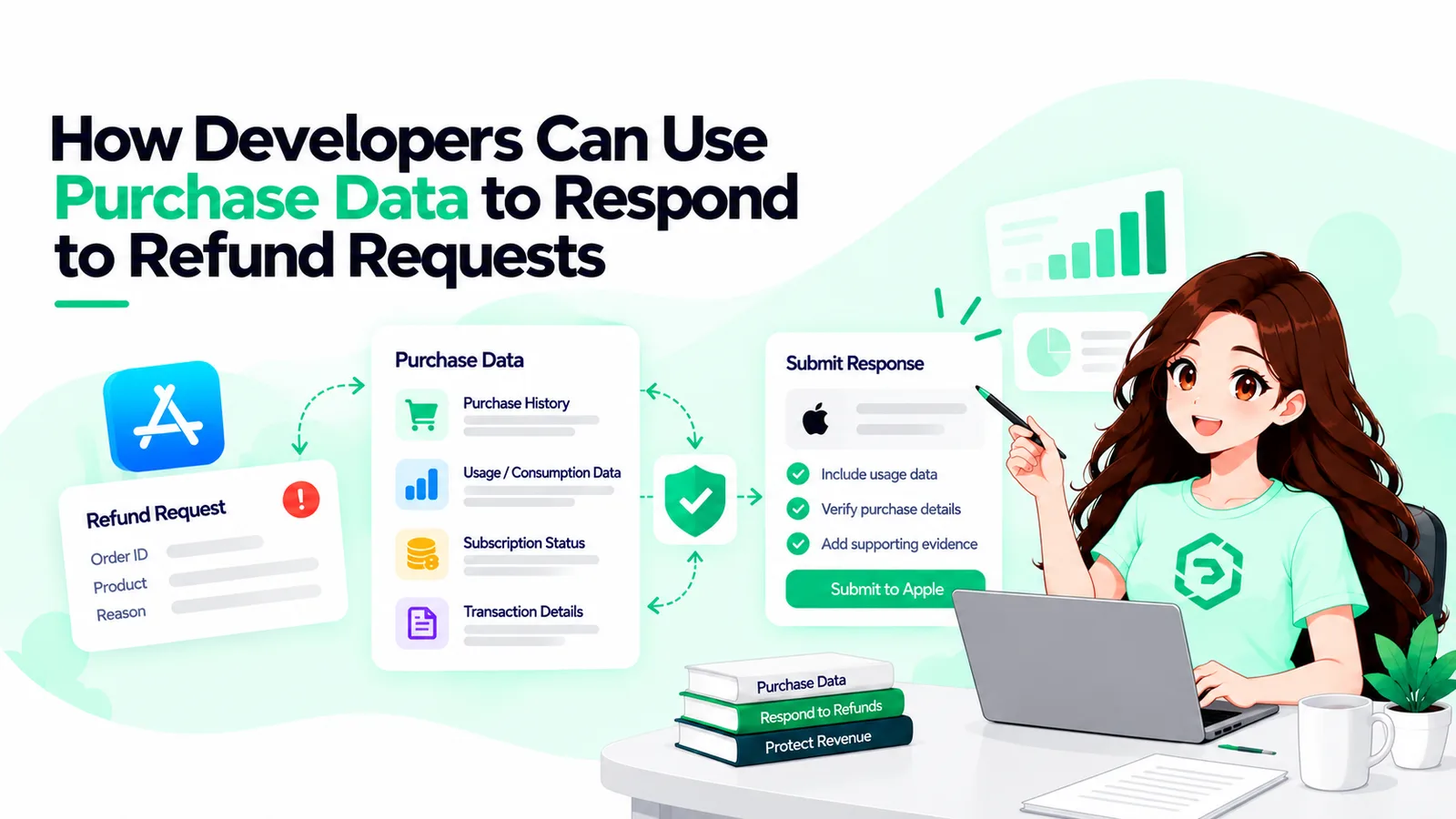
Developers do not decide most of these refunds. Apple and Google run their own review workflows and reach their own conclusions.
What developers do get is notice. Apple sends a CONSUMPTION_REQUEST when a customer asks for a refund, and gives a short window to reply with facts about the purchase. Google sends real-time notifications about refunds and voided purchases, and opens a review only when a customer disputes the charge with their payment provider.
Example 3. A refund notification arrives for an annual subscription. The backend has to revoke that entitlement, drop the account back to the free tier, and adjust the revenue record. If nothing listens for that event, the user keeps paid access on a purchase that was already reversed.
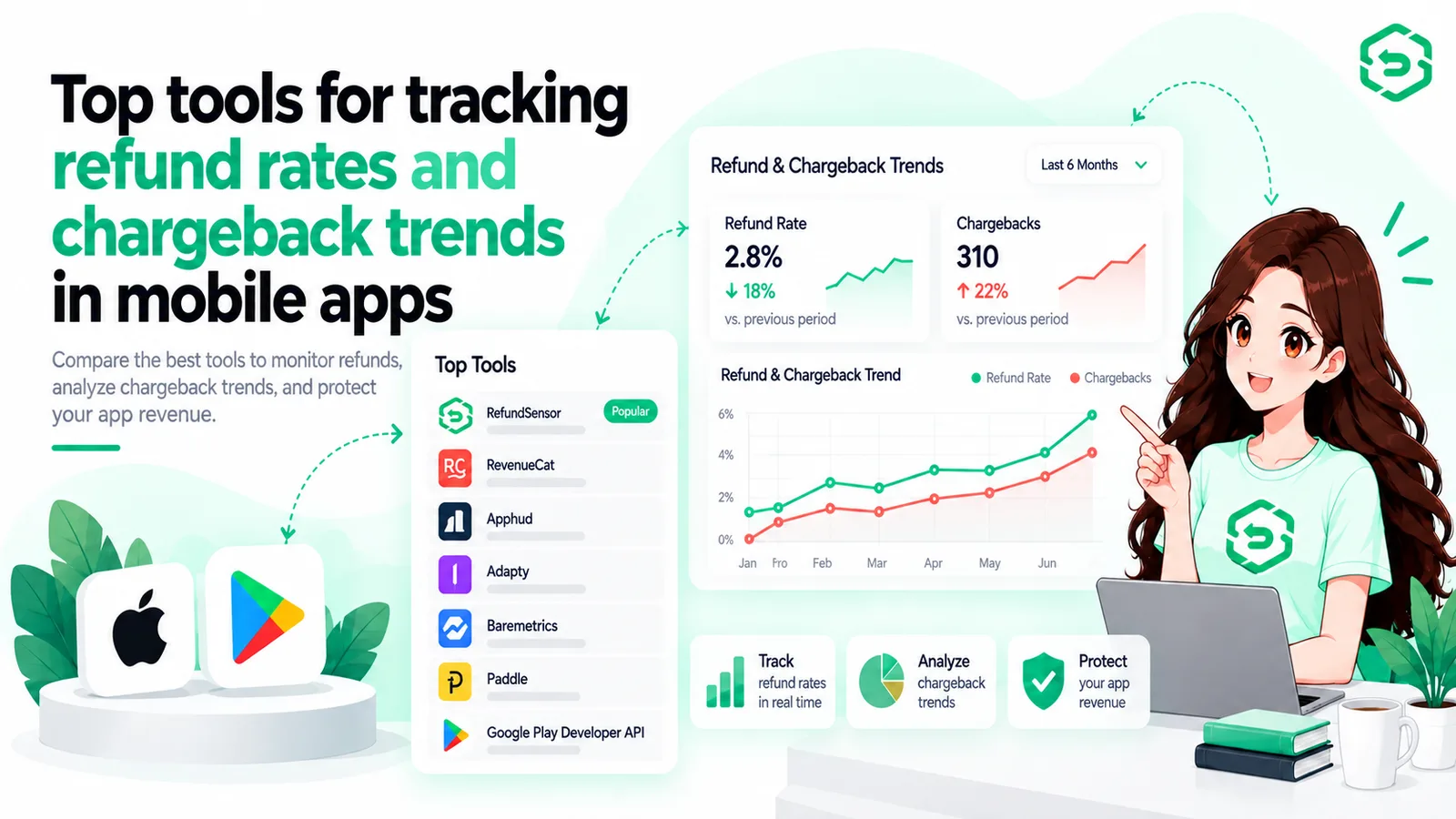
At low volume this is manual work. At high volume it turns into a real operational load: support tickets, revenue reconciliation, entitlement drift, and no clear view of which products leak money. Tooling can track and respond to these events consistently, but no tool can guarantee a refund outcome. The decision belongs to the store. If that side of the process is new to you, this breakdown of how Apple refund requests reach developers is a good next read.
For everyone else, the takeaway is simpler. File the request in the right place, note the date, check the status instead of resubmitting, and give your bank its share of the clock.
Where These Rules Are Documented
• Apple Support, “Request a refund for apps or content that you bought from Apple.” Source for the reportaproblem.apple.com steps, the 24 to 48 hour update window, pending charge and receipt guidance, Family Sharing behaviour, and the note that eligibility varies by country.
• Apple Support, “Check the status of a refund for apps or content that you bought from Apple.” Source for the Check Status of Claims path and the payout timelines by payment method, including up to 48 hours for Apple Account balance, up to 30 days for cards and most methods, and up to 60 days for mobile phone billing.
• Google Play Help, “Request a refund on Google Play.” Source for the order history steps, the 1 to 4 day decision window, the note that resubmitting does not speed things up, the 120 day window for unauthorized charges, and the guidance to contact the developer after 48 hours.
• Google Play Help, “Refund timelines for Google Play purchases.” Source for payment-method payout ranges including cards, Google Play balance, UPI, PayPal, and carrier billing.
• Google Play Help, “Apps, games, and in-app purchases refund policies,” and Play Console Help, “Manage your app's orders and issue refunds.” Source for the two hour paid app return window, the one return per app rule, and loss of access after a refund.
Conclusion
Requesting a refund from Google Play or the Apple App Store is straightforward, but getting the money back can take longer than the initial review. The key is to submit your request through the store that charged you, check its status, and allow your payment provider enough time to process the refund.
If your refund is approved but has not arrived, check the original payment method and its expected processing time before contacting your bank or carrier. For developers, understanding these refund processes is equally important for keeping subscriptions, entitlements, and revenue records accurate
Frequently asked questions
Go to Google Play, open Payments & subscriptions → Budget & order history, select the purchase, click Report a problem, choose your reason, and submit the request.
Visit reportaproblem.apple.com, sign in with your Apple Account, select Request a refund, choose your reason and purchase, then submit your request.
Google usually makes a refund decision within 1 day, although it can take up to 4 days. After approval, the refund time depends on your payment method.
Apple usually provides an update within 24–48 hours. After approval, refunds can take up to 48 hours, 30 days, or 60 days, depending on the payment method.
You can request a refund, but approval is not guaranteed. Apple and Google review requests based on their policies, purchase type, and applicable local laws.
Go to reportaproblem.apple.com, sign in, and select Check Status of Claims to see whether your refund request is pending or has been decided
First, check your refund status and confirm it was approved. Then check the original payment method and allow the applicable processing time before contacting your bank or carrier.
Usually, no. Apple and Google handle refund decisions for their stores, although Google may direct purchases older than 48 hours to the app developer.