Most guides on how to handle refund requests start at the notification. Apple pings you, Google pings you, here's what to send back. Fair enough, but by the time the ping arrives the useful work is already done or already missed, because what you can say about a purchase depends on what you wrote down when it happened.
So this post starts earlier, at checkout. Which purchase data matters when a refund request lands, where to keep it, and how it turns into an answer the store will actually weigh. If you've never attached an identifier to a purchase, read our post on appAccountToken and refund defense first, because everything below assumes you can connect a transaction ID to a person.
Key takeaways
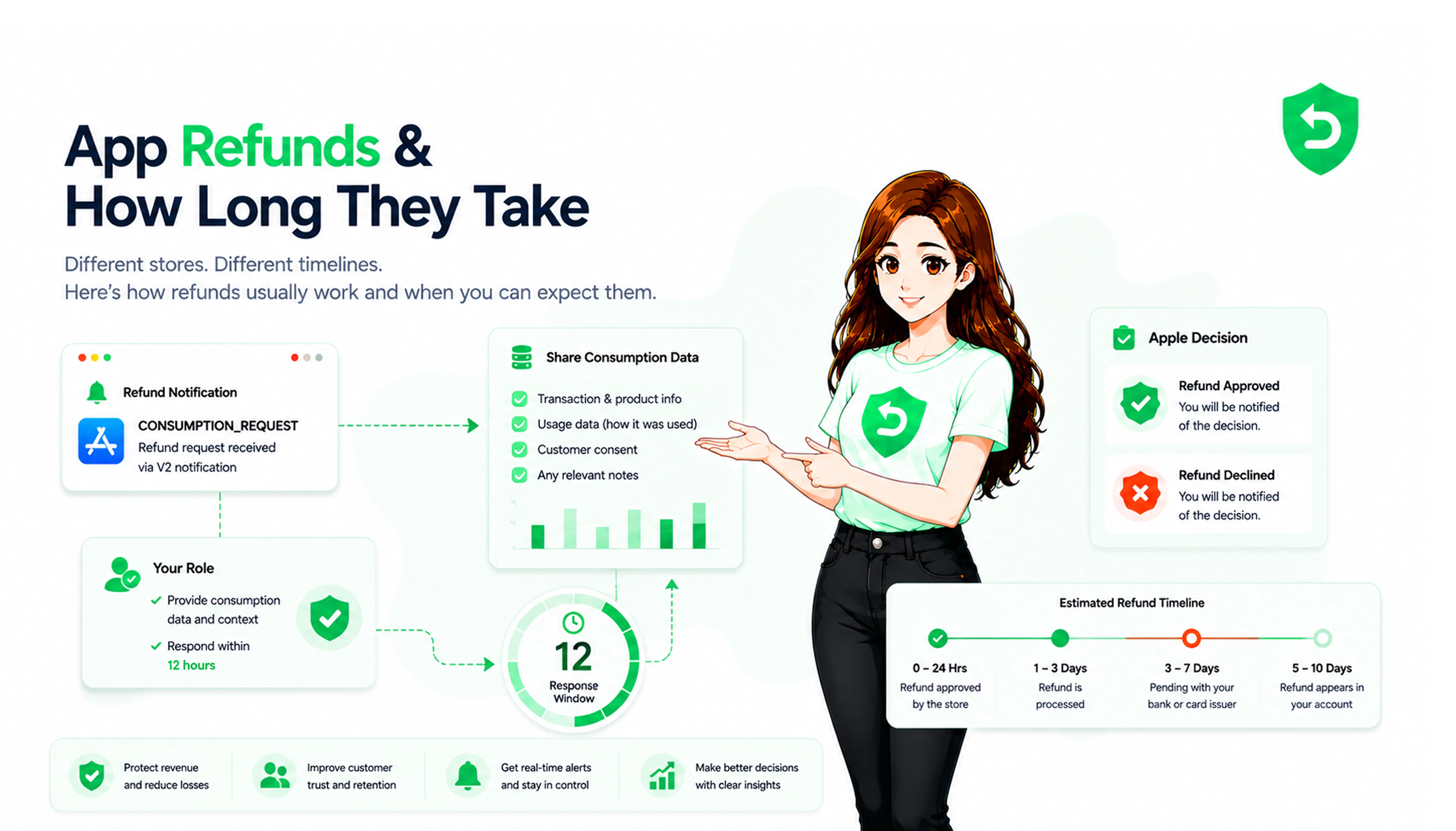
Apple and Google both decide refunds themselves, and both now ask you for purchase data first. Apple gives you 12 hours, Google 24.
The stores want coarse facts, not logs. Was it delivered, how much was used, did they get a sample, and what would you prefer.
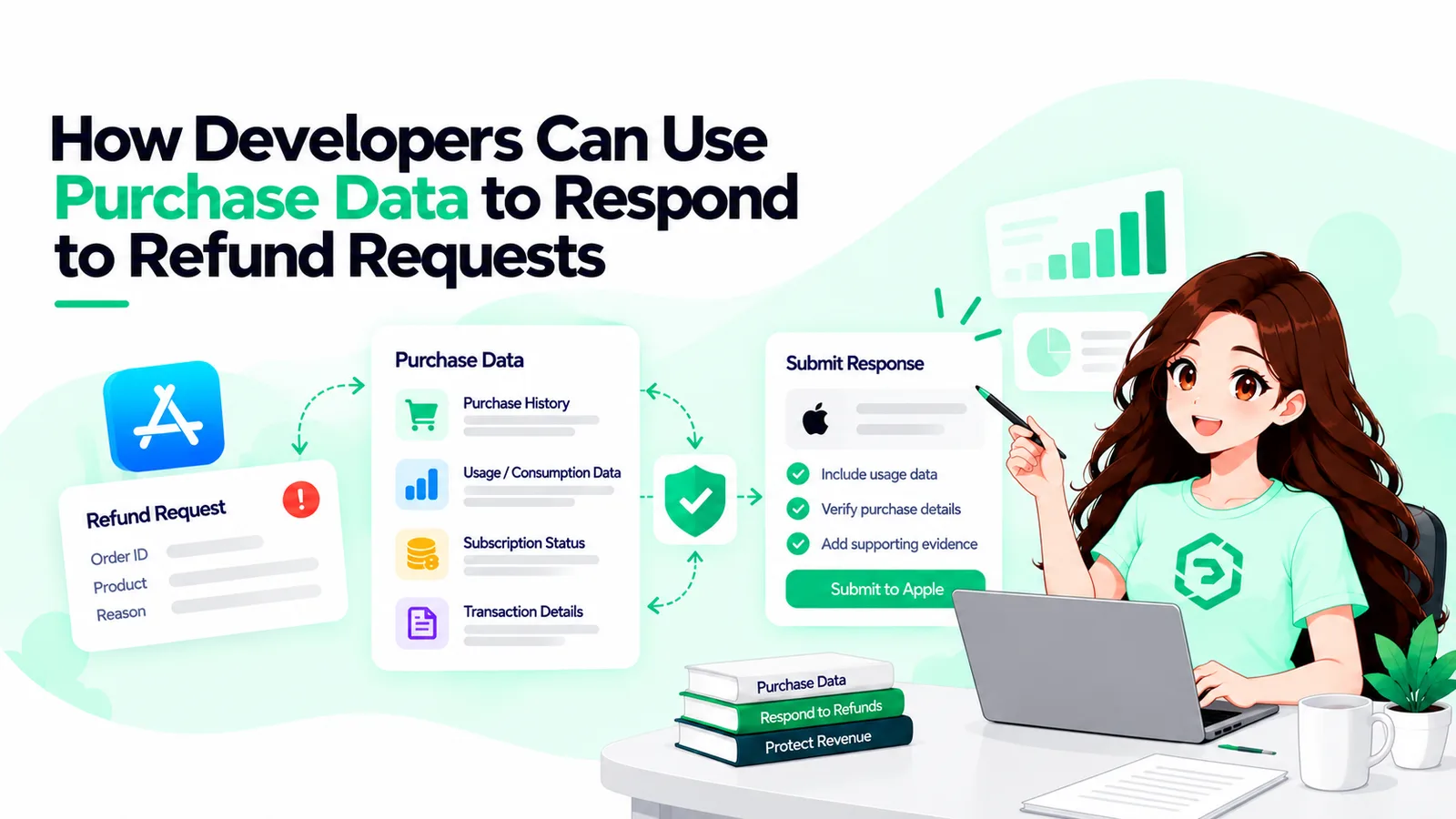
You need four things stored per purchase: who, when it was delivered, when it was used, and whether you've refunded this account before.
Apple says most refund requests come within 30 days of purchase. Keep the data at least that long, realistically 90.
Apps that start answering see refund rates drop by about a third, but only if there's something on file to say.
What the stores actually ask you for
Apple's request is small. When a customer asks for a refund on an in-app purchase, you get a CONSUMPTION_REQUEST, and you reply through the Send Consumption Information endpoint with five fields. Whether the customer consented to you sharing data, whether the purchase was delivered, what percentage was consumed (in milliunits, so 100,000 is all of it), whether they had a free sample or trial first, and your refund preference. Apple used to ask for a dozen fields and dropped most of them, which I read as Apple deciding it already knows the customer's history better than you do.
Google's version is for chargebacks, and it's a bit richer. A pending refund review notification arrives through Real-time Developer Notifications with a token. You post to orders.reviewrefund with that token, the same sample-content flag, a preference of DECLINE, APPROVE or NEUTRAL, an optional consumption percentage, and up to 1,000 usage events with timestamps. That matters more now that Google charges developers for chargebacks on orders after August 3, 2026.
Neither store wants your analytics export. They want delivery, consumption, sampling and preference, and everything else you store exists to fill those in truthfully and fast.
Purchase history for refunds: what to keep and for how long
The minimum:
An identifier at checkout. appAccountToken on Apple, obfuscatedAccountId on Google. Without it, a refund request names a transaction and you have no idea whose it is. Apple's engineers also recommend keeping at least one originalTransactionId per user, because with any one of them you can call Get Transaction History and pull that customer's entire purchase history in your app, whether or not they still have it installed.
A delivery record. When you granted the coins or unlocked the level, with a timestamp and a result. If delivery failed, say so. That's the one case where you should want the refund granted, and claiming otherwise burns credibility you'll need later.
Consumption events. Not every tap, just the ones that mean the purchase was used: coins spent, chapter opened, export run. Google will take up to a thousand of them. Apple only wants a percentage, but you can't compute one you never recorded.
A sample flag per product. Did this customer get a trial, a preview, a free tier? A yes or no on both stores, and people forget it constantly.
Prior refunds on the account. Apple weighs refund history itself regardless, but you'll want it for your own rules.
On retention, Apple has said most refund requests arrive within 30 days and to store consumption data accordingly. We keep 90, partly because Google chargebacks can trail further behind, and partly because storage is cheap and arguing from memory is not.
How purchase history helps with refunds
Once that's in place, the request stops being a judgment call and becomes a lookup.
Delivered, fully consumed, no sample, no prior refunds: that's the case for DECLINE. Delivered, barely touched, requested within a day: GRANT_FULL costs little and the alternative looks petty. Delivery failed on your side: grant it and fix the bug. Partly used over several weeks: Apple has GRANT_PRORATED for this, and on Google the consumption percentage does the same work.
The numbers back it up. Dipsea, a subscription audio app, started answering Apple's requests in late 2024 and its refund rate went from 3 percent to 1.9 percent in about two weeks. On chargebacks, Appcharge told PocketGamer that unassisted disputes win 20 to 30 percent of the time and evidence-backed ones win over 80. Across the 800-plus apps on Refund Sensor, 77 percent of eligible requests have been defended, and the ones we lose mostly had nothing recorded.
What purchase history doesn't do is let you win arguments you shouldn't. If the customer's data says they opened the app once, the honest answer is the refund.
How to process refund requests inside the window
The refund request process on both stores is time-boxed, so this is plumbing more than judgment. The notification arrives at an endpoint you've registered. You verify the signature, pull the transaction ID, look up the user's delivery and consumption rows, compute the percentage, pick the preference from a rule you wrote in advance, and send. Log what you sent and when, then wait for the outcome, which on Apple is a REFUND or REFUND_DECLINED notification. On a REFUND, revoke access the same hour, because a refunded customer who keeps the content tends to come back for more.
Two things trip people up. Consent: Apple won't accept the submission unless customerConsented is true, so permission to share usage data needs to be in your terms before the first request. And timing: the clocks don't pause for weekends, and a surprising share of requests arrive overnight. Refund request management is mostly making sure something is awake. Our guide to Apple refund request management goes deeper on the operational side.
Refund processing software for developers, or your own code
With a backend team, the pipeline above is a week of work and then an ongoing duty, and the duty is the expensive part.
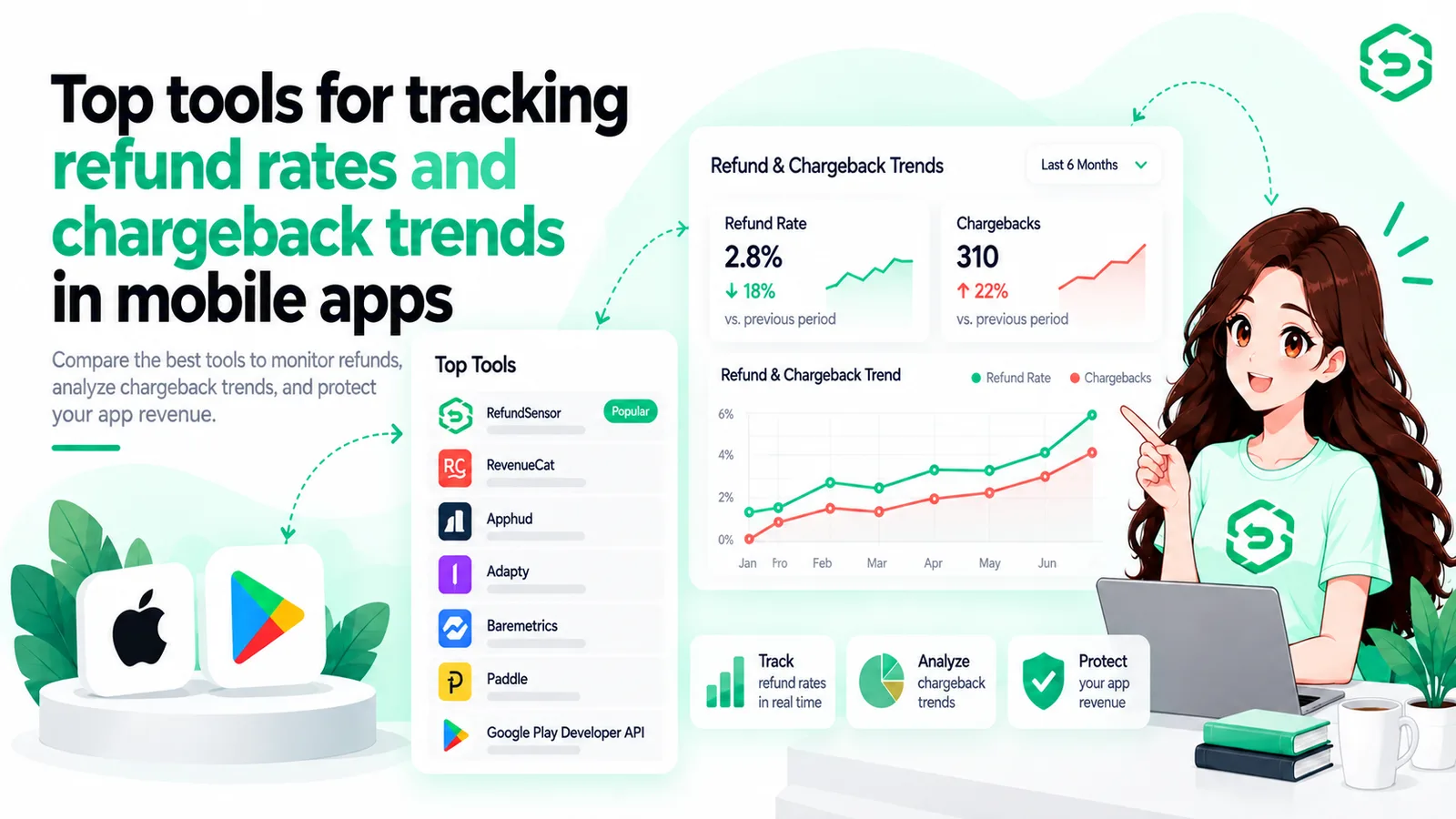
If you're on RevenueCat or Adapty, both answer Apple's consumption requests from the usage data their SDKs already collect, and Adapty covers Google's review too. A reasonable default if the SDK is in the app anyway.
Refund Sensor does the same thing without an SDK. You connect an App Store Connect API key and a notifications URL, and it receives the requests, sends the answer inside the window, and keeps a timeline per case. Setup takes a few minutes and pricing is flat. Details are on the Refund Sensor site.
Whatever you pick, including nothing, the data layer is yours. No refund processing software for developers can invent a delivery record you didn't keep.
Conclusion
Refund defense gets talked about as a response problem, but it's downstream of a recording problem. The stores ask four narrow questions, and whether you can answer them depends on decisions you made at checkout and delivery, long before anyone wanted their money back.
Attach an identifier, record delivery and consumption with timestamps, flag samples, and keep it all for 90 days. With that in place, how to process refund requests becomes a rule and a cron job, and the refund rate tends to take care of itself.
Frequently asked questions
Apple gives you 12 hours from the CONSUMPTION_REQUEST. Google gives you 24 from the pending refund review notification for a chargeback. Both decide without you if you miss it.
Five fields: customer consent, delivery status, consumption percentage in milliunits, whether a sample was provided, and your refund preference. Older fields like account tenure and lifetime spend are gone.
Mostly, plus more detail if you have it. Google takes a consumption percentage and up to 1,000 timestamped usage events, and its preference options are DECLINE, APPROVE or NEUTRAL.
On Apple, yes. The submission is rejected unless customerConsented is true, so the permission has to be in your terms before the request arrives.
No. Both stores treat your preference as one input and both see the customer's full history. Declining when your own data shows failed delivery or near-zero use costs you credibility on the ones that matter.