A successful App Store purchase isn't always the end of the transaction, at least not from a developer's point of view. A customer can check out, use the app for a while, and then decide days later to ask Apple for their money back. For a developer, that single action opens up a string of questions: Does the customer still have access to what they bought? Will a subscription cancel on its own? Does anything on the backend need to be reversed? And does the developer get any say in what happens next?
Understanding this workflow, rather than treating refunds as purely a customer-support problem, is what separates teams that catch access and revenue issues early from teams that discover them weeks later, buried in a reconciliation report. Tools like RefundSensor exist specifically to help developers close that gap.
Key Takeaways
● Apple, not the developer, makes the final call on every refund request.
● For some refund requests, Apple can ask developers for more context before deciding.
● That request shows up as a CONSUMPTION_REQUEST notification through App Store Server Notifications V2.
● Developers can respond with consumption information, but only when they have the customer's consent to share it.
● A developer's response can inform Apple's review. It doesn't approve or deny anything on its own.
● Consumables, subscriptions, and non-consumables don't all move through this flow the same way.
● Once transaction volume climbs, tracking refund notifications by hand stops being realistic.
What Is an Apple Refund Request?
An Apple refund request is a claim a customer files directly with Apple, asking for money back on an app purchase or in-app transaction. It isn't something a developer submits, approves, or denies, and it's a different thing entirely from a subscription cancellation or a card-issuer dispute.
Customers usually go through Apple's own channels for this: reportaproblem.apple.com, the App Store app, or Apple's general support flow, rather than reaching out to the developer first. That matters because a refund request is a claim against Apple's payment system. Apple is the merchant of record on App Store transactions, so the developer sits downstream of the decision rather than inside it.
How Does the Apple Refund Process Work for Developers?
From where a developer sits, the refund process is mostly something that happens to their backend rather than something they set in motion. Apple reviews the claim, may ask for supporting information, and eventually reaches a decision that surfaces as a server notification on the developer's side.
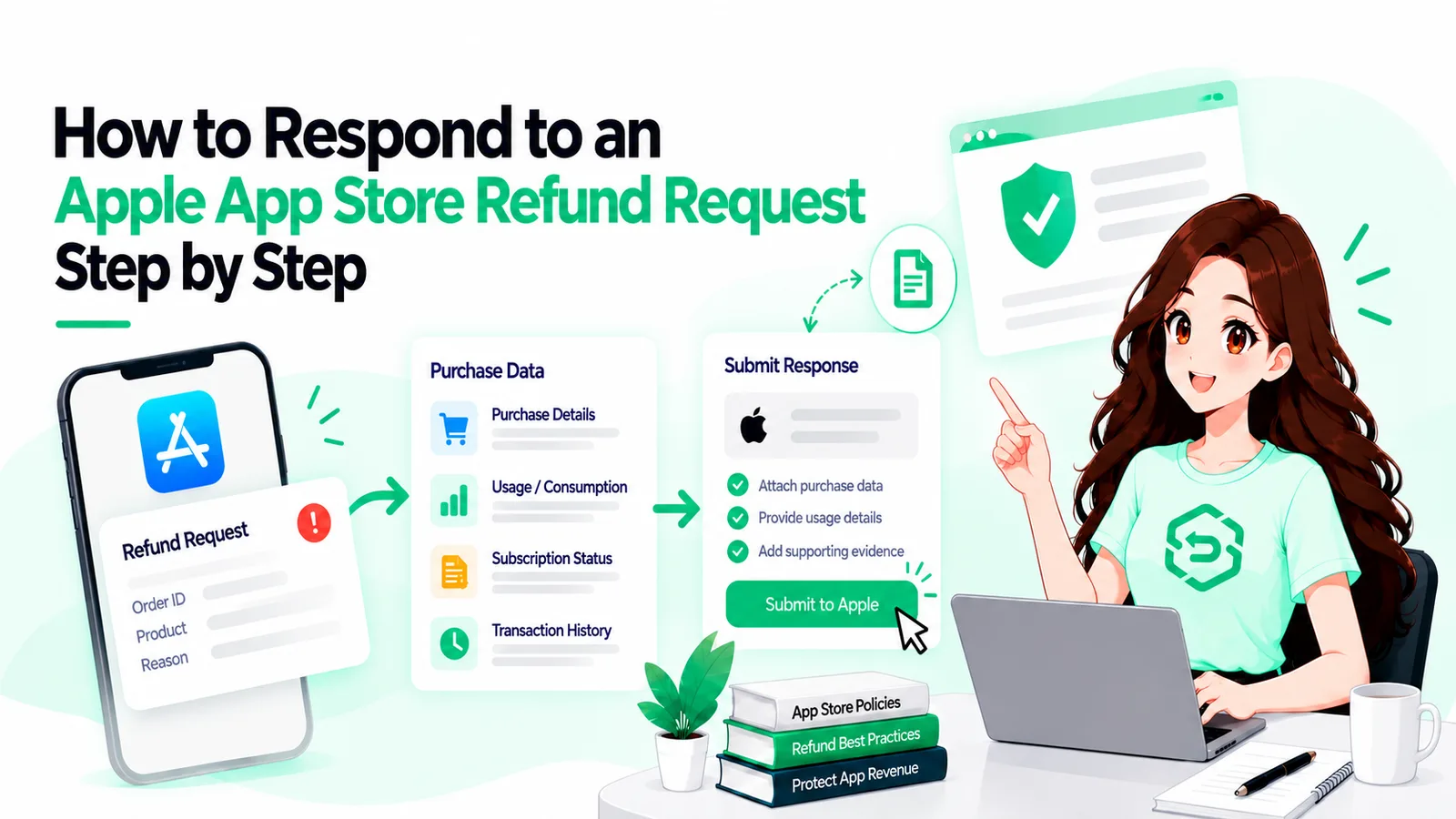
A simplified version of that sequence goes roughly like this: a customer makes a purchase, the customer requests a refund, Apple receives and reviews that request, Apple may notify the developer if the request is relevant, the developer can provide supported consumption information, Apple weighs whatever information it has, Apple reaches a final decision, and the developer's systems pick up the resulting notification and update their own records.
That's a simplified path, worth repeating. Not every refund request produces a developer notification, and not every purchase type moves through the flow the same way.
What Happens After a Customer Requests a Refund?
Once a customer submits a request, Apple takes it from there. The developer isn't automatically looped in the moment the request is filed, and there's no guaranteed heads-up at that stage. What developers can rely on instead is Apple's server-side notification system, which reports relevant events tied to the transaction once something changes.
This is also where things get muddled. A refund isn't the same as a subscription cancellation, and it isn't the same as a chargeback filed through a bank. Cancelling just stops future billing. A refund reverses a completed purchase. A chargeback is a dispute raised entirely outside Apple's system, through the customer's card issuer. Backend logic that treats these three as interchangeable will eventually misclassify entitlements or revenue somewhere down the line.
How Does Apple Review Refund Requests?
Apple reviews each refund request internally and can weigh information from more than one source, including data developers choose to provide. How Apple actually weighs that internal review isn't public, and no article, this one included, can honestly claim to know the details.
What is documented, in Apple's own support materials, is that developers don't control the outcome. Apple's review can draw on consumption information submitted through supported mechanisms, but sending that information doesn't push Apple toward a refund or a denial. Developers are one input into a review process Apple owns from start to finish.
Key Insight The developer's job in this process isn't to argue for or against a refund. It's to make sure Apple's review has accurate purchase and consumption data available if and when the workflow asks for it. |
What Is a CONSUMPTION_REQUEST?
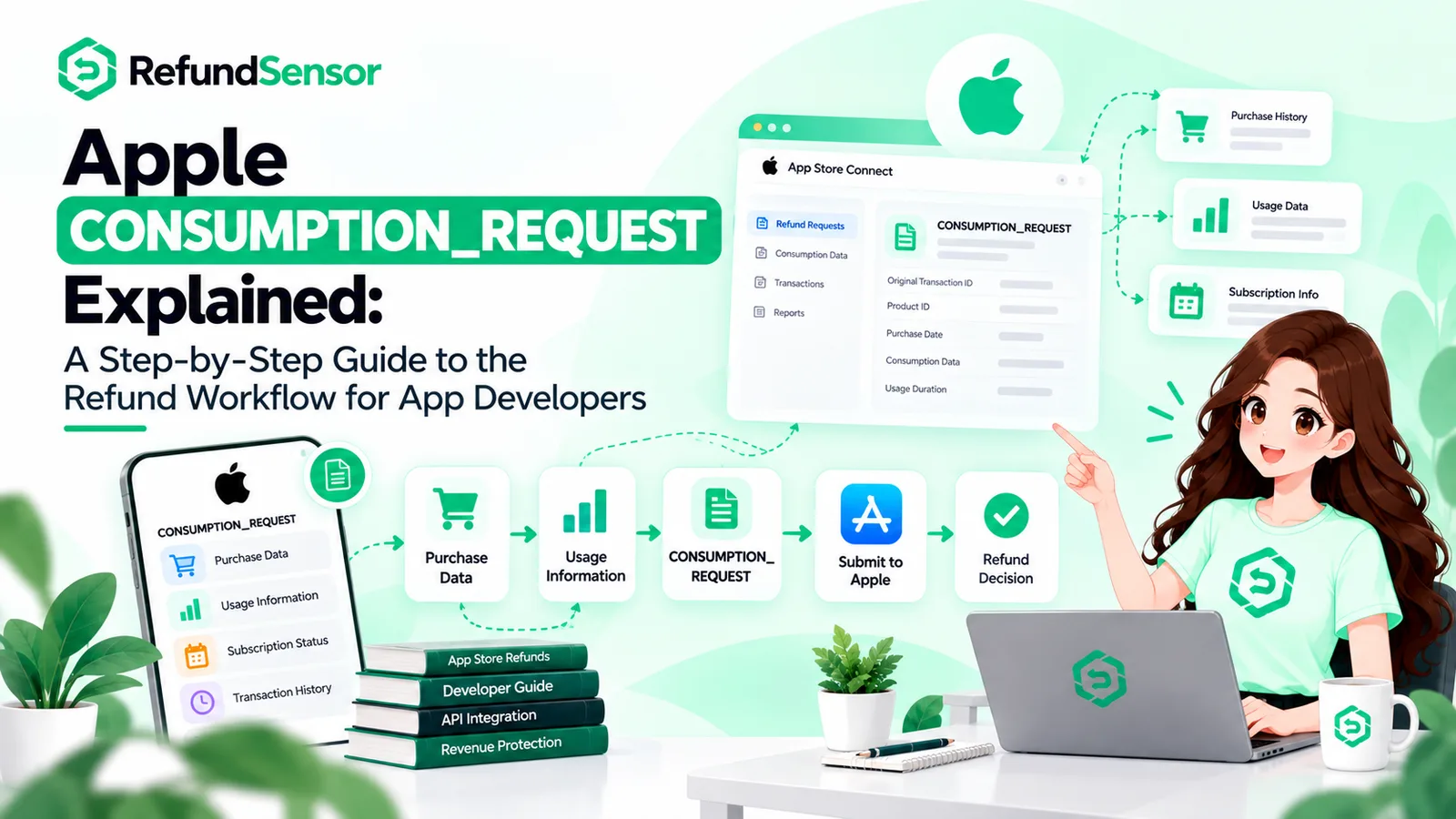
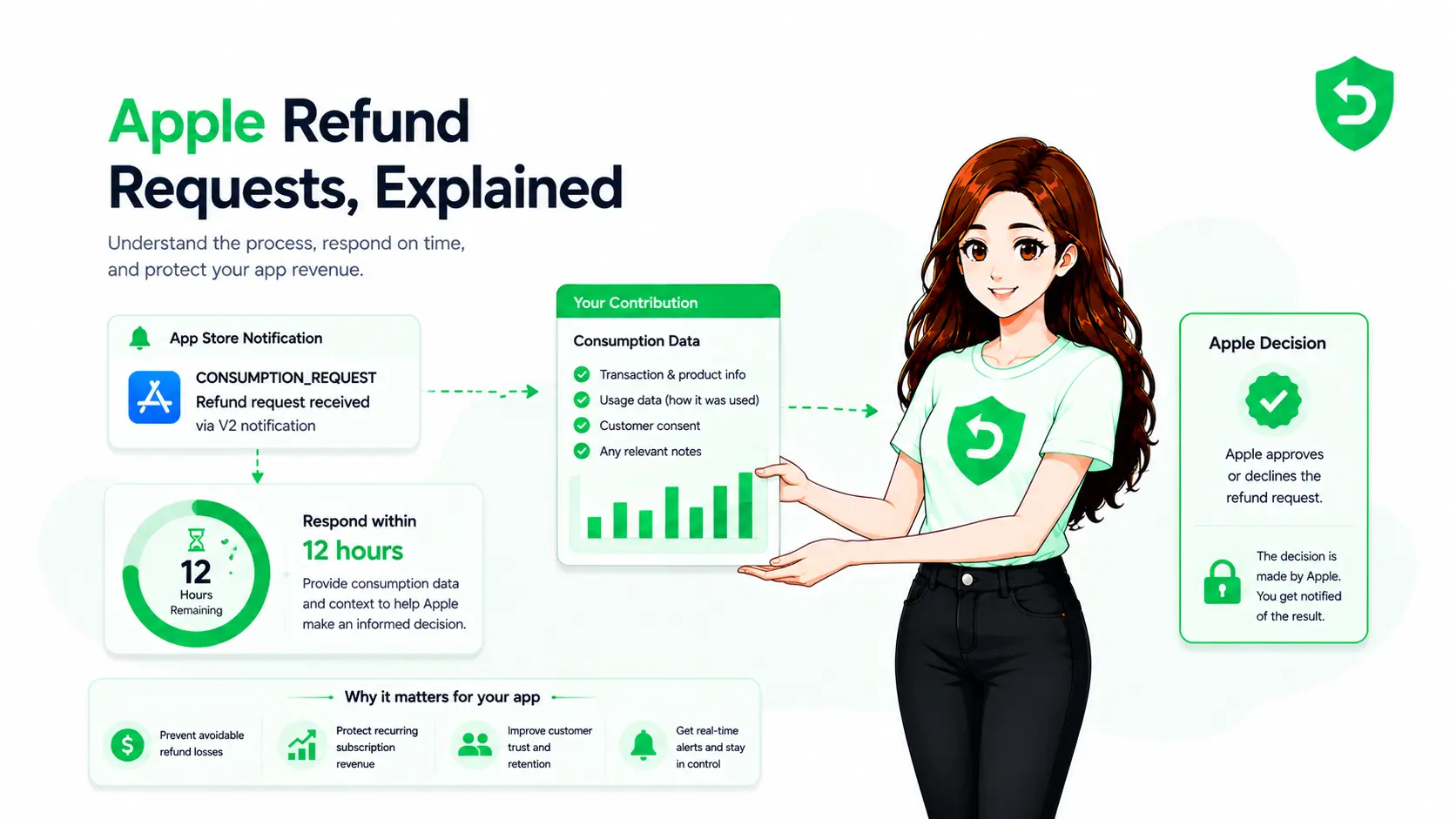
A CONSUMPTION_REQUEST is a specific notification Apple can send through App Store Server Notifications V2 while a refund request is under review and Apple wants more context from the developer. It lands at the developer's configured notification endpoint, tied to that specific transaction.
Not every refund request triggers one. Apple frames this as applying to relevant cases rather than every transaction across the board, so a workflow built on the assumption that every refund produces a CONSUMPTION_REQUEST is going to have gaps.
When a developer does receive one, Apple's documentation describes a defined production response window, commonly cited as 12 hours in current developer docs, though it's worth confirming that figure directly against Apple's own documentation rather than trusting a secondhand summary. If a developer has no relevant consumption data, or doesn't have the customer's consent to share it, the right move is to skip the response rather than send something inaccurate or unauthorized.
What Information Can Developers Send to Apple?
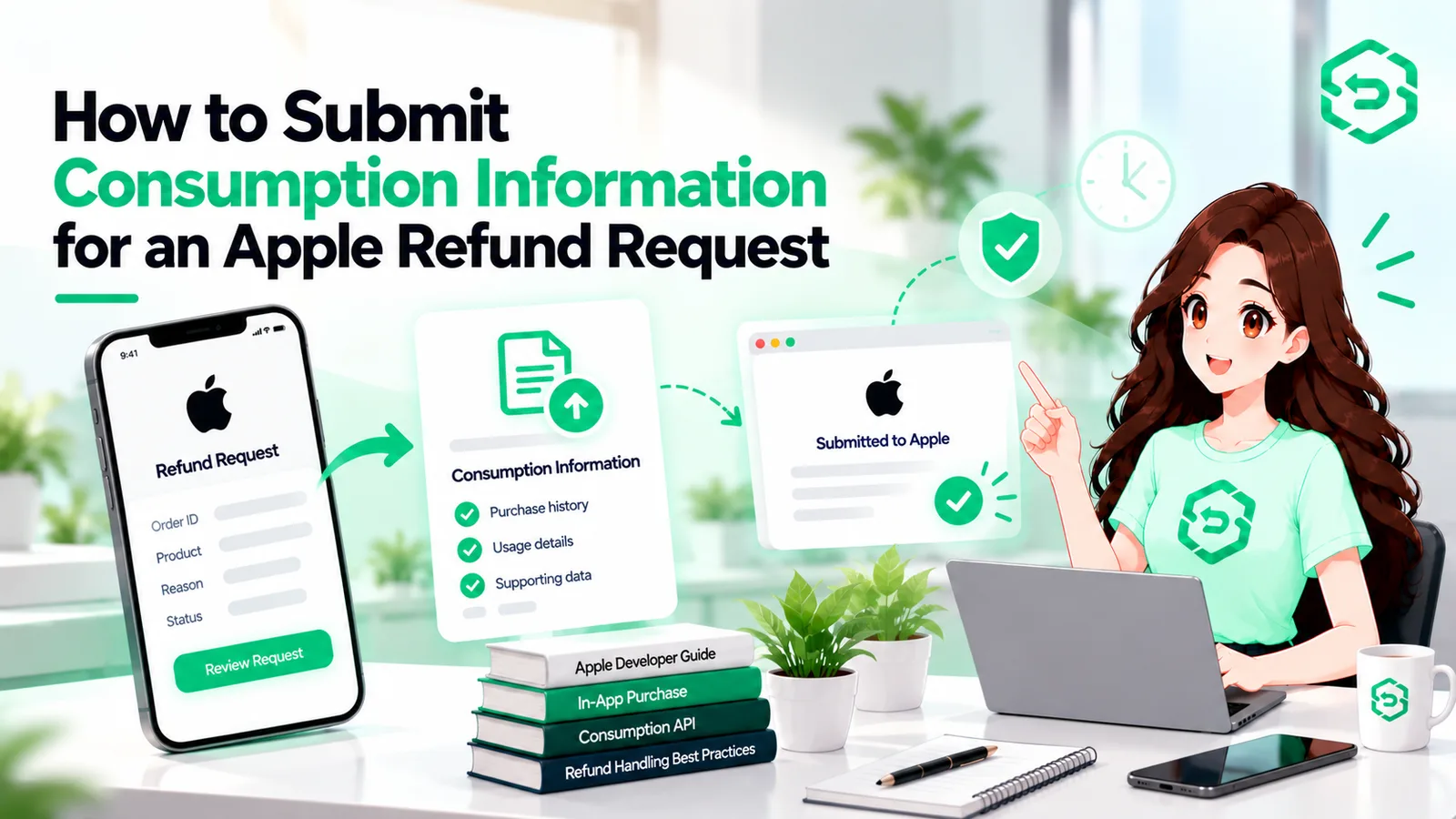
Consumption information gives Apple's review additional context about how a specific purchase was actually used, built from data the developer already has on hand. Apple's Send Consumption Information endpoint supports fields covering things like whether the customer consented to sharing this data, the delivery status of the purchased content, how much of it the customer actually consumed, whether sample or trial content was involved, the customer's account standing, and the developer's own refund preference for that transaction.
None of those fields are there to be padded out for the sake of looking thorough. Apple is specific about what each one represents, and vague or generic values don't help the review, they just add noise. Customer consent has to come before certain details can be shared at all, which is a good argument for tracking consent status alongside purchase data from the start rather than bolting it on later. For a closer look at how this piece fits into the broader response, RefundSensor's breakdown of the CONSUMPTION_REQUEST workflow walks through it in more detail.
What Can Developers Control During a Refund Review?
This table lays out where Apple's authority ends and where a developer's actual responsibility begins.
Apple Controls | Developer Controls |
Final refund decision | Whether to send consumption information |
Whether a request is under review | Accuracy of transaction and usage data submitted |
Timing of the review outcome | Consent tracking before sharing customer data |
Refund policy and eligibility criteria | Backend response to the resulting notification |
Which requests trigger a CONSUMPTION_REQUEST | Internal record-keeping and entitlement updates |
Developers can't approve or reject a refund, override Apple's policy, or guarantee a particular outcome by sending more detailed data. What they can control is the quality and timeliness of what Apple's review has to work with, and how their own systems respond once a decision comes back.
Why Refund Monitoring Matters for App Developers
Refund monitoring matters because the notification is frequently the only signal a developer gets that a transaction's status has actually changed. Miss it, and entitlements can stay active after a refund, subscription state can drift out of sync, or revenue reporting can quietly stop matching reality.
At a basic level, this means listening for the relevant App Store Server Notifications events, matching each one to the right transaction and customer record, and updating entitlement and subscription status accordingly. It also means keeping a running record of refund outcomes, not just to react to individual events but to spot refund patterns across a product, a plan tier, or a purchase type over time.
Where Refund Management Gets Difficult at Scale
This sequence shows how a single refund event moves through Apple's system and where the developer actually has work to do.
Stage | What Happens | Developer Role |
Customer requests refund | Apple receives the claim | No direct action required |
Apple reviews request | Apple evaluates eligibility | Wait for a possible notification |
CONSUMPTION_REQUEST sent (if applicable) | Apple asks for supporting data | Prepare and send consumption info within the window |
Apple decides | Refund approved or denied | No control over the outcome |
Notification delivered | Apple confirms the result | Update entitlements, records, revenue data |
At low transaction volume, a small team can keep an eye on these notifications by hand. That stops holding up once an app has thousands of monthly transactions spread across several purchase types and regions. Manually matching each CONSUMPTION_REQUEST to the right transaction, tracking the response window, and reconciling refund outcomes against revenue reports turns into a real operational load, and mistakes there tend to show up as either lost entitlements or revenue nobody can account for.
Key Insight The operational risk in refund handling usually isn't one missed notification. It's the slow buildup of small gaps, a delayed response here, an unmatched transaction there, that eventually shows up as a reconciliation problem nobody can trace back to a cause. |
Final Thoughts
This is where a structured Apple refund management solution starts to matter, not as a way to sway what Apple decides, but as infrastructure for handling the outcome correctly. In practice that usually means automated notification monitoring, reliable transaction matching, a defined process for preparing and sending consumption information inside Apple's window, and tracking outcomes against revenue records. None of that changes Apple's decision. It changes whether a developer's own systems stay accurate once the decision has already been made. If you're building that workflow, RefundSensor's platform overview is a reasonable place to see how the pieces fit together.
Where These Rules Are Documented
● Apple Support: Request a refund for apps or content
● Apple Developer Documentation: Send Consumption Information
● Apple Developer Documentation: App Store Server Notifications
Frequently asked questions
It's a claim a customer submits directly to Apple, asking for money back on an App Store purchase. Apple, as the merchant of record, owns the review and the decision, not the app developer.
Developers mostly experience it through server notifications. Apple reviews the claim on its own and may notify the developer if it needs supporting consumption data before deciding.
Yes. Apple alone decides whether a refund is approved or denied. Developers can't approve, deny, or override that decision through any documented mechanism.
It's a notification sent through App Store Server Notifications V2 asking a developer to optionally provide consumption information for a transaction currently under refund review.
Apple sends it for relevant refund requests where extra context could inform the review, not for every refund request or every purchase type.
Developers can send consumption information such as delivery status, usage details, customer consent status, and their own refund preference, through Apple's Send Consumption Information endpoint.
By listening to App Store Server Notifications V2, matching relevant events to the right transactions, and tracking response deadlines and outcomes in one place.
Customers go to reportaproblem.apple.com, sign in, choose the purchase, pick a reason, and submit the request. They can check the status from the same page. This is Apple's own consumer process, separate from any developer tooling.
By tying notification handling, transaction matching, and consumption-data preparation into a single workflow, so responses go out inside Apple's window without manually tracking every transaction.