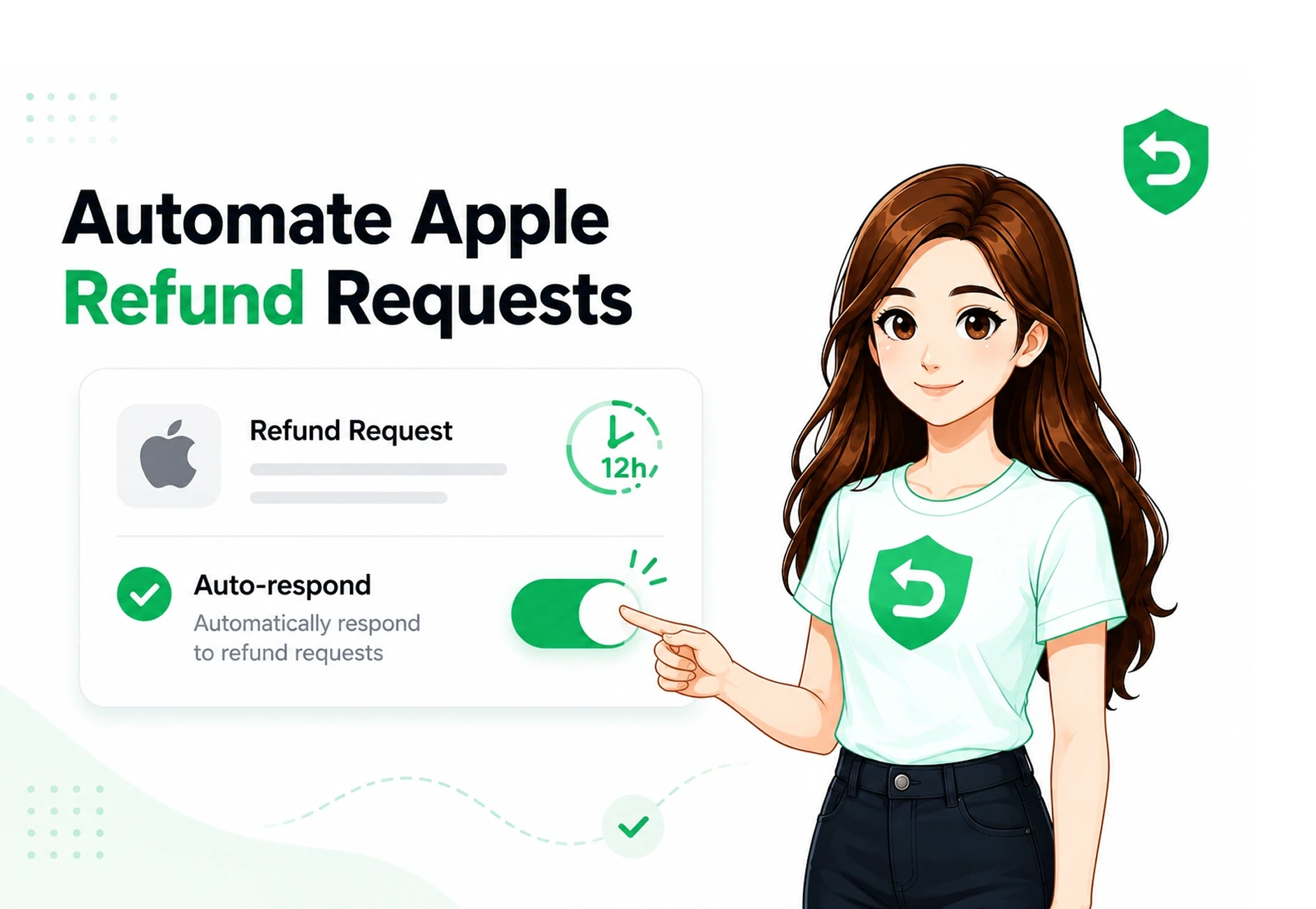
Quick answer: When a customer asks Apple for a refund on an in-app purchase or subscription, the App Store sends your server a CONSUMPTION_REQUEST notification and gives you roughly 12 hours to respond with consumption data through the Send Consumption Information endpoint. Apple weighs that data in its decision. If you don't respond in time, Apple decides without your input and unjustified refunds are often granted by default. Automating this response means every request gets answered inside the window, every time.
The short version
Apple owns the payment rails. When someone buys a subscription or in-app purchase in your app, Apple collects the money, takes its cut, and handles refunds. For years developers had no say in refund decisions at all.
That changed. Apple now lets you send consumption information structured evidence about how the customer used what they bought and factors it into the refund decision. You don't get to approve or deny the refund yourself; Apple still makes the final call. But silence gives Apple nothing to work with, and a well-formed response gives it context.
The catch is timing and consistency. The window is short, it opens at unpredictable hours, and doing this manually at any real volume is impossible. That's the problem apple refund automation solves.
How Apple's refund flow actually works
Here's the sequence, end to end:
The customer requests a refund. They go to reportaproblem.apple.com, pick the purchase, choose a reason, and submit.
Apple notifies your server. For eligible purchases, the App Store sends a CONSUMPTION_REQUEST notification through App Store Server Notifications V2. The payload contains signed transaction data identifying the purchase. These app store server notifications are what trigger the automated workflow.
You respond with consumption data. You call Send Consumption Information with the original transaction ID and a structured ConsumptionRequest body describing delivery, usage, consent, and your refund preference. The send consumption information endpoint is the key API step in the process.
Apple decides. Its refund decisioning system weighs your data alongside the customer's history and other factors, then issues a decision.
You're notified of the outcome. A REFUND notification means the refund was granted; a REFUND_DECLINED notification (for requests initiated via the StoreKit API) means it wasn't.
What a CONSUMPTION_REQUEST contains and what you send back
The notification itself carries signed transaction info and the customer's stated reason (consumptionRequestReason). Your response is where the real work happens. Apple defines a structured ConsumptionRequest with fields including:
Field | What it tells Apple |
customerConsented | Whether the customer agreed to share this data. Must be true or Apple rejects the submission. |
consumptionStatus | Whether the purchased content was not consumed, partially consumed, or fully consumed. |
deliveryStatus | Whether the in-app value or service was actually delivered. |
accountTenure | How long the customer has had an account with you. |
playTime | How much time the customer has spent in the app. |
lifetimeDollarsPurchased | Total the customer has spent across your apps. |
lifetimeDollarsRefunded | Total previously refunded to the customer. |
sampleContentProvided | Whether the customer could try content before buying. |
userStatus | The current status of the customer's account (active, suspended, etc.). |
refundPreference | Your recommendation to Apple: undeclared, prefer grant, or prefer decline. |
Each field is a signal. Left blank, it's context Apple never gets. We break down every field and its accepted values in What Is a CONSUMPTION_REQUEST Notification? A Field-by-Field Breakdown. Developers evaluating an apple refund api should also understand how these fields fit into the complete refund workflow.
The 12-hour window
You have about 12 hours to respond to a CONSUMPTION_REQUEST in production. Miss it and you forfeit the chance to provide input; Apple decides on what it already has.
The problem isn't the length of the window it's when it opens. Refund requests don't wait for business hours. The window can open overnight, on a weekend, or during a holiday, and a manual review queue can't cover that without someone permanently on call. This is the single most common reason developers lose refunds they could have contested: not a bad response, but no response. We go deeper on this in The 12-Hour Window: Why Most Developers Lose Refunds by Default.
The consent requirement don't skip this
This is the part that trips up nearly everyone, and it's a legal issue, not just a technical one.
Apple's CONSUMPTION_REQUEST does not tell you whether the customer consented to share their data. That's by design Apple expects your app, not your server, to collect and confirm consent before any consumption data is sent. You must set customerConsented to true in your API call, and you, the developer, are solely responsible for having obtained valid consent, because you're the one sharing data you collected from the user.
Get this wrong and you don't just risk a rejected submission you risk a GDPR or DPDP compliance problem. Handle consent properly in your app's terms and purchase flow before you automate anything. We cover exactly where and how in Customer Consent & the Consumption API: What Apple Actually Requires.
What automating this actually takes
On paper, automating the response sounds like a weekend project: catch the notification, fill in the fields, call the endpoint. In production, it's a standing piece of infrastructure and understanding what's really involved is the difference between "we'll build it" and "we'll skip it."
A reliable in-house responder has to receive and verify Apple's signed notifications, pull accurate, up-to-the-moment usage and billing data for each customer the instant a request arrives, map that data to Apple's exact ConsumptionRequest values, and submit it inside the ~12-hour window at any hour, without a person watching. On top of that it needs deadline-safe retries, failure handling, logging you can audit, monitoring so you know if it breaks, and ongoing maintenance every time Apple revises its payloads or fields. None of that is your product. All of it is infrastructure you'd own indefinitely for a workflow that has nothing to do with what your app does. (We go deeper on the notification layer in Setting Up App Store Server Notifications V2.)
That's the calculation most teams end up making: the mechanics are knowable, but building and babysitting a compliant, deadline-safe responder is a permanent cost with no upside to the app itself. It's exactly the kind of undifferentiated plumbing a managed service is for.
That's what RefundSensor does. It wires into your App Store Connect setup with one webhook URL no SDK, no code changes, no app resubmission then answers every CONSUMPTION_REQUEST automatically inside Apple's window, maps the fields from your data, handles retries and monitoring, keeps current with Apple's changes, and records every outcome in one dashboard. You get the result of a well-built responder without building or maintaining one. For teams looking for Apple refund automation software, this provides a managed alternative to maintaining the workflow in-house.
Does responding actually reduce refunds?
Yes, though results vary and Apple always decides. Submitting accurate consumption data gives Apple's system more context, and developers who respond consistently generally see fewer granted refunds than developers who leave requests unanswered. Choosing a "prefer decline" recommendation, where your evidence genuinely supports it, is one more input Apple considers. This can be particularly relevant when managing a subscription refund workflow at scale.
What automation can and can't do
Be honest with yourself about the ceiling:
It can't guarantee any specific refund is declined. Apple makes the final decision, every time.
It can't contest refunds that never generate a CONSUMPTION_REQUEST — not every refund does.
It can make sure every eligible request is answered inside the window, with consistent, accurate data, so you never lose a refund simply because nobody saw the notification.
That last point is where the money is. You're not overriding Apple you're making sure you always get your turn to speak.
For specifics, treat Apple's own materials as the final authority:
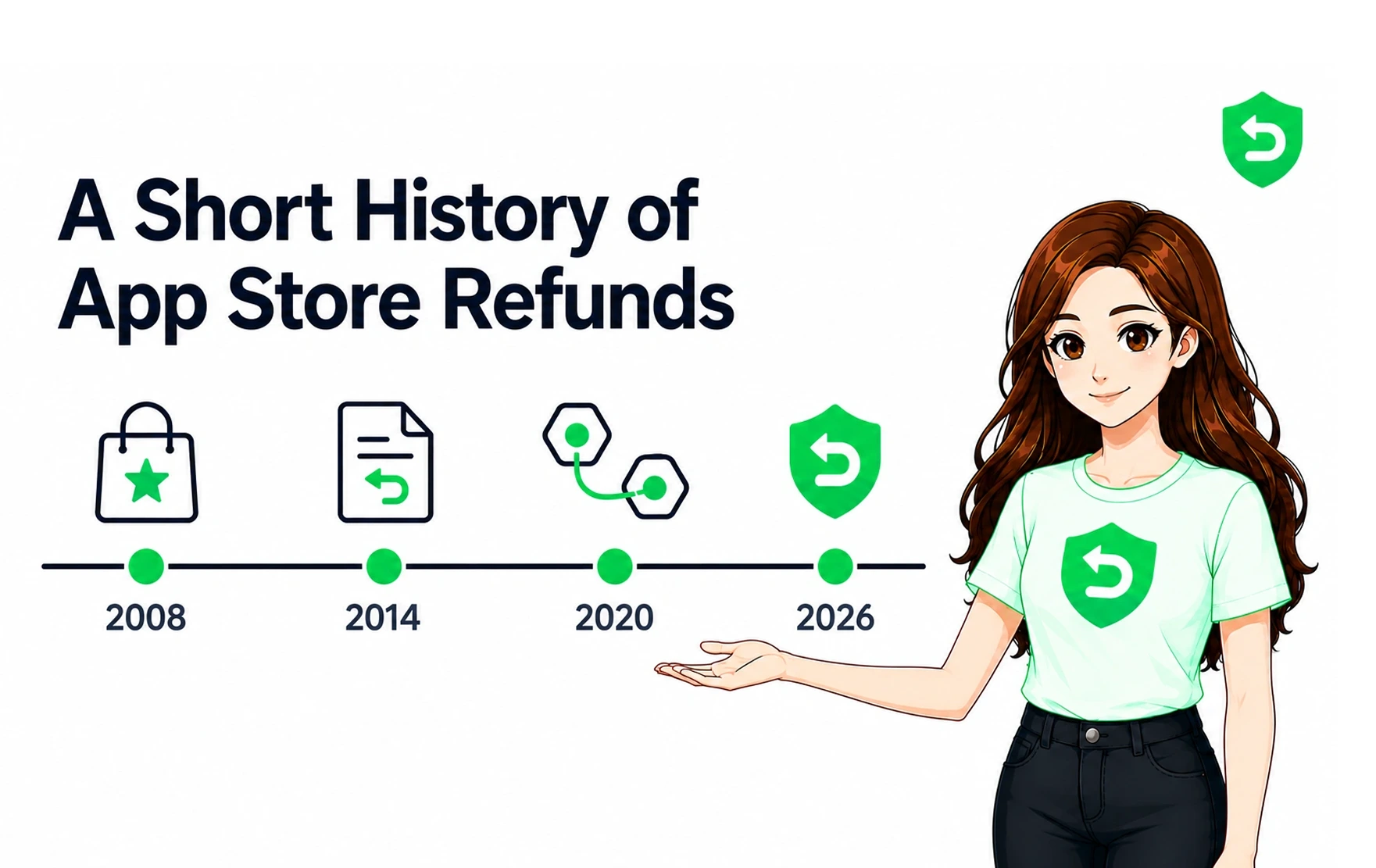
The industry spent 15 years earning developers a voice in refunds. Use it every time. RefundSensor automatically responds to Apple CONSUMPTION_REQUEST notifications inside the window and tracks every outcome, for Apple and Google Play.Start free
Frequently asked questions
It's an App Store Server Notification Apple sends your server when a customer requests a refund on an eligible in-app purchase or subscription. It's your cue to respond with consumption data that Apple will weigh in its refund decision.
About 12 hours in production. If you don't respond in time, Apple decides without your input, and unanswered requests are often granted by default.
No. You can send a refundPreference recommending a decline, but Apple always makes the final decision. Automation improves your odds by ensuring accurate data is submitted every time, it doesn't give you a veto.
Yes. You must obtain valid consent in your app and set customerConsented to true. Apple doesn't collect this for you, and sending data without consent creates a privacy-compliance risk you're responsible for.
No. Responding to CONSUMPTION_REQUEST happens server-side through App Store Server Notifications and the Consumption API. With RefundSensor you paste one webhook URL into App Store Connect, no SDK, no code changes, no resubmission.
Apple proceeds without your data. You lose the one chance to provide context, and refunds, including unjustified ones, are more likely to be granted.