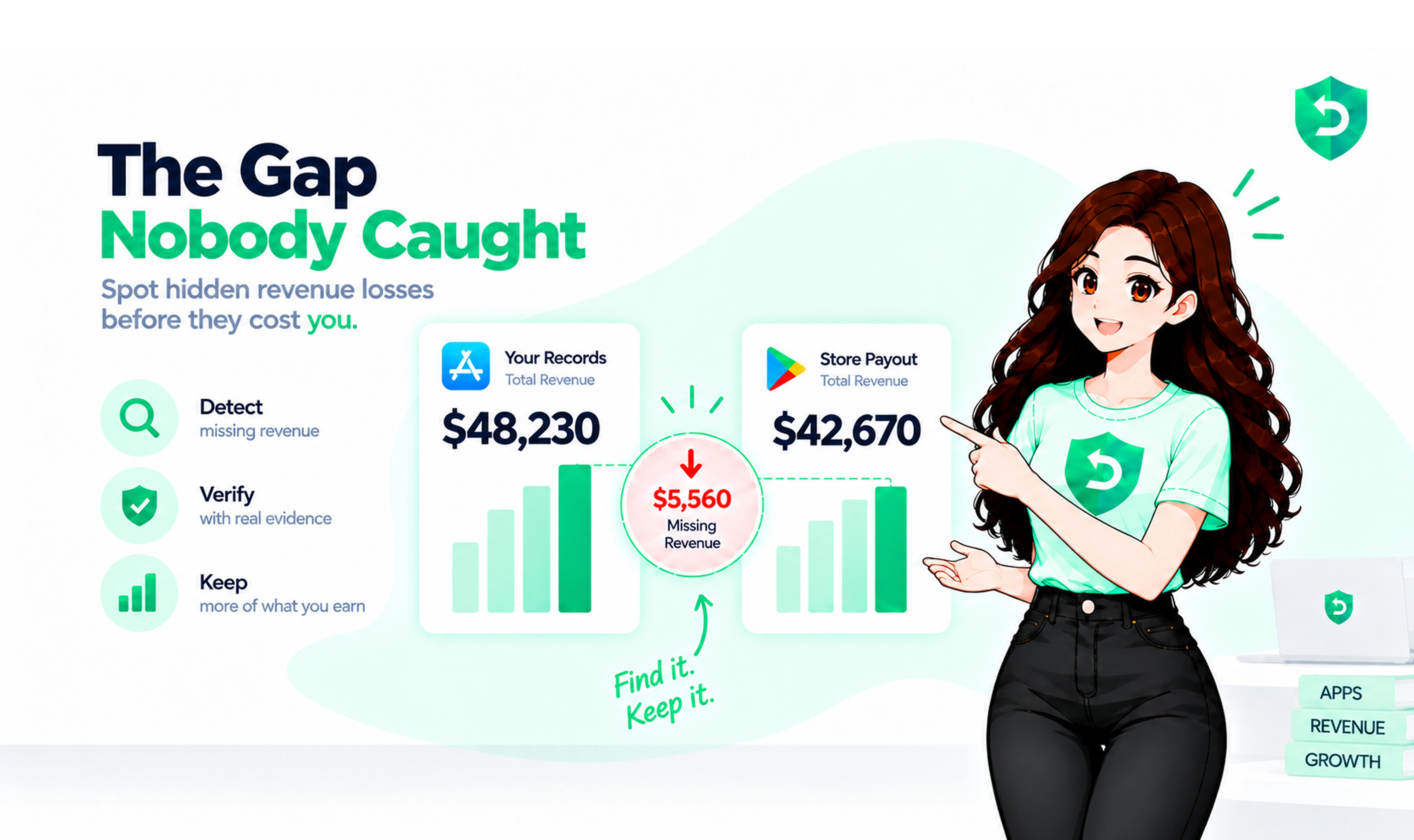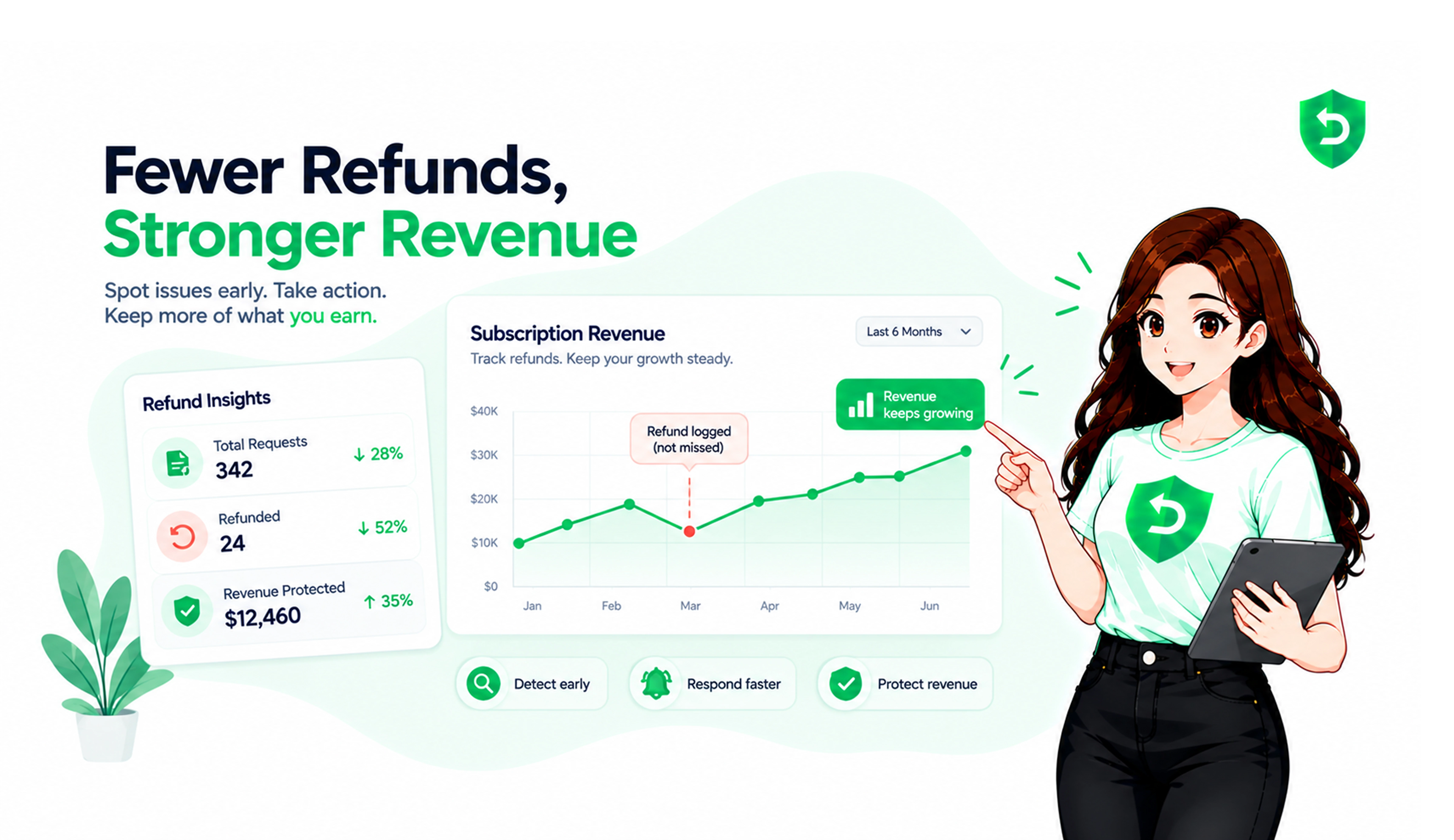
Ask ten iOS teams how they manage Apple refunds and nine describe the same thing. A CSV, pulled from App Store Connect around the fifth of the month. Read once, sighed at, closed.
That's not management. That's an autopsy.
Apple makes every refund decision and you get no vote. What you get is a set of events, a short window to answer one, and a revocation date you're supposed to act on. Teams that wire those up keep money the CSV readers never see. For the recording side first, start with How to track Apple refund requests and respond on time. This one covers the whole job.
Key Takeaways
Apple refund request management is a server job. There is no refund queue anywhere in App Store Connect.
The Apple refund policy gives customers a self-serve route at reportaproblem.apple.com. You only hear about it if you asked.
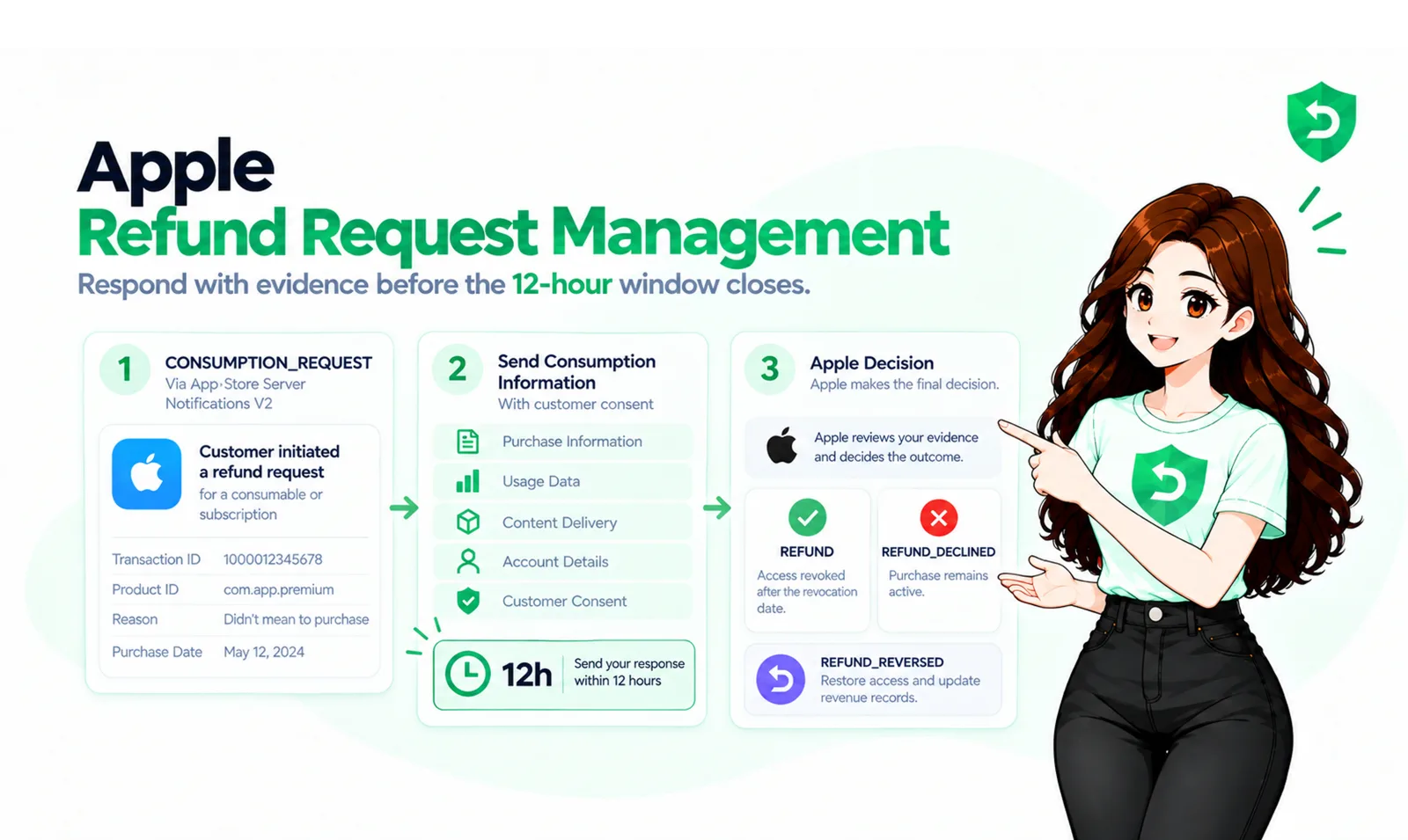
Four notification types cover the lifecycle: CONSUMPTION_REQUEST, REFUND, REFUND_DECLINED, REFUND_REVERSED.
The 12-hour reply window is the only place your input changes an outcome. Everything else is cleanup.
Most teams miss REFUND_REVERSED. That one hands access back, and forgetting it punishes an honest customer.
What Apple Refund Request Management Actually Means
It's the systems that catch a refund event, answer it if wanted, update what the user can do, and book the money. Four jobs. None optional, and only one shows up in a dashboard Apple gives you.
The Apple refund policy sounds like it should involve you. Mostly it doesn't. Apple's Media Services Terms say all transactions are final, so every refund is an exception Apple chooses to grant. No approve button. No customer email address. You can't even see who filed.
What you can do is send evidence while Apple is still deciding. That lever is why this discipline exists.
The Apple Refund Request Process for Developers, End to End
Here is the whole path, in order, from the customer's side to yours.
A customer opens reportaproblem.apple.com, signs in, finds a purchase from the past 90 days, picks a reason, submits. Since iOS 15 you can surface that same form inside your app with StoreKit's refund request sheet, routing the unhappy user to Apple without a support ticket in between.
If you run App Store Server Notifications V2, a CONSUMPTION_REQUEST lands on your endpoint with the transaction, the product, and the reason they picked.
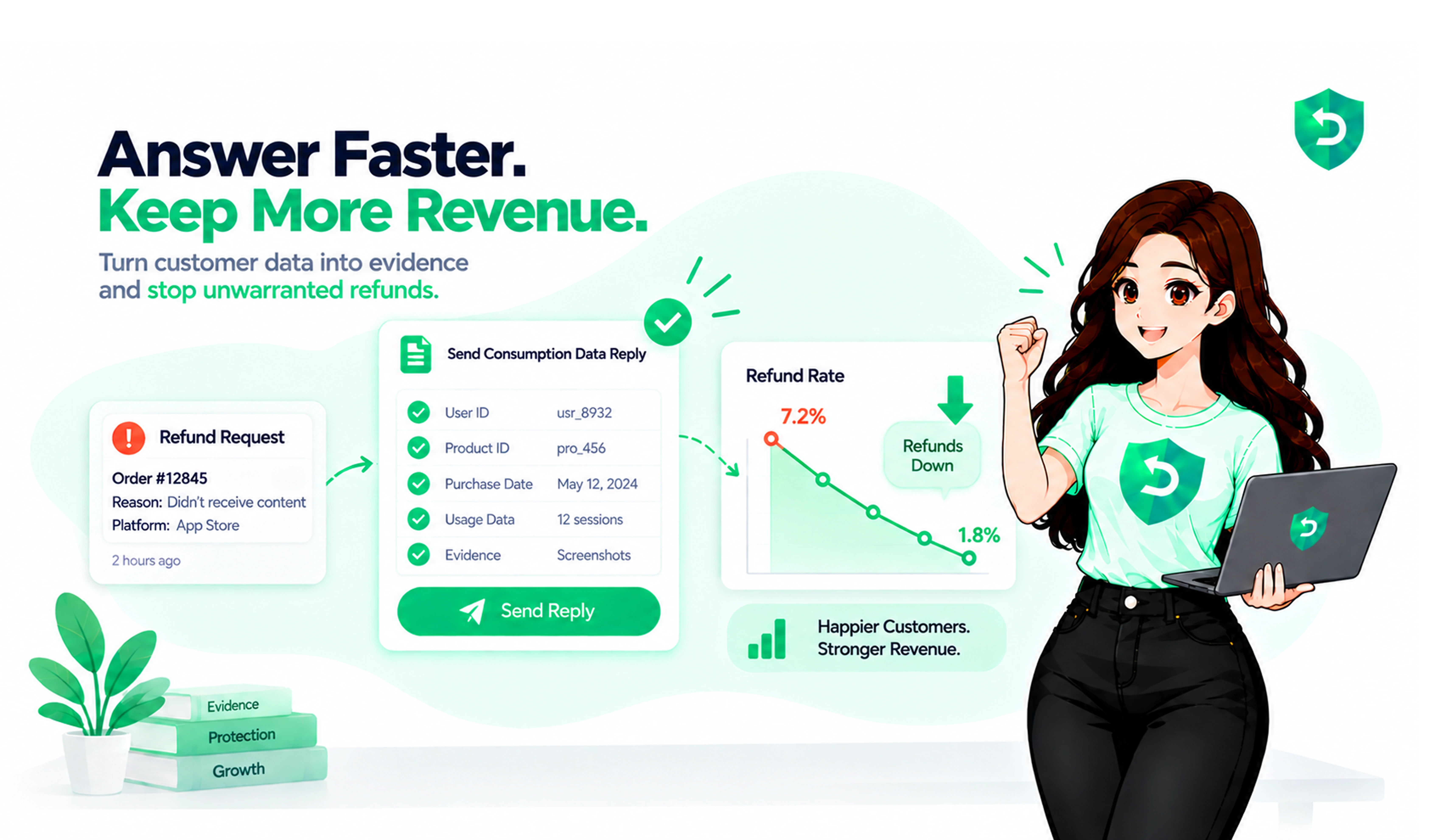
You get about 12 hours to reply with consumption data. You reply, or you don't.
Apple rules: REFUND, REFUND_DECLINED, or nothing at all if you aren't listening.
If it was granted, the payload carries a revocation date and reason. Access comes off as of that date, and your revenue record changes.
Sometimes Apple changes its mind after a customer dispute. REFUND_REVERSED arrives and you put access back.
Step 3 is the only one where you influence the result. Steps 5 and 6 are where the money quietly leaks.
One thing to know before you build this: Apple tells developers not to poll for refund status. Notifications are the recommended path, with Get Refund History used for reconciliation after an outage rather than as your primary feed.
A Real Example of What This Is Worth
There's a well-known r/iOSProgramming thread where a developer wrote up handling CONSUMPTION_REQUEST for the first time. He'd been ignoring it for months. After wiring up a reply, he put roughly $1,000 back into monthly revenue on one small app.
No paywall changes. No new onboarding. No price test. He just started answering the question Apple was already asking him.
That's the shape of this subject. The work is unglamorous and lives in backend code. The return shows up fast, because those requests were granted by default anyway.
The Four Events, and What to Do With Each
CONSUMPTION_REQUEST
Apple is asking, not deciding. Pull the customer's real usage, check they consented to their data being shared, and file five fields: consent, delivery status, sample provided, consumption percentage in milliunits, and your preferred outcome. Decline the ones where the product got used. Grant the genuine accidents.
REFUND
Money is going back, and two separate actions follow. Revoke the entitlement as of the revocation date. Book the refund into the period the original purchase sat in, not the period you heard about it. Store the revocation reason too, because it separates app-caused refunds from noise.
REFUND_DECLINED
Nothing to do but record it. Your answer worked, or the account history did.
REFUND_REVERSED
Apple undid a refund after a dispute. If you cut access, give it back. On a subscription the renewal date doesn't move when this happens, which catches people out.
Two edge cases nobody plans for. A subscription refund also brings DID_CHANGE_RENEWAL_STATUS with an AUTO_RENEW_DISABLED subtype, so renewal is already off. And with Family Sharing on, a refund triggers REVOKE for every family member who had access.
How to Handle Apple Refund Requests: The 12-Hour Job
The window is short and it doesn't care what time it is. Answering properly takes five steps. Verify the JWS signature against Apple's certificate chain before trusting a byte of it. Match the transaction to a real user. Compute consumption from recorded usage, not a guess. Mint a short-lived JWT with an In-App Purchase key. Put the response in.
Consent gates the whole thing. Apple's Send Consumption Information docs are blunt: don't respond at all if the customer hasn't agreed to their consumption data being shared. Put that language in your terms before you ship. Auto-renewable subscriptions reject a consumption percentage outright, since Apple derives it from elapsed time.
Sandbox gives you 5 minutes instead of 12 hours. Read that as a hint. A server, not a person.
What Happens After the Decision
Handling the request is half the job. How developers handle App Store refunds hinges on the hour after, when three things must stay in sync:
Entitlements. Access off on REFUND, back on at REFUND_REVERSED. If a user has Pro through two grants, check the other first. We broke the whole problem down in revoking access after a refund.
Revenue records. Refunds arrive weeks later. Attribute them to the original cohort or your LTV is fiction and your ad spend follows it down.
Reporting. Log what Apple asked, what you sent, whether it was accepted, and how long it took. Sending a response and having it accepted are different facts. Only the second matters.
Skip any of them and that's how mobile apps manage App Store refunds badly while thinking they manage them fine.
Build It, or Buy Apple Refund Management Software for Developers
Apple refund management for developers comes down to one choice: volume, plus whether anyone wants to own a handler that must never be down.
Building it means JWS verification, an In-App Purchase key you download once, a transaction-to-user mapping that survives schema changes, and a rota for a 3 a.m. Saturday. Days to get naive, months to get reliable.
Buying is faster. App Store refund management tools differ on three things: do they answer inside the window automatically, do they cover Google Play, and do they show the money you kept or just a log of events. We compared the field in Apple refund management tools: how to choose the right solution.
If you'd rather install nothing and ship no code, Refund Sensor is an App Store refund management solution running on the store keys you already have. It answers each request with transaction evidence inside the window and tracks the outcome per case. Five minutes to connect, no SDK, no resubmission.
Sources
Häufig gestellte Fragen
Go to reportaproblem.apple.com, sign in with the Apple ID used for the purchase, find it in the last 90 days, and pick a reason. Apple tells customers they'll hear back within 48 hours. In-app, StoreKit's refund request sheet surfaces the same form.
No. Apple decides. You can send consumption evidence while it's pending and state a preference. The call isn't yours.
Purchases from the past 90 days show up at reportaproblem.apple.com. Apple's terms say all transactions are final, so a refund is a discretionary exception.
You mostly can't, and that's honest. Notifications need an endpoint. Without a server, a managed service holding that endpoint is your only route to answering inside 12 hours.
An In-App Purchase key, created in App Store Connect under Users and Access, in Integrations. It isn't your App Store Connect API key, and the .p8 downloads exactly once.
Yes. The refund comes with DIDCHANGERENEWALSTATUS and AUTORENEW_DISABLED, so renewal is already off when the money goes back.
Whichever answers every request automatically and reports what you kept. For a solo dev, building the handler is a fair weekend project that then needs monitoring forever. Past a certain volume, an iOS app refund management solution beats a rota.