A refund hits your dashboard and you have no idea why. The customer used the app for two weeks, then the money reversed and their access stayed on. You did not get a vote. That is how most iOS teams meet the Apple refund process, after the fact and without context.
Understanding how Apple approves or rejects a refund matters because it decides real revenue. Apple owns the final call, but developers can feed data into that call, and most teams never do. If you want to reduce preventable losses, start with our Apple refund guide, then read on for how the decision actually gets made.
This is not a guide on how to get a refund as a shopper. This is how the Apple refund approval engine works, and what you can influence from the developer side.
Key Takeaways
• Apple, not the developer, makes the final refund decision on every App Store purchase.
• Apple runs a Refund Decisioning System that weighs transaction details, purchase history, and refund history.
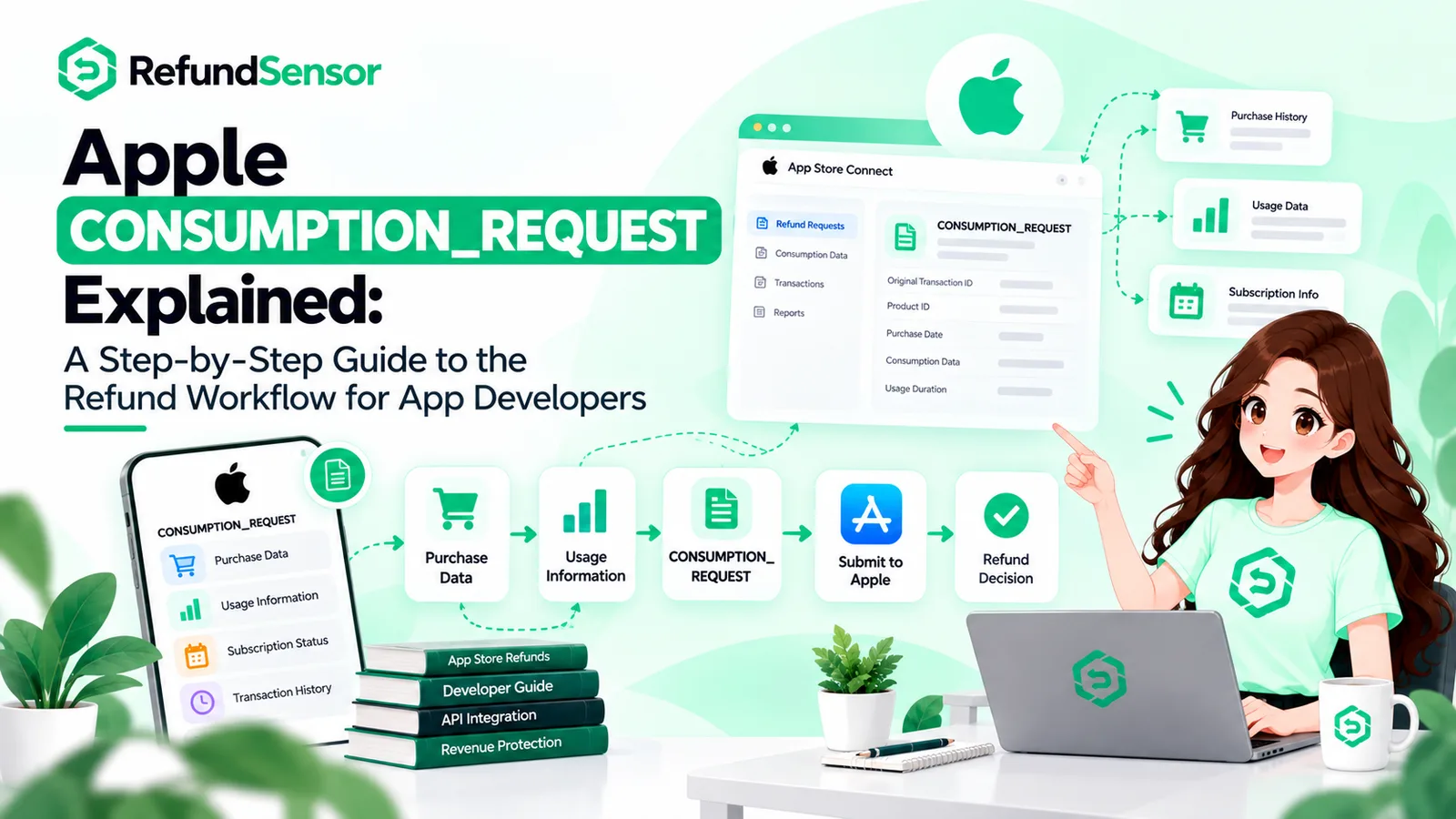
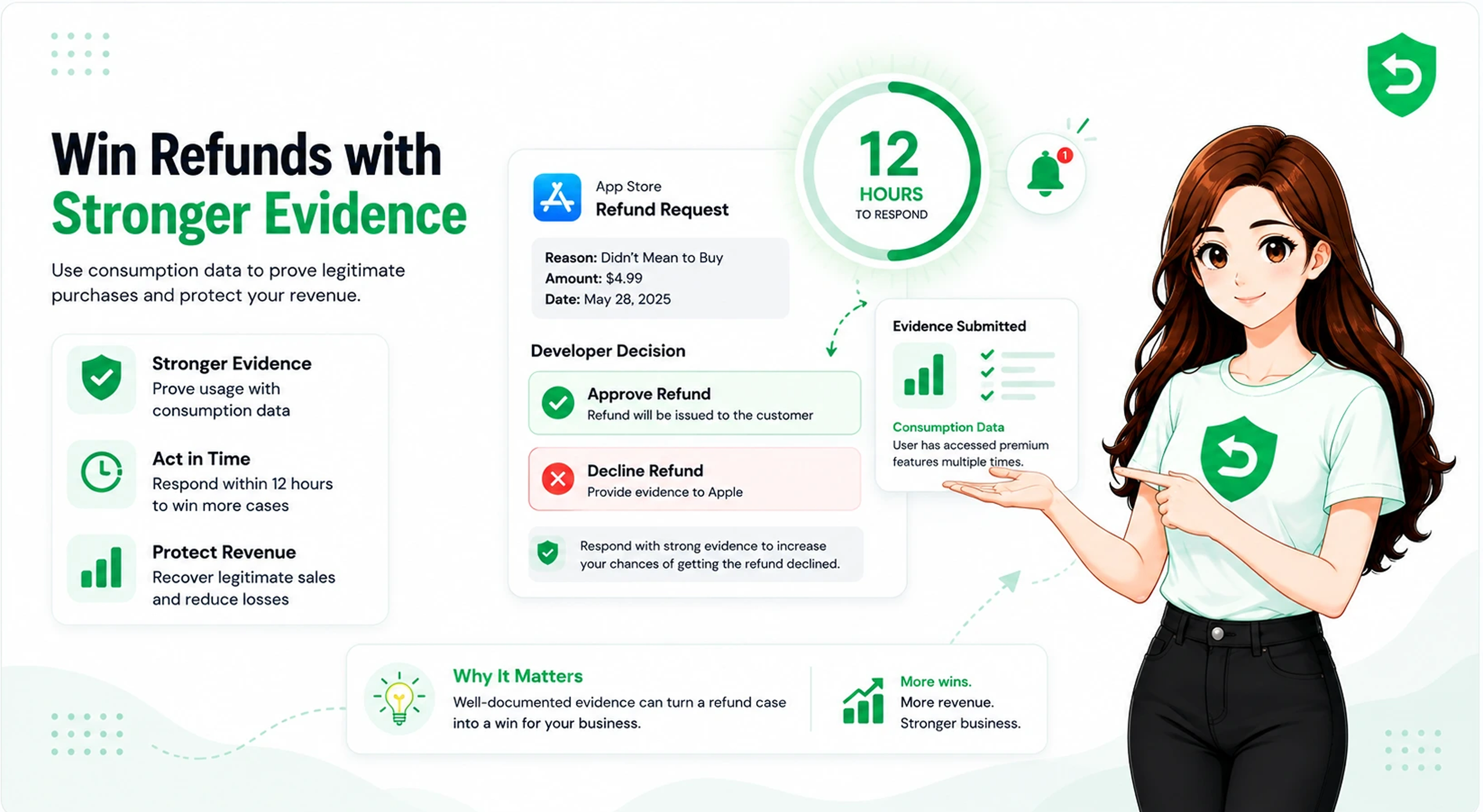
• For eligible purchases, Apple sends a CONSUMPTION_REQUEST and gives you 12 hours to respond with consumption data.
• If you do not respond in time, Apple often grants the refund by default.
• App Store Server Notifications tell you the outcome: REFUND when granted, REFUND_DECLINED when rejected.
• You control the evidence and speed of your response. You do not control the final verdict.
• Clear billing, working functionality, and fast support reduce the refund requests you get in the first place.
What Happens When Someone Requests an Apple Refund?
When a customer requests an App Store refund, the request goes to Apple, not to you. The customer uses Apple's own report a problem flow, and Apple's system opens a review. You are not in that loop unless the purchase type qualifies for developer input.
Apple handles the entire intake. The customer picks a reason, such as did not mean to purchase or app did not work. Apple's system logs that reason and starts checking it against what it already knows about the account and the transaction.
Example. A user buys a $9.99 coin pack, plays for an hour, then files a refund saying it was an accident. Apple receives that claim first. Whether you ever hear about it depends on the product type and Apple's own signals.
How Apple Reviews Refund Requests
Apple reviews refund requests through an automated system that weighs the transaction, the customer's purchase history, and their past refunds. Apple has described this publicly as a Refund Decisioning System. It looks at patterns, not just the single request in front of it.
For consumable purchases and some other types, Apple can also ask you for input before deciding. That request arrives as a CONSUMPTION_REQUEST notification. You then have a short window to send data that helps Apple judge the claim.
Refund Request Stage | What Apple Does | What Developers Can Do |
Customer files request | Logs the reason and opens review | Nothing yet, no signal sent |
Eligible purchase check | Sends CONSUMPTION_REQUEST if applicable | Receive the notification on your server |
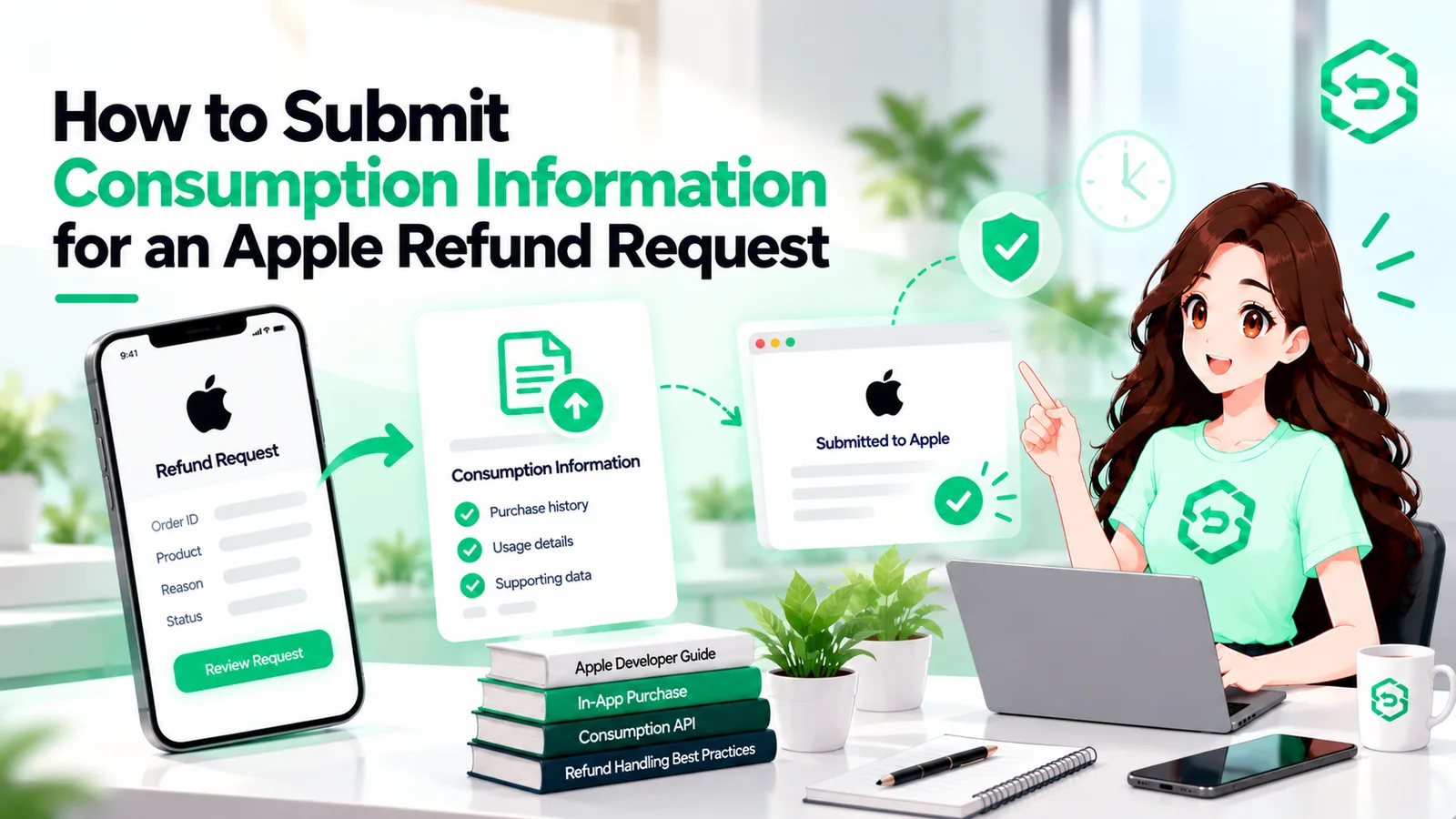
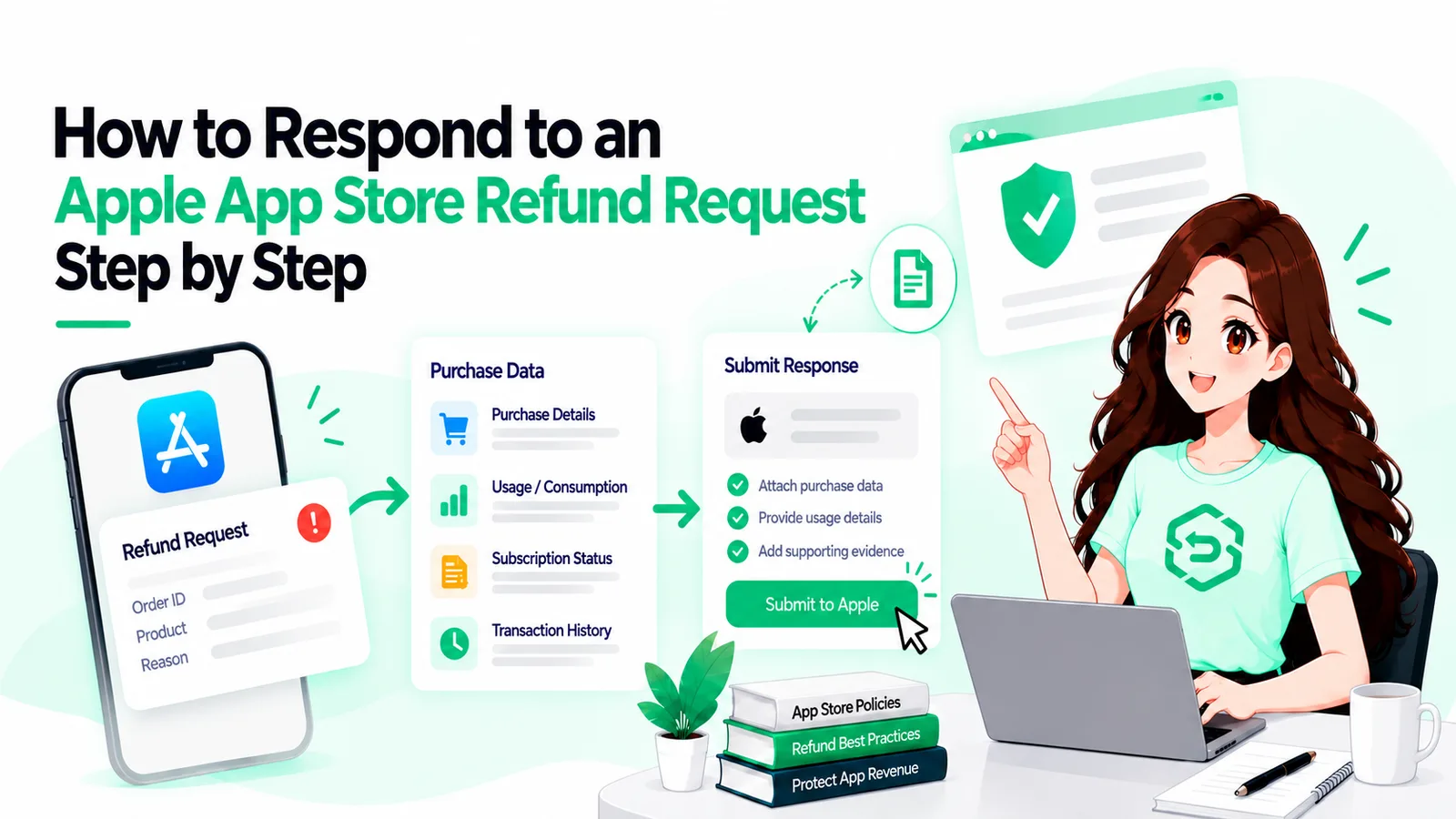
Evidence window | Waits up to 12 hours for your data | Send consumption information via the API |
Decision | Weighs history, evidence, and reason | Nothing, Apple decides |
Outcome sent | Sends REFUND or REFUND_DECLINED | Update entitlements and records |
Developer takeaway Apple makes the decision, but a CONSUMPTION_REQUEST is your one chance to influence it. Miss the 12-hour window and you have handed Apple only the customer's side of the story. |
Factors That Influence Apple Refund Approval
Apple refund approval depends on the stated reason, the customer's history, how much of the purchase was used, and whether the developer sent supporting data. No single factor guarantees an outcome. Apple weighs them together.
Based on Apple's own guidance and the CONSUMPTION_REQUEST design, these signals matter:
• The refund reason the customer selected.
• The account's purchase and refund history, which flags repeat refunders.
• How much of a consumable the customer already used.
• Whether a free sample, trial, or clear functionality was available before purchase.
• The consumption data the developer sends inside the 12-hour window.
Analysis. The account history piece is why a first-time buyer and a serial refunder can get different answers to the same claim. That is expert reading of the system, not a documented rule, so treat it as a pattern rather than a promise.
How App Store Server Notifications Help Developers
App Store Server Notifications are the messages Apple sends your server about purchase events, including refunds. They are how you learn a refund happened, whether it was granted, and why. Without them, refunds are invisible to your backend.
The version 2 notifications are cleaner because each one carries only the transaction for that event. For refunds, the key types are CONSUMPTION_REQUEST when Apple wants your input, REFUND when a refund is granted, and REFUND_DECLINED when a request is rejected. A REFUND payload also carries a revocationReason and revocationDate.
A standard refund can also quietly reverse a charge while access stays live, so these notifications are what let your server react at all.
Example. Your server receives a REFUND notification with a revocationReason. You read the original transaction ID, revoke the entitlement, and update your records. No notification means none of that happens.
What Developers Can and Cannot Control
Developers control the speed and quality of their response, their billing clarity, and their product experience. Developers do not control Apple's final decision, the customer's stated reason, or Apple's internal scoring. Knowing the split keeps expectations honest.
Developer Input | Apple Review | Final Outcome |
Send consumption data in time | Weighs it with account signals | May decline weak claims |
Send nothing | Uses only its own signals | Often grants by default |
Clear trial and billing terms | Sees sample content flag | Fewer I did not authorize claims |
Fast in-app support | Not directly seen by Apple | Fewer requests reach Apple |
Common Reasons Apple May Reject a Refund
Apple may reject a refund when the claim does not match the evidence, when the customer has a pattern of refunds, or when strong consumption data shows the purchase was used as intended. A REFUND_DECLINED notification signals these outcomes for requests made through StoreKit.
Requests are more likely to be declined when:
• The customer already consumed most of a consumable purchase.
• The account shows repeated refund activity across purchases.
• The developer sent clear evidence of normal, expected usage.
• A sample or trial was available, weakening a did not know claim.
Example. A user asks for a refund on a coin pack after spending most of the coins. The developer sends consumption data showing the spend. That evidence gives Apple a clear reason to decline.
Best Practices for Developers
The best practice is simple: capture every refund signal, respond to CONSUMPTION_REQUEST fast with real data, and cut the reasons people ask for refunds. You cannot win the decision, but you can shape the inputs.
• Set up App Store Server Notifications V2 and handle CONSUMPTION_REQUEST, REFUND, and REFUND_DECLINED.
• Automate your consumption response so it fires well inside the 12-hour window.
• Link purchases to a user with appAccountToken so you can answer with real activity.
• Make billing terms and trial details clear before checkout.
• Revoke access on a granted refund, since Apple does not remove entitlements for you.
If your volume is high, manual handling will lose the race. Teams that automate the CONSUMPTION_REQUEST response keep revenue that silent teams give back by default.
Developer takeaway You cannot control Apple's verdict, but you control whether Apple hears your side. Fast, evidenced responses and clear billing are the levers that actually move refund outcomes. |
Final Thoughts
Apple decides every App Store refund, and that will not change. What changes your numbers is whether your server shows up when Apple asks for input, and how clean your product and billing are before anyone asks for money back.
Treat the refund flow as a system you feed, not a verdict you await. Capture the notifications, answer the CONSUMPTION_REQUEST with real data, and keep your entitlements in sync. The teams that do this quietly protect revenue the rest never notice leaving.
Frequently asked questions
Apple decides every refund, not the developer.
Developers have 12 hours to send consumption data.
It's an Apple notification requesting consumption data for an eligible refund request.
Apple sends a REFUND or REFUND_DECLINED server notification.
No. Developers can only provide consumption data to help inform Apple's decision.
Yes. Purchase usage is one factor Apple considers.
Yes. Apple decides subscription refunds and sends refund notifications.
Your server should revoke the customer's access or entitlement.