Why Google Play Chargebacks Are Becoming a Bigger Risk: Protect Your Revenue
Refund Sensor Team · Refund defense for App Store and Google Play developers
A subscription payment clears, and it looks like revenue you can count on. Weeks later, the customer disputes the charge, the bank reverses it, and that clean sale turns into a loss with extra work attached. The payment succeeding did not make the money safe.
This gap matters more now than it used to. Google's current chargeback workflow puts more of the cost and the response on developers, which makes Google Play chargebacks a real revenue risk rather than a rounding error. It helps to understand how Google Play refund and chargeback defense works before the losses start showing up in your reports.
Key Takeaways
• A Google Play chargeback is a bank-led reversal, and since August 2026 more of the cost falls on the developer.
• You cannot stop a customer from disputing a charge, but you can reduce avoidable ones and contest the rest.
• For eligible cases, Google sends a PendingRefundReviewNotification and gives you 24 hours to respond.
• Response timing is strict, so a missed window usually means an automatic loss.
• Subscription chargebacks hurt more than one-off refunds because they erase projected renewals.
• Monitoring and automation matter once volume makes manual handling unreliable.
Why Google Play Chargebacks Matter More to Developers Now
Google Play chargebacks matter more now because developers carry more of the cost and are expected to take part in eligible reviews. A dispute is no longer just Google's problem to absorb. It can hit your revenue directly, and ignoring it is the most expensive option.
Analysis. The shift changes the math. When a chargeback was absorbed elsewhere, monitoring felt optional. Now the loss can land on you. The same disputes carry a direct cost, so watching and answering them becomes part of the business.
What Is a Google Play Chargeback?
A Google Play chargeback is a payment reversal a customer starts through their bank, not through Google or your support. Google acts as merchant of record and handles the dispute, but the reversed money can come out of your revenue.
It is different from a refund. A refund happens inside Google Play under its rules and your settings. A chargeback runs on bank and card network rules, gives you less control, and often adds a bank fee on top of the reversed sale.
How the Google Play Chargeback Review Process Works
A customer disputes a charge, the bank routes it to Google, and Google reviews it. For eligible cases, Google sends a PendingRefundReviewNotification over Real-Time Developer Notifications and gives you a short window to respond with a refund preference and usage evidence before the dispute is decided.
The workflow, step by step:
1. The customer disputes a transaction with their bank.
2. Google Play identifies an eligible chargeback review.
3. Your server receives a PendingRefundReviewNotification through RTDN.
4. You review the transaction and gather usage evidence.
5. You submit a refund preference and evidence through the ReviewRefund API within 24 hours.
6. Google evaluates the information and the final outcome is determined.
Google documents this flow in its guide to disputing chargebacks. One detail matters: only your first response is recorded, so it has to be complete.
Key Insight The developer does not decide the chargeback. Your refund preference and evidence are inputs Google weighs. Responding on time gets your side heard, but Google makes the final call. |
What Changed for Developers in 2026?
In 2026, Google updated who pays for chargebacks. Under the current policy, a lost chargeback can cost the developer the purchase price minus Google's service fee, plus the bank's chargeback fee. Google sets this out in its chargeback cost responsibility documentation.
The point is not a single dollar figure, since it varies by sale and fee. The point is direction. More financial exposure now sits with the developer, so a wave of disputes affects your margins in a way it did not before. That is why chargeback management moved up the priority list.
How Google Play Chargebacks Affect Subscription Revenue
A chargeback does not just remove one payment. On a subscription, it can wipe out projected renewals, add a bank fee, and distort your revenue numbers. It also creates support and billing work that can cost more than the sale itself.
For a subscription business, the effects compound. Net revenue drops. Customer lifetime value gets noisy. Forecasting weakens when closed revenue keeps reversing, and finance teams spend time reconciling money that already left.
Why Chargeback Management Is Difficult at Scale
Manual chargeback management gets hard when disputes arrive faster than a person can handle them. Each one has a short window, needs evidence, and can land at any hour. Multiply that across many products, high volume, or several apps, and manual handling starts to miss windows.
The trigger is not one complex step. It is the number of steps repeated under a deadline. Catch the notification, match the transaction, pull usage, respond in time, and log the result, for every dispute, including nights and weekends.
Chargeback Stage | What Happens | Developer Action |
Dispute filed | Customer contests the charge at the bank | Nothing yet, no signal sent |
Eligible review | Google sends a PendingRefundReviewNotification | Receive it through RTDN |
Evidence window | Google waits up to 24 hours | Submit preference and usage evidence |
Decision | Google weighs the inputs | Nothing, Google decides |
Outcome | Reversal stands or is declined | Update records and revoke access if needed |
How Developers Can Prevent Chargeback Losses
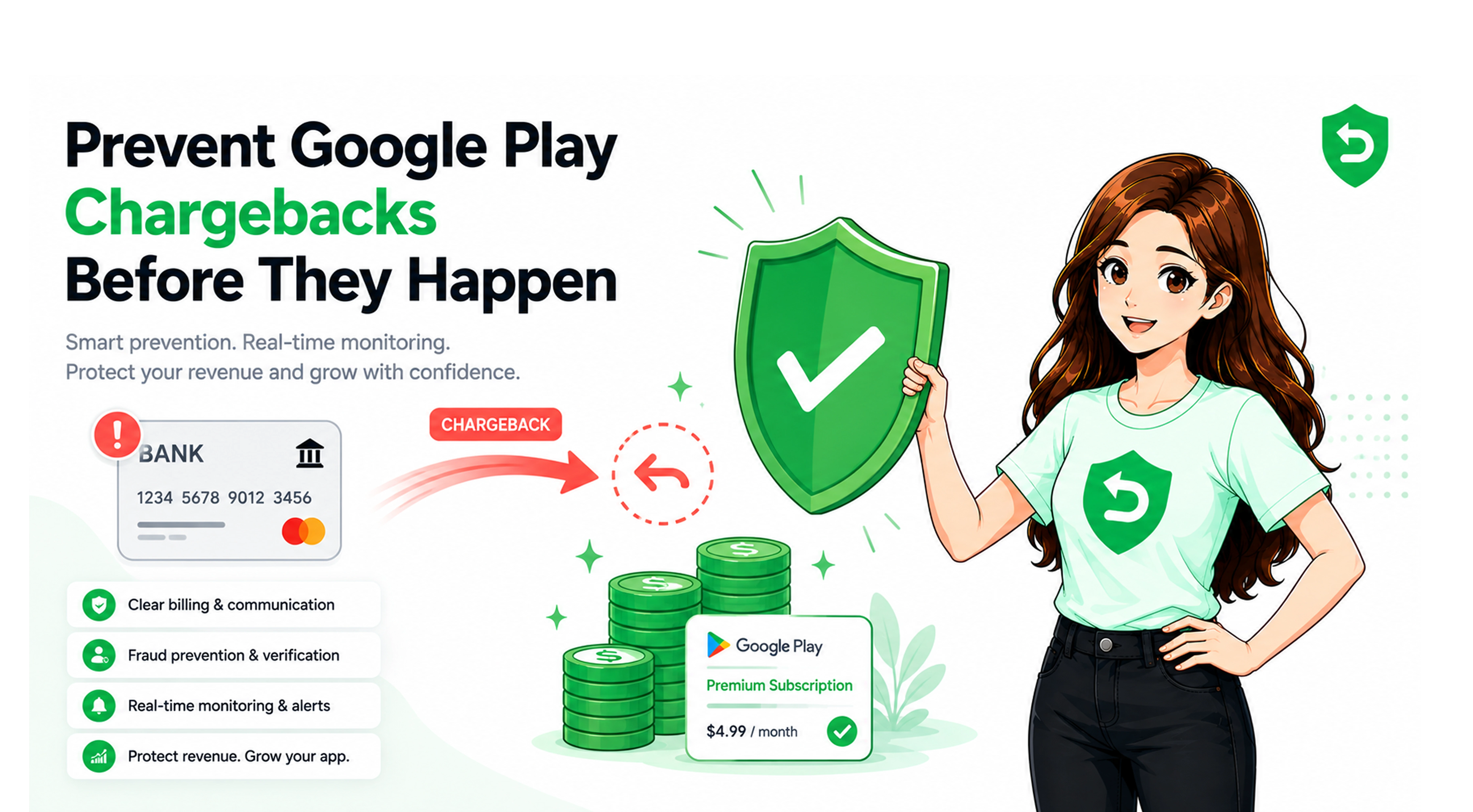
You reduce chargeback losses by making billing clear, keeping accurate records, and responding to disputes in time. Clear terms cut the confusion disputes. Good records let you contest the rest. None of this removes chargebacks completely, but it lowers both the count and the losses.
Practical steps:
• Show price, trial length, and renewal date before checkout.
• Communicate clearly when a trial converts to paid.
• Keep accurate billing and entitlement records tied to each user.
• Monitor purchase events and chargeback notifications.
• Respond within Google's 24-hour window with usage evidence.
• Flag unusual patterns and review high-risk transactions.
How Automation Can Improve Chargeback Management
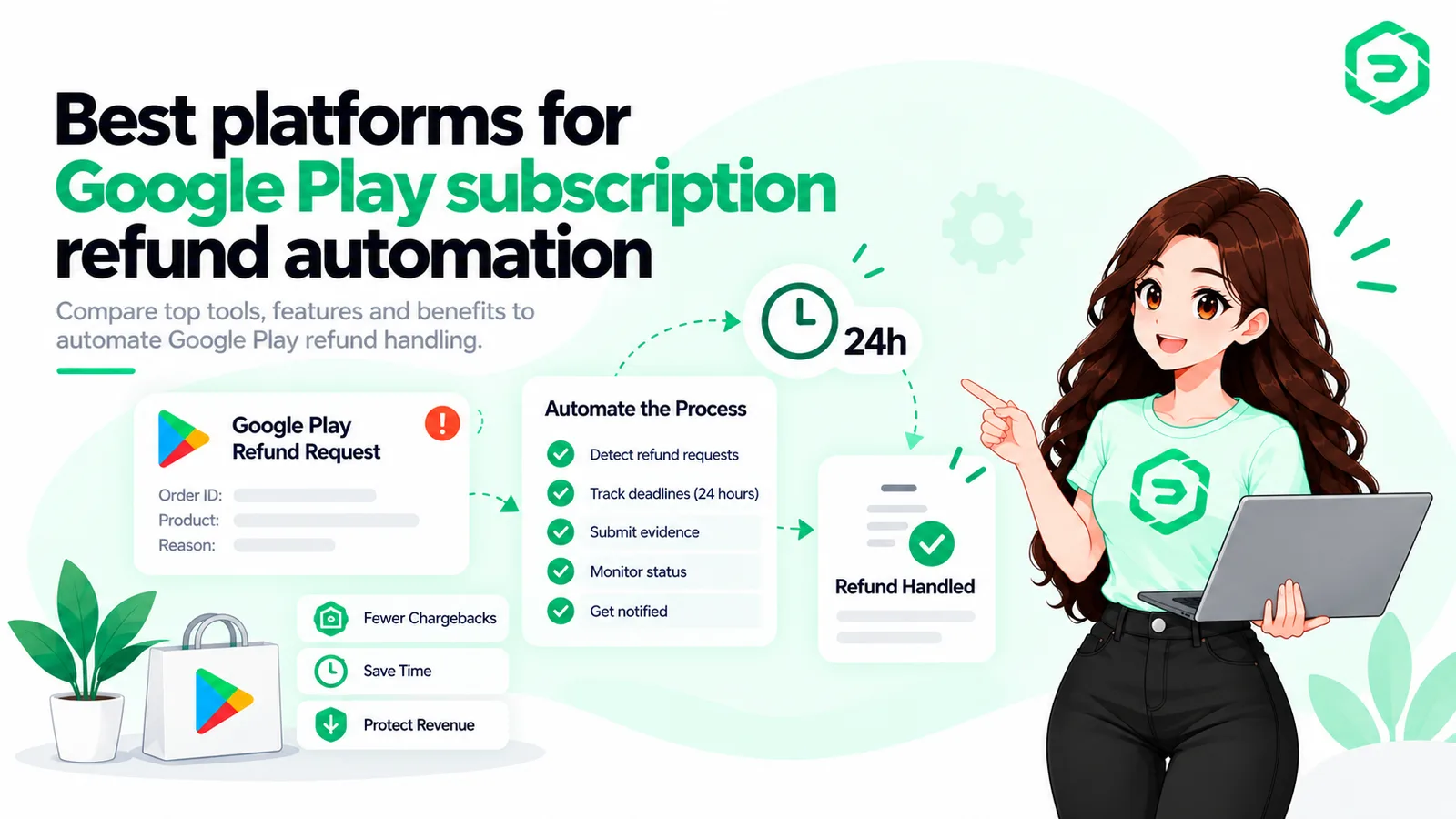
Automation helps by turning the workflow into a repeatable server process. A system can receive each notification, identify eligible reviews, gather evidence, submit a response inside the window, and track the outcome, without anyone watching a queue overnight.
This is where Google Play chargeback management software fits. The business need is real-time notifications, centralized monitoring, evidence collection, fast responses, and revenue reporting in one place. Tools like Refund Sensor handle this flow across Google Play and the App Store, so teams can keep chargeback responses consistent without staffing it by hand. Automation supports your workflow. It does not control Google's final decision.
Key Insight Software does not eliminate chargebacks or guarantee an outcome. What it changes is consistency: every eligible dispute gets a complete, on-time response instead of the ones a person happened to catch. |
What Developers Should Monitor
Developers should monitor chargeback notifications, refund and reversal events, response deadlines, and unusual account patterns. The goal is to see money leaving early enough to act, instead of finding it in a payout report weeks later.
Useful things to track include reversal volume over time, repeat disputers, which products draw the most chargebacks, and how often responses land inside the window. That data guides both prevention and reporting.
Final Thoughts
Google Play chargebacks became a bigger risk because more of the cost now sits with developers, and the response is time-boxed. The answer is not to panic. It is to prevent the avoidable disputes, monitor the rest, and respond in time.
Whether you build that or use a service, the goal is steady app revenue protection. The disputes will keep coming. What changes your numbers is whether your side shows up, complete and on time, every time.
Where These Rules Are Documented
The claims above come from official Google documentation:
• Google Play Console Help: refund and chargeback cost responsibility
• Android Developers: help Google dispute chargebacks
• Google Play Developer API: orders.reviewrefund reference
References
• Google Play Help: chargeback cost responsibility
Frequently asked questions
They are a problem because a lost chargeback can now cost the developer money, not just Google. Since August 2026, more of the cost sits with developers, and disputes carry a short response window. Left unmanaged, they quietly drain subscription revenue and add operational work.
It is a payment reversal a customer starts through their bank, not through Google. Google handles the dispute as merchant of record, but the reversed money can come out of your revenue. It differs from a refund, which happens inside Google Play under its rules and your settings.
A customer disputes a charge, the bank routes it to Google, and Google reviews it. For eligible cases, Google sends a PendingRefundReviewNotification and gives you 24 hours to respond through the ReviewRefund API with a refund preference and usage evidence. Google then decides the outcome
You cannot prevent them entirely, but you can reduce avoidable ones. Show clear pricing and renewal terms, communicate trial conversions, keep accurate records, monitor notifications, and respond within Google's window. Flagging unusual patterns and reviewing high-risk transactions lowers both the number of disputes and the losses.
It is the full cycle of handling disputes: receiving notifications, monitoring reversals, gathering evidence, responding within the window, and tracking outcomes and revenue impact. Done well, it turns silent losses into events you can see, contest, and report on across your products.
Yes. For eligible reviews, Google sends a PendingRefundReviewNotification and lets you respond through the ReviewRefund API within 24 hours. You submit a refund preference and purchase usage evidence. Google weighs your input, but it makes the final decision on the chargeback
The ReviewRefund API is how you submit your side of an eligible chargeback review. You send a refund preference and usage evidence within the response window. Only the first response is recorded, so it must be complete. It gives Google context, but it does not decide the outcome for you
It can help, but it cannot eliminate chargebacks or guarantee an outcome. Software helps by catching every notification, collecting evidence, responding on time, and reporting revenue impact. That consistency protects revenue you would otherwise lose to missed windows and unmonitored reversals.