A customer asks Apple for a refund. Twelve hours later, a window closes on your server, and most teams never knew it opened.
That window belongs to Apple CONSUMPTION_REQUEST a notification the App Store sends when it wants information from you while it evaluates a refund request. It is not a refund. It is not a decision. Apple makes the final refund decision either way. What the notification gives you is a limited opportunity to describe what actually happened with the purchase.
Handling it well is a backend problem, not a support problem. The notification has to arrive, the transaction has to be identifiable, consent status has to be known, and a response has to go out in time.
This article covers what the notification means, what Apple asks for now (the field list is much shorter than it used to be), and how to build a workflow around it. For the wider process, our guide to App Store refund management sets the context.
Key Takeaways
• CONSUMPTION_REQUEST is Apple asking for information during a refund evaluation. It is not a refund notification.
• Apple makes the final refund decision. Your response is one input among several.
• The current endpoint takes five fields, three of them required down from twelve in the older version.
• Consent is mandatory. Apple rejects requests where customerConsented isn't true.
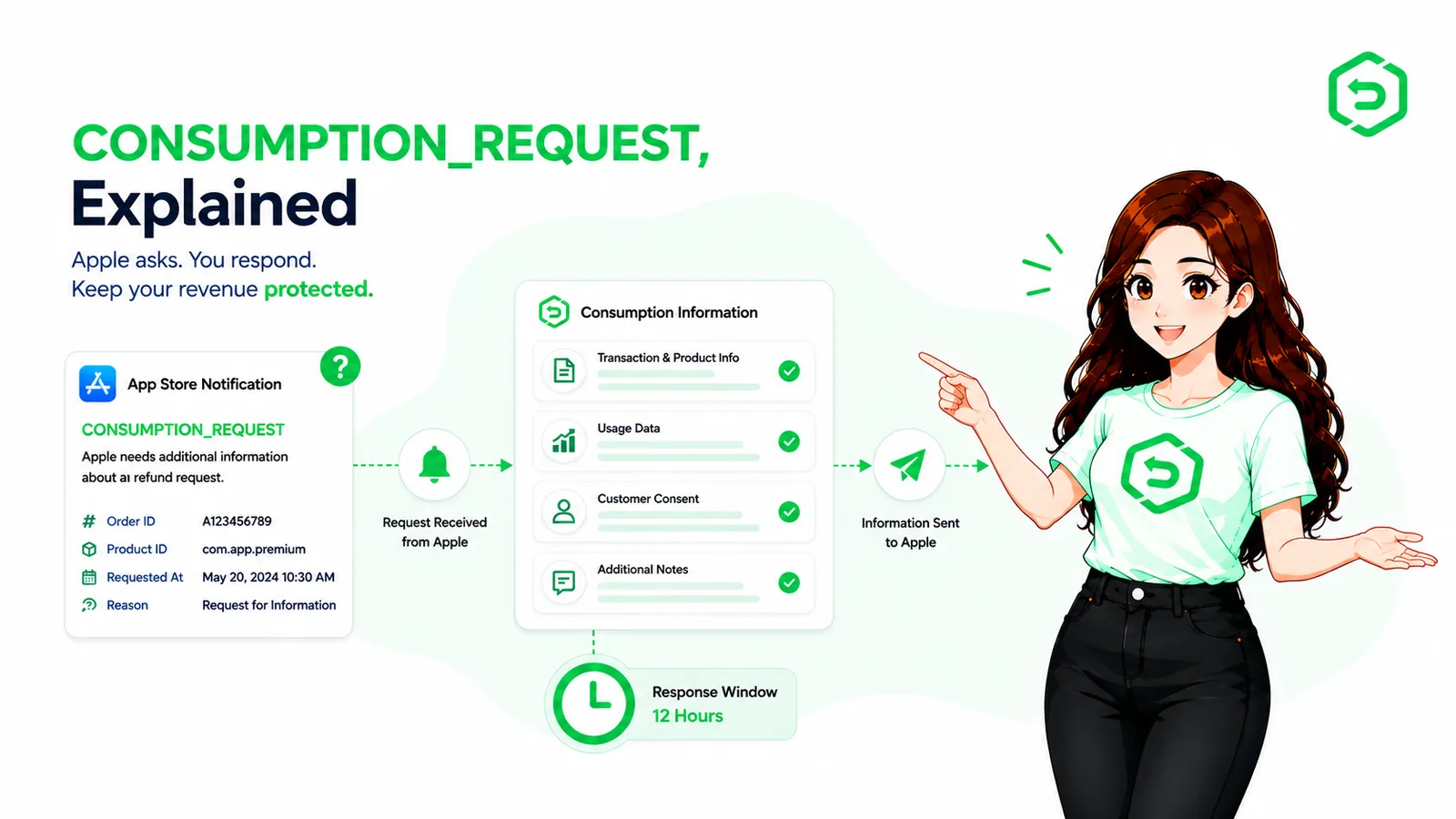
• Apple asks for a response within 12 hours of the notification.
• Because the window is short and the notifications arrive at any hour, this step suits automation better than a human process.
What Is Apple CONSUMPTION_REQUEST?
CONSUMPTION_REQUEST is an App Store Server Notification telling you that a customer has asked Apple for a refund, and that the App Store is inviting you to send consumption information about that purchase.
The Apple consumption request for developers exists because of an information gap. Apple sees the transaction, the account, and the purchase history. It can't see what happened inside your app whether the content was delivered, whether it worked, how much the customer actually used. You can.
One thing it is not: a veto. A response does not block a refund, and Apple is explicit that it weighs a range of factors.
How Does Apple CONSUMPTION_REQUEST Work?
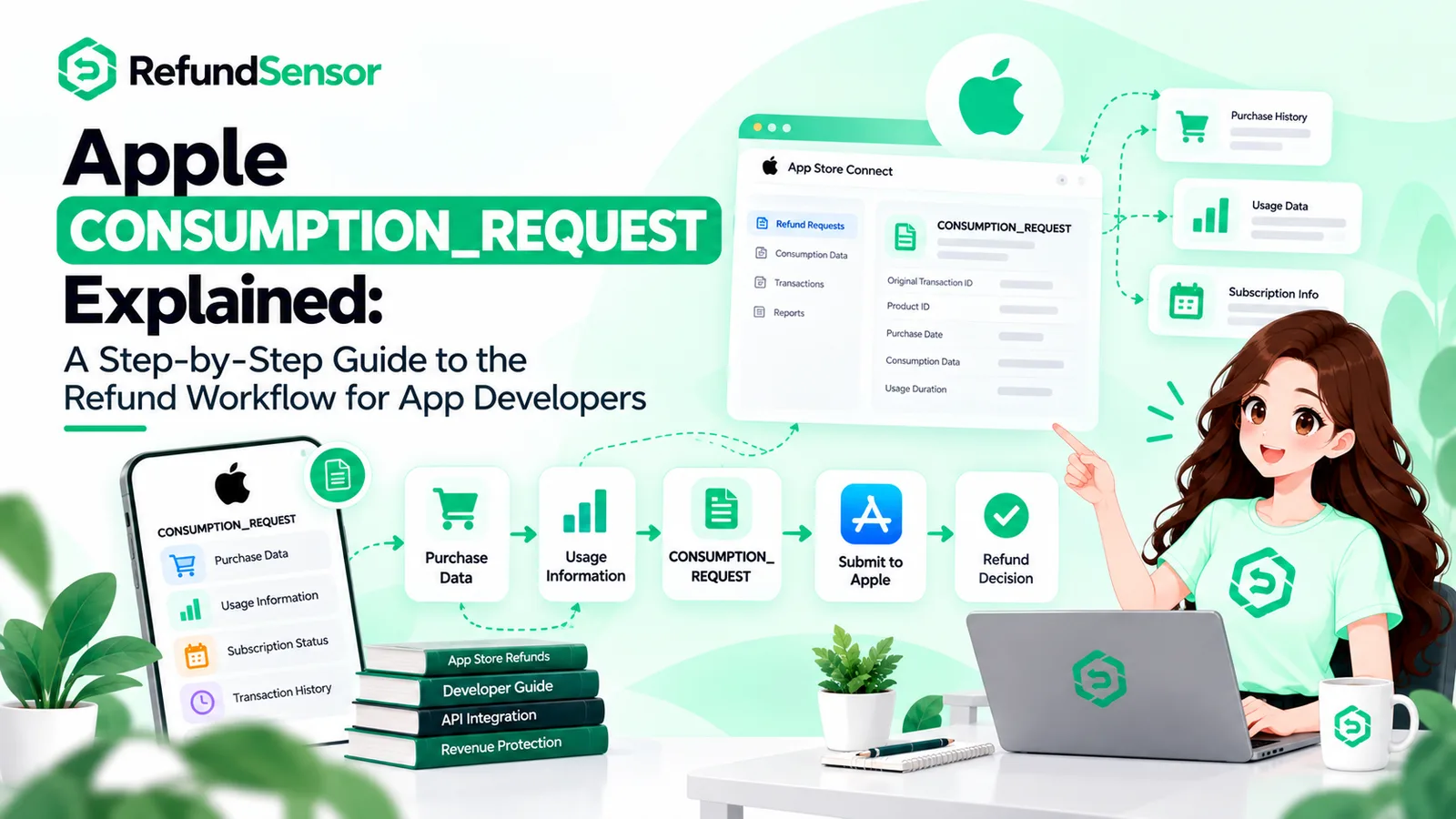
The sequence runs like this:
Customer requests a refund
↓
Apple begins evaluating the request
↓
CONSUMPTION_REQUEST arrives at your notifications endpoint
↓
You verify the notification and identify the transaction
↓
You check consent and gather real usage data
↓
You send consumption information, if requirements are met
↓
Apple makes the refund decision
↓
REFUND or REFUND_DECLINED arrives; you update state
Worth noting: on Apple's current endpoint, a refund request for any product type can trigger this consumable, non-consumable, non-renewing subscription, or auto-renewable subscription. Older documentation and most third-party write-ups still describe it as consumables and auto-renewable subscriptions only. If your handler filters by product type based on that, it's dropping requests.
What Information Does Apple Ask Developers to Provide?
Less than it used to. This is the part most existing guidance gets wrong, so it's worth being precise. Apple's current Send Consumption Information endpoint takes five fields — three required, two optional.
Field | Required | What it means for you |
customerConsented | Yes | Must be true. Apple rejects the request otherwise. |
deliveryStatus | Yes | Whether your app successfully delivered a working purchase. |
sampleContentProvided | Yes | Whether the customer got sample content before buying. |
consumptionPercentage | No | How much of the purchase was consumed, in milliunits. |
refundPreference | No | Your preferred outcome: grant in full, decline, or prorate. |
Two constraints catch people out. If deliveryStatus is anything other than delivered, consumptionPercentage must be zero or the request fails. And milliunits are not percent half consumed is 50000, not 50.
The optional refund preference is newer and worth understanding. You can indicate whether you'd prefer the refund granted in full, declined, or prorated. It's a preference, not an instruction Apple weighs it with everything else, and the outcome may differ from what you asked for.
If Apple approves a prorated refund, the revoked portion comes back in the transaction payload, so your entitlement logic may need to handle partial revocation rather than treating every refund as all-or-nothing.
Why Does Apple Need Consumption Information?
Because Apple is deciding something it can only partly see.
Apple knows what was bought, when, by which account, and what that account's history looks like. It does not know whether your server delivered the coins, whether the unlocked feature worked, or whether the customer used the product heavily before asking for their money back. That context lives in your systems.
A CONSUMPTION_REQUEST Apple refund flow is Apple's way of pulling that context in before deciding. Which is also why accuracy matters more than advocacy. The data describes what happened. It isn't a case you're arguing, and treating it that way carries real risk without a reliable payoff.
How Developers Respond to CONSUMPTION_REQUEST
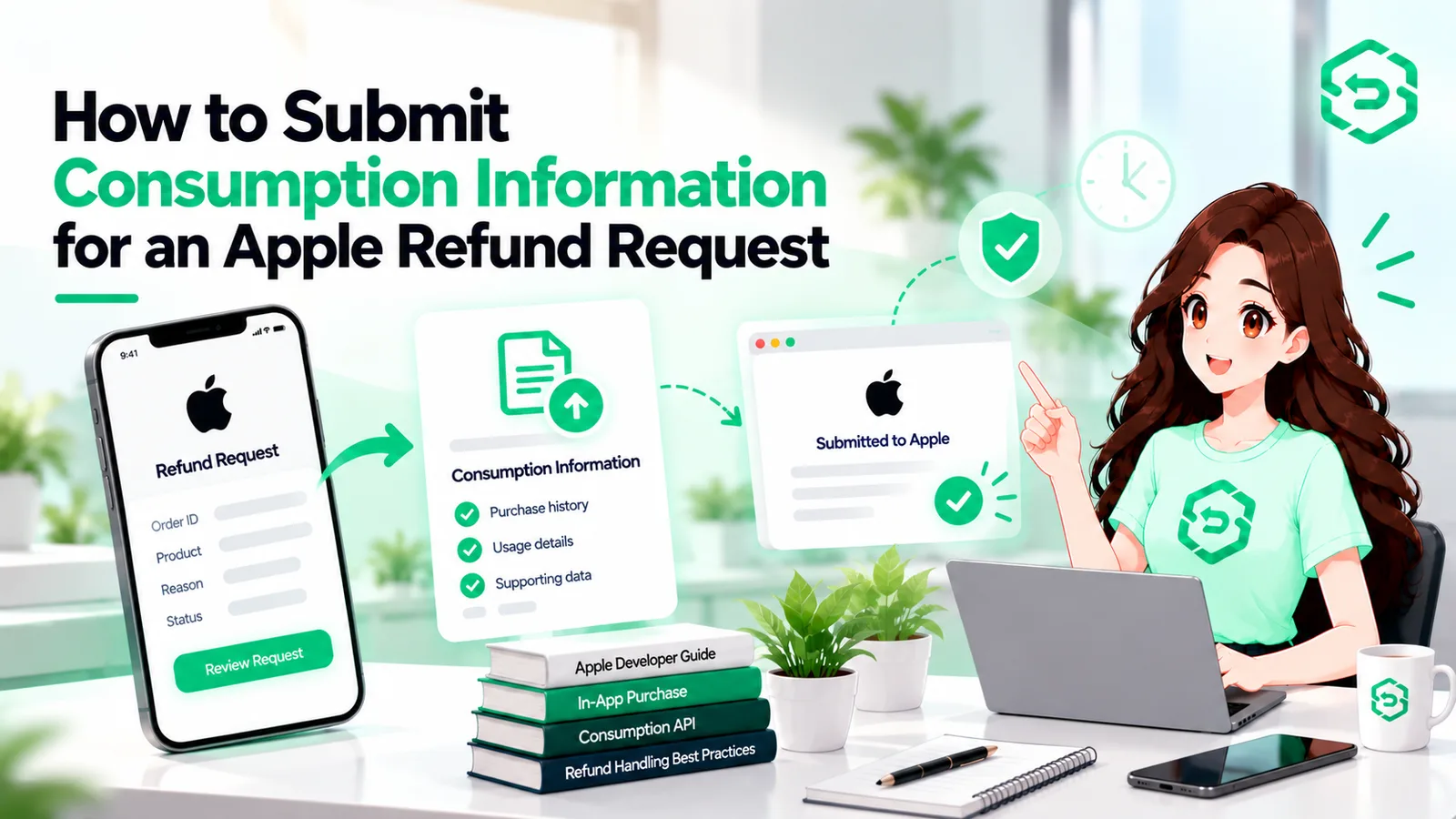
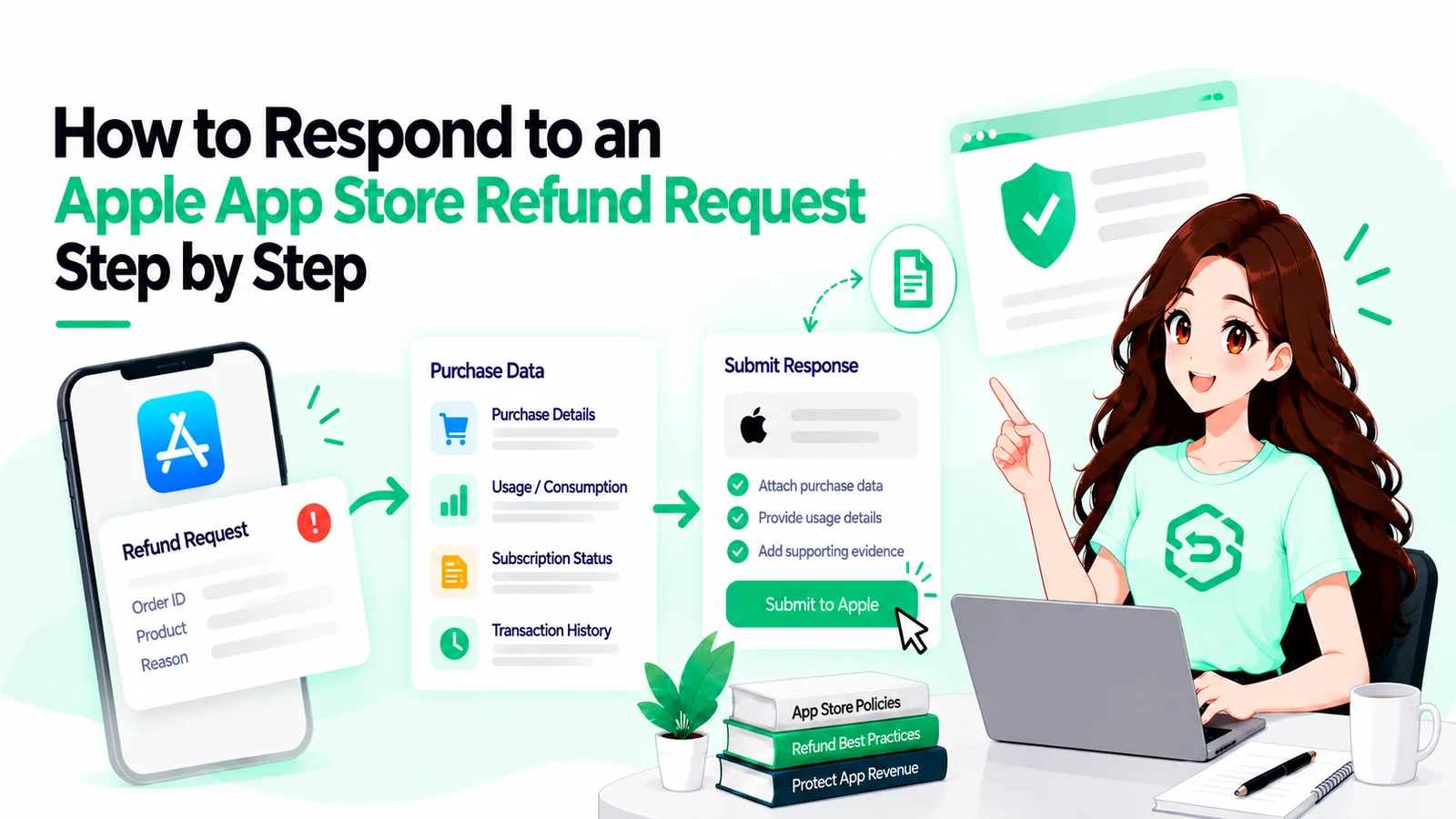
Eight steps. Most of the work happens before any request arrives.
1. Receive the notification
App Store CONSUMPTION_REQUEST notifications arrive at the server URL you configure for App Store Server Notifications V2. If that endpoint is missing, unverified, or failing quietly, the request never reaches you. Apple's App Store Server Notifications documentation covers setup and the payload format.
2. Verify the notification
Notifications arrive as signed JWS payloads. Verify the signature against Apple's certificate chain before you act on anything inside, and check that the bundle ID matches your app. An unverified endpoint that accepts whatever it's sent is a way for someone else to drive your refund logic.
3. Identify the transaction
The decoded payload carries the transaction identifiers. You need a stored purchase record to match them against. No record, no lookup — and no way to say anything useful about consumption.
4. Match the transaction to the correct user
You can't describe a customer's usage until you know which customer it is. That mapping is what appAccountToken exists for: a UUID your app attaches at purchase time, which comes back in the notification payload. Without it, teams end up matching on timing and heuristics, which is slow and unreliable at exactly the moment speed matters.
5. Check the applicable consent requirements
Apple is unambiguous here: you must obtain valid consent before sharing a customer's data, and obtaining it is your responsibility, not Apple's. The notification carries no consent flag, so you have to know from your own records.
If the customer hasn't consented, Apple's guidance is not to respond at all. Sending the request with consent set to false doesn't work the App Store rejects it. Apple also states plainly that the App Tracking Transparency prompt is not the mechanism for this; it's a separate consent, collected in your app.
6. Gather real usage information
Pull delivery status and consumption from your actual records. If your server tracks a consumable balance, you already know how much was spent. If a feature unlock failed, your logs know that too. Don't estimate — an invented consumption figure is inaccurate data sent to Apple under a consent you obtained for accurate data.
7. Send the appropriate information
Respond with a PUT to the consumption endpoint using the original transaction identifier from the notification. Handle the error responses rather than firing and forgetting: validation failures return HTTP 400 with specific error types, and a silently failed call looks identical to a successful one if nobody checks.
8. Record the outcome
Log the request, the transaction, what you sent, when you sent it, and what Apple eventually decided. That record is what lets you answer a support question weeks later, spot patterns across refunds, and confirm your entitlement state is right. When a refund lands, revoke access after a refund and be ready to restore it if Apple later reverses the decision.
What Happens If Developers Miss the CONSUMPTION_REQUEST?
Nothing dramatic, which is part of the problem.
Missing the response means you don't provide the additional information Apple allowed you to submit during that workflow. Apple still decides. The refund may still be approved, or declined, on the information Apple already has. There's no error, no alert, and no obvious signal that anything was skipped.
The ways it gets missed are ordinary. The notification arrives at 2 a.m. The engineer who owns the handler is away. Transaction lookup drags because the identifier sits in one system and the usage data in another. Someone sees it on Monday, long after the window closed.
Why Manual CONSUMPTION_REQUEST Handling Is Difficult
Every constraint in this workflow points away from manual handling.
Notifications arrive around the clock. The window is 12 hours. Each request needs a transaction lookup, a user match, a consent check, a usage calculation, a signed API call, and a logged result seven steps, none of them interesting, all of them time-boxed.
At one request a week it's an annoyance. At thirty a day it's someone's job one that produces nothing when done well and quiet losses when done late.
How Automation Changes the Refund Workflow
Automation doesn't give you influence over Apple. It's worth repeating, because plenty of marketing implies otherwise. Apple's decision stays Apple's.
What automation does is make your side consistent. Notifications get monitored and verified. Relevant requests get separated from the rest of the stream. Transactions get matched to accounts. Response data gets assembled from real records, deadlines get tracked, responses get submitted and logged, and outcomes feed into entitlement updates.
None of those steps require judgment. All of them require attention at the right moment, which software handles better than people do.
What Should App Store Refund Management Software Handle?
If you're evaluating App Store refund management software, the useful question is whether it closes the specific gaps above.
It should monitor and verify App Store Server Notifications, so events don't vanish into a failing endpoint. It should track CONSUMPTION_REQUEST events distinctly, since they need different handling from refund outcomes. It should match transactions to accounts, because that's where manual time goes. It should track response windows, because that's the deadline people miss.
Beyond that: consumption-data workflows that respect consent state, searchable refund history, outcome tracking, entitlement synchronisation including partial revocation, and reporting clear enough to show patterns. What matters is coverage of the workflow, not the length of the feature list.
Where These Rules Are Documented
Three Apple sources cover everything above. Read them directly this area has changed recently, and a lot of secondary content is describing an older version of the API.
Send Consumption Information — the current endpoint. Covers the consent requirement, the 12-hour window, the five-field request body, and the fact that consumption information applies to all product types. This is the one to build against for standard In-App Purchases.
App Store Server Notifications — how notifications reach your backend, the signed payload format, and the notification types, including CONSUMPTION_REQUEST, REFUND, and REFUND_DECLINED.
Send Consumption Information V1 — the earlier endpoint, with the twelve-field request body some teams still have wired up. Apple's own note on that page directs standard In-App Purchases to the current endpoint instead, and scopes V1 to purchases using the Advanced Commerce API. Useful for identifying which one your integration is on, not as a target to build against.
Final Thoughts
CONSUMPTION_REQUEST is not Apple's refund decision. It's a short, time-boxed opportunity to tell Apple what your systems know and Apple's don't.
A workflow that handles it reliably needs a verified notifications endpoint, transactions you can identify, customers you can map, consent you actually collected, real usage data, a response inside the window, and outcomes recorded well enough to update entitlements afterwards.
If you do one thing after reading this, check which endpoint your integration calls. If it's still sending twelve fields to the V1 path for standard In-App Purchases, that's the gap worth closing first.
If refund volume has outgrown manual handling
Once refund activity is frequent enough that watching notifications by hand stops being realistic, a dedicated system can monitor the events, prepare and submit responses inside the window, track outcomes, and keep entitlements in step. RefundSensor automates the developer side of that workflow not Apple's decision, just the part you're responsible for.
Frequently asked questions
It is an App Store Server Notification telling your server that a customer has requested a refund and Apple may want consumption information. It is not a refund decision.
Apple sends it after a customer requests a refund while Apple is reviewing the request. It can apply to different App Store product types.
Your server receives and verifies the notification, identifies the transaction and customer, checks consent, and sends the required consumption information to Apple within the response window.
Verify the notification, check customer consent, provide accurate usage and delivery data, submit it to Apple, and keep a record of the response and final outcome.
Apple's current documentation specifies a 12-hour response window. Developers should verify Apple's latest requirements before implementation.
It is information about how the customer used the purchase. Depending on the current endpoint, it can include consent, delivery status, sample content, consumption data, and a preferred refund outcome.
No. Apple makes the final decision. Developers can provide consumption information and indicate a refund preference, but Apple makes the final determination.
Yes. Developers can automate notification verification, transaction matching, consent checks, data preparation, deadline tracking, and response logging.