How to Track App Store Refunds and Protect Subscription Revenue
Finance says revenue is down about four hundred dollars this month. Nobody can say from what.
That's the version most teams meet first. A number moved, and the detail behind it sits somewhere the development team can't easily reach. Which transaction? Which customer? Do they still have access? One product or a pattern? Has it been happening for months?
App Store refund tracking is what closes that gap. It isn't about stopping refunds Apple decides those, and nothing you build changes it. It's about keeping a reliable record of refund events and connecting each one to a transaction, a customer, a subscription, and a line in your reporting.
This article covers how to build that record. For the surrounding process, our guide to App Store refund management covers the wider workflow.
Key Takeaways
• Tracking refunds is not the same as preventing them. Apple makes the refund decision; tracking is about visibility on your side.
• Server notifications alone are not a complete tracking system. Apple provides a lookup API specifically for refunds you missed.
• A refund event is only useful once it's linked to a transaction, a customer, and a subscription.
• Entitlement state should reflect the refund, including partial revocation where it applies.
• Refunded subscription transactions shouldn't sit in reporting as ordinary renewals.
• Automation earns its place as volume grows and more teams need the same data.
What Is App Store Refund Tracking?
App Store refund tracking is the practice of recording every refund event that affects your app and connecting it to the things around it: the transaction, the customer account, the product, the subscription, the entitlement state, and your revenue reporting.
The word doing the work there is connecting. A refund event on its own is close to useless — a transaction identifier with a revocation date tells you something was refunded, not who, not what they lost access to, not whether it mattered. A tracking system is what turns an event into an answer.
Why Developers Need to Track App Store Refunds
The obvious reason is money, but the shape of App Store refund revenue loss is worth being precise about. A refunded transaction reverses revenue you already counted, and if it was a subscription period, the relationship usually ends with it so the renewals behind it go too. Those renewals were in someone's forecast.
Then there's the part that doesn't look financial. If a refund never reaches your system, the customer keeps access. Support fields questions with no record to check. Finance reconciles payout reports by hand. And nobody can say whether one product refunds far more than the others, because there's no history to query. Each is small; together they're why refund problems get noticed late.
How to Track App Store Refunds
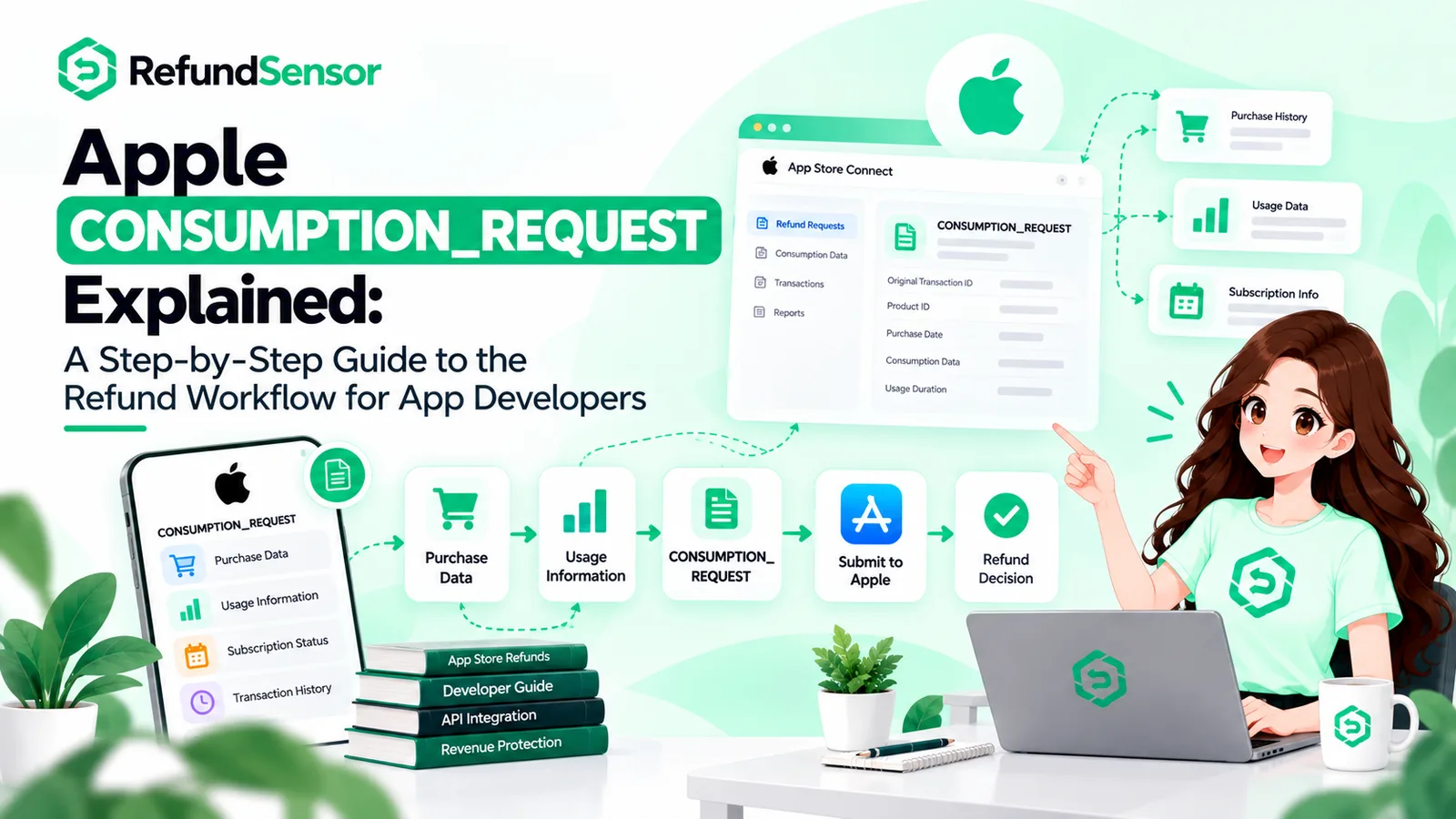
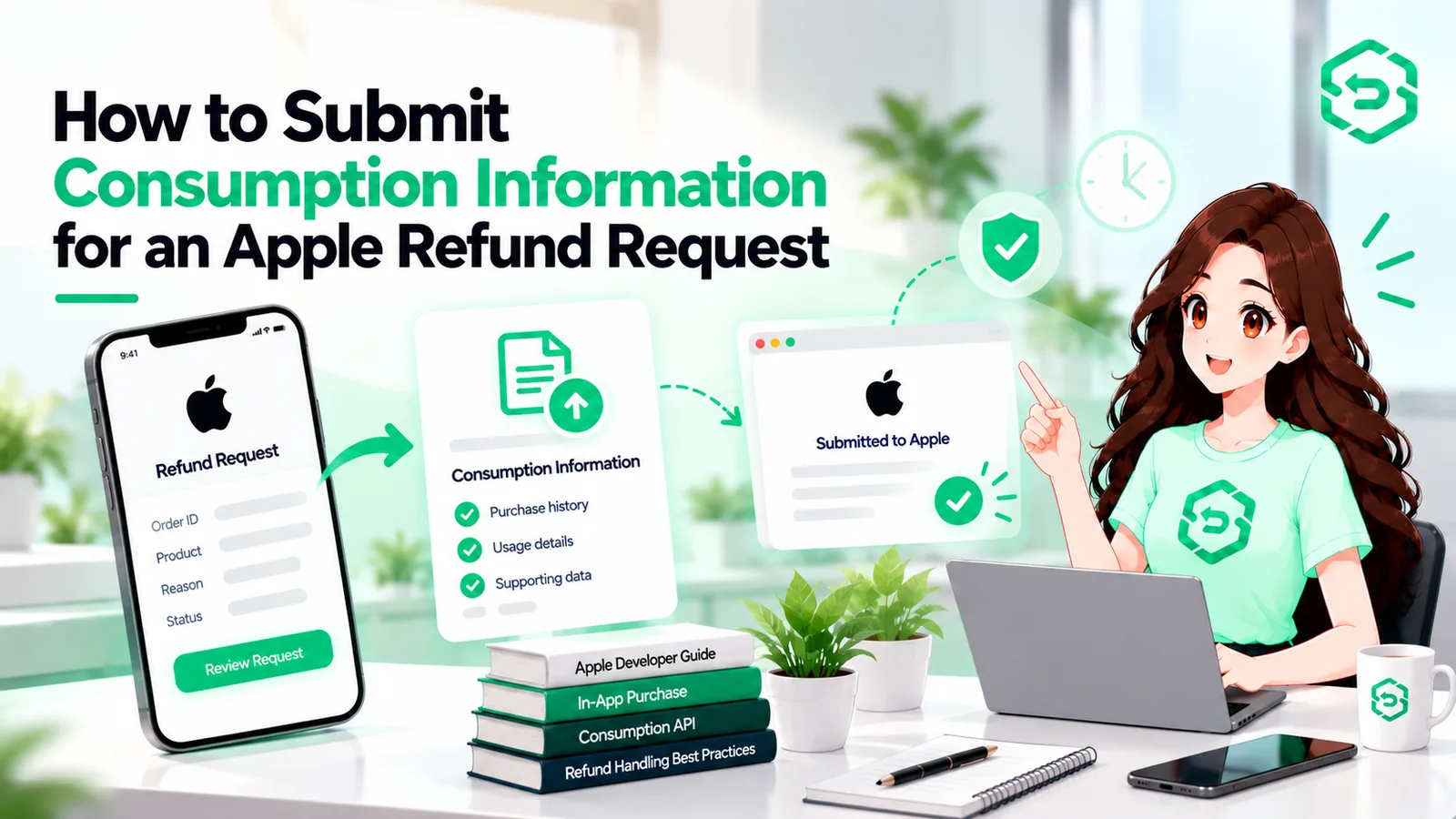
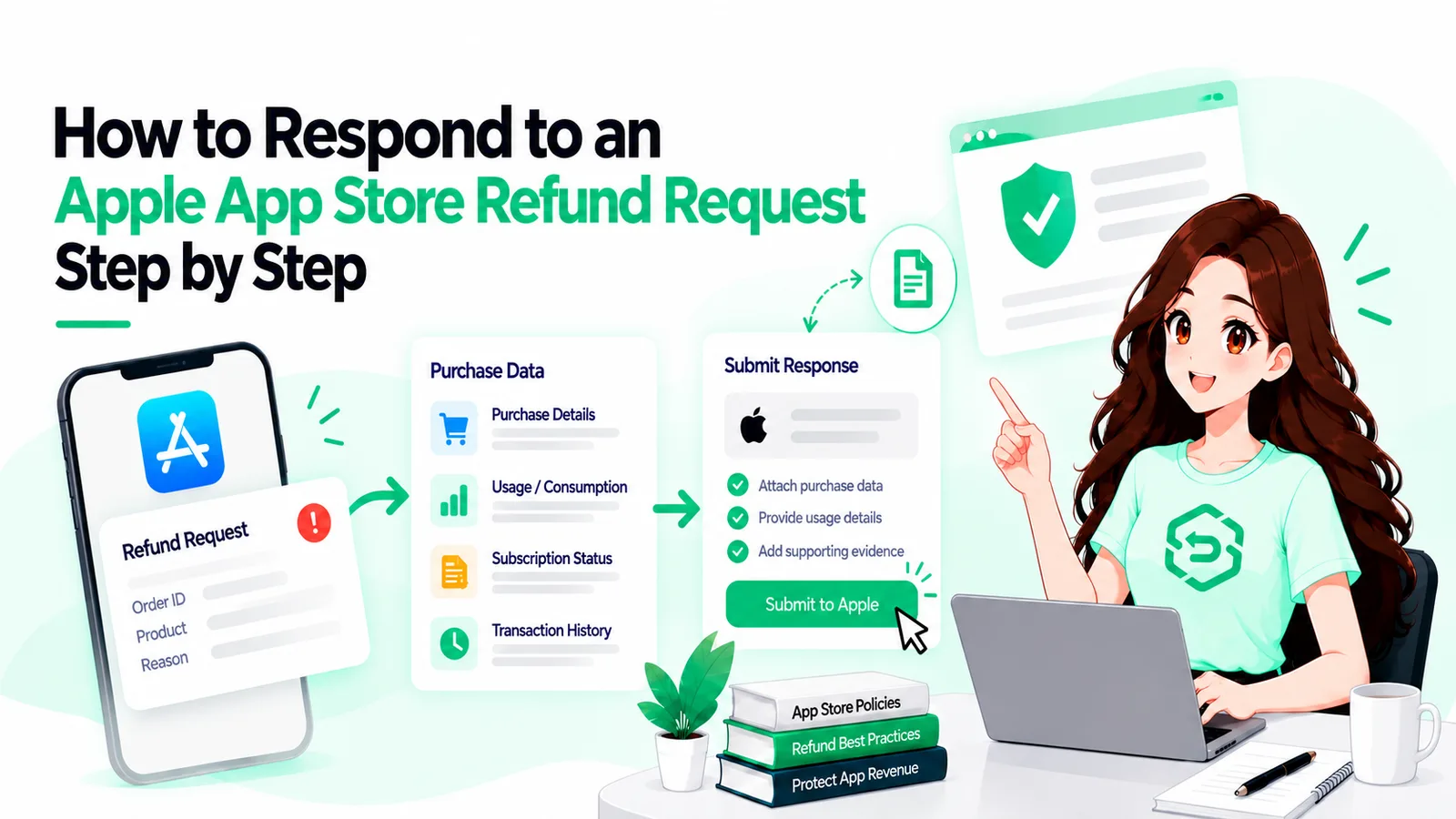
Developers track App Store refunds through Apple's server-side notifications and their own transaction records, then connect those events to users, subscriptions, entitlements, and revenue reporting. Seven steps.
1. Receive relevant Apple server notifications
Refund events reach you as App Store Server Notifications at a URL you configure. Apple's App Store Server Notifications documentation covers the setup and the event types. The one that matters most here is REFUND, which tells you a refund was granted. REFUND_REVERSED matters too: Apple can reverse a refund it previously granted, and your records need to reflect that.
2. Verify the notification
Notifications arrive as signed JWS payloads. Verify the signature against Apple's certificates and check the bundle ID before you write anything to your database. An endpoint that trusts whatever arrives is an endpoint someone else can write to.
3. Identify the transaction
The decoded payload carries the transaction identifiers and, for refunded transactions, a revocationDate and revocationReason. That reason field is more useful than most teams realise: it distinguishes a refund issued because of a problem in the app from one issued for another reason. Refunds in the first category are a product signal, not just a revenue event.
4. Match the transaction to the user
Apple's identifiers aren't your account IDs. Bridging them is what appAccountToken is for: a UUID your app attaches at purchase time that comes back in the transaction payload. Without it you're matching on timing and inference, which is unreliable in exactly the cases you care about most.
5. Record the refund event
Store it as its own record, not a flag on the purchase. You want the event, its timestamp, what Apple said, and what you did about it. The next section covers the fields.
6. Update subscription and entitlement state
Access should match the transaction. When a refund lands, revoke access after a refund. When one is reversed, restore it. Apple also supports prorated refunds, where only part of a transaction is revoked and the revoked percentage comes back in the transaction payload — so entitlement logic that assumes every refund is all-or-nothing will get some of these wrong.
7. Connect refund activity to revenue reporting
A refund that only exists in the engineering database hasn't finished its journey. Finance needs it in the right period; product needs it attached to the SKU. If those teams read different numbers, the data isn't being tracked so much as stored.
What Should Developers Track for Each Refund?
Some of this comes from Apple. The rest you create. Keeping the distinction clear matters, because only the first group is authoritative.
Field | Source | Why you want it |
transactionId | Apple | Identifies the specific refunded transaction |
originalTransactionId | Apple | Ties the transaction to the subscription lineage |
productId | Apple | Enables per-product refund analysis |
purchaseDate | Apple | Anchors the refund to when the sale happened |
revocationDate | Apple | When the App Store refunded it |
revocationReason | Apple | Whether it was refunded due to an issue in the app |
appAccountToken | Both | You generate it; Apple returns it in the payload |
Internal user ID | Your system | The account the refund actually affects |
Subscription state at refund | Your system | What the customer had at the moment it happened |
Entitlement state after processing | Your system | Proof access was actually updated |
Event received / processed at | Your system | Exposes lag between Apple's event and your action |
Reporting period applied | Your system | Keeps finance and engineering on the same number |
The two timestamps earn their place quietly. The gap between Apple sending an event and your system acting on it is the clearest measure of whether tracking is working.
Why Notifications Alone Aren't Enough
Here's the part that catches teams who think they've solved this. Notifications can be missed. Your endpoint goes down, a deploy breaks the handler, a payload fails to parse and there's no error on your side, because the event simply never landed. Apple accounts for this: the App Store Server API includes a refund history endpoint, and Apple's documentation explicitly describes it as a way to retrieve refund notifications you may have missed, such as during a server outage.
So a complete tracking system has two halves. Notifications handle events in near real time; a periodic reconciliation pass against refund history catches whatever slipped through. Most teams build the first half and assume it's the whole thing. It isn't, and the failure is silent.
How Developers Track Apple Refunds Across Subscriptions
Subscriptions raise the stakes: there's a relationship behind the transaction, not just a purchase.
A refunded subscription period isn't a one-off reversal. It usually ends the subscription, so the entitlement period closes early, the renewals stop, and the customer's history now carries a refund worth accounting for.
That's why a refunded subscription transaction shouldn't sit in internal reporting as an ordinary successful renewal. If your revenue numbers are assembled from renewal events without a refund overlay, they'll drift upward, quietly, in a way nobody catches until reconciliation.
Apple's server API also exposes subscription status and transaction history endpoints, which are useful for checking your view of a customer against Apple's rather than trusting your own database indefinitely. Apple's session on supporting customers and handling refunds covers how these pieces fit together from the developer's side.
How App Store Refunds Affect Subscription Revenue
A refund can affect more than the original transaction, especially when the refunded purchase is part of a subscription relationship.
The direct effect is the reversal. Beyond that, future subscription value from that customer may not materialise — though not every refund ends in churn, so measure rather than assume. Lifetime value built on gross purchases overstates reality until refunds are netted out, and forecasts inherit the error. None of it is dramatic per refund. It compounds invisibly, which is the argument for tracking rather than estimating.
How App Store Subscription Refund Tracking Helps Protect Revenue
To be clear about what tracking does and doesn't do: it doesn't influence Apple's refund decisions. It changes what you can see and act on.
With a refund history you can query, several things open up. You can spot which products or price points refund disproportionately, find leakage where refunded users kept access, separate refunds caused by something breaking from the rest and treat the first group as a bug queue, see whether refunds spike after a release, and give support and finance the same view. Those are product and operational fixes, and they're where the revenue protection actually comes from.
Why Manual App Store Refund Tracking Breaks Down
Manual tracking works at low volume and fails predictably as volume grows.
Notifications arrive overnight. The spreadsheet owner changes teams. Transaction identifiers sit in one system and account data in another, so every lookup is a small research task. Historical data stays thin because nobody backfilled. Subscription and entitlement state drift apart unflagged. Finance finds the discrepancy at quarter close.
The problem isn't effort. The work grows with revenue while nobody's role grows to match.
When Should Developers Automate App Store Refund Tracking?
Roughly when any of these becomes true: refund events arrive faster than someone can process them, several teams need the same data, entitlement updates have turned inconsistent, or finance needs visibility sooner than the next close.
Automation handles the deterministic parts receiving and verifying notifications, matching transactions to accounts, writing records, reconciling against refund history, updating entitlements, surfacing trends. It won't lower your refund rate, and claims otherwise deserve suspicion. What it changes is consistency and lag.
What Should App Store Refund Monitoring Software Do?
The useful question is whether a tool closes the specific gaps above. It should handle and verify App Store Server Notifications, so events don't vanish into a failing endpoint. It should reconcile against Apple's refund history, because notification-only tracking has a blind spot. It should map transactions to accounts, since that's where manual time goes. And it should track subscription impact rather than treating every refund identically.
Then: searchable refund history, entitlement workflows covering full and partial revocation, reporting both finance and product can use, and alerts when something needs a human. Coverage matters more than feature count.
Final Thoughts
You don't decide which refunds Apple approves. You decide whether you can see them.
Good tracking means knowing what was refunded, which customer it hit, what their access should now be, how it lands in reporting, and whether it's part of a pattern. That's a table and a few handlers, not a heroic project.
If you do one thing after reading this, add the reconciliation pass. Notification handling is the part most teams have; checking it against Apple's refund history is the part that tells you whether it's actually working.
If refund volume has outgrown manual tracking
As refund activity grows, manually checking notifications, matching transactions, tracking subscription impact, and keeping refund history current stops being realistic. RefundSensor automates and organises the developer side of that workflow, so the record stays accurate without someone maintaining it by hand.
Frequently asked questions
Developers use Apple’s server notifications, transaction records, and refund history API. They verify events, match transactions to users, update entitlements, and reconcile missed refunds.
It is the process of recording refunds and linking them to transactions, customers, products, subscriptions, entitlements, and revenue reporting.
Yes. Apple provides transaction and original transaction IDs, which identify the refunded transaction and its subscription lineage.
Refunds reverse revenue and can affect future renewals. Tracking refunds helps ensure revenue and lifetime value reports reflect actual net revenue.
Track transaction IDs, product ID, purchase date, revocation date, revocation reason, user ID, subscription state, entitlement state, and processing timestamps.
Yes. Developers can automate notifications, verification, transaction matching, refund records, reconciliation, and entitlement updates.
No. Apple decides whether to issue refunds. Tracking only helps manage access, reporting, and refund-related insights afterward.
It is software that tracks refund events, reconciles missed refunds, connects transactions to users, updates subscription impact, and keeps refund reporting organised.