The first chargeback I ever missed landed at 11:40 on a Saturday night. I only know that because I went digging through the Pub/Sub logs on Monday and found it sitting in a topic nobody was consuming.
That was before August 3, 2026. Back then, losing one cost you the sale and little else.
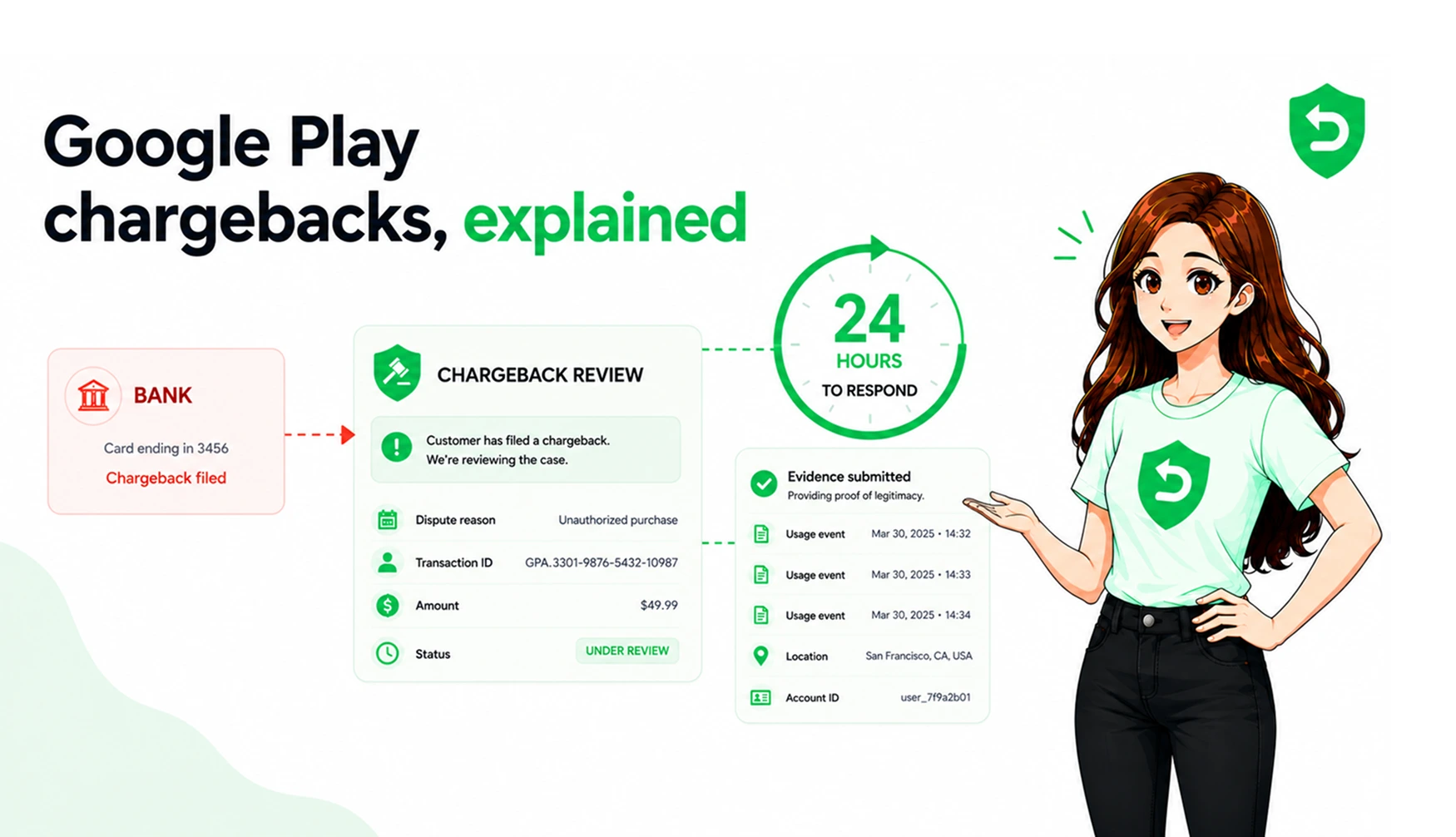
Google Play now passes chargeback costs to developers on orders placed after that date. You eat the order amount minus their service fee, plus a card-network fee of $15 to $25 a case. They gave something back too: the Review Refund API, and about 24 hours to file evidence.
So the question isn't whether you handle chargebacks. It's what handles them at midnight. Setup lives on Google Play chargeback defense. This is the long version: four options, two I'd talk most teams out of.
Key takeaways
Google Play chargeback handling has one input point: the ReviewRefund API, within 24 hours of a Pending Refund Review Notification.
Google records your first call and ignores the rest, while still returning OK. One shot, no corrections.
Only chargebacks are contestable. Support refunds, 48-hour Play refunds and unacknowledged trials are decided without you.
Four real alternatives: build it, use your subscription platform, buy software, or eat the loss.
The math changed August 3, 2026. Miss one window on a $99 annual plan and it costs the order plus a network fee.
What manual handling actually looks like
To be fair, "manual" covers a range. At one end it's a shared inbox and someone checking Play Console when they remember. At the other it's a rota, a Slack channel, a spreadsheet of disputed orders.
That second version is better. It still fails, for reasons unrelated to effort.
First, you can't see the clock. The 24 hours starts when a PendingRefundReviewNotification reaches your Pub/Sub topic. Never enabled real-time developer notifications? Nothing tells you a review is open, and Play Console won't badge it.
Second, and this surprises people: Google records your first ReviewRefund call and ignores every one after it, still returning OK. Looks like it worked. Someone typing a response into a script at 9 a.m., from hand-pulled data, is how you get one wrong field with no undo.
Trying harder doesn't fix either problem.
The Google Play chargeback process
Worth laying out, because the window is smaller than people assume.
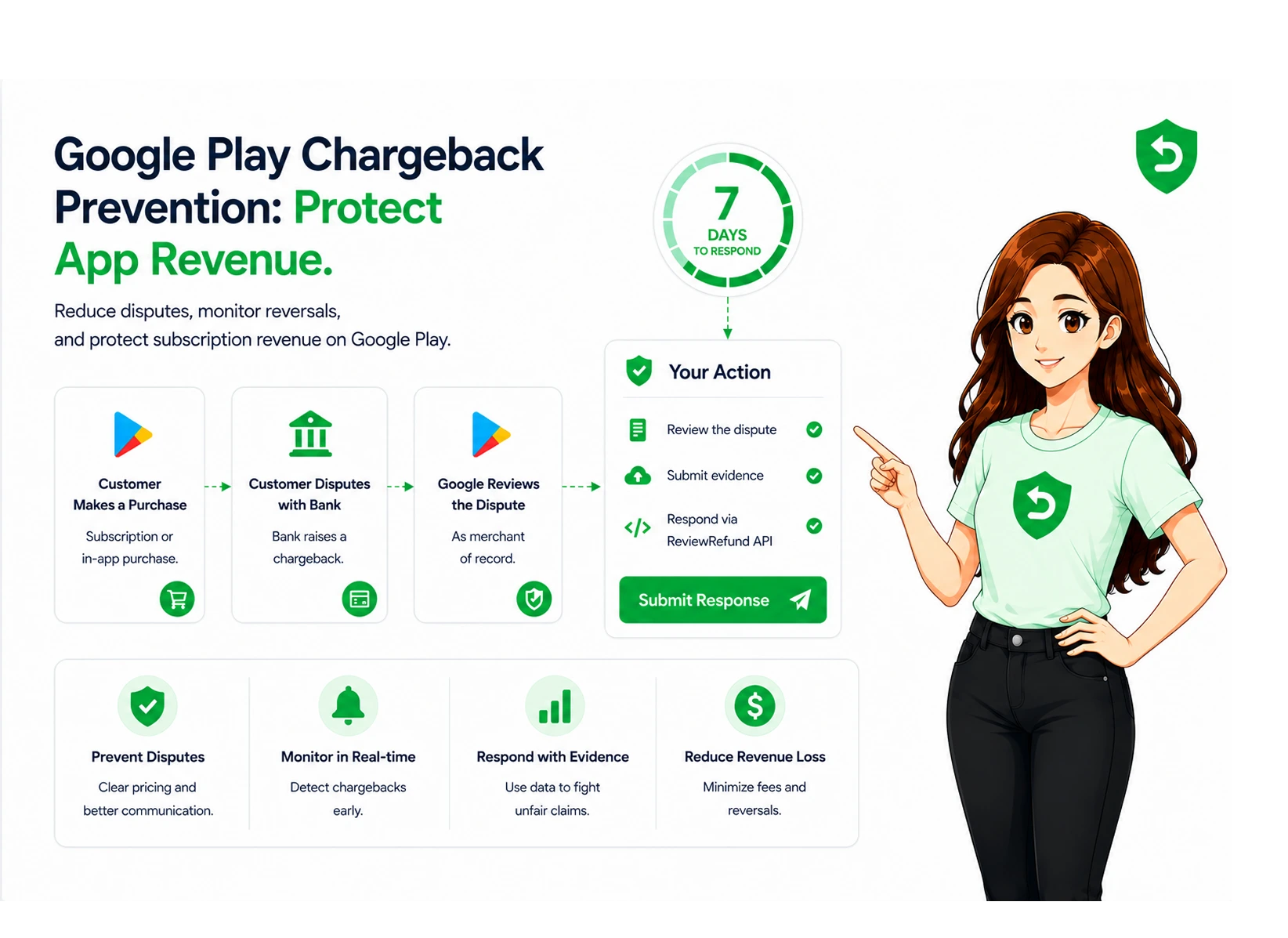
The customer disputes the charge with their bank. Not with you, not Google.
Google flags the order for review and sends a PendingRefundReviewNotification through RTDN, carrying a pendingRefundToken, the orderId, a refundReason of 7 (that's CHARGEBACK) and your obfuscatedAccountId if you set one at purchase.
You've got about 24 hours to call ReviewRefund with a preference and whatever evidence you can assemble.
Google uses it to argue the case with the bank.
Lose, and on orders placed after August 3, 2026, the cost is yours.
One asymmetry worth sitting with. Apple asks about ordinary refunds through CONSUMPTION_REQUEST. Google Play only opens reviews for chargebacks. Everything else settles without you, and you hear via a voided purchase. Full mechanics: Google Play chargebacks explained.
Option 1: build the handler yourself
A Pub/Sub topic. RTDN switched on under Monetize, then Monetization setup. A push endpoint that verifies the message before trusting it. Then decode the base64 data field, branch on whichever of the five notification objects turned up, match the order to a user, gather evidence, and call ReviewRefund with a scoped OAuth token.
Building it isn't the expensive part. Two weeks, if you've done webhook plumbing.
Year two is the expensive part. Google changes a field. An OAuth refresh token expires quietly on a Sunday. Your handler dies the same night a $200 dispute arrives, which is somehow always how it happens. You'll want observability, replay handling, and tests for notification shapes you haven't seen.
If you run a backend and refunds are a real revenue line, build it. I'd rather you did. If you're one person shipping product, it's a bad use of your month.
Option 2: use the subscription platform you already pay for
Check this before writing any code. RevenueCat added Google's Review Refund API under Refund Control, and Adapty has Refund Saver on the Apple side.
The appeal: your receipts, entitlements and customer mapping already live there, so the evidence is closer to hand and account matching is solved.
The limit: refund response is a feature for them, not the product. Expect a preference and a couple of flags, not 1,000 usage events with IP addresses. For many apps that's plenty. For fraud-heavy disputes, it isn't.
Option 3: dedicated Google Play chargeback management software
This category barely existed before August 3, which tells you how new the incentive is.
The shape is consistent. The service subscribes to your RTDN, files a decline recommendation with delivery and engagement evidence inside the window, and tracks the outcome per case.
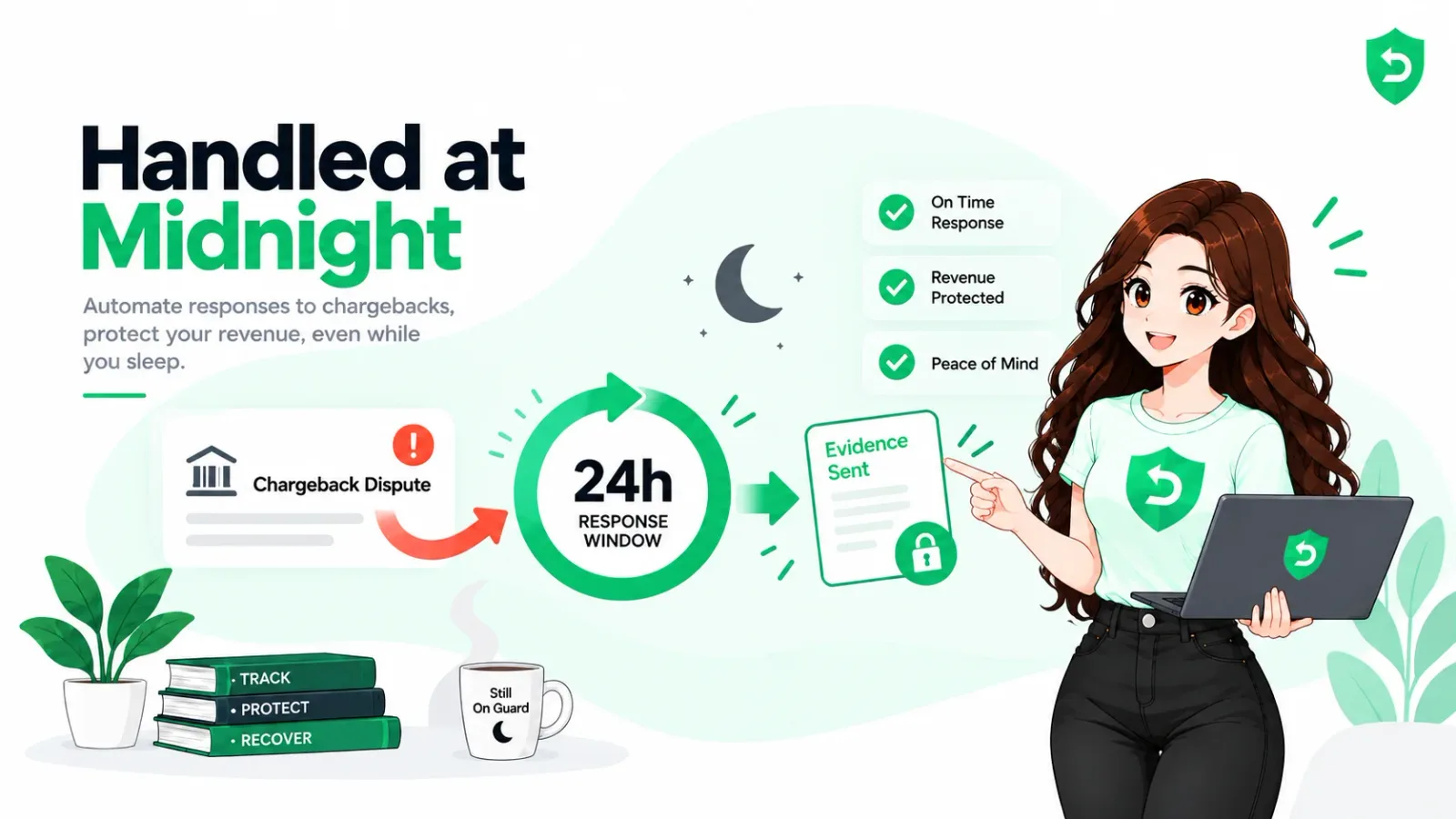
Refund Sensor does that for Google Play and the App Store from one account. Sign in with Google, grant two Play Console permissions (view financial data, manage orders and subscriptions) and it provisions the Pub/Sub topic itself. No SDK, no code changes, nothing to resubmit.
The trade: another vendor, another monthly line. What you get back is not being the person who has to be awake.
Option 4: eat it
Legitimate for some apps, and I won't pretend otherwise. Sell a $1.99 consumable, see four chargebacks a year, and a fortnight of engineering never pays for itself.
Run the number first, though. One lost chargeback on a $99 annual plan costs the order less Google's service fee, plus a $15 to $25 network fee. Two of those in a quarter changes the answer.
How to automate Google Play chargeback handling
If you went with option one, here's the build order. Sequence matters more than people expect.
Enable RTDN in Play Console, create the Pub/Sub topic. Hit Send Test Message before trusting the pipe.
Decode the data field and branch on which notification object arrived. Only one comes per message. On pendingRefundReviewNotification, store the pendingRefundToken and start a timer. Not an email. A timer.
Match the orderId to a user. obfuscatedAccountId is the fast path, which is reason enough to start setting it at purchase.
Assemble evidence: sampleContentProvided, consumptionPercentageMilliunits (45200 means 45.2 percent), and up to 1,000 consumptionUsageEvents with timestamps and IP addresses.
Call orders.reviewrefund once, with a refundPreference of APPROVE, DECLINE or NEUTRAL. Log the call, the payload, the response.
Separately, handle voidedPurchaseNotification for access removal, and run the Voided Purchases API nightly to reconcile. It's capped at 6,000 calls a day.
That last step is the one everyone skips. I skipped it for months. Notifications get missed during outages, and the pull API is how you find what landed while you were down. Voided Purchases API versus real-time developer notifications covers which feed does what.
Google Play chargeback prevention
Cheaper than any of the above, and it works on disputes you never see coming.
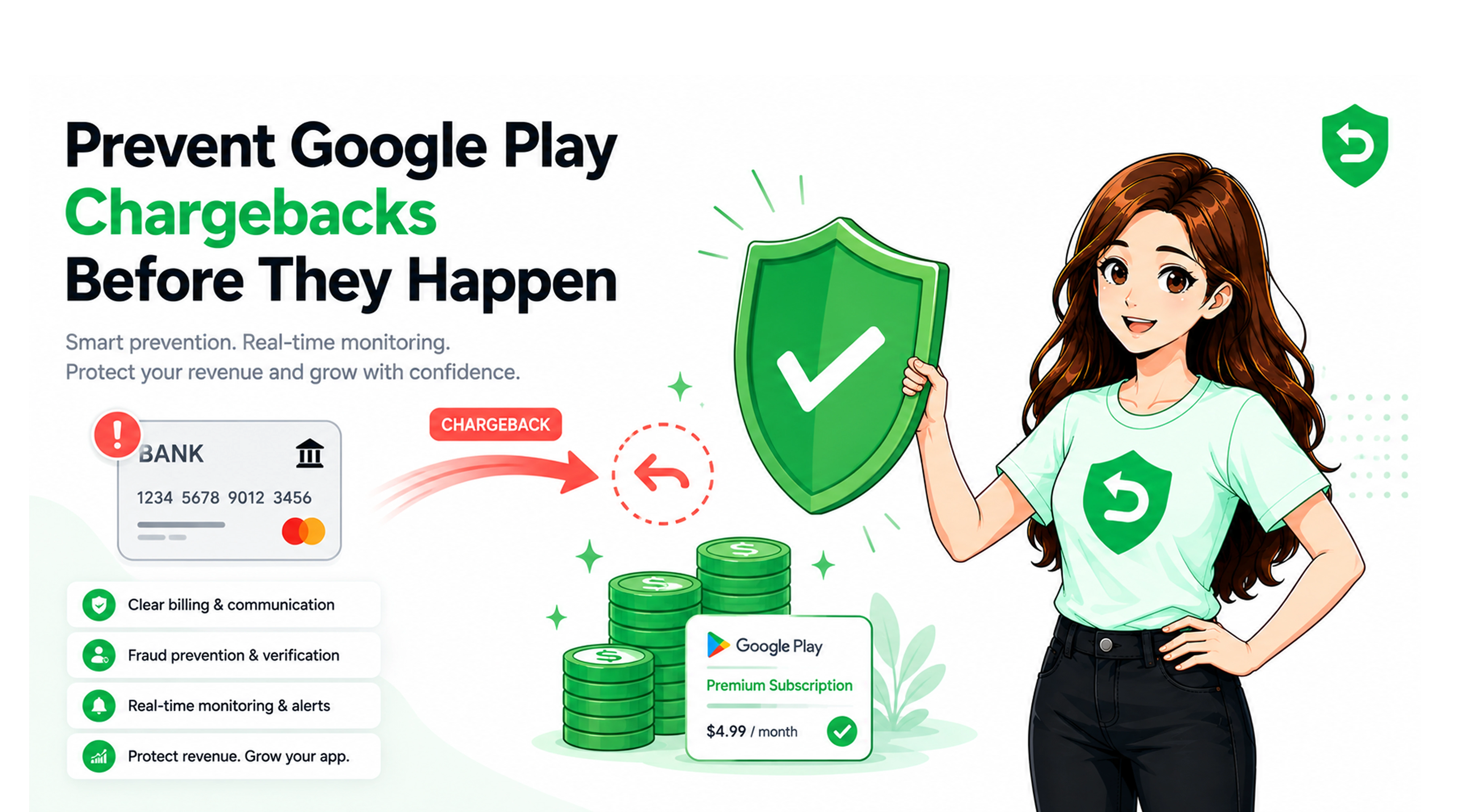
A customer who reaches your support doesn't reach their bank. A visible contact path in-app, plus a reply inside a day, kills a surprising share of disputes before they start.
Then make renewal obvious: price, period and renewal date on the same screen as the buy button. Surprise drives more disputes than anything else I've seen.
Two more that don't get enough attention. Watch unacknowledged purchases, because trials that convert unnoticed turn into chargebacks a month later. And use voidedReason as a fraud signal. It carries nine values, including fraud, friendly_fraud and chargeback, and those accounts repeat. Flag them before handing out another trial.
Keep your rate under Google's threshold. Persistent problems affect account standing, which is worse than any single refund.
Sources
Frequently asked questions
A refund runs through Google, decided by Google or by you in Play Console. A chargeback is the customer going to their bank, which puts it under card-network rules. Only the chargeback opens a review you can answer, and only its cost gets passed to you.
About 24 hours from the PendingRefundReviewNotification. The clock starts at delivery, not when you notice.
Google argues the chargeback without your evidence, which is the weakest position there is. On orders placed after August 3, 2026, a loss costs the order less the service fee, plus a network fee.
No. Google records your first ReviewRefund call and ignores the rest while still returning OK. Test it against a test purchase before it goes near production.
Whichever files the response without you being awake. If you run a backend, building it is a fair project. If you don't, Google Play refund management software that connects through Play Console permissions beats writing a Pub/Sub consumer for one edge case.
No. You're recommending through Google's own Play Developer API, backed by delivery and consumption evidence. That's the channel Google built for it.