A refund request starts as a customer action. On your side, it becomes a sequence of events your backend either handles or misses.
Apple may ask your server for information. There's a window on that. The outcome then arrives as a notification, and your app's access state needs to change to match it. If any link in that chain is missing, the refund still happens you just find out later, from a payout report or a confused user.
You can't decide whether Apple approves the refund. That's Apple's call, and no amount of developer tooling changes it. What you can decide is whether your systems are ready when the request comes through.
This guide covers what to do before, during, and after an Apple refund request. If you want the wider operational picture, our guide to App Store refund management covers the surrounding workflow.
Key Takeaways
• Apple makes the final refund decision. Developers do not approve or reject refund requests.
• Apple may ask for consumption information. Where it does, developers can respond with consent, and inside the window.
• Refund notifications must reach your backend, or the events effectively don't exist for you.
• Refund outcomes should change application state, not just get logged.
• Timing matters where Apple provides a response window. Refund requests don't wait for office hours.
• Automation mainly prevents missed steps: missed notifications, missed windows, missed entitlement updates.
What Happens When a Customer Requests an Apple Refund?
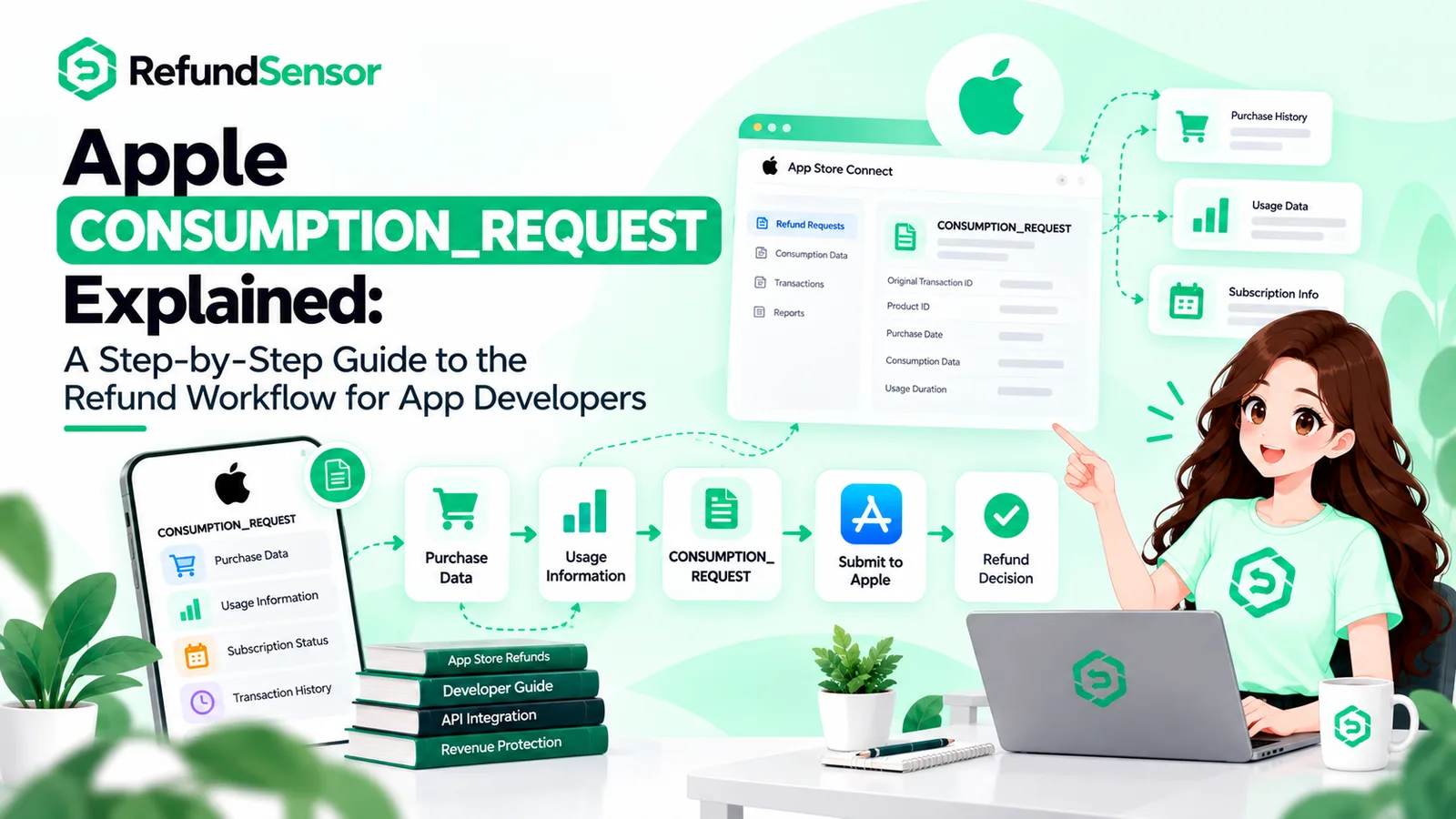
The customer submits a request through Apple. Apple evaluates it, may ask you for information along the way, decides, and then tells your server what happened.
Step | What happens | Your side |
1 | Customer submits a refund request to Apple | Nothing to do — but your endpoint should be live |
2 | Apple begins evaluating the request | No visibility into this |
3 | Apple may send CONSUMPTION_REQUEST | Identify the transaction and the customer |
4 | You respond, where requirements are met | Consent checked, data prepared, sent in time |
5 | Apple decides | No decision authority |
6 | Outcome arrives as a notification | REFUND, REFUND_DECLINED, or later REFUND_REVERSED |
7 | Records and access need updating | Entitlement state changed to match |
Step 3 is conditional. Apple sends consumption requests for certain purchase types and situations, not automatically for every refund request that exists. Building logic that assumes one always arrives will produce gaps.
Why Apple Refund Requests Can Become a Revenue Problem
The refunded amount is the visible cost, and rarely the largest one. A refunded subscription period reverses revenue you already counted and usually ends the renewal stream behind it renewals that were probably sitting in a forecast.
Then there's state. If the outcome notification never lands, the customer keeps paid access. Your database says active, Apple says refunded, and nobody reconciles the two until someone complains.
Around that sit the quieter costs: payout reports that need manual matching, support conversations about access that shouldn't have been necessary, App Store refund requests that arrived overnight and got answered too late. And with no refund history, recurring causes stay invisible.
Can Developers Control Apple's Refund Decision?
No. Apple makes the final refund decision. Developers can provide requested consumption information when applicable and manage the resulting application state on their side.
Being clear about that split saves a lot of wasted effort.
What you control
• Whether notifications reach and are handled by your backend
• Whether transactions are stored and findable later
• Whether a transaction maps to a specific user account
• Whether consumption data is accurate and prepared in advance
• Whether you have valid consent to send it
• Whether you respond inside Apple's window
• Whether entitlements, records, and reporting update after the outcome
What you don't control
• Apple's final decision on any individual refund
• How Apple weighs the factors behind that decision
• Apple's customer-facing refund policy and eligibility rules
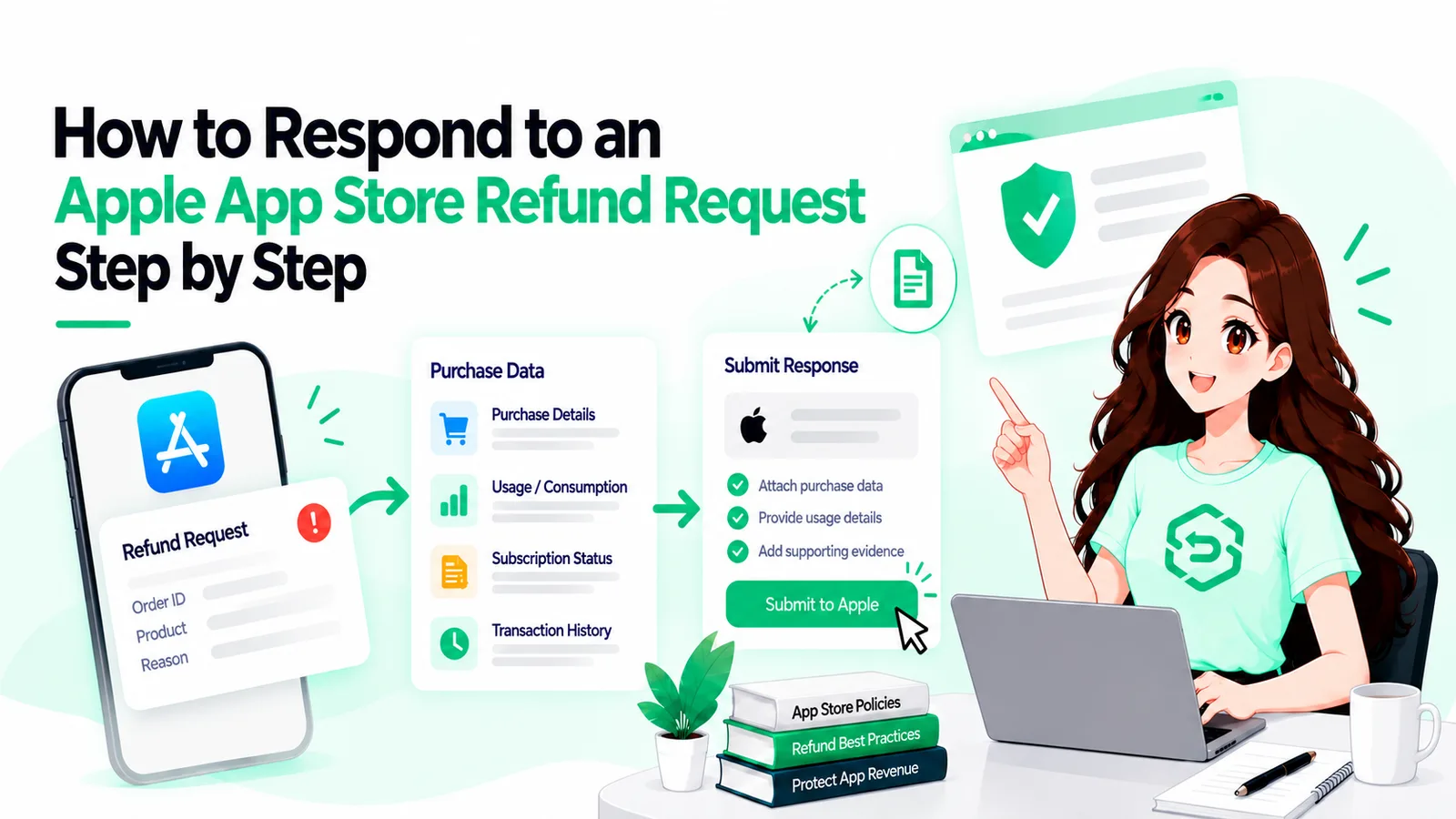
How to Respond to Apple Refund Requests
Eight steps. Most of them happen before any refund request exists.
1. Make sure App Store Server Notifications reach your backend
Refund events arrive at a server endpoint you configure. If it's unreachable, unverified, or quietly failing, those events are gone from your perspective. Apple documents setup and the signed payload format in the App Store Server Notifications reference. Verify the signature, return a success response, and log what you received before you process it.
2. Identify the transaction and customer
Notifications reference Apple's transaction identifiers, not yours. You need a stored transaction record to match against, and a way back to the user account. That second part is what appAccountToken handles a UUID attached at purchase time. It's optional, which is why so many teams end up writing matching heuristics later.
3. Check whether Apple requested consumption information
A CONSUMPTION_REQUEST notification means Apple is asking about the customer's use of the product while it evaluates a refund request. It is not a notice that a refund happened, and it doesn't arrive for every refund. Treat it as a distinct event type with its own handler.
4. Check consent requirements
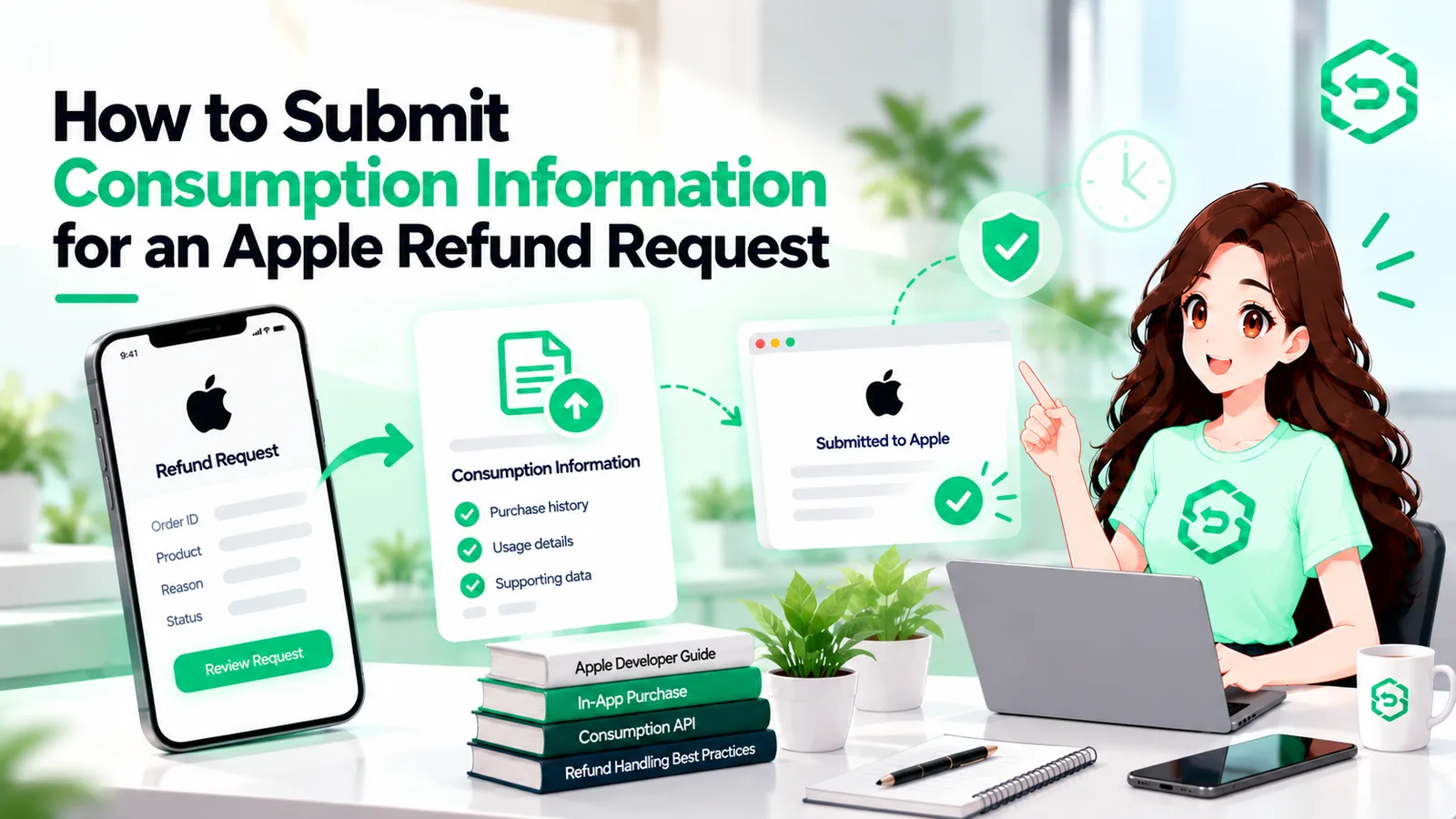
Send consumption data only when Apple's requirements are met. Apple's Send Consumption Information documentation is direct about this: you must obtain valid consent from the customer before sharing their data, and obtaining it is your responsibility, not Apple's. The notification carries no consent signal you have to know from your own records. If the customer hasn't consented, Apple's guidance is not to respond.
Consent is therefore an app problem, collected before any refund request exists. Bolting it on afterwards doesn't work.
5. Prepare accurate consumption information
The payload describes what actually happened with the purchase, so pull the values from your own records rather than estimating them. Apple documents the fields and their valid values, including how to indicate that you're not providing a particular one. Accuracy matters more than framing: this is an input to Apple's process, not an argument you're making.
6. Respond within Apple's required window
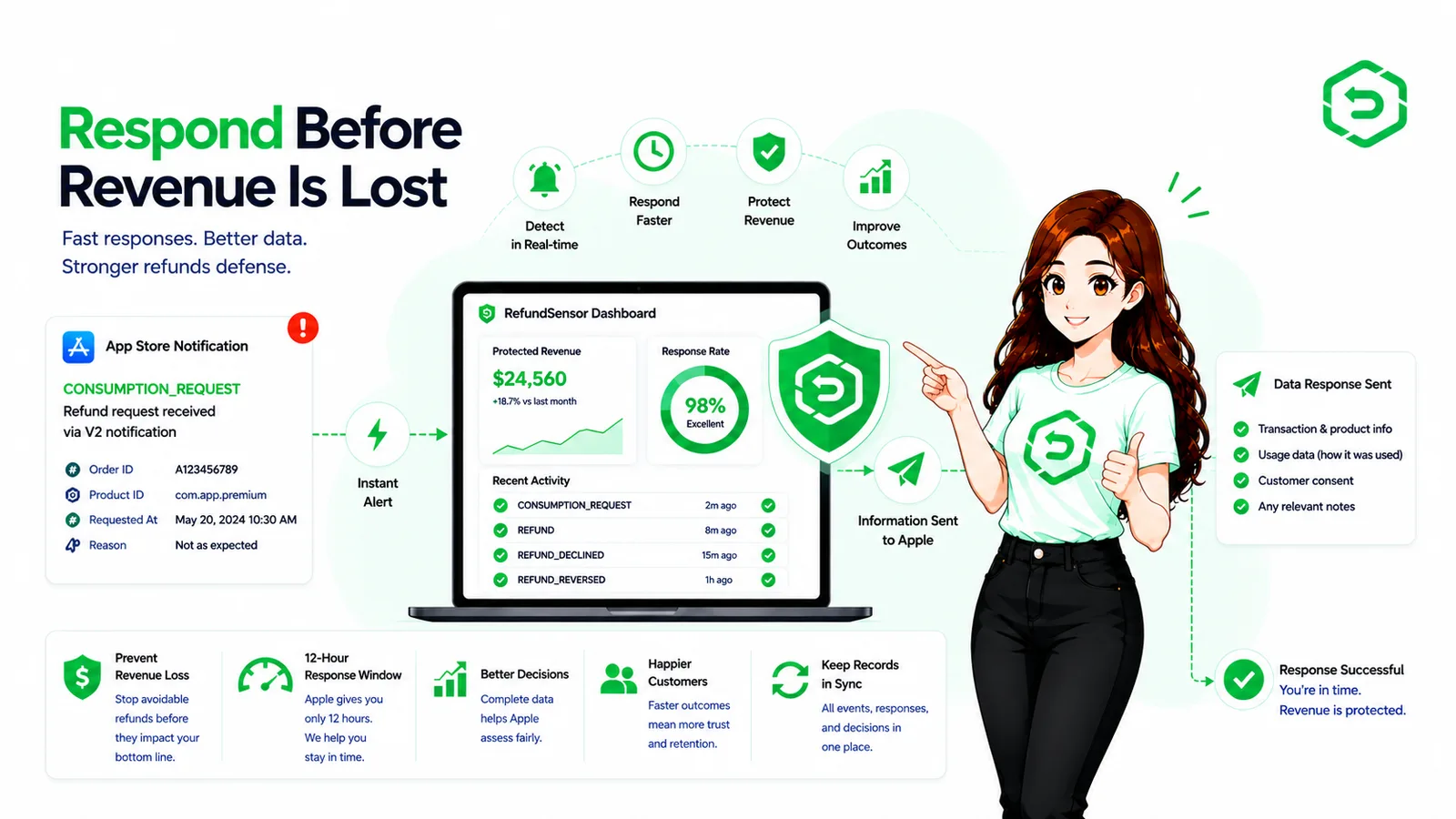
Apple's current documentation asks for a response within 12 hours of the notification. Check the page rather than trusting an older implementation — Apple has revised this endpoint and now documents more than one version. Twelve hours is the strongest practical argument for automating this step, because requests arrive overnight and on weekends.
7. Track the final outcome
Store the result. REFUND means it was granted. REFUND_DECLINED means it wasn't. REFUND_REVERSED means Apple reversed a refund it had previously granted. Teams routinely handle the first two and forget the third, which leaves a customer without access they're entitled to.
8. Update entitlement and access state
Your app's access state should match the transaction state. When a refund is granted, revoke access after a refund. When one is reversed, restore it. Drive this from server-side events rather than client-side checks, so state stays correct even if the customer never opens the app again.
How to Handle Apple Refunds Without Losing More Revenue Than Necessary
Knowing how to handle Apple refunds is not the same as trying to stop every one of them.
Some requests are legitimate. A charge went through twice, content didn't unlock, a subscription renewed after someone believed they'd cancelled. The useful response there is to fix the underlying problem.
The rest is discipline: accurate transaction records, fast event processing, honest consumption data, consistent entitlements, and a refund history you can query. That last one surfaces recurring causes a product that refunds far above the others, a spike after a release, a paywall that isn't clear about what it charges. None of it eliminates refunds. It reduces avoidable loss and keeps application state accurate, which is the realistic goal.
What About Customers Who Want to Request an Apple Refund?
Customers don't request refunds from developers. If you're wondering how to request refund on Apple purchases, or how to request refund on App Store content, the route is Apple's own process: sign in at reportaproblem.apple.com, choose “Request a refund,” pick a reason and the item, and submit. Apple's page on requesting a refund for apps or content walks through it, and notes that an update on the request usually takes 24 to 48 hours.
That's the customer-facing half. Everything else in this article is the developer-facing half, and the two run on different timelines.
Apple Refund Policy vs. Developer Refund Management
These get conflated often enough to be worth separating. Apple's refund policy governs the customer side: who can request a refund, through what process, and on what terms. Apple states that eligibility can vary by country or region, with the Apple Media Services Terms and Conditions as the reference, and that consumer-protection rights apply where local law provides them. Developers don't set any of this.
Developer refund management is everything on your side of the line: receiving events, identifying transactions, responding when asked, tracking outcomes, updating access, and understanding the revenue impact. Apple's policy defines what happens to the customer. Your systems define what happens to your app.
When Should Developers Automate Apple Refund Handling?
Manual handling works while volume is low and one person can keep it in their head.
It fails for ordinary reasons. Notifications arrive at 3 a.m. The engineer who wrote the refund handler moves teams. Transaction IDs live in one system and accounts in another. Response windows expire before anyone reads the notification, and finance spots the gap at quarter close.
Automation covers the deterministic parts: receiving and verifying notifications, matching transactions to users, tracking deadlines, updating entitlements, keeping searchable history. It does not influence Apple's decision, and any tool suggesting otherwise is misrepresenting the process.
What Should App Store Refund Management Software Actually Do?
App Store refund management software should close the specific gaps manual handling leaves open.
It should monitor and verify notifications, so events don't vanish into a failing endpoint. It should separate refund event types, because a consumption request and a refund outcome need different handling. It should map transactions to accounts, since that lookup is where manual work concentrates. It should track response windows, because that's the deadline people miss. Around those: consumption workflow support including consent state, searchable refund history, entitlement synchronisation, and reporting clear enough to show patterns.
The value isn't the feature count. It's that none of these steps depend on someone remembering to check.
Where These Rules Are Documented
Every Apple-specific claim above comes from Apple's own documentation. Read these directly before building, and re-check them periodically, because the refund APIs have changed more than once.
Send Consumption Information — the consent requirement, the response window, and the request fields. The authoritative source for steps 4 through 6.
App Store Server Notifications — endpoint setup, the signed payload format, and the notification types, including CONSUMPTION_REQUEST, REFUND, REFUND_DECLINED, and REFUND_REVERSED.
Request a refund for apps or content — Apple's customer-facing process, and the note that eligibility varies by country or region.
Final Thoughts
You don't decide Apple's refund outcomes. You decide how fast and how accurately your own systems react to them.
That comes down to a few things: notifications that arrive, transactions you can identify, accurate information sent when Apple asks, outcomes recorded, entitlements that match reality, and enough visibility to see the revenue impact.
If you want one thing to check this week, check the endpoint. Confirm your App Store Server Notifications URL is live, verified, and logging what it receives. Everything else in this article depends on that one piece working.
If refund activity has outgrown manual tracking
Once refund events are too frequent to watch by hand, a dedicated system can monitor them, manage response workflows, track outcomes, and cut the repetitive operational work. RefundSensor handles that side of the process — the developer's side, not Apple's.
Frequently asked questions
No. Apple makes the final refund decision. Developers can only provide consumption information when Apple requests it.
Ensure notifications reach your backend, identify the transaction, check consent, provide accurate consumption data when requested, and update the refund outcome in your system.
It is a notification asking for information about how a customer used a purchase during Apple's refund review. It does not mean the refund has been approved.
Apple's current documentation specifies a 12-hour response window. Automated handling helps prevent missed deadlines.
No. Developers cannot block or override Apple's refund decision. Consumption information is simply one input Apple may consider.
Revoke the related entitlement when a refund is granted. If Apple later reverses the refund, restore the entitlement.
Customers request refunds directly through Apple using reportaproblem.apple.com. Developers do not process the customer's refund request.
Yes. Notifications, transaction matching, deadlines, entitlement updates, and refund records can be automated to reduce manual work.