The first time I audited an app for lost revenue, I nearly reported that everything was fine. Refund rate sat at 2.4%, a good number by any benchmark. The team answered consumption requests inside Apple's window. On paper, nothing to recover.
Then I ran one more query, mostly out of stubbornness. How many people currently held a paid entitlement on a transaction Apple had already refunded? Forty-one. On an app with roughly 900 paying subscribers. I ran it twice because I didn't believe the output.
That's nearly 5% of the base using the product for free, month after month, while the dashboard stayed green. And the refund rate never moved. I wrote up that entitlement fix separately in how to take access back after a refund.
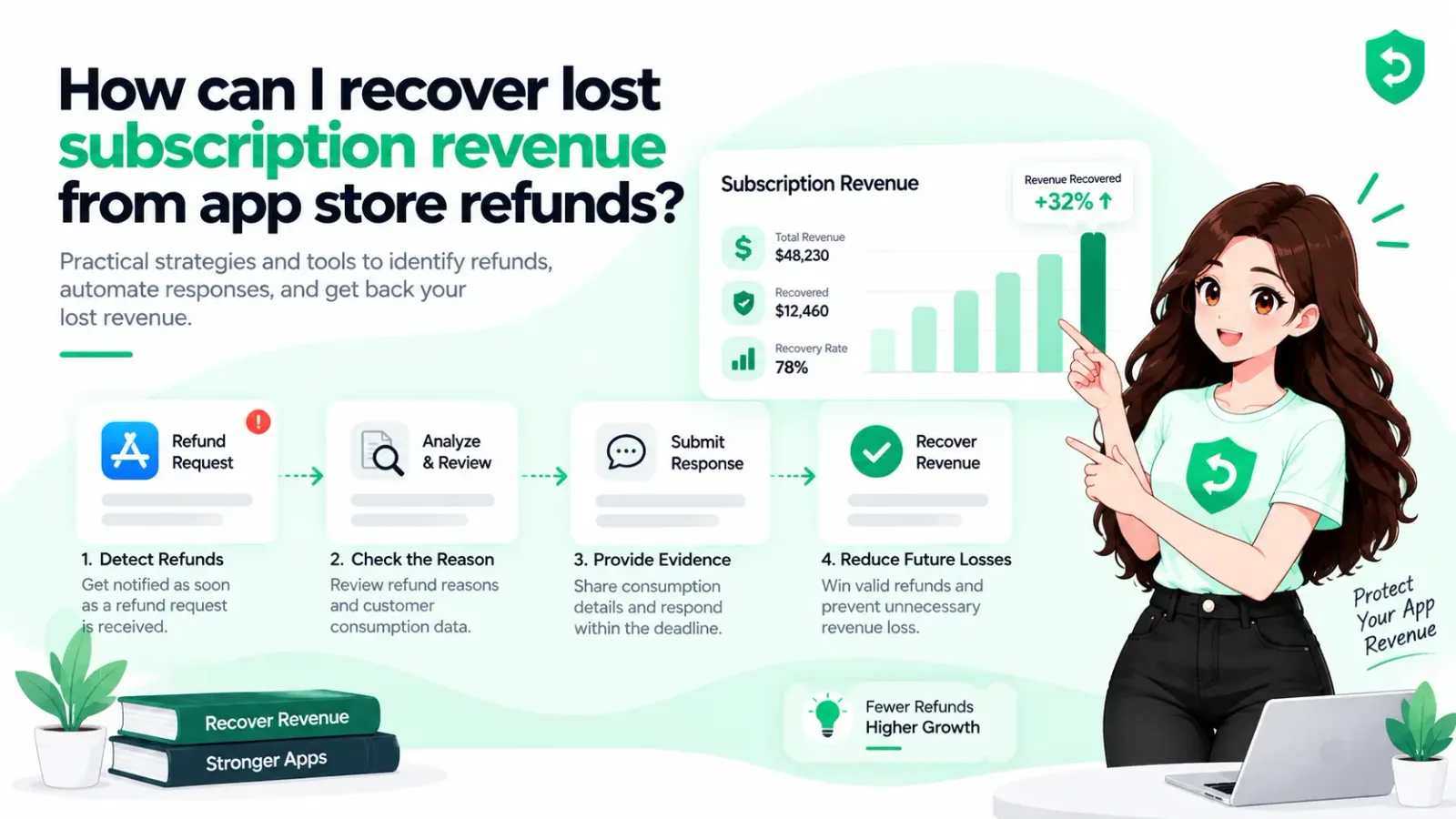
If you're trying to work out how to recover subscription revenue from App Store refunds, start there, because the refund is only the smallest of the four places your money actually goes. Here's the whole picture.
The Four Buckets, Ranked by What They're Worth
I think of this as four buckets, and the effort-to-payoff ranking isn't what most people guess.
The leak: refunded users who never lost access. Cheapest fix, most often missed.
The defense: answering Apple's consumption requests with evidence. The bucket every vendor talks about, since it's the one software can automate.
The win-back: re-acquiring people who refunded or lapsed. Slowest to pay off. Apple has quietly made it easier this year.
The retry: billing failures that recover on their own if you stay out of the way.
Most teams only work bucket two. The surprises live in one and three.
Bucket One: Find the Leak, It Takes an Hour
Here's the query, roughly. Take every transaction with a revocation date in the last 12 months, join it against your entitlement table, and count who still shows active access.
If the answer is zero, genuinely, skip this section. But if it isn't, you've found subscription revenue leaving every month until something switches it off. Apple reverses its payment. Apple does not touch your database. The two stay disconnected until you connect them. Consumables are worse, because once an item is spent there's nothing for StoreKit to reclaim.
(I got this wrong myself for months. The notification handler logged REFUND events to a table nobody read. Logging isn't handling.)
The fix: listen for REFUND, revoke on the revocation date, and handle REFUND_REVERSED by re-granting access. Apple does reverse its own refunds sometimes, after a customer dispute, and you shouldn't punish the customer for that.
One more query while you're in there. Count refunds where you never received a server notification at all. If that isn't zero, your endpoint is broken, and bucket two is too.
Bucket Two: Defend the Requests You Can Still Influence
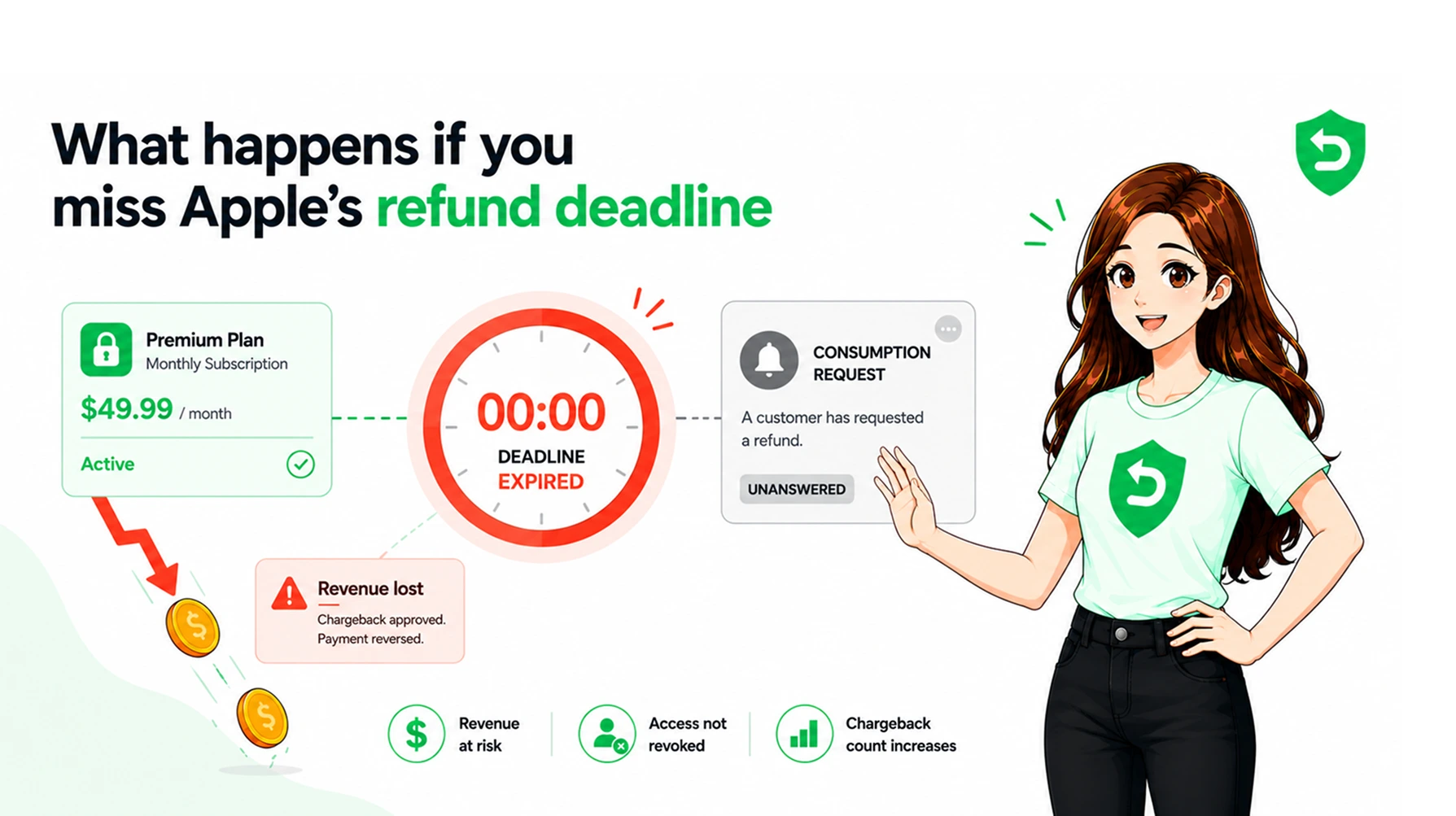
Apple gives you about 12 hours from a CONSUMPTION_REQUEST to send consumption data. Three required fields, two optional, one preference, and it covers every product type now, not just consumables.
My advice here is short because this bucket is covered to death elsewhere. Answer every request. Decline the ones where the product was clearly delivered and heavily used. Grant the genuine accidents. A good-faith concession is cheap. Fighting every refund is not, because Apple weights your history.
The dependency nobody mentions is evidence. You can only defend what you can prove. If nobody can answer "how much did they actually use" for a purchase from seven weeks ago, no automation saves you. That's a data modelling gap worth closing regardless of vendor.
For the cost side, how refunds actually cost your app revenue does the math, including the acquisition spend behind every refunded user.
Bucket Three: Win the Subscriber Back
This is where subscription revenue protection stops being defensive. And it's the area Apple has rebuilt in your favor over the last year.
Win-back offers. New as of WWDC24, iOS 18 and later. You configure them per subscription product in App Store Connect and set eligibility: minimum paid duration, time since last subscribed, a wait of 2 to 24 months between offers. Then Apple does the distribution. They surface on the customer's Manage Subscription page, your product page, in personalized recommendations, occasionally editorial slots on the Today tab.
Read that twice. Apple shows your discount to a churned subscriber somewhere you could never reach with email. Limits: 350 offers per subscription, 5 active per storefront. In-app, StoreKit fires a winBackOffer message when someone becomes eligible, and eligibleWinBackOfferIDs in renewal info shows what they can redeem. Apple's win-back setup guide covers the eligibility fields.
Promotional offers. Up to 10 per subscription, around since iOS 12.2, and they need a JWS signature from your server. More work than win-back. But you control the targeting completely, which matters when refund reasons tell you something specific, say a pricing problem in one country.
Offer codes. Redeemable inside or outside the app. That makes them the only realistic way to reach someone who refunded and then uninstalled. Everyone else, you can reach in-app. These people, you can't.
Extend a Subscription Renewal Date. The underrated one, I think. Apple's server API lets you push a subscriber's renewal date out, one transaction or in bulk. We use it as goodwill after bad releases: someone emails support about a billing bug, you extend a month, it costs almost nothing and beats any coupon. A refund prevented beats a refund won back.
One exception. If someone refunded because of a billing surprise rather than the product itself, don't chase them with a discount. Fix the paywall copy first, then let them rediscover it on their own. App Store refund management covers that operational side.
Bucket Four: The Churn That Fixes Itself
Apple retries failed billing for up to 60 days, or until the customer fixes their card or cancels. If the subscription renews inside that window, paid service continues from the recovery date.
So a chunk of what looks like lost subscription revenue was never lost. It was pending. Two things break it: a grace period you never switched on, and a dunning email that basically tells people to cancel. Check both before spending money on retention tooling.
Measuring It Without Fooling Yourself
Refund management without cohort attribution produces confident nonsense.
Attribute each refund to the period the original purchase happened, not when the refund landed. Then let the cohort mature. Thirty to 45 days for monthly plans, longer for annual, since refund requests can come months later.
This is also where subscription refund tracking gets hard, and where most dashboards quietly cheat. A win-back accepted in November belongs to the cohort that lapsed in August. If your reporting doesn't connect those, your recovery number is fiction.
Track four numbers, not one.
Refund rate by cohort.
Requests answered inside the window.
Revenue defended, split by refund reason.
Entitlement leaks outstanding, which should trend to zero and stay there.
If I could only put one on a dashboard, it's the leak count. It's the only number that's unambiguously wrong whenever it isn't zero.
Where Software Fits, Honestly
Buckets two and four automate cleanly. Bucket one automates once, then just needs monitoring. Bucket three is configuration and judgement, and no tool does the judgement for you.
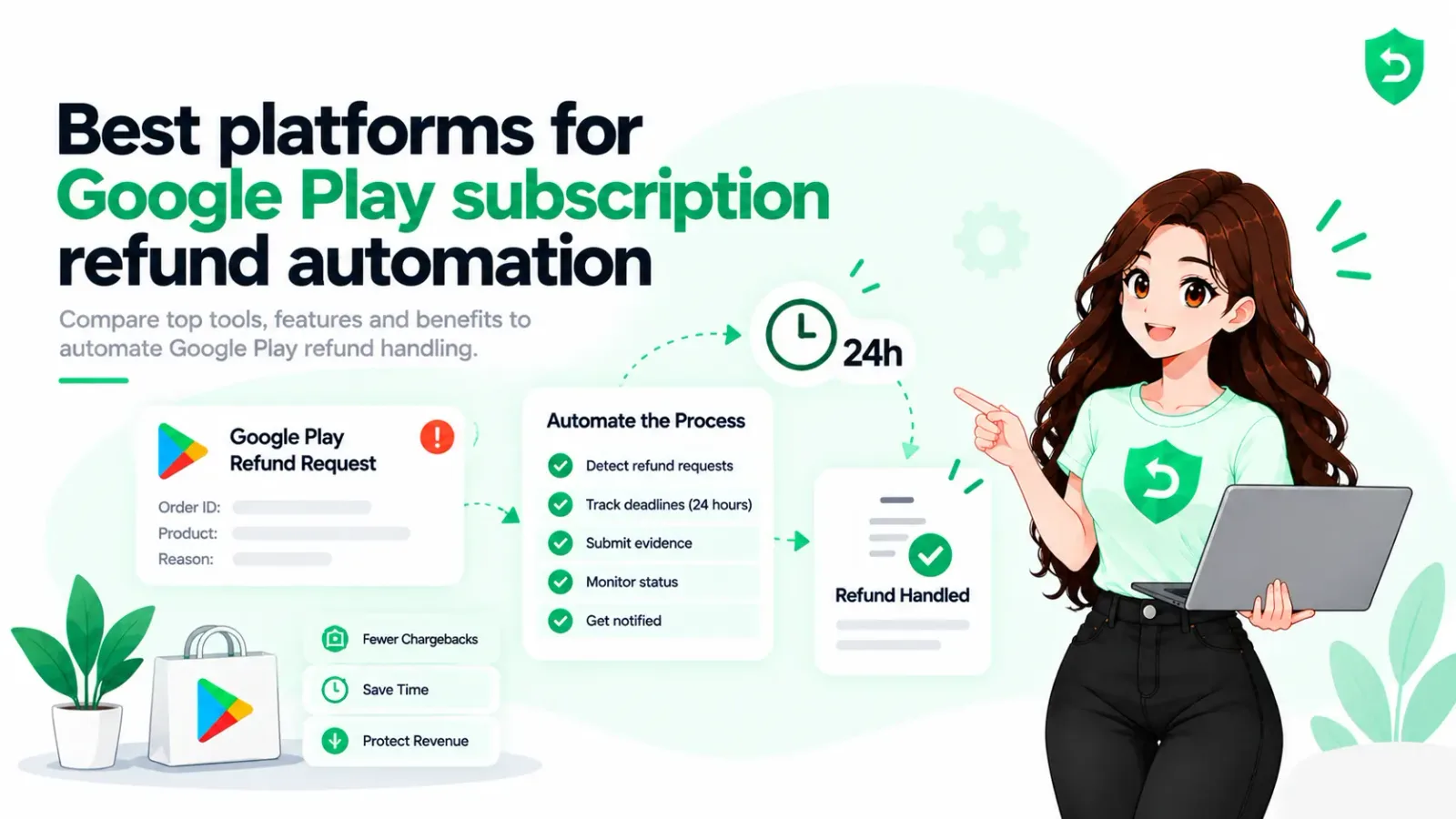
Refund Sensor handles the defense side on both stores, answering every eligible request inside the window with transaction evidence and tracking what you kept. It won't win anyone back and it won't fix a confusing paywall. Nothing does that except you.
Sources
Frequently asked questions
Four routes, in the order I'd try them. Find users holding access on a refunded transaction and switch it off. Answer every consumption request inside 12 hours. Win back the churned ones with win-back or promotional offers. Then check billing retry and grace periods, because some churn was never permanent.
Not directly, no. Apple occasionally reverses refunds itself after a customer dispute and sends a REFUND_REVERSED notification. When that arrives, reinstate access. That's recovery you didn't have to fight for.
They target lapsed subscribers who turned off auto-renew, and eligibility runs on paid duration plus time since last subscribed. A refunded subscription counts as lapsed, so usually yes. Configure the rules and check, though.
The entitlement query. An hour of work, no vendor, no app release. On every app I've run it against, the answer was not zero.
More than the refund amount. Typical rates run 2% to 5% of paid transactions. The real cost adds the acquisition spend behind that user, the entitlement leak if you missed the notification, and the inflated LTV that makes you overpay for the next one.
No. The leak is free to fix and it's a bug. Software answers requests you're not answering, which is a real problem, just not the first one.