Quick answer: For most indie developers with paid subscriptions or in-app purchases, yes, but the honest test is simple. If refund requests reach your app at all, and you're not responding to them in time, you're losing money that's recoverable for near-zero effort once automation is set up. The break-even is low because the setup cost is basically your time for 30 minutes and a free tier to start. If you have almost no refunds, or your app is entirely free, it's genuinely not worth thinking about yet. Here's how to tell which camp you're in.
The honest version of the question
Most "is it worth it" articles are just pitches wearing a question mark. Here's the actual answer, including the part where sometimes it isn't.
Is refund automation worth it when two things are true: refund requests are reaching your app, and you're not reliably responding to them. If both hold, you're leaving recoverable revenue on the table for no reason other than that nobody's answering in time. If either is false, you get essentially no refunds, or you've somehow got a bulletproof manual process, the value drops off. For most indie devs with a paid app, the first situation is the reality, which is why the answer is usually yes. But you should be able to check, not just take our word for it.
When it's clearly worth it
Green lights, any one of which usually settles it:
You have paid subscriptions or IAP and you're currently ignoring refund requests. This is the most common indie situation, and it's pure leakage, you're losing contestable refunds by default. (See The 12-Hour Window.)
You've seen trial abuse or use-and-refund. If people are exploiting your trial or grabbing one-off value and refunding, those are exactly the contestable cases worth answering. (See refund abuse patterns.)
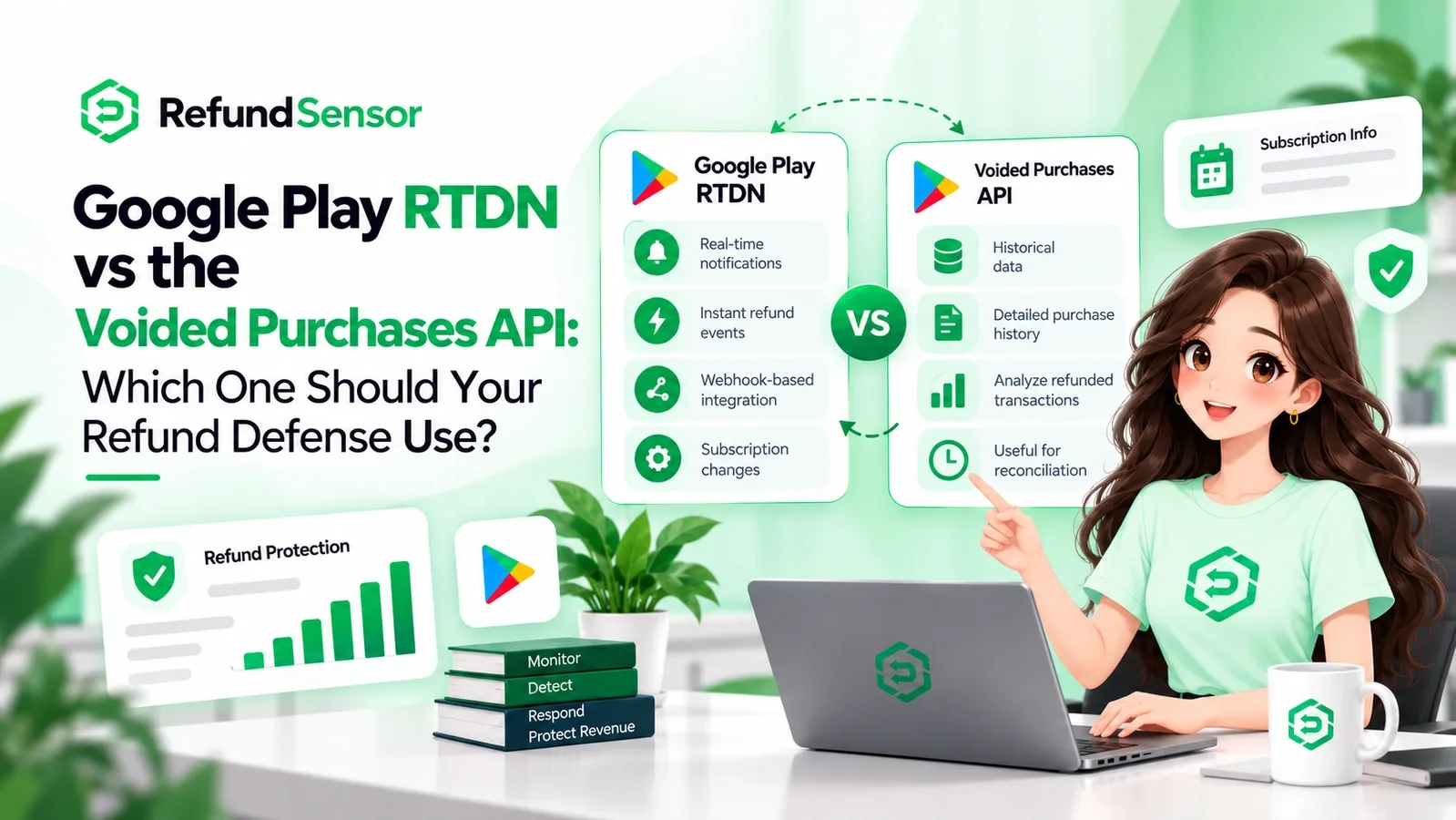
You're on Google Play and never see chargebacks coming. Chargeback reviews have a tight window and are easy to miss entirely without real-time notifications. Google Play refund automation can help indie developers respond consistently.
Your time is the bottleneck. As a solo dev, every hour on refund plumbing is an hour not on your product. Automation buys that time back. For an indie app refund tool, saving that time is part of the ROI.
When it's genuinely not
Because we said we'd be honest, cases where you can skip it for now:
Your app is entirely free with no IAP. No purchases, no refunds, nothing to automate. Come back if that changes.
You have a paid app but effectively zero refund requests. If refunds aren't happening, there's nothing to recover. Automation can't create savings that aren't there.
You're pre-launch with no transactions yet. Wire it up when you have real purchases, not before.
Notice that even the "not worth it" cases are mostly "not yet." The moment you have real purchases and real refunds, the calculation flips.
The indie-specific math
The reason automation pays off faster for small teams than people expect is that the cost side is unusually low. This is especially relevant when comparing refund automation small app solutions.
Setup cost: about 30 minutes, one webhook URL, no code changes, no SDK, no app resubmission.
Starting price: a free tier, so you can prove the value on your own refunds before paying anything.
Ongoing effort: essentially zero, it runs on its own.
So the break-even isn't "recover enough to justify a big platform migration." It's "recover more than roughly zero, for a setup that costs you half an hour." A single contestable subscription refund you'd otherwise have lost can cover a lot. And because a free tier lets you start without commitment, the honest way to answer is refund automation worth it is to turn it on and watch your own numbers for a few weeks.
For developers comparing refund automation software, the key number is refund recovery ROI: how much recoverable revenue you retain compared with the time and cost required to run the process.
Why "I'll just do it manually" doesn't hold for solo devs
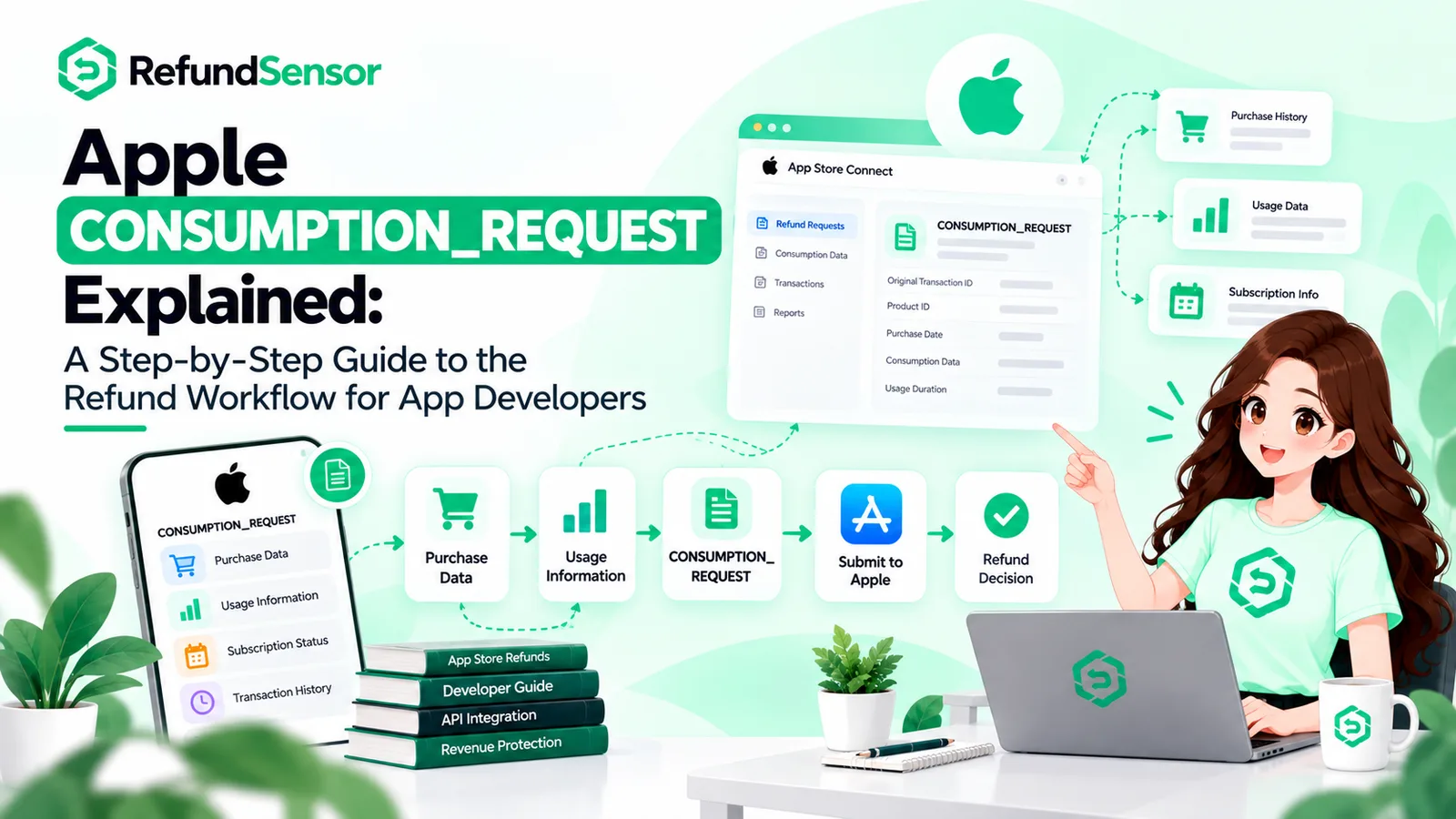
The manual alternative sounds fine until you look at it honestly. Responding to Apple's CONSUMPTION_REQUEST by hand means being available within about 12 hours of any request, including the ones that arrive at 3am, on weekends, and while you're heads-down shipping. For a solo developer, that's not a workflow, it's a leash. And the whole appeal of building indie is not being on call for refund paperwork.
Manual handling also decays. You do it diligently for a week, then a busy sprint hits, and the requests you miss are gone for good. Automation doesn't have busy weeks. That reliability is worth more to a one-person team than to anyone, because you're the single point of failure and automation removes you from that loop. Apple refund automation for indie developers is designed around removing that manual bottleneck.
How to decide in two minutes
Run this quick check:
Does your app take money? No, skip it for now. Yes, continue.
Do you get refund requests? Not sure, that uncertainty is itself the problem; you likely have leakage you can't see. Yes, continue.
Are you responding to every one, in time? Yes, reliably, you're the rare exception. No, this is recoverable revenue, and automation is worth it.
If you landed on "worth it," the lowest-risk way to confirm is to start on the free tier and let your own data make the case. RefundSensor takes about 30 minutes to set up with no code changes, covers both Apple and Google Play, and shows you exactly what you're recovering, so refund automation indie developer decisions stop being a guess and become a number you can see.
Prove it on your own numbers. RefundSensor starts free, sets up in about 30 minutes with no code changes, and covers both Apple and Google Play so you can see exactly what refund automation recovers for your app. Start free →
Frequently asked questions
Usually yes, if you take payments and aren't already responding to every refund request in time. The setup cost is low (about 30 minutes, free tier to start), so the break-even is small, often a single recovered refund.
RefundSensor starts with a free tier, so you can start without paying and prove the value on your own refunds before upgrading. See current pricing on the site.
No. It's one webhook URL into App Store Connect, no SDK and no code changes, so you don't need to build or maintain anything.
Then it's genuinely not urgent yet. Automation recovers refunds you'd otherwise lose; if there aren't many, there's little to recover. Revisit it as your purchases grow.
You can, but it means being available within ~12 hours of any request, including overnight and weekends, impractical for a solo dev, and it decays the moment you get busy. Automation removes you as the single point of failure.