In-App Purchase Refunds: How Developers Can Protect App Revenue
Refund Sensor Team · Refund defense for App Store and Google Play developers
A user buys your premium tier, gets instant access to the content or subscription, then asks for their money back a few weeks later. For your books, that sale was never really final. The refund pulls back revenue. It changes what the user should still access, and it adds work nobody planned for.
That is the real shape of an in-app purchase refund for developers. It is not just a support ticket. It touches entitlements, revenue reporting, and subscription metrics. A clear process for handling refunds is part of running the business, and it helps to see how refund defense across the App Store and Google Play fits together.
Key Takeaways
• An in-app purchase refund returns money for a digital purchase and can remove the user's access to what they bought.
• Refunds happen for many reasons, from accidental purchases to billing problems, and you cannot stop them all.
• Apple and Google Play use different refund workflows, so they need to be handled separately.
• Developers can provide information and monitor events, but the platform makes the final refund decision.
• Monitoring matters because refunds affect revenue, entitlements, and subscription metrics.
• Automation becomes useful once refund volume is too high to handle by hand.
What Is an In-App Purchase Refund?
An in-app purchase refund is when money paid for a digital item or subscription is returned to the customer. An in-app purchase is anything bought inside an app, like a coin pack, a feature unlock, or a subscription. A refund reverses that payment, and it often means the user loses access to what they paid for.
A refund is not the same as a cancellation. A cancellation stops future subscription renewals but does not return past payments. A refund returns money for a purchase that already happened. Mixing the two leaves paid content active after the money is gone.
Why Do Users Request In-App Purchase Refunds?
Users request refunds for a mix of reasons, most of them ordinary. Common ones include accidental purchases, unauthorized purchases by someone else, duplicate charges, technical problems, confusion about a subscription, or content that did not work as expected.
Some reasons are the platform's to judge, like whether a purchase was unauthorized. Others point back to your app, like a crash or unclear billing. The ones tied to your app are the ones you can reduce, which is where prevention starts.
How Does the In-App Purchase Refund Process Work?
The in-app purchase refund process runs through the platform, not through you. The customer requests a refund from Apple or Google, the platform reviews it, and the platform decides. For some purchases, it may ask you for information or notify you of the result.
The general flow looks like this:
1. The customer buys an in-app product and receives access.
2. The customer requests a refund from the platform.
3. The platform reviews the request.
4. The developer may get a notification or a request for information.
5. The platform decides, and the developer reconciles access and revenue where needed.
The exact steps differ by platform. Apple and Google do not run the same workflow, so it helps to look at each on its own.
How Apple Handles In-App Purchase Refunds
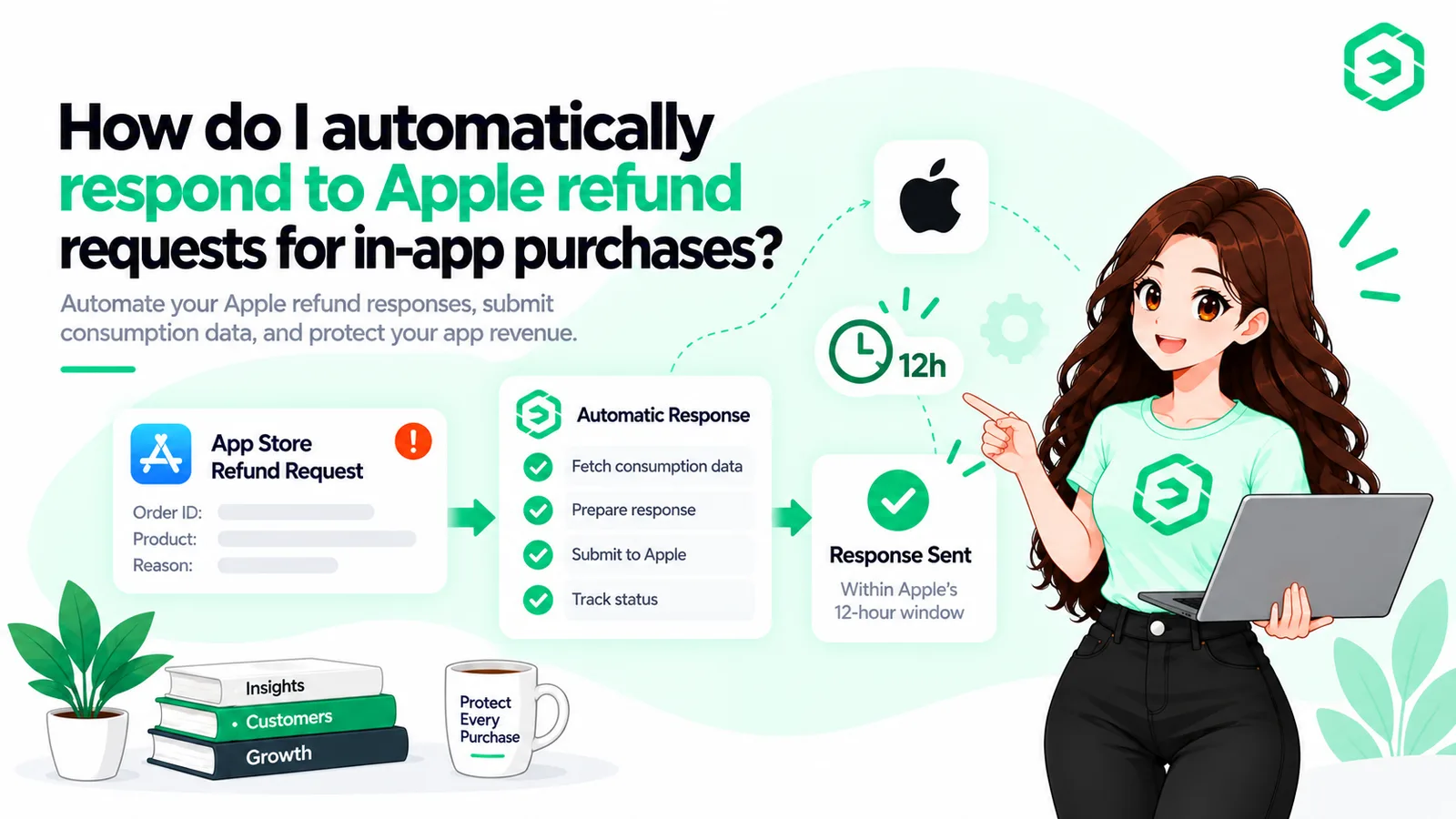
Apple runs its own App Store refund workflow and makes the final decision. The customer asks through Apple's Report a Problem flow. For eligible purchases, Apple can send your server a request for information before it decides.
That request is a CONSUMPTION_REQUEST, delivered through App Store Server Notifications. It asks for consumption information, such as whether the item was delivered and how much was used. You send that back through the Send Consumption Information endpoint, and Apple factors it in. You cannot approve or reject an Apple refund. You can only inform the review.
How Google Play Handles In-App Purchase Refunds
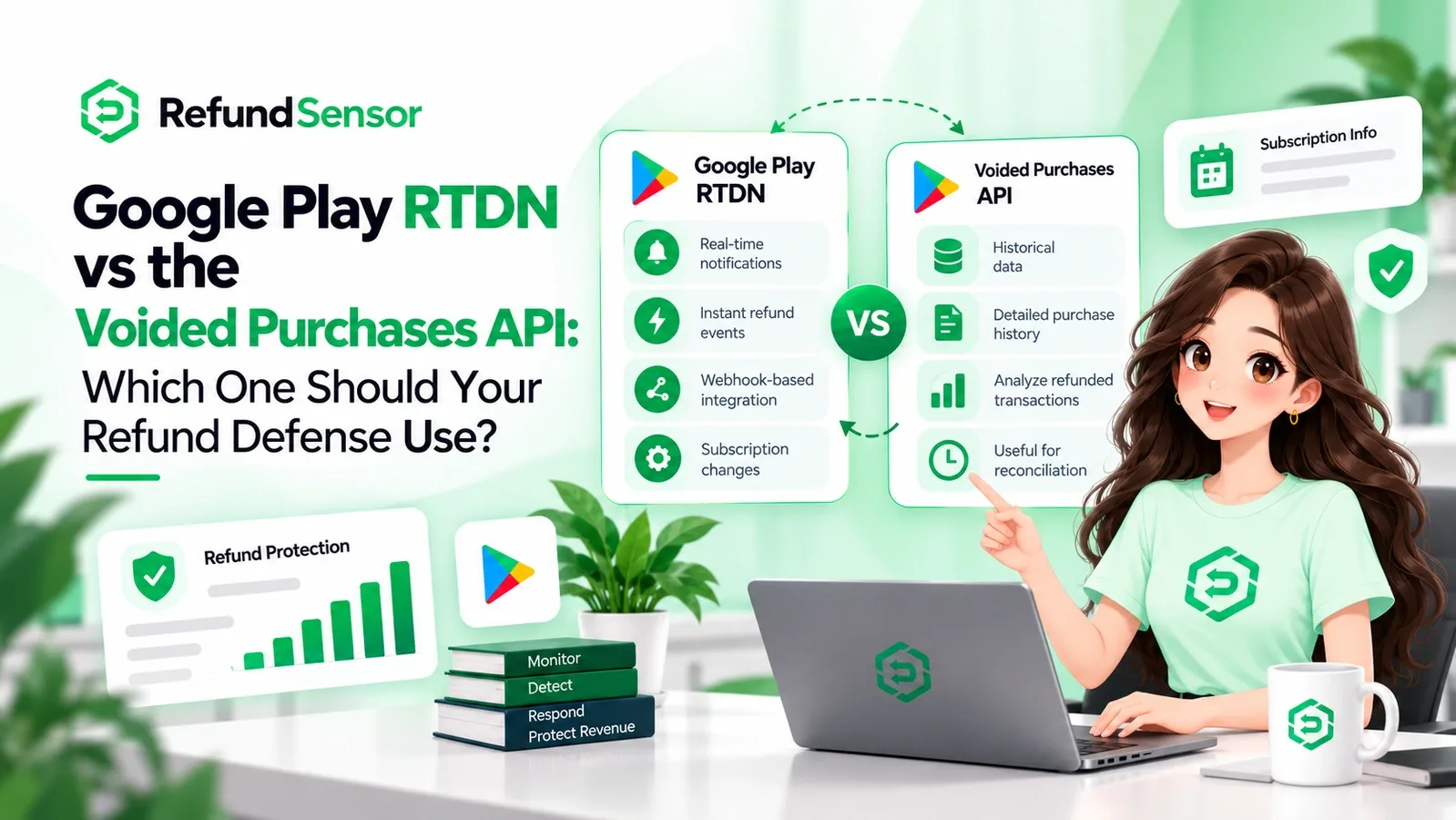
Google Play runs its own refund and billing system, separate from Apple's. Refunds can be issued through Google Play, and your server learns about them through Real-Time Developer Notifications and the Voided Purchases API. This Google Play refund monitoring role lets you update access and records after a reversal.
On Google Play, keep four events distinct. A refund returns money through Google Play. A chargeback is a reversal forced by the customer's bank. A voided purchase is any purchase later refunded, charged back, or canceled, surfaced through the Voided Purchases API. A subscription cancellation stops renewals without returning past payments.
Key Insight A refund request is not a subscription cancellation, and a refund is not a chargeback. Track the platform event and the user's entitlement separately, or your access rights and revenue drift apart. |
Apple vs Google Play: A Quick Comparison
The two platforms overlap in idea but differ in mechanics. This table covers only what matters for refund handling.
Area | Apple App Store | Google Play |
Who decides | Apple reviews and decides | Google reviews and decides |
Developer input | Consumption info for eligible cases | Mainly monitoring of refund events |
Notification | App Store Server Notifications | Real-Time Developer Notifications |
Reversal record | Refund and related notifications | Voided Purchases API |
Developer role | Inform the review, then reconcile | Monitor, then reconcile |
What Can Developers Control During a Refund Request?
Developers control their setup, their data, and their response, not the decision. You can receive notifications, verify them, match a transaction to a user, gather usage information, and respond where the platform allows. The platform makes the final call.
So the boundary is this. You can influence Apple's review with consumption information and stay on top of Google Play refund events through monitoring. You cannot force either platform to grant or deny a refund.
How Refunds Affect App Revenue and Subscriptions
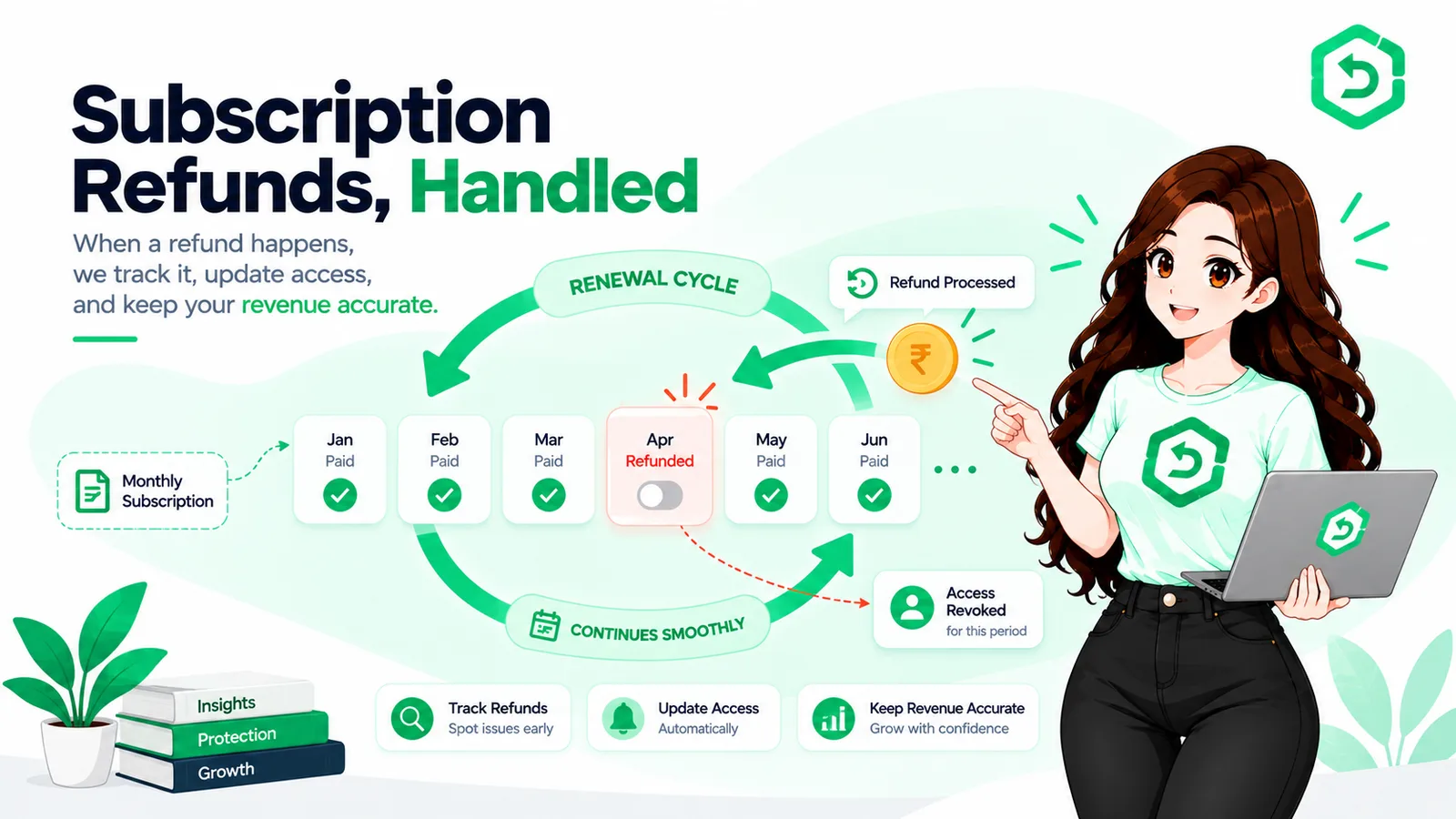
Refunds reduce revenue you already counted, and on subscriptions the effect is larger. A refund removes the payment, can erase projected renewals, and forces an entitlement change. Net revenue drops, lifetime value gets noisy, and finance teams spend time reconciling money that already left.
Why In-App Purchase Refund Management Gets Difficult
Refund management gets hard when the volume and moving parts grow past what a person can track. Each refund is a small task, but thousands of them across two platforms, several products, and multiple apps become a real operational load.
• High purchase and refund volume across many transactions.
• Multiple subscription products and multiple apps.
• Notifications from both Apple and Google to handle.
• Time-sensitive responses on some Apple requests.
How In-App Purchase Refund Automation Can Help
In-app purchase refund automation turns the repetitive parts into a server process. A system can monitor refund events, receive notifications, match transactions, gather purchase information, respond within any deadline, update records, and report revenue impact.
This is where in-app purchase refund management software fits. The goal is to see every event across both platforms in one place and respond consistently. Tools like Refund Sensor handle this flow for the App Store and Google Play. Automation does not control the platform's final decision. It makes sure your side is handled on time.
Manual Refund Management | Automated Refund Management |
A person checks events when they can | Events are tracked as they happen |
Overnight requests can be missed | Runs around the clock |
Each event matched by hand | Transactions matched automatically |
Apple deadlines easy to miss at volume | Responses filed inside the window |
Records updated manually | Entitlements and revenue kept in sync |
Key Insight Automation does not decide refunds. It removes the risk of missing them. The value is consistency: every event seen, matched, and answered, instead of the ones a person happened to catch. |
Best Practices for Protecting App Revenue
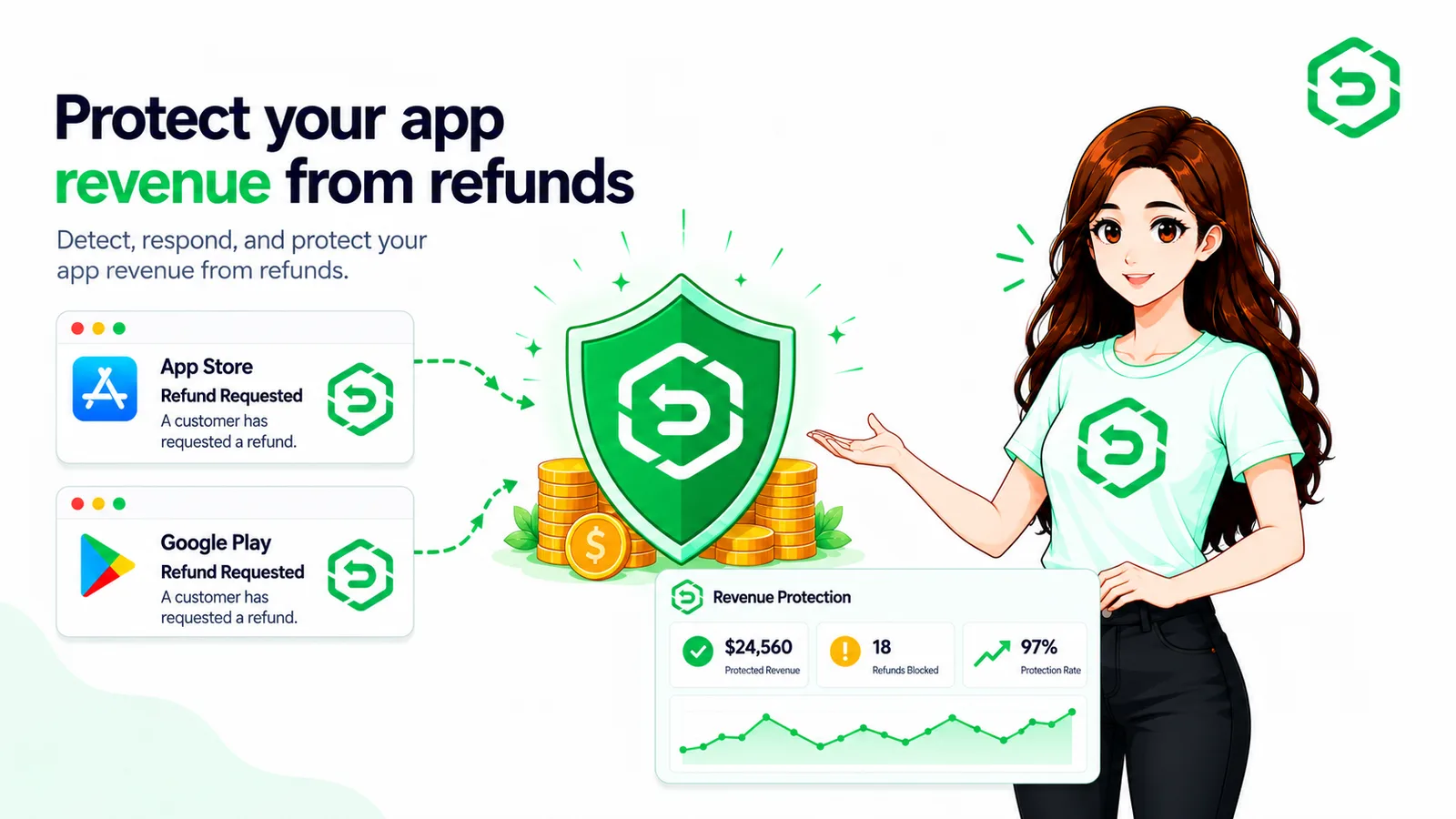
You protect revenue by reducing avoidable refunds, monitoring the rest, and keeping records accurate. You cannot stop refunds, but you can shrink the count and handle the rest cleanly.
• Show clear pricing, trial length, and renewal terms before purchase.
• Fix crashes and delivery problems that trigger refunds.
• Monitor refund events on both platforms as they happen.
• Respond to Apple's eligible requests with accurate consumption data.
• Update entitlements when a refund or reversal lands.
Final Thoughts
In-app purchase refunds are part of selling digital products, and they will keep coming. The question is whether you see them, handle them in time, and keep your records straight. That is the core of how to manage in-app purchase refunds and protect app revenue.
Apple and Google run different systems, so treat them as two workflows, not one. Reduce the avoidable refunds, monitor both platforms, and reconcile every event. The goal is the same either way: fewer surprises in your numbers.
Where These Rules Are Documented
The platform claims above come from official Apple and Google documentation.
Apple:
• App Store Server Notifications
• Send Consumption Information (App Store Server API)
Google Play:
• Voided Purchases API reference
• Google Play Billing overview
References
• Apple Developer: App Store Server Notifications
Frequently asked questions
An in-app purchase refund returns money paid for a digital item or subscription bought inside an app. It reverses the payment and usually means the user loses access. Apple or Google processes it, not the developer. It differs from a cancellation, which only stops future renewals.
The customer requests a refund from the platform, Apple or Google reviews it, and the platform decides. For some purchases, the developer gets a notification or a request for information. The platform processes the outcome, and the developer reconciles access and revenue. The steps differ by platform.
No. The platform decides. On Apple, you can send consumption information that informs the review. On Google Play, you mainly monitor refund events. In both cases you influence or track the process, but Apple or Google makes the final call.
Apple runs its own workflow and decides every refund. The customer asks through Report a Problem. For eligible purchases, Apple sends a CONSUMPTION_REQUEST through App Store Server Notifications, asking for consumption information. The developer can respond, but Apple makes the final call.
Google Play runs its own refund and billing system. Refunds are issued through Google Play, and developers learn about them through Real-Time Developer Notifications and the Voided Purchases API. This is mainly a monitoring role, letting developers update access and records after a reversal.
A refund is returned through the platform, such as Google Play or the App Store, under its rules. A chargeback is a reversal a customer starts with their bank, outside the store. Refunds follow platform rules. Chargebacks follow bank and card network rules.
Developers manage refunds by monitoring events on both platforms, responding to eligible Apple requests in time, updating entitlements, and tracking outcomes. Good management keeps access rights and revenue records accurate. As volume grows, refund management software helps by centralizing events and automating repetitive steps.
Yes. The workflow is repeatable, so it fits automation. A system can monitor refund events, receive notifications, match transactions, gather data, respond within deadlines, and report revenue impact. Automation handles the operational steps. It does not change who decides the refund.