How Do Apple App Store Refunds Work for Developers?
Refund Sensor Team
Apple decides App Store refunds, not you. A customer asks Apple for their money back, Apple reviews it, and Apple makes the call. But developers are not fully shut out. For some purchases, Apple sends your server a notification and asks for information it can use in that review.
So the honest answer to how Apple App Store refunds work is this: Apple owns the decision, and you get a chance to inform it. If you sell in-app purchases or subscriptions, it helps to understand where Apple refund handling gives you a say, and where it does not.
This article walks through the Apple refund process for developers, step by step, and where automation fits in.
Key Takeaways
• Apple makes the final refund decision on every App Store purchase.
• For eligible purchases, Apple notifies your server and asks for consumption information.
• Developers can provide information that helps, but cannot approve or reject refunds themselves.
• App Store Server Notifications are how you learn about refund-related events.
• Manual handling gets hard as volume grows, mostly because of timing.
• Automation handles the repetitive steps, but Apple still decides the outcome.
How Do Apple App Store Refunds Work?
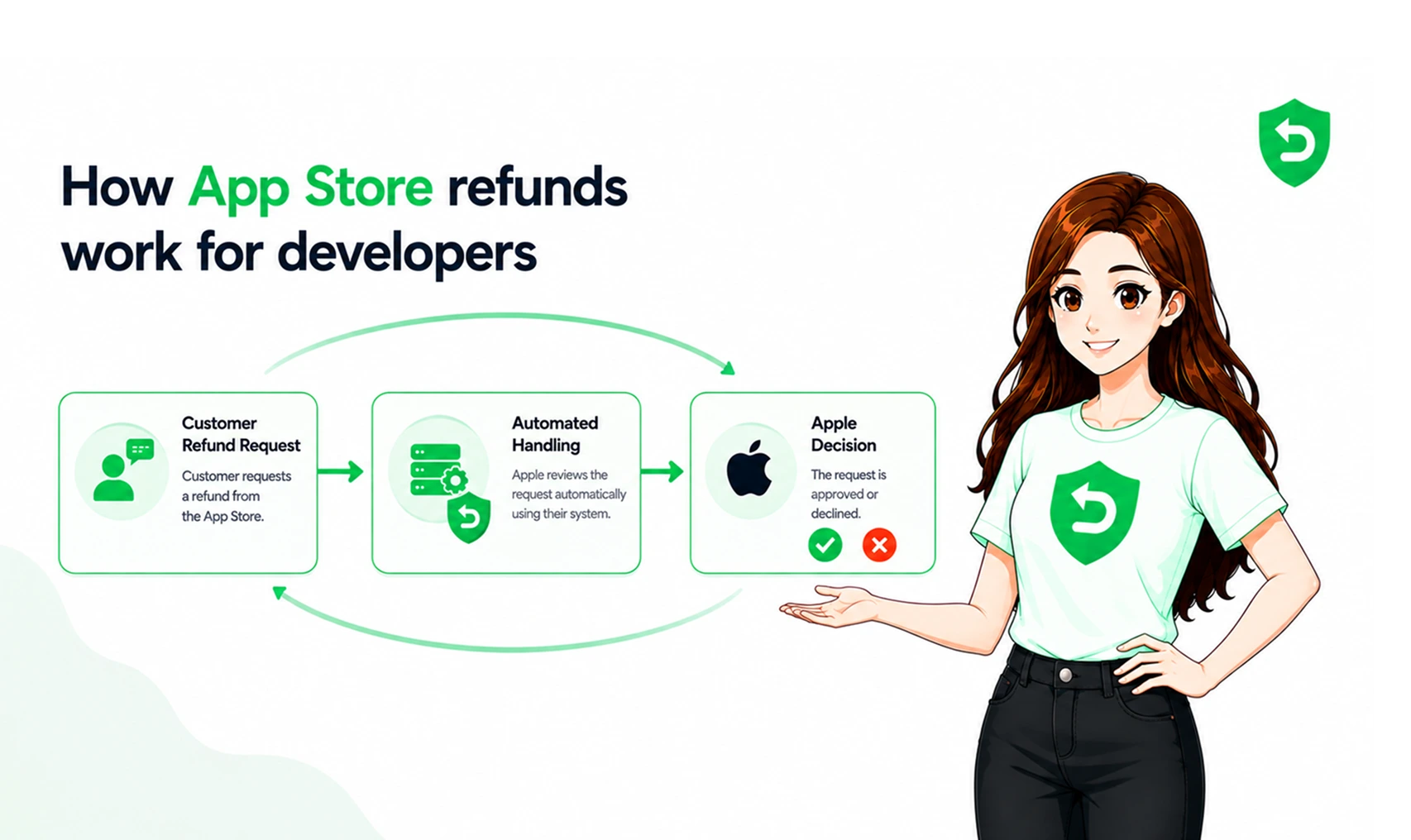
App Store refunds for developers run through Apple from start to finish. The customer asks Apple, Apple reviews the request, and Apple issues the refund or declines it. You do not handle the customer's money or their request directly.
It helps to separate the steps:
1. The customer requests a refund from Apple.
2. Apple reviews the request using its own signals and the customer's history.
3. For eligible purchases, Apple notifies your server and asks for information.
4. You send back consumption information if you choose to respond.
5. Apple makes the final decision and reports the result.
The key thing to hold onto is the split. Apple runs the process. You are a source of information inside it, not the judge.
What Happens When a Customer Submits an App Store Refund Request?
When a customer submits an App Store refund request, it goes straight to Apple. They use Apple's process for requesting a refund, pick the purchase, and choose a reason. You are not part of that step.
Apple then reviews the claim. It looks at the reason, the account's history, and other signals it already has. For some purchases, it also reaches out to your server for more context before deciding. The customer sees Apple as the merchant, so the whole request lives on Apple's side.
How Do Developers Receive Apple Refund Notifications?
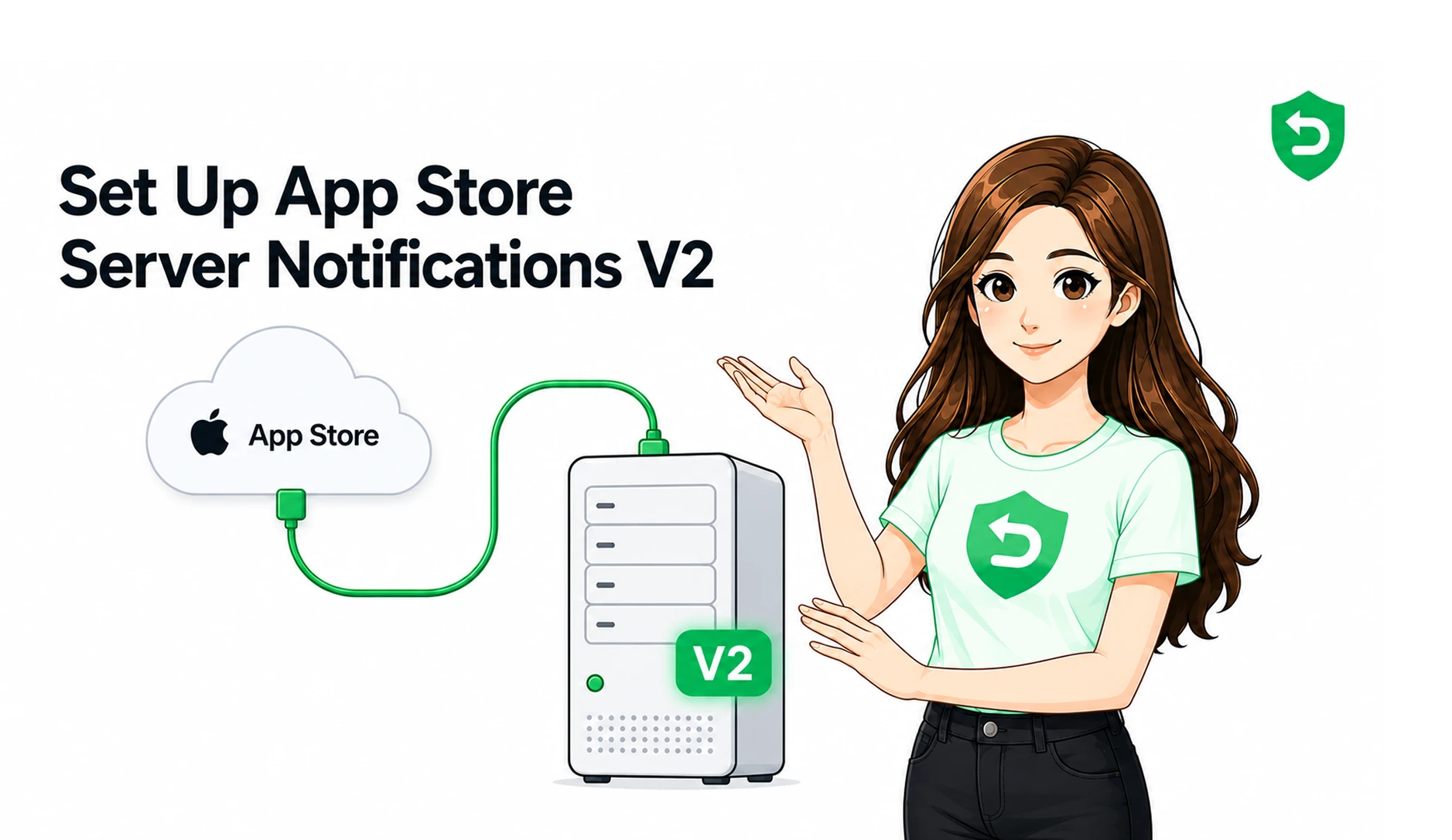
Developers receive Apple refund notifications through App Store Server Notifications, which are messages Apple sends to your server about purchase events. To get them, you set up a server endpoint and register it in App Store Connect.
Version 2 of these notifications is the current standard. Each one carries a signed payload about a single event, which your server verifies and then acts on. You can read the details in Apple's App Store Server Notifications documentation. Without this setup, refund-related events do not reach you, and you cannot respond.
What Are App Store Server Notifications Refunds?
App Store Server Notifications refunds are the notification types that tell your server a refund happened or needs your input. They are how refunds become visible to your backend instead of silent.
A few types matter here. A CONSUMPTION_REQUEST asks your server for consumption information when a customer requests a refund on an eligible purchase. A REFUND notification tells you a refund was granted. A REFUND_DECLINED notification tells you a refund request was rejected. Handling these keeps your records and access rights accurate after any refund event.
Can Developers Influence an Apple Refund Decision?
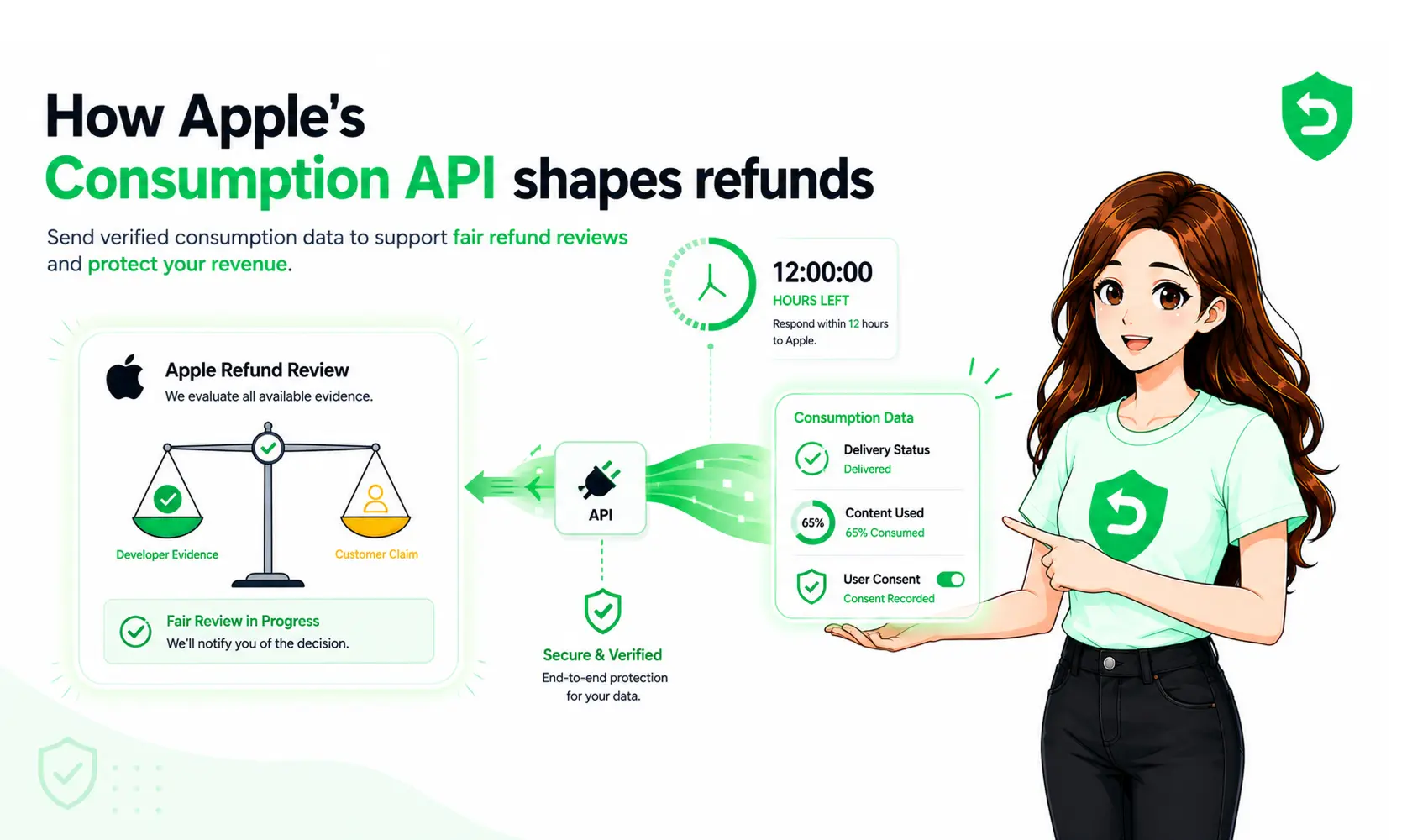
Developers can influence an Apple refund decision, but not control it. For eligible purchases, you can send consumption information that Apple factors into its review. Apple still makes the final call, and it can grant a refund even after you respond.
This is worth being clear about. You cannot reject a customer's refund. You can provide evidence, such as how much was used or whether the item was delivered, and a preference for the outcome. Apple weighs that with everything else. Treating the process as a way to block refunds sets wrong expectations.
What Should Developers Do When They Receive a Refund Request?
When a refund-related notification arrives, the practical goal is to respond correctly and on time. The steps are repeatable, which is what makes them a good candidate for automation later.
1. Receive and verify the notification from Apple.
2. Identify the transaction it refers to.
3. Check the purchase and the customer's entitlement.
4. Review any usage or consumption information you have.
5. Respond through Apple's supported mechanism where applicable.
6. Record the outcome so your data stays accurate.
You submit consumption information through Apple's Send Consumption Information endpoint, part of the App Store Server API. To do that well, you need to match each request to a specific user, since the notification does not name the customer. If the customer did not consent to share usage data, Apple's guidance is to not respond.
Why Manual App Store Refund Handling Can Be Difficult
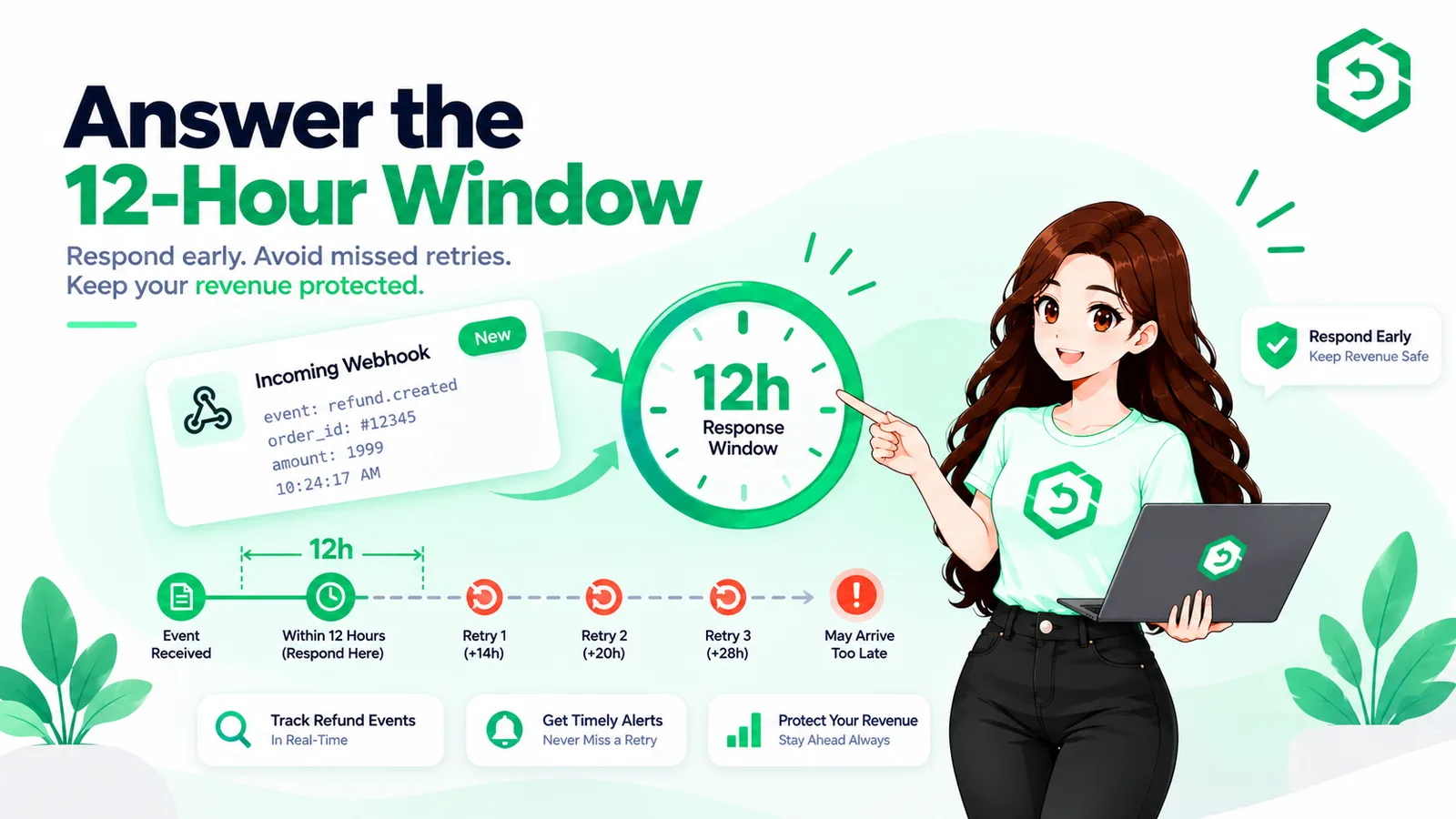
Manual handling gets hard because refund requests do not wait for business hours, and some carry a short response window. A notification can arrive overnight while nobody is watching, and the chance to respond can pass.
A few things add up as an app grows:
• Requests arrive at all hours, so someone would have to monitor constantly.
• Notifications have to be verified and processed in code.
• Response deadlines apply to some events, and slow replies get missed.
• Each request must be matched to the right transaction and user.
• Usage information has to be gathered for that user.
• The same work repeats across every app you run.
Any one of these is small. Doing all of them, correctly, for every request, is the hard part.
How Can Developers Automate Apple App Store Refunds?
To automate Apple App Store refunds means running a system that handles the workflow for you: it receives notifications, matches transactions, applies your rules, gathers information, and responds through Apple's supported APIs. It does not mean approving or rejecting refunds, since Apple decides those.
A good automated setup watches for every relevant notification, verifies it, pulls the usage tied to the user, submits a valid response inside any window, and logs the result. That turns a manual, around-the-clock task into a steady background process. Refund Sensor is one option for developers who want to automate refund handling across the App Store and Google Play, without building and maintaining all of it in house.
Apple Refund Process for Developers: A Simple Example
Here is a plain example. A customer buys a coin pack in your game, spends most of it, then asks Apple for a refund, saying it was a mistake.
Apple reviews the claim and sends your server a CONSUMPTION_REQUEST. Your system matches the transaction to that user, sees the coins were mostly spent, and sends that consumption information back to Apple. Apple weighs it against the customer's claim and history, then decides. If the evidence is strong, Apple may decline the refund. If not, Apple can still grant a refund you contested. Either way, your side was on the record.
What Developers Should Know Before Setting Up Refund Handling
Before you wire up refund handling, a few things are worth planning for:
• App Store Server Notifications version 2, set up and registered.
• A way to identify and match each transaction to a user.
• Apple's official App Store Server API for responses.
• Authentication with the correct keys for that API.
• Logging, so you can trace what happened for each request.
• Careful handling of customer data and consent.
• Monitoring, so no notification goes unseen.
• Response timing, since some events have a window.
• Testing in Apple's sandbox before going live.
Frequently asked questions
Yes. Apple makes the final decision on every App Store refund. The customer requests it from Apple, Apple reviews it, and Apple grants or declines it. Developers can provide information for eligible purchases, but they do not make the decision or process the refund themselves.
No. Developers cannot reject a refund request. For eligible purchases, you can send Apple consumption information and a preferred outcome, but Apple decides. Even with strong evidence, Apple can still grant a refund. The process lets you inform the review, not control it.
Sometimes. For eligible purchases, Apple can send your server a CONSUMPTIONREQUEST through App Store Server Notifications when a refund is requested. You also receive a REFUND or REFUNDDECLINED notification about the result. This only works if you have set up App Store Server Notifications version 2.
App Store Server Notifications tell your server about purchase events, including refunds, renewals, and other subscription changes. For refunds, they let you know when Apple wants consumption information and when a refund was granted or declined, so your records and access rights stay accurate.
Apple gives a limited window to respond to a CONSUMPTION_REQUEST. Because the exact timeframe can change, confirm it against Apple's current documentation. The practical point is that the window is short and does not wait for business hours, so a manual process can miss it.
In some cases, yes. Apple has included the customer's refund reason in the consumption request data, such as an unintended purchase or a delivery issue. Availability can depend on the notification version and Apple's current implementation, so treat the reason as helpful context, not a guarantee.
Yes. The workflow is repeatable, so it fits automation well. A system can receive notifications, verify them, match transactions, gather usage data, respond through Apple's API, and log outcomes. Automation handles the steps around the refund. It does not change who makes the final decision, which is Apple.
Apple still decides the refund, but without your input. The review then rests on the customer's claim and Apple's own signals. Missing the response does not pause anything. It simply removes the chance to add context that might have supported a different outcome.
No. You cannot prevent refunds, since customers can always request them from Apple. You can reduce avoidable ones with clear pricing and trial terms, and you can respond to eligible requests with accurate data. The goal is fewer confused requests and a fair hearing, not zero refunds.
A refund request goes to Apple, who reviews and decides it. A chargeback is started by the customer's bank, which reverses a payment outside the store. Refunds run on Apple's process and rules. Chargebacks run on bank and card network rules, and are handled differently.