How Apple's Consumption API Affects Refund Decisions
Refund Sensor Team · Refund defense for App Store and Google Play developers
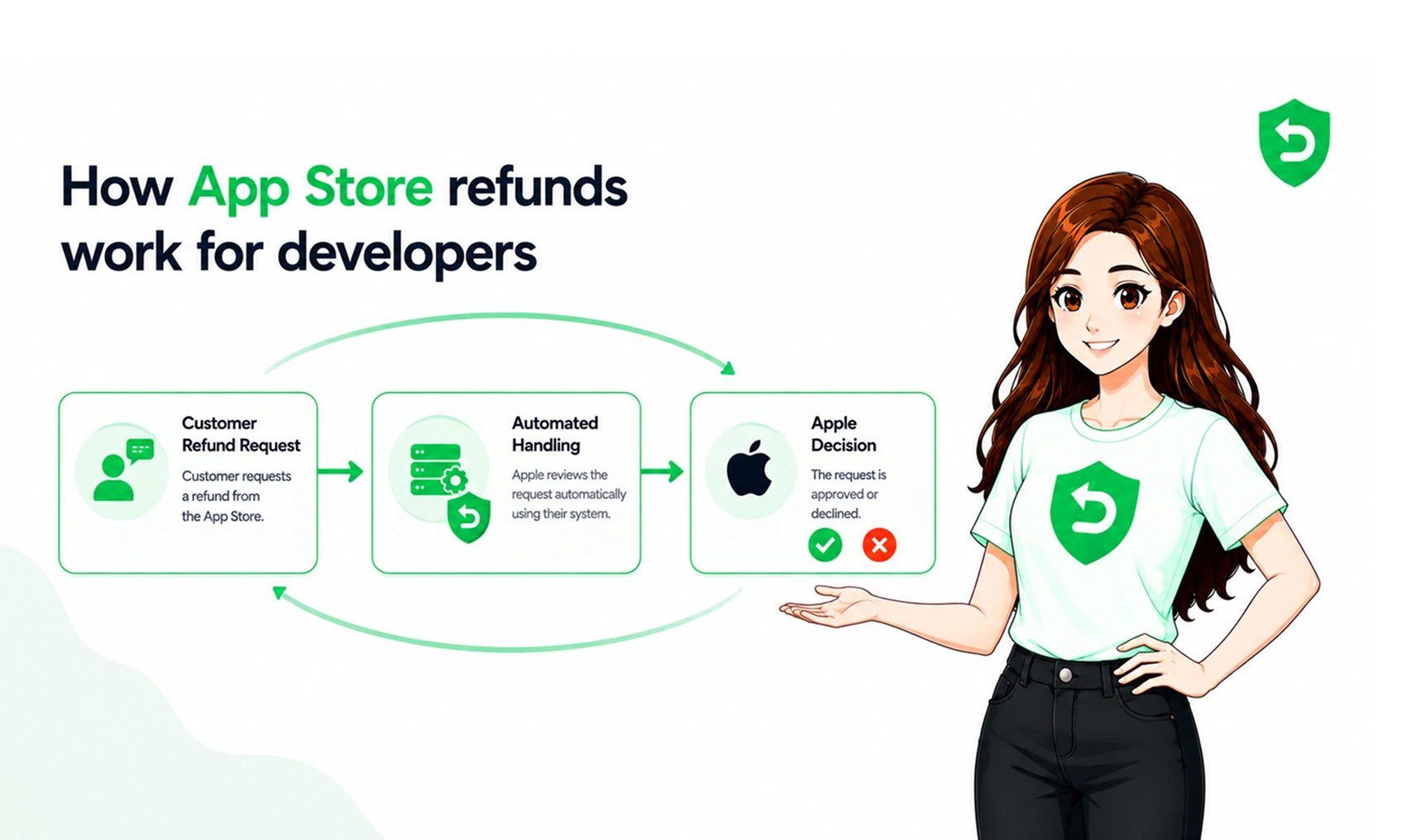
A customer asks Apple for a refund, and you find out after the money is already gone. That is the default experience for most iOS teams. Apple owns the refund decision, and you were never in the room.
For some purchases, though, Apple opens a small door. It asks your server for details about how the purchase was delivered and used, then folds your answer into its review. That door is the Apple Consumption API. Knowing how it works is the difference between a silent loss and a fair hearing. If you sell in-app purchases, it is worth understanding how Apple refund decisions actually get made before the next request lands.
Key Takeaways
• Apple makes the final refund decision on every App Store purchase. The Consumption API does not.
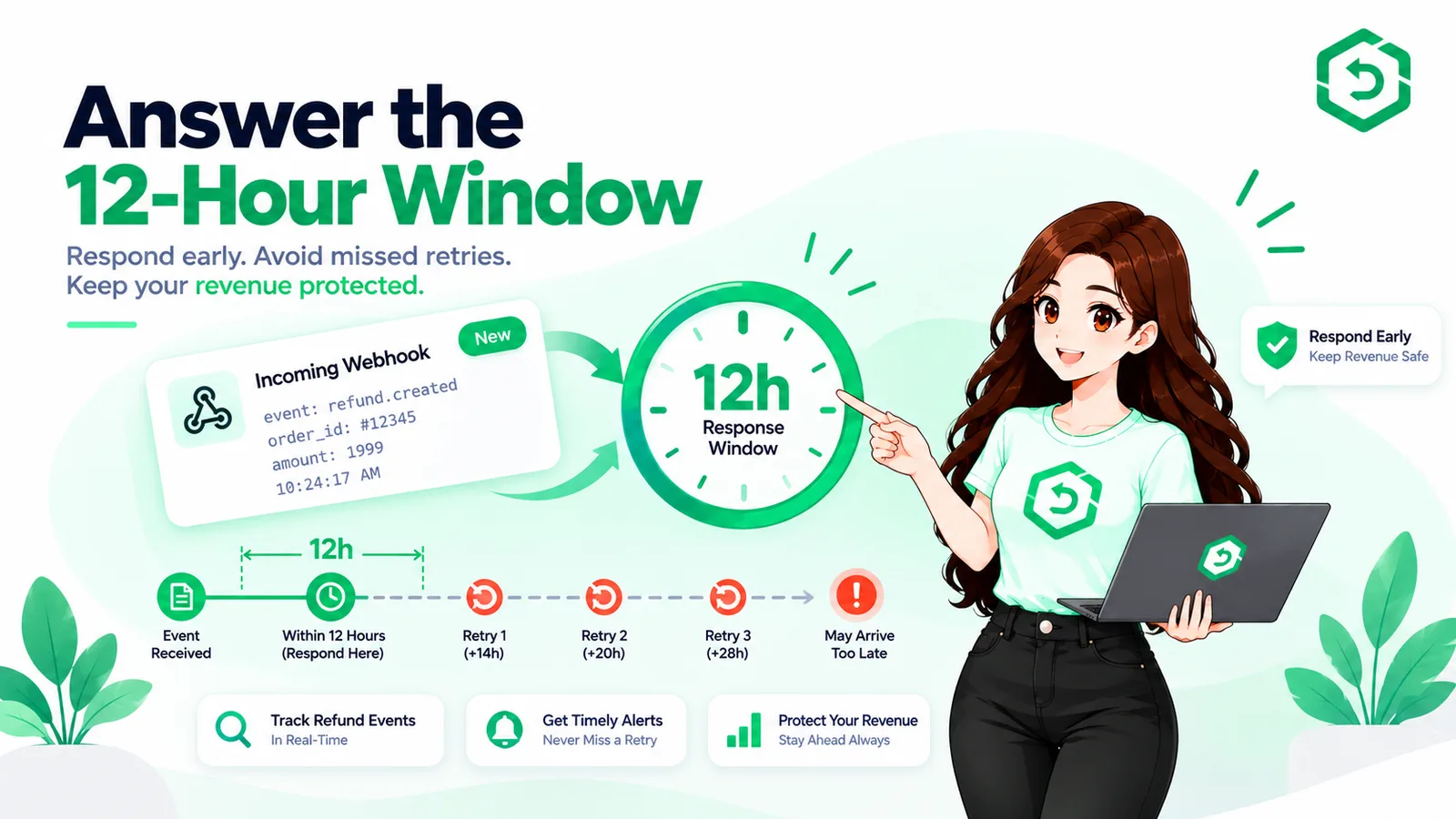
• For eligible refunds, Apple sends a CONSUMPTION_REQUEST and gives you a short window to reply.
• Consumption information is one input into Apple's review, not a guaranteed approval or denial.
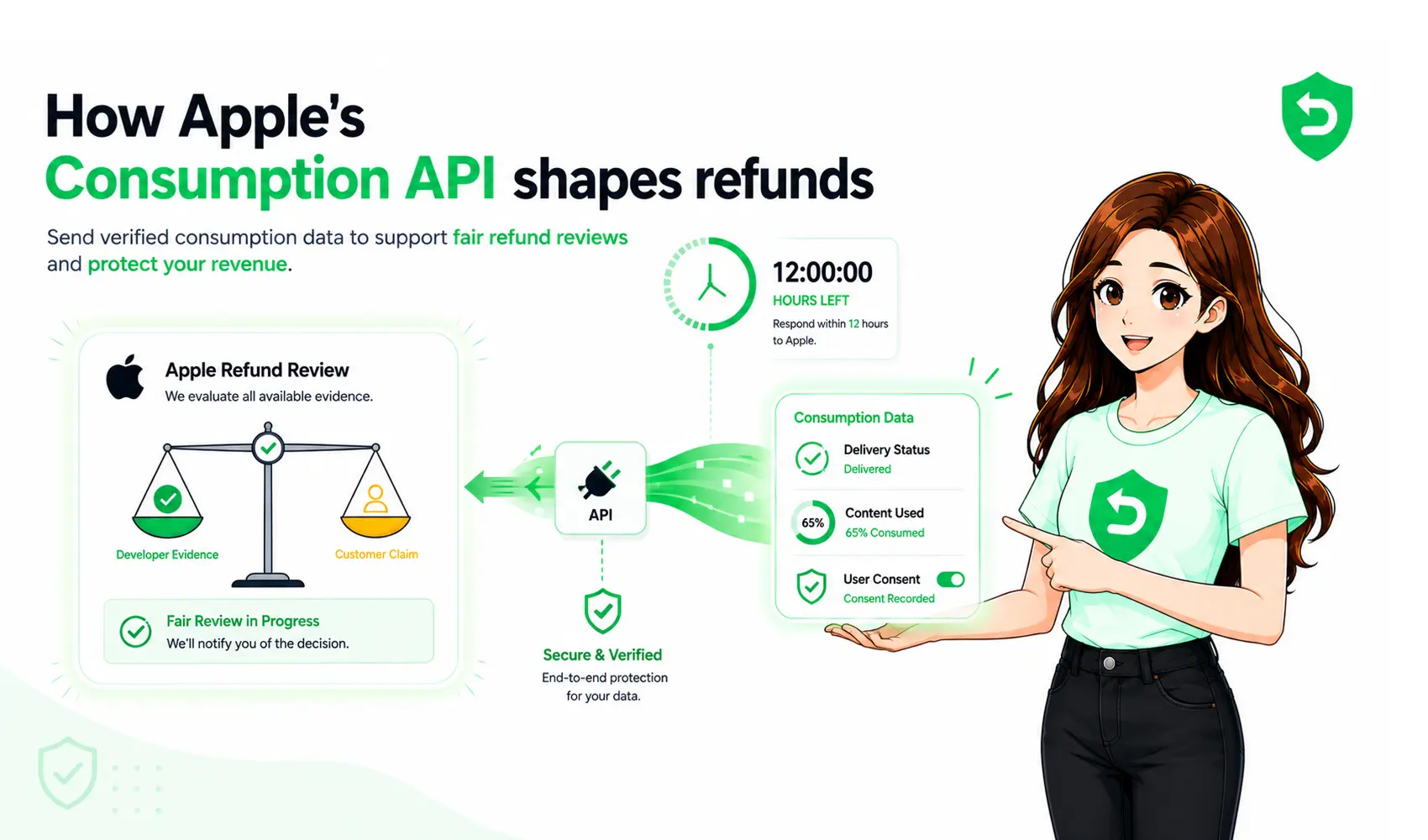
• The data you can send includes consent, delivery status, sample content, usage, and a refund preference.
• Consumption rules differ by purchase type, and auto-renewable subscriptions are handled differently.
• Accurate data and a fast, valid response are the parts developers control.
What Is Apple's Consumption API?
The Apple Consumption API is how developers send Apple information about a purchase after a customer requests a refund. It is part of the App Store Server API. Apple uses the data to help review the refund, but it still makes the final call.
The API exists because Apple cannot see inside your app. It does not know how much of a coin pack was spent. It does not know if a feature was ever used. You do. The Consumption API is the channel for passing that context to Apple. It is not a refund switch. Sending data gives Apple more to work with. It does not approve or block anything.
When Does Apple Send a CONSUMPTION_REQUEST?
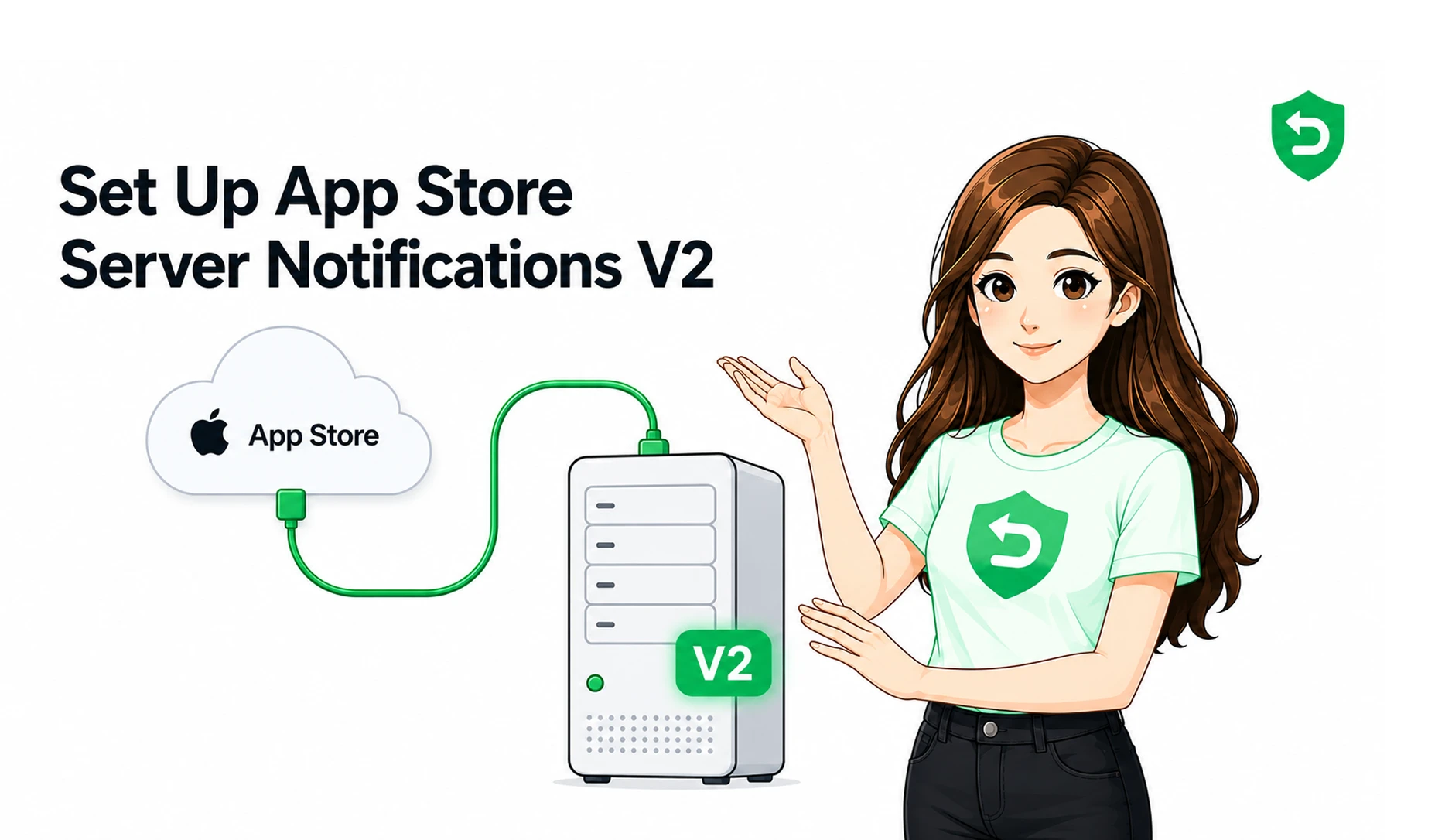
Apple sends a CONSUMPTION_REQUEST when a customer asks for a refund on an eligible in-app purchase and your app is set up for App Store Server Notifications version 2. It reaches your server soon after the refund is filed.
The customer starts the process through Apple's report a problem flow. They pick the purchase and a reason. Apple then sends the CONSUMPTION_REQUEST through App Store Server Notifications, along with the transaction it refers to. If you are not subscribed to version 2 notifications, the request never arrives, and you lose the chance to respond.
What Information Does Apple Ask Developers to Provide?
Apple asks for a small set of fields that describe the purchase: whether the customer consented, whether it was delivered, whether a sample was available, how much was used, and the outcome you prefer. You send these to Apple's Send Consumption Information endpoint.
The main fields are:
• customerConsented: whether the customer agreed to share usage data.
• deliveryStatus: whether the purchase was delivered and worked.
• sampleContentProvided: whether a free sample or trial was available first.
• consumptionStatus: how much of the purchase the customer has used.
• refundPreference: the outcome you favor, such as grant, decline, or no preference.
Consent is a hard rule. If the customer did not agree to share consumption data, Apple's guidance is to not respond at all. So consent has to be handled in your terms before any of this runs.
How Does Consumption Information Affect Apple's Refund Decision?
Consumption information is an input to Apple's refund review, not the decision itself. Apple weighs your data with the customer's claim, their account history, and its own signals. Strong evidence can influence the outcome, but it never guarantees one.
This is the part developers most often get wrong. A record of heavy usage gives Apple a reason to question a claim that a purchase was unwanted. A record of a failed delivery supports granting a refund. Either way, you inform a decision. You do not make it. Accurate data matters more than a strong preference, because Apple can see when the numbers do not match the story.
Key Insight Apple makes the final refund decision. Developer-submitted consumption information is evidence that can inform that decision, not a lever that forces approval or denial. |
What Can Developers Control in the Refund Process?
Developers control the setup, the data, and the response, but not the verdict. You decide whether to receive notifications, how to gather usage, and what to submit. Apple decides the refund outcome.
Here is the split:
• Developers can: configure server notifications, verify signed notification data, match a transaction to a user, gather usage, and submit supported fields through the API.
• Developers cannot: make the final refund decision, guarantee a denial, or override Apple's refund policies.
What Happens When Developers Do Not Respond?
If you do not respond to a CONSUMPTION_REQUEST in time, Apple still decides the refund, but without your input. The review then rests on the customer's claim and Apple's own signals. Silence does not pause the process. It removes your side of it.
The response window is short, and it does not wait for business hours. A request that arrives overnight can expire before anyone sees it, which removes the only chance you had to add context.
How Does This Work for App Store Subscriptions?
App Store subscription refunds follow the same overall system, with Apple deciding and notifying you of the result. The key difference is how usage is treated. For auto-renewable subscriptions, Apple derives consumption from the time elapsed in the billing period rather than a value you send.
This is why purchase type matters. Consumables, non-consumables, and non-renewing subscriptions use consumption data differently from auto-renewable ones. Sending the wrong value for the wrong type causes errors.
Purchase Type | Consumption Information | Developer Consideration |
Consumable | Usage can be reported | Track how much was spent or used |
Non-consumable | Delivery and access matter most | Confirm the item was delivered and works |
Non-renewing subscription | Usage can be reported | Base it on real access during the term |
Auto-renewable subscription | Apple derives usage from elapsed time | Do not send a usage value Apple rejects |
Common Implementation Mistakes
The common mistakes are missing the notification, ignoring consent, sending the wrong data for a purchase type, and replying after the window closes. Each one either breaks the response or wastes the chance to inform the decision.
• Not subscribing to App Store Server Notifications version 2, so requests never arrive.
• Replying without customer consent, which goes against Apple's guidance.
• Sending a usage value for an auto-renewable subscription, which Apple rejects.
• Guessing at usage instead of pulling real numbers tied to the user.
Why Apple Refund Management Is Difficult to Handle Manually
Manual handling is hard because each request needs fast, server-side work under a deadline. You have to catch the notification, verify its signature, match it to a user, pull usage, authenticate with Apple, and reply before the window closes.
None of that fits a human checking a dashboard. Notifications arrive at any hour, signatures must be validated in code, and the same steps repeat for every request. One missed step or slow reply and the chance is gone. As volume grows, consistent manual handling stops being realistic.
Key Insight The Consumption API is not hard because any single step is complex. It is hard because every step must happen correctly, in code, under a deadline, for every request. |
How Automation Can Help Developers Manage Apple Refund Requests
Automation helps by turning the workflow into a repeatable server process. A system can receive each CONSUMPTION_REQUEST, verify it, gather the right data for the purchase type, and submit a valid response inside the window, without anyone watching a queue.
This is where an Apple refund management API or a managed service fits. The business problem is simple. Refund requests need a fast, repeatable response. Building that in-house is real engineering that never stops. Tools like Refund Sensor handle this flow across the App Store and Google Play, so teams can keep refund handling consistent without staffing it by hand. Automation does not change Apple's authority. It only makes sure your side of the review shows up correctly.
Final Thoughts
The Apple Consumption API does not decide refunds. It gives you a structured way to inform a decision Apple still owns. Used well, it turns silent losses into cases where your evidence is at least on the record.
The practical takeaway is steady. Capture the notifications, respect consent, send accurate data for the right purchase type, and reply in time. Whether you build that or use a service, the goal is the same. Your side should be heard in every Apple refund process that gives you the chance.
Where These Rules Are Documented
The technical claims above come from official Apple documentation:
• Apple Developer: Send Consumption Information (App Store Server API)
• Apple Developer: ConsumptionRequest
• Apple Developer: App Store Server Notifications
Frequently asked questions
It is part of the App Store Server API. It lets developers send Apple details about a purchase after a refund request, such as delivery status and usage. Apple uses that data to review the refund. Apple still makes the final call.
It gives Apple more context. Consumption information is one input into Apple's review. Apple weighs it with the customer's claim and account history. Accurate data can influence the outcome, but it never guarantees a result.
It is an App Store Server Notification Apple sends when a customer requests a refund on an eligible purchase. It asks your server for consumption information about that transaction. You reply through the Send Consumption Information endpoint, and Apple factors it in.
Apple sends one soon after a customer files a refund request for an eligible purchase. Your app must be set up for App Store Server Notifications version 2. Without version 2, the request never reaches your server.
No. The API does not guarantee any outcome. It only submits evidence for Apple to weigh. Apple keeps the final decision and can grant a refund even after you send strong data. It is not a refund blocker.
No. Developers control the setup, the data, and the response, not the verdict. You can configure notifications, verify them, gather usage, and submit supported fields. You cannot make the final call or override Apple's policies.
Subscription refunds use the same system, with Apple deciding and notifying you. The difference is usage. For auto-renewable subscriptions, Apple derives consumption from elapsed time in the billing period, so sending a usage figure can cause errors.
Yes. The workflow is repeatable and deadline-driven, which fits automation. A server system can receive each request, verify it, gather the right data, and reply in time. Automation does not change Apple's authority. It keeps your response valid and on time.